

Compliance
How to Automate SOC 2 Type II Control Testing with Screenshots
SOC 2 Type II audits require proof that controls operated effectively over a period of time. While APIs handle infrastructure, application-level tests often remain manual. Screenata automates SOC 2 control testing by capturing screenshots, validating workflows, and generating audit-ready evidence packs automatically.
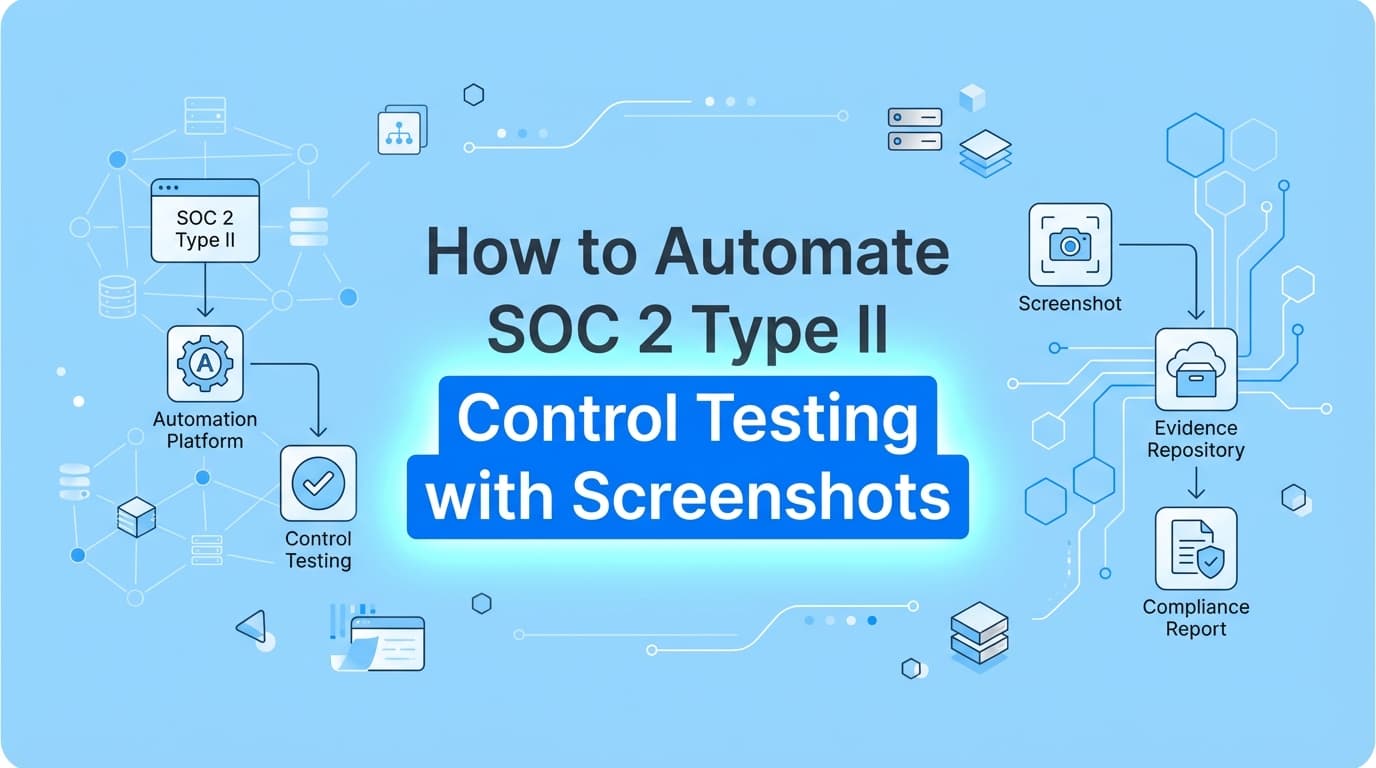
SOC 2 Type II audits require continuous evidence, timestamped screenshots, and validation that controls operated effectively over a 6-to-12-month period. While many compliance platforms automate infrastructure checks via API, automation for application-specific workflows, like user access reviews or change management approvals, often remains manual. Screenata solves this by using AI tools to automate SOC 2 evidence collection, capturing screenshots, validating control steps, and assembling audit-ready reports that satisfy auditor requirements automatically. See how Screenata automates SOC 2 evidence beyond the dashboard.
What Does Automated Control Testing Look Like for SOC 2?
Automated SOC 2 control testing is the process of using software agents to execute, record, and document compliance checks without human intervention. Instead of a compliance manager manually logging into a system to take screenshots, an automated system performs the "computer use" tasks, navigating the UI, verifying settings, and capturing proof.
For a SOC 2 Type II report, which tests operational effectiveness over time, automation transforms the audit from a frantic end-of-year scramble into a continuous background process.
Key Components of Automation:
- Workflow Recording: Capturing the exact steps taken to verify a control.
- Visual Evidence: Taking timestamped screenshots of settings, error messages, or access lists.
- Metadata Validation: Attaching user IDs, browser versions, and timestamps to every image.
- Report Generation: compiling raw data into a structured PDF "Evidence Pack."
Where Traditional SOC 2 Automation Stops
Most companies use GRC (Governance, Risk, and Compliance) platforms like Drata, Vanta, or Secureframe. These tools are excellent at automating infrastructure controls (about 70-80% of SOC 2) by connecting to APIs like AWS, Okta, or GitHub.
However, they hit a hard stop when evidence requires "seeing" the application interface.
The "20% Manual Gap"
APIs cannot easily verify visual or logic-based application controls. This leaves a significant gap where manual screenshots are still required.
| Feature | GRC Platforms (Drata/Vanta) | AI Compliance Officer (Screenata) |
|---|---|---|
| Method | API Integration | AI / Computer Vision |
| Scope | Infrastructure (AWS, Azure) | Application UI, Internal Tools, Policies, Control Mapping |
| Evidence Type | JSON / Config Checks | Screenshots, PDF Reports, Policies, Readiness Scores |
| Example Control | "Is the database encrypted?" | "Does the admin panel enforce RBAC?" |
| Limitation | Cannot "see" UI settings | Requires UI interaction |
If your auditor asks, "Show me a screenshot proving that a 'Read-Only' user cannot access the 'Billing' tab," Drata cannot help you. You must do it manually, unless you use Screenata.
How Screenata Automates SOC 2 Control Testing
Screenata handles the full compliance workflow -- from evidence collection and policy writing to control mapping and compliance guidance. It acts as an AI Compliance Officer that automates control testing and generates the documentation auditors need.
Step 1: Record the Control Test
You define a workflow for a specific SOC 2 control (e.g., CC6.1 Logical Access). You or the AI agent perform the test once: logging in, navigating to the settings page, and verifying permissions. Screenata records this intent.
Step 2: Autonomous Execution
For Type II audits, consistency is key. Screenata can re-run these checks or monitor the specific UI elements to ensure they haven't drifted. It captures screenshots of the relevant screens automatically.
Step 3: Metadata & Validation
Auditors scrutinize screenshots for authenticity. Screenata embeds cryptographic timestamps, URL data, and DOM (Document Object Model) snapshots into the file metadata, creating a "verifiable chain of custody" that proves the screenshot is real and recent.
Step 4: Generate Evidence Packs
The system outputs a standardized PDF Evidence Pack. This document includes:
- Control ID: (e.g., CC6.1)
- Test Objective: "Verify restricted access to sensitive data."
- Screenshots: Visual proof of the test result.
- Tester Info: Identity of the agent or user performing the test.
Example: Automating Control CC6.1 (Logical Access)
One of the most tedious SOC 2 controls to test manually is CC6.1, which requires proof that logical access to system assets is restricted to authorized users.
Manual Process:
- Log in as Admin. Screenshot user list.
- Log out. Log in as a "Viewer" role.
- Try to click "Delete Database".
- Screenshot the "Access Denied" error message.
- Paste images into Word. Add dates. Save as PDF.
Automated Screenata Process:
- Trigger: The system runs the "Role Verification" workflow.
- Action: The AI agent navigates to the User List, captures the role definitions.
- Negative Test: The agent attempts the restricted action and captures the error state.
- Output: A
CC6.1_Access_Control_Evidence.pdfis generated and uploaded directly to the Drata/Vanta control.
Result: What took 20 minutes per system now takes 0 human minutes.
Do Auditors Accept Automated SOC 2 Evidence?
Yes. In fact, auditors often prefer automated evidence over manual screenshots because it reduces the risk of human error and manipulation.
To meet AICPA standards for SOC 2 Type II, evidence must be:
- Relevant: Directly addresses the control criteria.
- Reliable: Accurate and unaltered.
- Sufficient: Provides enough detail to form a conclusion.
Screenata ensures reliability by generating machine-readable manifests alongside visual evidence. The inclusion of system clocks, URLs, and unalterable timestamps makes the evidence more trustworthy than a manually cropped image pasted into a Google Doc.
Comparison: Manual vs. Automated Evidence Collection
The impact of automating SOC 2 control testing is measurable in hours saved and errors prevented.
| Metric | Manual Screenshotting | Screenata Automation |
|---|---|---|
| Time per Control | 45–60 minutes | < 5 minutes |
| Frequency | Once per year (scramble) | Continuous / Quarterly |
| Consistency | Low (formats vary by tester) | High (standardized templates) |
| Audit Experience | "Where did I save that file?" | "Here is the verified PDF." |
| Cost | High (Engineering hours) | Low (Software automation) |
Frequently Asked Questions
What controls can Screenata automate for SOC 2?
Screenata specializes in application-level controls that require visual verification. This includes CC6.1 (Logical Access), CC7.2 (Change Management/PR approvals), CC8.1 (System Changes), and CC6.8 (Unauthorized Software Prevention).
Does Screenata replace Drata or Vanta?
For most startups, yes. Screenata handles evidence collection, policy writing, control mapping, and compliance guidance. If you already use Drata or Vanta, Screenata can work alongside them. But for teams starting fresh, Screenata is the complete solution.
How often should I run automated control tests?
For a SOC 2 Type II audit, you need to prove controls worked throughout the audit period (usually 12 months). We recommend running automated evidence collection quarterly or monthly to ensure you have a consistent trail of evidence (samples) for the auditor.
Can I edit the screenshots before the auditor sees them?
Screenata allows for automated PII redaction (blurring sensitive data) but prevents the alteration of the core evidence. This ensures the integrity of the audit trail while protecting privacy.
Key Takeaways
- ✅ SOC 2 Type II requires evidence of operational effectiveness over time, not just a one-time check.
- ✅ Traditional GRC tools (Drata/Vanta) automate infrastructure APIs but fail at application-level UI testing.
- ✅ Screenata automates the capture of screenshots, metadata, and reports for these manual controls.
- ✅ Audit-ready PDFs generated by automation are accepted and often preferred by auditors for their reliability.
- ✅ Time savings are significant, reducing evidence collection time from hours to minutes per control.
Learn More About SOC 2 Compliance Automation
For a complete guide to automating SOC 2 compliance, see our guide on automating SOC 2 evidence collection, including how to handle the controls that traditional GRC tools miss. You may also find these relevant:
- The Bootstrapped Founder's Guide to SOC 2 - How to get SOC 2 done without a massive budget
Connect and see
See your SOC 2 with your real systems.
Connect GitHub and cloud read-only. Vera shows your control matrix, policy gaps, and prioritized next actions before you commit to anything.