

Internal Audit
Internal Audit Evidence for the 2026 Mandatory Cybersecurity Topical Requirement
The IIA's Cybersecurity Topical Requirement makes specific technical testing mandatory for internal audits starting in February 2026. This guide explains how to automate internal audit evidence collection, replace manual screenshots, and upgrade your workpapers to meet the new standards.
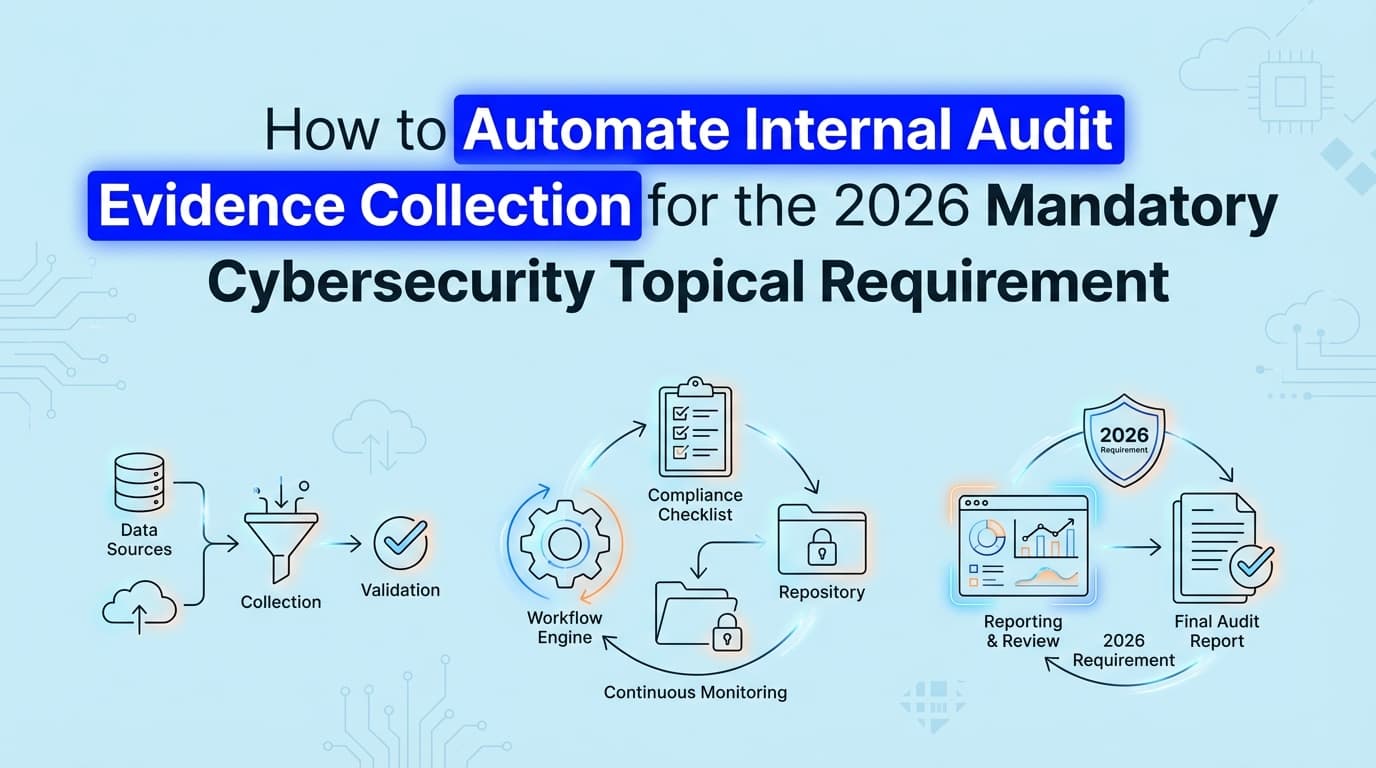
In February 2026, the Institute of Internal Auditors (IIA) made the Cybersecurity Topical Requirement mandatory for any internal audit engagement covering IT or security domains. This means internal audit teams can no longer rely on management inquiry or high-level policy reviews to sign off on cyber risks. You now need concrete, technical evidence to prove controls operate effectively across the enterprise.
While many audit departments still rely on requesting manual screenshots from IT system owners, the sheer volume of documentation required by the new standard makes that approach impossible to scale. Automating internal audit evidence collection is now the only practical way to build compliant workpapers, validate application-level controls, and finish your audit plan without stalling your company's engineering workflows.
What Actually Changes with the Cybersecurity Topical Requirement in 2026?
The new requirement shifts cybersecurity auditing from a flexible, risk-based approach to a mandatory minimum baseline. If your internal audit scope touches cybersecurity in any capacity, you must evaluate specific domains regardless of your previous risk assessment conclusions.
Before this change, an internal audit team might look at a company's ISO 27001 certificate, interview the CISO, sample a few active directory configurations, and issue a satisfactory report. That approach is no longer valid.
The IIA now dictates that internal auditors must test specific technical controls. You have to validate logical access, data protection, asset management, and incident response capabilities. More importantly, the standard of proof has increased. Inquiry and observation are insufficient for technical controls. Re-performance and inspection are the expectation, which requires direct access to system configurations, logs, and visual proof of settings.
Honestly, most audit teams are underestimating how much this changes their day-to-day work. The burden of proof has shifted from the security team claiming a control works to the internal auditor proving it works with raw data.
What Evidence Do Internal Auditors Now Require for Cybersecurity Testing?
To comply with the new mandatory requirements, your workpapers need to reflect actual system states, not just documented procedures. Assessors reviewing your internal audit function will look for specific artifacts across several key domains.
Logical Access and Identity Management
You cannot simply ask if multifactor authentication (MFA) is enforced. You need visual evidence showing the MFA enforcement policy within your identity provider (like Okta or Entra ID), alongside a sample of user accounts proving the policy is active. You also need evidence of privileged access management, showing exactly who holds global admin rights and how those rights are monitored.
Asset and Inventory Management
The IIA requires internal audit to validate that the organization knows what it is protecting. This means pulling evidence from your Cloud Security Posture Management (CSPM) tools or Mobile Device Management (MDM) platforms. You need to prove that the asset inventory matches the reality of your production environment.
Third-Party Risk Management
Vendor security is a major focus of the topical requirement. Internal auditors must collect evidence that vendor risk assessments are completed before onboarding and that high-risk vendors are continuously monitored. This usually requires capturing the state of vendor approval workflows in Jira or your procurement system.
How Can I Automate Internal Audit Evidence Collection for the New Standards?
You can automate internal audit evidence collection by deploying tools that interface directly with your company's infrastructure and applications to capture configurations, logs, and UI states automatically.
The traditional internal audit workflow looks like this: the auditor writes a Provided By Client (PBC) list, emails it to the control owner, waits two weeks, receives a folder of poorly cropped screenshots, and pastes them into a workpaper.
Automated evidence collection bypasses the control owner entirely. Instead of asking a DevOps engineer to take a screenshot of an AWS IAM policy, an automated system captures the exact configuration state, applies a verifiable timestamp, and formats it directly into the audit workpaper.
This shift is critical for the 2026 requirements because the sample sizes and testing frequencies have increased. Manual collection simply takes too long when you have to test technical controls across dozens of distinct applications.
Automated vs. Manual Evidence Collection
| Evidence Activity | Traditional Manual Approach | Automated Approach |
|---|---|---|
| User Access Reviews | Exporting CSVs, emailing managers, tracking approvals in spreadsheets. | System pulls active user lists, compares against HR data, and records UI access states. |
| Configuration Testing | Asking IT to screenshot firewall rules and admin panel settings. | AI agents capture specific application configurations and format them as PDFs. |
| Change Management | Manually matching Jira tickets to GitHub pull requests and deployment logs. | System automatically correlates the ticket, code change, and approval workflow. |
| Evidence Refresh | Repeating the entire manual request process every quarter. | Continuous capture runs on a schedule, maintaining a live evidence library. |
Where Traditional Internal Audit Automation Stops
Most internal audit teams use platforms like AuditBoard, HighBond, or TeamMate. These are excellent systems of record. They handle your risk control matrix, manage your audit plan, and organize your final reports.
But when it comes to gathering the actual proof, traditional internal audit automation stops at the request phase.
These platforms automate the workflow of asking for evidence. They will automatically send an email to the IT director reminding them that a screenshot is due. The IT director still has to manually log into the system, navigate to the correct settings page, take the screenshot, ensure no sensitive data is visible, and upload it back to the audit portal. The manual labor hasn't been eliminated; it has just been scheduled.
Furthermore, while some GRC tools use APIs to check cloud infrastructure configurations, they lack visibility into application-level controls. If your company uses a custom-built admin panel to manage customer data, an API cannot verify who has access to it. Internal audit teams are left manually capturing UI evidence to satisfy the IIA requirements for these proprietary systems.
This is where AI agents change the equation. Instead of just tracking the request, modern compliance tools actually perform the collection. They navigate the application interfaces, capture the required visual evidence, validate it against the control objective, and deliver a completed artifact to the auditor.
How to Transition Your Audit Workpapers Before Your Next Engagement
Upgrading your internal audit methodology to meet the Cybersecurity Topical Requirement requires a deliberate transition away from manual sampling.
1. Map the topical requirements to your existing risk control matrix Start by identifying exactly which controls in your current RCM map to the new IIA mandatory domains. You will likely find gaps in your incident response and third-party risk testing procedures that need to be written from scratch.
2. Separate visual inspection from data analysis Identify which controls can be tested via log analysis and which require visual inspection. A firewall configuration might be verifiable via an API script, but proving that a specific toggle is disabled in a legacy SaaS application usually requires a screenshot.
3. Deploy evidence automation for the visual controls Target the controls that cause the most friction with your engineering and security teams. User access reviews, logical access configurations, and change management approvals are the most time-consuming evidence artifacts to collect manually. Implement automated capture for these areas first.
4. Standardize the artifact format Auditors reviewing your workpapers need to understand the evidence immediately. Automated evidence should always include a clear timestamp, the URL or system path, the identity of the system capturing the data, and the specific control it addresses.
The Practical Impact on Your Audit Timeline
The most significant benefit of automating this process isn't just compliance with the IIA standards. It is the restoration of your relationship with the rest of the business.
Security and engineering teams generally dislike internal audit PBC requests. Taking screenshots of systems they manage every day feels like administrative busywork. When you automate the collection of this evidence, internal audit transforms from a nuisance into a silent observer. You get the high-fidelity technical evidence required by the 2026 standards, and the engineering team gets to focus on their actual jobs.
What used to take a full afternoon of chasing down a specific system owner, explaining what screen you need to see, and waiting for them to upload a file now takes 20 minutes of reviewing an automatically generated evidence pack.
The Cybersecurity Topical Requirement raises the bar for what constitutes acceptable audit evidence. Teams that attempt to meet this new standard using the manual methods of 2024 will find themselves buried in documentation requests. Moving to automated evidence collection ensures your internal audit function remains compliant, efficient, and respected by the business units you evaluate.
Learn More About Internal Audit Automation
For a complete guide to upgrading your audit function and eliminating manual workpapers, see our guide on automating internal audit evidence collection, including how to transition your team to continuous control monitoring.
Connect and see
See your SOC 2 with your real systems.
Connect GitHub and cloud read-only. Vera shows your control matrix, policy gaps, and prioritized next actions before you commit to anything.