

Internal Audit
How to Automate Internal Audit Evidence Collection in 2026
Internal auditors spend 40% of their time on manual procedural tasks. This guide shows how to automate internal audit evidence collection using AI-powered tools, turning workpaper preparation from 60+ hours of manual capture per audit into review and approval. Learn step-by-step techniques for automating control testing, evidence capture, and workpaper generation that comply with the 2026 Global Internal Audit Standards.
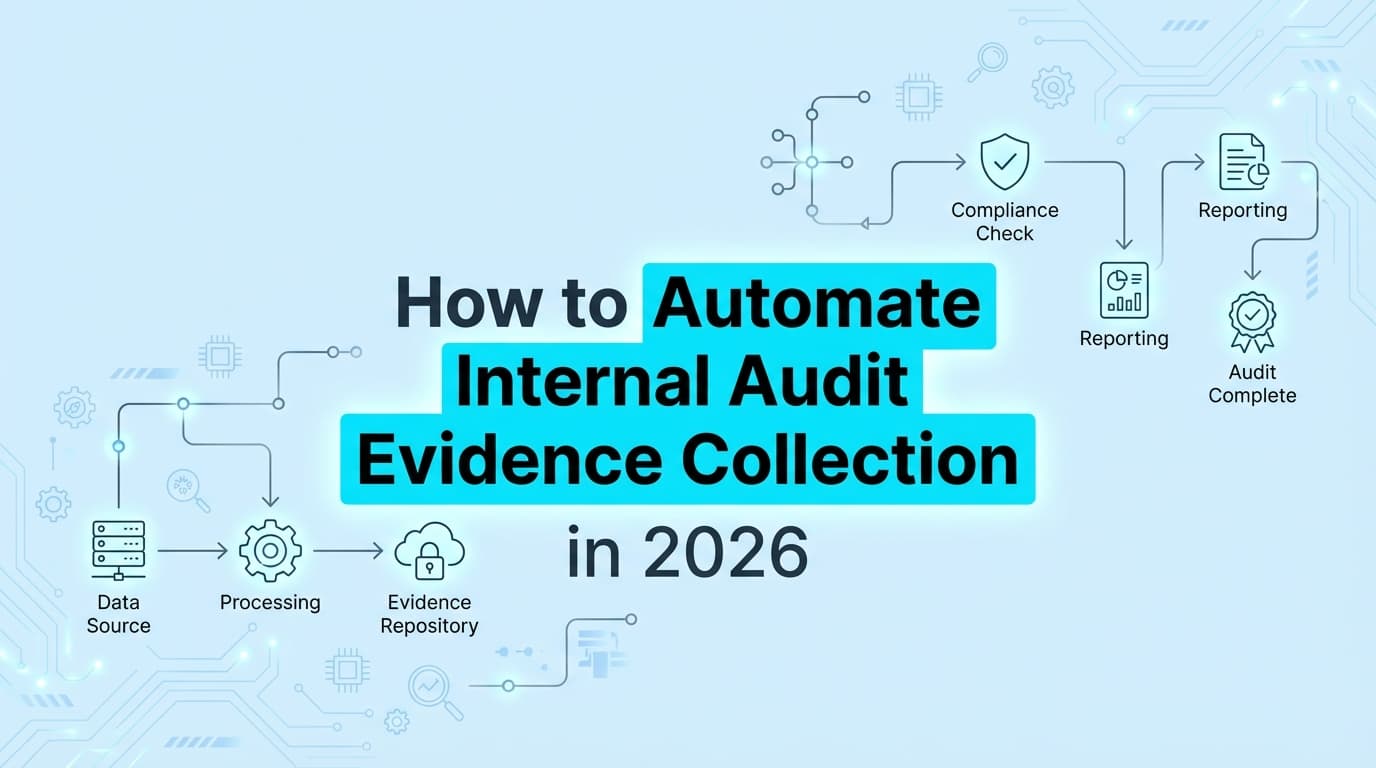
To automate internal audit evidence collection in 2026, use AI-powered capture tools for UI-based evidence (control tests, access reviews, configuration screenshots) combined with API integrations for infrastructure data. Internal auditors spend 40% of their time on manual procedural tasks. Screenshot automation eliminates 50+ hours of workpaper preparation per audit by automatically capturing timestamped evidence, generating test narratives, and producing audit-ready documentation that complies with the 2026 Global Internal Audit Standards.
Why Do Internal Auditors Need Evidence Automation?
Internal audit departments face mounting pressure. Regulatory requirements expand annually. Stakeholder demands increase. Digital transformation creates new risk areas. Yet audit teams remain understaffed, with 47% reporting increased capital spending on automation tools in 2024.
The 40% Manual Work Problem
Research shows internal auditors spend approximately 40% of their time on manual procedural tasks:
- Capturing screenshots of system configurations
- Documenting control test procedures
- Formatting workpapers for consistency
- Cross-referencing evidence to audit programs
- Preparing documentation for quality review
This administrative burden creates audit fatigue, reduces engagement quality, and prevents auditors from focusing on risk assessment and strategic advisory work.
The Cost of Manual Evidence Collection
| Impact Area | Manual Process | With Automation |
|---|---|---|
| Hours per Audit | 60-80 hours | 8-12 hours |
| Evidence Quality | Inconsistent | Standardized |
| Metadata Completeness | Often missing | Automatic |
| Auditor Burnout Risk | High | Reduced |
| Time to Final Report | 4-6 weeks | 2-3 weeks |
What Types of Internal Audit Evidence Can You Automate?
Not all audit evidence is equal. Automation delivers the highest ROI for evidence that requires visual proof of system states, user actions, or configuration settings.
1. Access Control Testing
Auditors must verify that access restrictions actually work.
- Automated Evidence: Screenshots showing "Access Denied" when unauthorized users attempt restricted actions, paired with user profile documentation showing permission levels.
- Controls Addressed: Segregation of duties, least privilege, role-based access.
2. IT General Controls (ITGC)
ITGCs form the foundation of reliable financial reporting.
- Automated Evidence: Change management trails from ticket to deployment, user access reviews, system configuration baselines.
- Controls Addressed: Change management, logical access, computer operations.
3. User Access Reviews (UAR)
Periodic access reviews require evidence that reviews actually occurred.
- Automated Evidence: Screenshots of access review interfaces, approval workflows, and remediation actions for terminated or transferred employees.
- Controls Addressed: Access provisioning, deprovisioning, periodic review.
4. Configuration Management
System configurations must match documented baselines.
- Automated Evidence: Side-by-side captures of actual vs. expected configurations, with variance highlighting.
- Controls Addressed: Security configurations, baseline management, hardening standards.
5. Third-Party Risk Management
Vendor oversight requires documented due diligence.
- Automated Evidence: Screenshots of vendor security questionnaires, SOC 2 report reviews, and risk assessment documentation.
- Controls Addressed: Vendor selection, ongoing monitoring, contract compliance.
| Evidence Type | Manual Time | Automated Time | Reduction |
|---|---|---|---|
| Access Control Test | 45 minutes | 5 minutes | 89% |
| ITGC Walkthrough | 90 minutes | 15 minutes | 83% |
| User Access Review | 60 minutes | 10 minutes | 83% |
| Config Baseline Check | 30 minutes | 3 minutes | 90% |
| Vendor Assessment Doc | 120 minutes | 20 minutes | 83% |
How Do You Automate Internal Audit Evidence Collection?
Automating internal audit evidence requires tools designed for audit-specific workflows, not generic screen recording software.
The Automated Audit Workflow
- Link to Audit Program: Connect the capture session to a specific audit objective or control.
- Execute the Test: Perform the control test in the target application (e.g., verify a user cannot approve their own expense report).
- AI Capture: The automation tool detects key UI changes, captures high-resolution screenshots, and logs metadata (URL, timestamp, tester ID).
- Narrative Generation: AI generates a description of what was tested, what was observed, and the test result.
- Workpaper Assembly: Evidence is compiled into a structured workpaper format with cross-references to audit objectives.
- Quality Review: Supervisor reviews automated workpapers, adds annotations, and approves.
What Makes Audit-Ready Evidence?
The 2026 Global Internal Audit Standards require documentation that is "sufficient, reliable, relevant, and useful." Automated evidence must include:
- Audit Objective: What control or risk is being tested
- Tester Identity: Who performed the test (for accountability)
- Timestamp: Precise date and time (for period coverage)
- Visual Proof: Clear, unaltered screenshots
- System Context: Application name, URL, environment
- Test Conclusion: Pass, fail, or exception with rationale
Step-by-Step: Automating Internal Audit Evidence
Follow this framework to transition from manual workpapers to automated evidence collection.
Step 1: Assess Your Current State
Before automating, understand where time is spent:
- Which audit areas require the most manual documentation?
- What percentage of evidence is screenshot-based vs. data analytics?
- How much rework occurs due to incomplete or inconsistent evidence?
Step 2: Select Audit-Aware Tools
Generic screen recorders (Loom, Snagit) lack audit-specific features. Choose tools that provide:
- Metadata capture: Automatic timestamp, URL, and user logging
- Audit program integration: Link evidence to specific controls
- Structured output: PDF workpapers, not just image files
- Chain of custody: Tamper-evident evidence trails
Step 3: Map Evidence to Audit Programs
Create a matrix linking audit objectives to evidence types:
| Audit Objective | Evidence Type | Capture Method | Frequency |
|---|---|---|---|
| Access controls effective | Access denial screenshot | AI capture | Per test |
| Changes authorized | Approval workflow trail | Browser recording | Per change |
| Configurations compliant | Config comparison | Scheduled capture | Monthly |
| Vendors monitored | Assessment documentation | Manual + AI assist | Annually |
Step 4: Pilot on High-Volume Audits
Start automation with audits that have:
- Repetitive evidence requirements
- High screenshot volume
- Consistent test procedures
- Clear pass/fail criteria
ITGCs and access reviews are ideal pilot candidates.
Step 5: Integrate with Audit Management Systems
Connect automated evidence to your audit management platform:
- TeamMate+: Import workpapers via API
- AuditBoard: Sync evidence to control testing modules
- Workiva: Link documentation to audit reports
- Custom solutions: Export structured JSON/PDF
Step 6: Establish Quality Standards
Define what "good" automated evidence looks like:
- Minimum screenshot resolution (1080p+)
- Required metadata fields (all must be present)
- Narrative completeness standards
- Reviewer approval workflow
Complying with 2026 Global Internal Audit Standards
The Institute of Internal Auditors (IIA) released updated Global Internal Audit Standards effective January 2025, with mandatory conformance required by 2026. These standards emphasize documentation quality.
Standard 6.1: Engagement Planning
Auditors must document the audit scope, objectives, and approach. Automation helps by:
- Creating standardized planning templates
- Linking planned procedures to actual evidence
- Tracking scope changes with timestamps
Standard 9.4: Documenting Engagement Information
The Standards require "sufficient and appropriate" documentation. Automated evidence exceeds this requirement by providing:
- Complete metadata (timestamp, tester, system)
- Structured formats (consistent across engagements)
- Audit trails (who captured, when, what was changed)
Standard 9.5: Engagement Conclusions
Conclusions must be supported by evidence. Automation creates clear links between:
- Test procedures executed
- Evidence captured
- Conclusions drawn
- Report findings
Cybersecurity Topical Requirement (February 2026)
The mandatory Cybersecurity Topical Requirement effective February 2026 requires specific evidence for technology audits. Automated capture is essential for:
- Security configuration baselines
- Access control effectiveness
- Vulnerability remediation tracking
- Incident response documentation
Comparison: Manual vs. Automated Internal Audit Evidence
| Feature | Manual Process | Automated Process |
|---|---|---|
| Time per Control Test | 45-90 minutes | 5-15 minutes |
| Documentation Quality | Variable by auditor | Consistent and standardized |
| Metadata Completeness | Often incomplete | Automatic and complete |
| Workpaper Formatting | Manual Word/Excel | Auto-generated PDFs |
| Evidence Traceability | Manual cross-reference | Automatic linking |
| IIA Standards Conformity | Requires careful attention | Built-in compliance |
| Auditor Satisfaction | Tedious, causes burnout | Focus on judgment work |
Addressing Audit Fatigue and Burnout
Internal audit automation is not just about efficiency. It directly addresses the profession's burnout crisis.
The Human Cost of Manual Documentation
- Cognitive drain: Repetitive screenshot tasks consume mental energy better spent on analysis
- Context switching: Moving between test execution and documentation disrupts focus
- Evening and weekend work: Manual evidence backlogs extend into personal time
- Career dissatisfaction: Top auditors leave for roles with less administrative burden
How Automation Restores Professional Focus
Automated evidence collection shifts auditor time from:
| From (Manual) | To (Automated) |
|---|---|
| Taking screenshots | Analyzing control design |
| Formatting workpapers | Assessing risk implications |
| Cross-referencing evidence | Advising on improvements |
| Preparing for QA review | Strategic stakeholder discussions |
Building the Business Case for Audit Automation
Chief Audit Executives (CAEs) must justify automation investments. Here's how to build the case.
Quantifiable Benefits
- Time savings: 80% reduction in evidence collection time
- Audit coverage: Complete 20-30% more audits with same staff
- Quality improvement: Reduce QA findings by 50%+
- Faster reporting: Reduce time-to-report by 2-3 weeks
ROI Calculation Example
Strategic Benefits
- Improved auditor retention: Reduce burnout-driven turnover
- Enhanced audit quality: Consistent, complete documentation
- Regulatory readiness: Meet evolving IIA Standards requirements
- Stakeholder confidence: Professional, standardized deliverables
Frequently Asked Questions
Can automation handle complex audit judgments?
No. Automation handles evidence capture and documentation. Professional judgment, risk assessment, and conclusion-forming remain auditor responsibilities. Automation frees time for this higher-value work.
Is automated evidence admissible for regulatory audits?
Yes. Automated evidence with proper metadata (timestamp, tester ID, system context) is fully admissible. In fact, regulators often prefer it because of superior traceability and tamper-evidence.
How do we ensure automated evidence integrity?
Quality automation tools provide:
- Cryptographic hashing of captured screenshots
- Immutable audit trails
- Tester authentication requirements
- Supervisor review workflows
What about audits requiring physical observation?
Physical observation audits (inventory counts, facility inspections) still require on-site presence. However, documentation of observations can be automated using mobile capture tools.
How long does implementation take?
Most organizations achieve full automation within 30-60 days:
- Week 1-2: Tool selection and configuration
- Week 3-4: Pilot audit with automation
- Week 5-8: Rollout to additional audit areas
- Ongoing: Continuous improvement and expansion
Key Takeaways
- 40% of internal audit time goes to manual procedural tasks that can be automated
- Screenshot automation turns evidence collection from 60+ hours of capture per audit into review and approval
- 2026 Global Internal Audit Standards emphasize documentation quality that automation delivers
- Audit fatigue is a real problem that automation directly addresses
- ROI is measurable: Time savings, quality improvement, and auditor retention all improve
Learn More About Internal Audit Compliance Automation
This article is the comprehensive guide to automating internal audit evidence collection. Supporting articles will cover specific topics including:
- Reducing manual evidence collection by 80%
- Complying with 2026 IIA Standards
- Auditing AI systems and governance
- Third-party risk management documentation
Internal audit automation is not about replacing auditors. It's about returning auditors to the professional judgment work that drew them to the field, while eliminating the manual drudgery that drives burnout and turnover.
- Best Practices for Automating SOX ITGC Evidence in 2026: From Access Controls to Continuous Monitoring
- How the New IIA Standards Change Evidence Documentation Requirements
- How to Audit SaaS Vendor Access Controls and Incident Response
- How to Automate EU AI Act Compliance Evidence for Internal Audits
- Manual Workpapers vs Integrated Audit Workflows: A Complete Comparison
- Third-Party Risk Management Evidence Requirements: How to Automate Vendor Audits
- Internal Audit Evidence Collection Checklist for 2026
- The CAE's Business Case for Audit Automation Investment
- From Manual Sampling to Continuous Data Testing: An Internal Audit Guide
- 2026 Global Internal Audit Standards: How to Automate Evidence for Gap Assessments
- How to Automate Internal Audit Evidence Collection for the 2026 Mandatory Cybersecurity Topical Requirement
- how-to-audit-ai-systems-internal-audit-evidence-for-iso-42001-algorithmic-controls
- How to Automate ISO 42001 Evidence Collection with Screenshots
- Concentration Risk in Cloud Vendors: Audit Evidence Guide
- How to Automate Employee Onboarding and Offboarding Evidence for Compliance
Connect and see
See your SOC 2 with your real systems.
Connect GitHub and cloud read-only. Vera shows your control matrix, policy gaps, and prioritized next actions before you commit to anything.