

Compliance
How to Automate Employee Onboarding and Offboarding Evidence for Compliance
Employee transitions are the most common source of SOC 2 audit exceptions. This guide explains how to automate onboarding and offboarding compliance evidence, what auditors actually check, and how to capture screenshots for systems that lack API integrations.
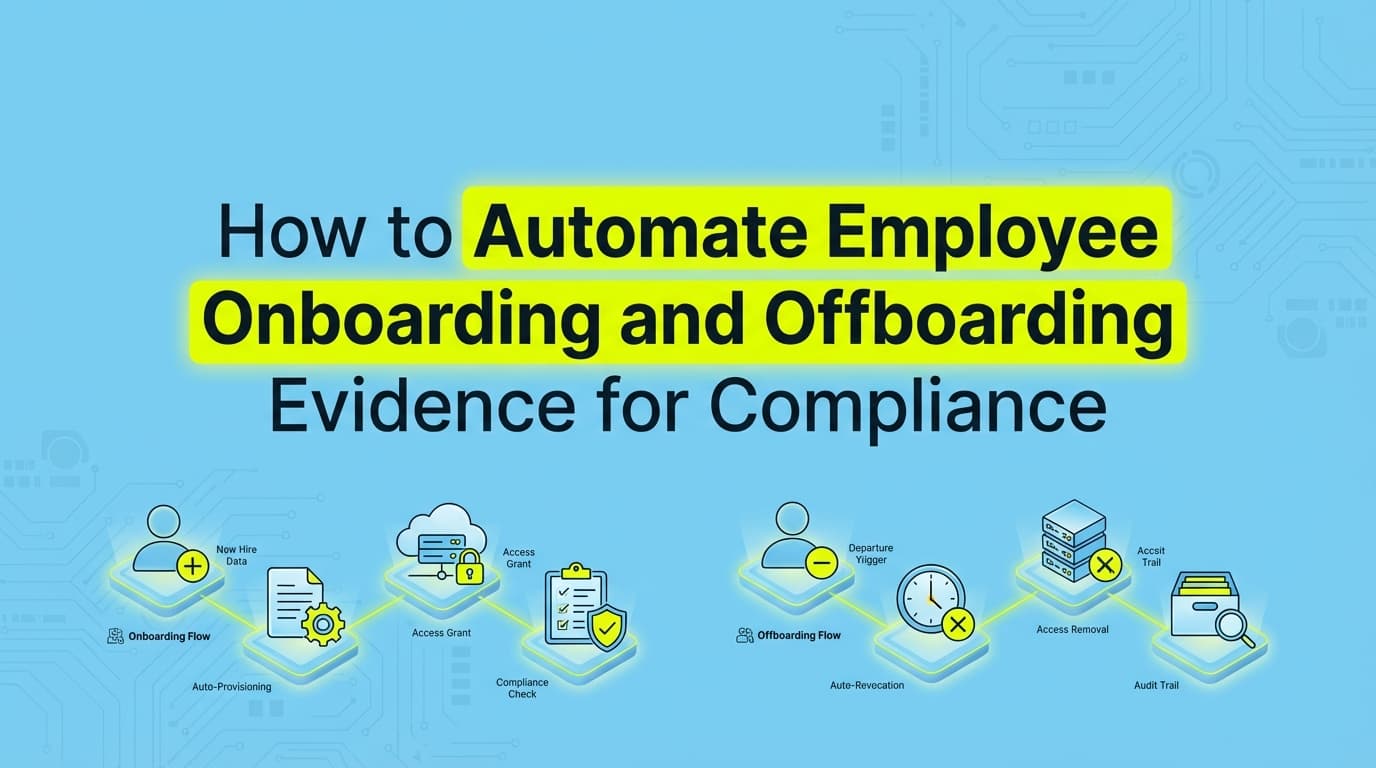
Employee onboarding and offboarding are consistently the most common sources of SOC 2 audit exceptions. When a new hire joins or an employee departs, auditors expect a perfect paper trail connecting HR dates to IT access logs. While identity providers handle some of this, collecting evidence for custom applications and legacy systems still requires manual screenshots and ticket tracking. Automating onboarding and offboarding compliance eliminates the frantic evidence gathering before an audit. This guide explains how to capture the exact documentation auditors need without spending days chasing down Jira tickets and access logs.
Why Do Employee Transitions Fail Compliance Audits?
Employee transitions fail audits because they require perfect synchronization between two separate departments (HR and IT) using two separate sets of tools.
When an auditor tests your access controls, they ask for a list of all new hires and a list of all terminated employees during the audit period. They select a sample from both lists. For every person in that sample, the timestamps must align perfectly with your written policies.
If your policy says "access is revoked within 24 hours of termination," the auditor will look at the termination date in Gusto or Rippling, and then check the deactivation timestamp in AWS, GitHub, and your internal admin panel. If the HR system says the employee left on Tuesday at 5:00 PM, but the GitHub access was removed on Thursday morning, you have an exception.
In practice, most teams overthink the policy and under-execute the evidence. Writing a strict 12-hour revocation policy sounds great until you have to prove you actually follow it for every single application.
What Evidence Do Auditors Require for Employee Onboarding?
For SOC 2 (CC6.1, CC6.2) and ISO 27001 (A.6 People Controls), auditors look for a specific sequence of events. The chronological order matters just as much as the completion of the tasks.
You need to provide documentation proving these four steps happened in the correct order:
- Background Check: Evidence that the check was completed and cleared before the employee's official start date.
- Access Approval: A ticket or documented request showing a manager approved the specific role-based access for the new hire.
- Access Provisioning: System logs or screenshots showing the user was granted the exact access that was approved, and nothing more.
- Security Training: A certificate or log showing the employee completed security awareness training within the timeframe defined in your policy (usually 30 days).
If an engineer is granted production access on day one, but their manager's approval ticket was closed on day three, the auditor will flag it. The evidence must prove that authorization preceded provisioning.
What Offboarding Compliance Evidence Do Auditors Actually Check?
Offboarding compliance is strictly a race against the clock. The auditor's goal is to verify that former employees cannot access company data after their employment ends.
For the "leaver" population, auditors expect:
- The HR Termination Record: Showing the exact date of termination.
- Identity Provider Deactivation: Logs showing the core SSO account (Okta, Google Workspace) was suspended within the policy window.
- Downstream Application Deactivation: Proof that access was removed from systems not connected to SSO.
- Device Return or Wipe: Mobile Device Management (MDM) evidence showing the laptop was remotely wiped or physically returned and wiped.
The biggest trap here is the "effective date" versus the "notification date." If an employee gives two weeks' notice on the 1st, their termination date is the 14th. Access must be revoked based on the 14th. If IT disables the account on the 15th because they didn't see the HR ticket until Monday morning, that is a failure of the control.
Where Traditional GRC Automation Stops for Employee Lifecycle Controls
Most teams attempt to solve this by purchasing a GRC platform. These platforms are excellent at monitoring APIs for major SaaS applications.
Where traditional SOC 2 automation stops is at the edge of your Single Sign-On (SSO) perimeter. Tools like Drata and Vanta can talk to Google Workspace to confirm an email address is suspended. They cannot verify that a local database account was deleted. They cannot check your proprietary back-office admin panel to ensure a customer support rep's access was revoked.
For anything without a supported API integration, the GRC platform simply creates a manual task. A compliance manager or IT admin is forced to log into the custom application, navigate to the user directory, search for the terminated employee, and take a screenshot showing the user does not exist or is marked as inactive.
If you have 50 employees leave over a 12-month observation period, and you have four non-SSO applications, that is 200 manual screenshots you have to capture, timestamp, and upload to pass the audit.
How to Automate Onboarding and Offboarding Evidence Collection
To bridge the gap between API monitoring and manual screenshots, teams are moving toward visual evidence automation.
Instead of asking an engineer to manually document access removal, AI agents and workflow recorders can execute these checks automatically. When a termination ticket is closed in Jira or an offboarding event triggers in the HR system, an automated workflow can:
- Navigate to the custom internal admin panel.
- Search for the terminated user's email address.
- Capture a screenshot of the "User Not Found" or "Deactivated" status.
- Append a cryptographic timestamp to the image.
- Store the screenshot directly in the compliance evidence library.
This approach satisfies the auditor's requirement for visual proof (Information Provided by the Entity, or IPE) without requiring human intervention. It ensures that offboarding compliance is documented at the exact moment it happens, eliminating the risk of evidence decay.
A Practical Checklist for Employee Lifecycle Evidence
To ensure your evidence meets auditor expectations, map your HR events directly to the required IT documentation.
| Lifecycle Phase | SOC 2 Control | Required Evidence | Automation Method |
|---|---|---|---|
| Pre-Hire | CC1.1 | Background check clearance report dated before start date | HRIS API integration |
| Day One | CC6.2 | Manager approval ticket for specific system access | Ticketing system webhook |
| First 30 Days | CC2.2 | Security awareness training completion certificate | LMS API integration |
| Termination | CC6.2 | SSO account suspension log within policy timeframe | IdP API integration |
| Termination | CC6.1 | Screenshot showing user removed from custom admin panels | Automated UI screenshot capture |
| Post-Termination | CC6.1 | MDM log showing laptop remote wipe command executed | MDM API integration |
Focus on completeness first. An ugly screenshot with a clear timestamp and the right control visible will pass review faster than a beautifully formatted PDF that is missing context. By automating both the API checks and the visual screenshot capture, you can treat employee transitions as routine operations rather than audit liabilities.
Learn More About Internal Audit Evidence Automation
For a complete look at how to scale your testing procedures and eliminate manual documentation across all your controls, see our guide on automating internal audit evidence collection, including how visual evidence capture replaces traditional workpapers for access management and change controls.
Frequently asked questions
- What evidence do auditors require for employee onboarding?
- Auditors require evidence that a background check was completed before the start date, security awareness training was finished within the required window (often 30 days), and system access was explicitly approved by a manager before being provisioned.
- How do auditors test offboarding compliance?
- Auditors compare the exact termination date and time in your HR system against the access revocation timestamps in your IT systems. If your policy states access must be removed within 24 hours, and the evidence shows it took 26 hours, that results in an audit exception.
- Can GRC platforms fully automate offboarding evidence?
- No. While GRC platforms use APIs to verify access removal in major systems like Google Workspace or Okta, they cannot automatically verify access removal in custom internal tools, legacy databases, or local admin accounts. These systems still require visual evidence like screenshots.
Connect and see
See your SOC 2 with your real systems.
Connect GitHub and cloud read-only. Vera shows your control matrix, policy gaps, and prioritized next actions before you commit to anything.