

Compliance
From Manual Sampling to Continuous Data Testing: An Internal Audit Guide
Yes. Internal audit teams can replace manual sampling of 25-50 items with continuous data testing that evaluates 100% of the population. This guide explains how automated evidence collection transforms internal audit workpapers and where traditional tools fall short.
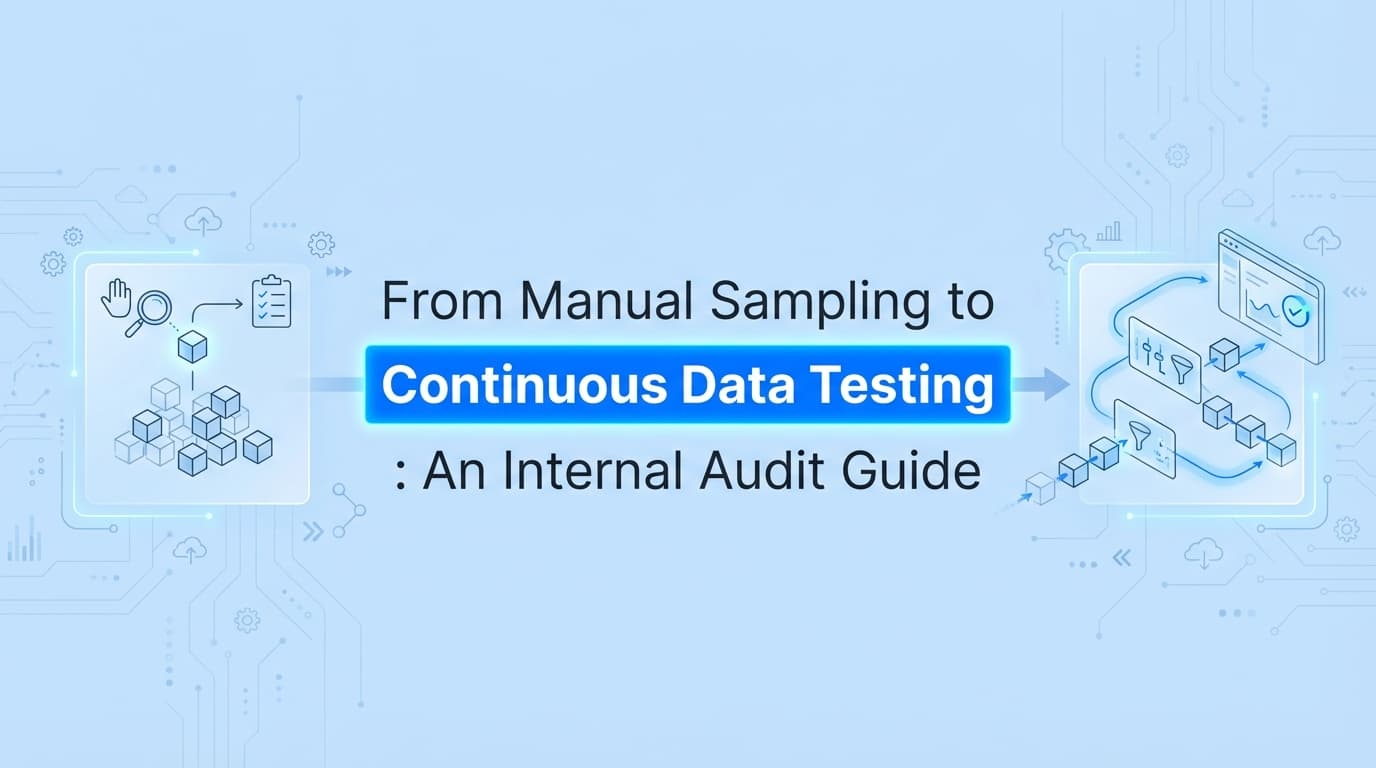
Internal audit teams have relied on manual sampling for decades. You pull a population, randomly select 25 to 50 items, manually capture screenshots of the evidence, and hope those samples accurately represent the whole environment. But manual sampling introduces significant risk and audit fatigue.
Continuous data testing replaces this process with automation, evaluating 100% of a control population against predefined rules. This guide explains how to transition your internal audit evidence collection from manual, point-in-time sampling to continuous data testing, and why modern audit functions are abandoning the spreadsheet-heavy methods of the past.
Why Is Internal Audit Moving Away from Manual Sampling?
Manual sampling provides a false sense of security and takes too many hours to execute.
If your organization processes 10,000 system changes a year, pulling a standard sample of 25 tickets for your SOX ITGC Change Management testing means you are looking at 0.25% of the population. You might easily miss the one unauthorized database deployment that bypassed peer review. You are checking the box for the audit program, but you are not actually providing assurance over the environment. Moving to continuous testing is the same shift covered in automating SOX ITGC evidence in 2026.
Beyond the risk of missing control failures, the mechanics of manual sampling are exhausting. An internal auditor must:
- Request the full population from the system owner
- Wait weeks for the data
- Validate the completeness and accuracy of that data (IPE)
- Use a random number generator to pick samples
- Request the specific evidence (screenshots, approval logs) for those 25 items
- Wait weeks again
- Chase down missing screenshots
- Document the findings in a workpaper
Continuous data testing flips this model. Instead of asking for a list and picking 25 items, the testing engine connects to the system, evaluates every single transaction against the control rule, and flags only the exceptions. You spend your time investigating the failures rather than collecting screenshots for the passes.
How Does Continuous Data Testing Actually Work for Audits?
Continuous data testing works by connecting directly to systems of record to pull raw data and visual artifacts on a schedule, rather than waiting for an auditor to request them during fieldwork.
Consider a standard internal audit test for User Access Terminations.
Under a manual sampling approach, you ask HR for a list of Q3 terminations. You pick 25 names. You ask IT for screenshots showing the exact date and time those 25 accounts were disabled in Active Directory and the core application.
Under a continuous data testing approach, the workflow looks like this:
- The automation tool reads the HRIS feed daily to identify who was terminated.
- It immediately checks the identity provider (like Okta or Active Directory) and the application database.
- It captures the access status for every terminated employee.
- It generates a continuous workpaper showing exactly when access was removed for 100% of the population.
- If an account remains active past the SLA (e.g., 24 hours), the tool generates an exception alert.
The internal auditor no longer tests the terminations. The auditor reviews the exceptions and validates that the automated testing tool is working correctly.
| Feature | Manual Sampling | Continuous Data Testing |
|---|---|---|
| Coverage | 25-50 items (often <1% of population) | 100% of population |
| Timing | Point-in-time (usually months after the fact) | Real-time or daily |
| Auditor Focus | Gathering evidence and formatting workpapers | Investigating exceptions and root causes |
| System Owner Impact | High friction (constant evidence requests) | Zero friction (system pulls data automatically) |
| Exception Detection | Delayed (found during audit fieldwork) | Immediate (found when the control fails) |
What Internal Audit Evidence Cannot Be Automated with GRC Tools?
Traditional GRC platforms (like AuditBoard, Workiva, or ServiceNow) are excellent for managing the audit lifecycle. They hold your risk control matrix, track your findings, and manage remediation workflows. But they generally do not collect application-level evidence.
When GRC tools do offer automated evidence collection, they rely entirely on APIs. They connect to AWS, GitHub, or Okta and read the configuration states.
This works fine for infrastructure. It fails completely for bespoke internal applications, legacy systems, and UI-level controls.
If your organization relies on a custom-built admin panel, an AS/400 mainframe, or a niche SaaS application without a public API, traditional GRC platforms stop working. You are back to manual sampling and taking screenshots by hand.
This is the exact gap Screenata fills. Instead of relying solely on APIs, Screenata acts as an AI agent that can navigate user interfaces, capture screenshots, and validate visual evidence. If an internal control requires verifying a toggle in a custom back-office dashboard, Screenata can log in, navigate to the correct page, capture the screenshot, verify the toggle state, and append the evidence to your continuous testing workpaper.
It handles the visual evidence collection that standard API-based tools ignore.
How Do You Transition from Sampling to Full Population Testing?
You cannot automate your entire internal audit program in one quarter. Moving to continuous data testing requires a phased approach based on data availability and control frequency.
Start with high-volume, highly structured controls. These are the controls that happen thousands of times a year and have clear, binary rules.
- Access Provisioning: Did every new account have an approved Jira ticket?
- Access Terminations: Was access removed within 24 hours of the HR termination date?
- Password Configurations: Does the system enforce a 12-character minimum?
Once the high-volume controls are automated, move to system configurations. These are point-in-time checks that should remain static but occasionally drift. You can set up continuous testing to capture screenshots of firewall rules, financial application posting periods, or backup schedules on a weekly basis.
Leave complex, highly subjective controls for last. If a control requires deep human judgment, like reviewing the minutes of a risk committee meeting to ensure adequate challenge was provided by the board, it is not a candidate for continuous data testing. Keep that in your manual testing bucket.
Do External Auditors Accept Continuous Testing Workpapers?
Yes, provided you can prove the integrity of the data.
External auditors (especially Big 4 firms doing SOX reliance work) actually prefer full population testing over manual sampling. It provides a higher level of assurance. However, external auditors will heavily scrutinize the Information Produced by the Entity (IPE).
If you write a custom Python script to query a database and output a CSV file of all user access, the external auditor will ask:
- How do we know the script pulled all active users?
- How do we know the script didn't filter out admin accounts?
- How do we know the CSV wasn't edited before you uploaded it to the audit folder?
To rely on continuous data testing, the external auditor must test the automation mechanism itself.
This is why purpose-built automation tools are easier to pass through external audit review than homegrown scripts. When an internal audit team uses a platform like Screenata, the evidence generated is a timestamped, unalterable PDF pack. The external auditor can verify the chain of custody. They can see the exact screenshots captured by the system, proving the UI state matched the data output.
Once the external auditor gets comfortable with how the continuous testing tool operates, they can place reliance on its output, drastically reducing the substantive testing they need to perform during their own fieldwork.
Learn More About Internal Audit Automation
For a complete look at modernizing your audit function, see our guide on how to automate internal audit evidence collection, including how continuous data testing fits into your broader 2026 audit strategy and reduces external auditor fees.
Frequently asked questions
- Why is internal audit moving away from manual sampling?
- Manual sampling provides a false sense of security and requires too many hours to execute. Testing 25 items out of a population of 10,000 only covers 0.25% of transactions, leaving significant risk unexamined. Continuous data testing evaluates 100% of the population automatically.
- Do external auditors accept continuous testing workpapers?
- Yes, provided the internal audit team can prove the completeness and accuracy of the Information Produced by the Entity (IPE). External auditors often prefer full population testing because it provides higher assurance, as long as the data extraction method is reliable and tamper-proof.
Connect and see
See your SOC 2 with your real systems.
Connect GitHub and cloud read-only. Vera shows your control matrix, policy gaps, and prioritized next actions before you commit to anything.