

Compliance
Drata SOC 2 Manual Work: The Evidence You Still Collect Yourself
Drata automates infrastructure and policy tracking over API, then hands back the application controls, the change approvals, and the access reviews. This is the specific list of SOC 2 work a dashboard still leaves on your plate for controls like CC6.1 and CC8.1, how long each task takes, and how Vera, an agent who runs continuous compliance, does that work instead.
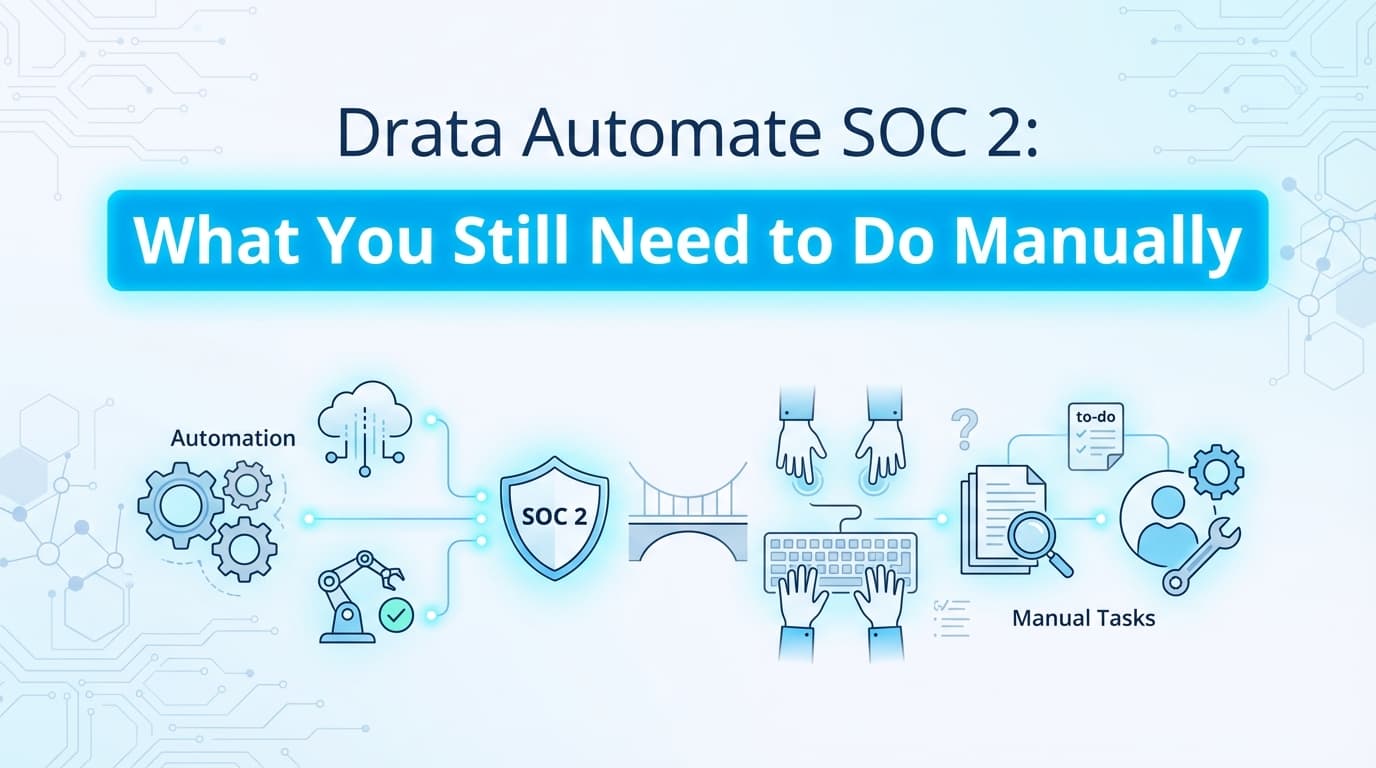
Drata automates the infrastructure and policy-tracking half of SOC 2 over API, then marks the application controls and process documentation "manual" and waits for you to finish them. It reads your cloud, identity provider, and code host to confirm encryption, MFA, and branch protection. It cannot log into your product to capture user permissions, and it cannot ask a person whether the access review happened. That leftover work, the screenshots and the sign-offs, is what lands on a founder or CTO every audit cycle. Screenata gives you Vera, an agent who runs continuous compliance and does that work: she captures the application evidence a dashboard can't see, DMs your team for the attestations it can only flag, and files signed, traceable packs that sync back into Drata. A dashboard flags the work; Vera does it.
What Does Drata Actually Automate for SOC 2?
Drata is a governance, risk, and compliance (GRC) platform built for continuous monitoring of infrastructure and endpoints. It collects evidence by integrating with your stack over API, and it does that part well, covering roughly 80% of a standard SOC 2 Type II audit:
- Infrastructure security: checking AWS, GCP, and Azure for encryption, backups, and security-group configuration (CC6.6).
- Identity monitoring: verifying MFA enforcement and user status in Okta or Google Workspace (CC6.1).
- Version control: monitoring GitHub and GitLab branch protection rules (CC7.2).
- Device compliance: confirming employee laptops have disk encryption and antivirus through the Drata agent.
- Policy management: tracking policy acceptance and security-training completion.
Drata's automation stops at the API line. It cannot see inside your proprietary application, your admin panels, or the manual operational workflows that only a person can confirm.
What Manual Work Remains After Drata?
Even with Drata running, compliance teams typically spend 40 to 80 hours per audit collecting the "last mile" of evidence by hand. The work falls into four buckets, and Vera is built to absorb all of them.
1. Application-level access controls (CC6.1)
Drata knows who is in Okta. It does not know what a given user can do inside your internal admin dashboard or SaaS product.
- The manual task: log in, capture the user list and role definitions (Admin vs. Viewer), and prove a Viewer cannot reach sensitive settings.
- Why a dashboard leaves it: there is no standard API for your custom permission logic.
- How Vera does it: she runs the RBAC test against a Viewer account through the Screenata browser extension, captures the denied action with a timestamp and DOM snapshot, and files it against CC6.1.
2. Change management workflows (CC7.2)
Drata checks that branch protection is on. Auditors want visual proof of the whole lifecycle for a sample of changes.
- The manual task: screenshot the Jira ticket, the pull-request conversation, the approval timestamp, and the deployment log to prove the chain of custody.
- Why a dashboard leaves it: connecting a Jira ticket to a specific merge takes interpretation an API does not do.
- How Vera does it: she captures the design-review and approval sections across the sampled tickets and compiles a single signed change-management pack.
3. Onboarding and offboarding evidence (CC6.2)
Drata detects when a user is added or removed in the IdP. Auditors also ask for the request and approval behind it.
- The manual task: search Slack or email for the "please grant access" message and screenshot it to prove authorization came before provisioning.
- How Vera does it: she DMs the approver for confirmation, files their reply as the attestation, and captures the disabled-account state on offboarding.
4. Vendor risk reviews (CC9.2)
Drata tracks which vendors you use. The review of each vendor's SOC 2 report is still a person's judgment.
- The manual task: download the report, review the exceptions, document your review, and upload it as evidence.
- How Vera does it: she schedules the review, ingests the vendor report from your inbox, and chases the owner for the sign-off, while the judgment stays with your team.
Where Infrastructure Automation Stops and Vera Starts
The table below draws the boundary between what a dashboard automates over API and the work it hands back, which is the work Vera does.
| Control area | Automated by Drata (API) | Left to you, done by Vera |
|---|---|---|
| Cloud infrastructure | Checks AWS RDS is encrypted | Verifies data masking in the app UI |
| Access control | Checks Okta user status | Captures custom admin-panel roles and denied actions |
| Change management | Checks GitHub branch protection | Captures the Jira ticket approval flow |
| Workstations | Checks disk encryption (FileVault) | Confirms physical security evidence where applicable |
| Vendor risk | Tracks the vendor list | Schedules the review, ingests the report, chases the sign-off |
| Evidence type | JSON and API logs | Signed screenshots, PDFs, and attestations |
How Vera Does the Work a Dashboard Flags
Vera runs the compliance program as an agent. She scans your infrastructure read-only, scopes your control matrix, drafts policies grounded in what she finds, and works the controls on a schedule. For everything Drata marks manual, she does the collection, chases the sign-offs, and signs the results.
Her evidence mix is the honest breakdown: about 70% is fully API-automated, roughly 9% is automated screenshots (the browser extension plus a vision model scoring each capture against the control), about 9% is guided capture, and around 5% is ingested from your inbox as forwarded emails or Slack file drops. Zero percent comes from a person uploading files into a dashboard. Screenshots are one of several ways she collects evidence, and the one an API can never reach, not the identity of the product.
The workflow
- A control comes due. Whether Drata flags CC6.1 as manual or Vera scopes it from your matrix, the control is picked up, not parked.
- Vera captures the test. You (or Vera, on a schedule) run the control test once. The extension captures timestamped screenshots, a DOM snapshot, and metadata, and a vision model scores the result against the control. PII is redacted at capture.
- Vera chases what only a person can answer. For a review or exception, she DMs the right teammate, reminds at 24 hours, escalates to you at 48, and files the reply as evidence.
- Vera signs and syncs it. Every artifact is hashed, timestamped (RFC 3161), and signed, and traces back through a control test to a policy claim. If you run Drata, she pushes the pack into the matching control.
Worked Example: Control CC6.1 (Logical Access)
The goal. Prove that the "Support" role in your internal dashboard cannot delete customer data.
Doing it by hand.
- Log in as Admin.
- Screenshot the Roles page.
- Log out.
- Log in as a Support user.
- Navigate to Customer Data.
- Attempt to click Delete.
- Screenshot the "Access Denied" error.
- Paste the images into a document, add dates, export to PDF.
- Upload to Drata control CC6.1.
Elapsed time: roughly 45 minutes, and easy to get wrong.
Doing it with Vera.
- The CC6.1 access test runs, on demand or on a schedule.
- Vera exercises the Support account, captures the "Access Denied" state, scores it against the control, and signs the pack.
- She pushes the pack into Drata control CC6.1 through the API.
Elapsed time: about 2 minutes of review, and the capture carries provenance a hand-pasted document does not.
The Attestation Work No Dashboard Solves
Much of the "20% gap" is not a screenshot at all. It is a person confirming that something happened, and a dashboard can only flag it and wait.
- Did the quarterly access review happen, and did the right managers sign off?
- Who approved this production exception, and why?
- Was this vendor reviewed before it was onboarded?
- Did offboarding revoke access in every downstream system?
Every quarter, someone has to remember these, chase colleagues across Slack and email, gather the answers, and upload the proof. Vera does the chasing: she DMs the right person, reminds at 24 hours, escalates at 48, and files the reply the moment it lands. On access reviews she schedules and orchestrates the review and chases the reviewers, while the final call stays with your team.
Do Auditors Accept Vera's Evidence for Manual Controls?
Yes. Auditors accept machine-captured evidence when it carries integrity, and Vera's packs carry more provenance than a hand-pasted screenshot.
- Timestamps: every capture is stamped at the moment it is taken, which blocks backdating.
- Context: the URL, tester identity, browser, and OS travel with each capture.
- Chain of custody: each artifact is hashed and signed (RFC 3161), and traces back through a control test to a specific policy claim, so an auditor can re-derive it and verify the signature with a free CLI.
Because every pack is packaged the same way and OCR'd, an auditor can search across controls instead of parsing five people's one-off formats. That is usually more reliable than a manual document, which is prone to a missed timestamp or a cropped URL.
What This Costs
Frequently Asked Questions
Can Drata take screenshots of my application?
No. Drata has no browser engine or vision model. It reads configuration data over API, so any evidence that needs a visual check of a UI is left for you to upload or for an agent like Vera to capture.
How do I handle "offline evidence" in Drata?
Offline evidence in Drata means controls it cannot monitor over API, so it waits for a manual upload. You can build those files by hand (screenshots plus a document) or let Vera capture, sign, and upload them for you.
Does Vanta leave less manual work than Drata?
Generally no. Vanta and Drata use similar API-based integrations and share the same limit at application-level UI testing and manual process documentation. Vera covers that gap for either one.
What is the "20% manual gap"?
It is the share of SOC 2 controls, roughly 20 to 30%, that depend on proprietary application logic, manual operational processes, and human attestations that standard GRC integrations cannot reach.
Does Vera replace Drata or work alongside it?
Either. For most startups Vera replaces both the dashboard and the consultant: she scans the same infrastructure, captures the application evidence, chases attestations, and writes policies grounded in your real systems. If you already run Drata, she works alongside it and covers everything it leaves manual.
Key Takeaways
- A dashboard flags the work; Vera does it. Drata automates infrastructure monitoring over API and leaves the application evidence and attestations to you; Vera captures the UI proof, chases the sign-offs in Slack, and files signed packs.
- The manual work clusters in a few controls. CC6.1 (access), CC7.2 (change management), CC6.2 (provisioning), and CC9.2 (vendor risk) are the usual sources, and much of it is a human attestation rather than a screenshot.
- Auditors want visual and attestation proof for what an API cannot verify. A scan shows configuration; UI proof and sign-offs show implementation.
- Signed, re-derivable evidence beats a hand-pasted document. Verifiable provenance and a claim-to-evidence chain cut auditor follow-ups.
Learn More About SOC 2 Automation
- The Bootstrapped Founder's Guide to SOC 2 covers the full cost breakdown and what to expect.
- Do You Actually Need a vCISO for SOC 2? explains why most startups no longer need a consultant.
- Why ChatGPT SOC 2 Policies Fail Audits shows what auditors actually want in your policies.
- How to Automate SOC 2 Evidence Collection is the comprehensive automation guide.
Connect and see
See your SOC 2 with your real systems.
Connect GitHub and cloud read-only. Vera shows your control matrix, policy gaps, and prioritized next actions before you commit to anything.