

Compliance
How to Document PAN Truncation Evidence for PCI DSS Requirement 3.4.1
PCI DSS auditors require visual proof that Primary Account Numbers (PAN) are truncated when displayed and stored. This guide explains how to capture database screenshots, API logs, and user interface evidence to satisfy Requirement 3.4.1 (formerly 3.3) without exposing sensitive data.
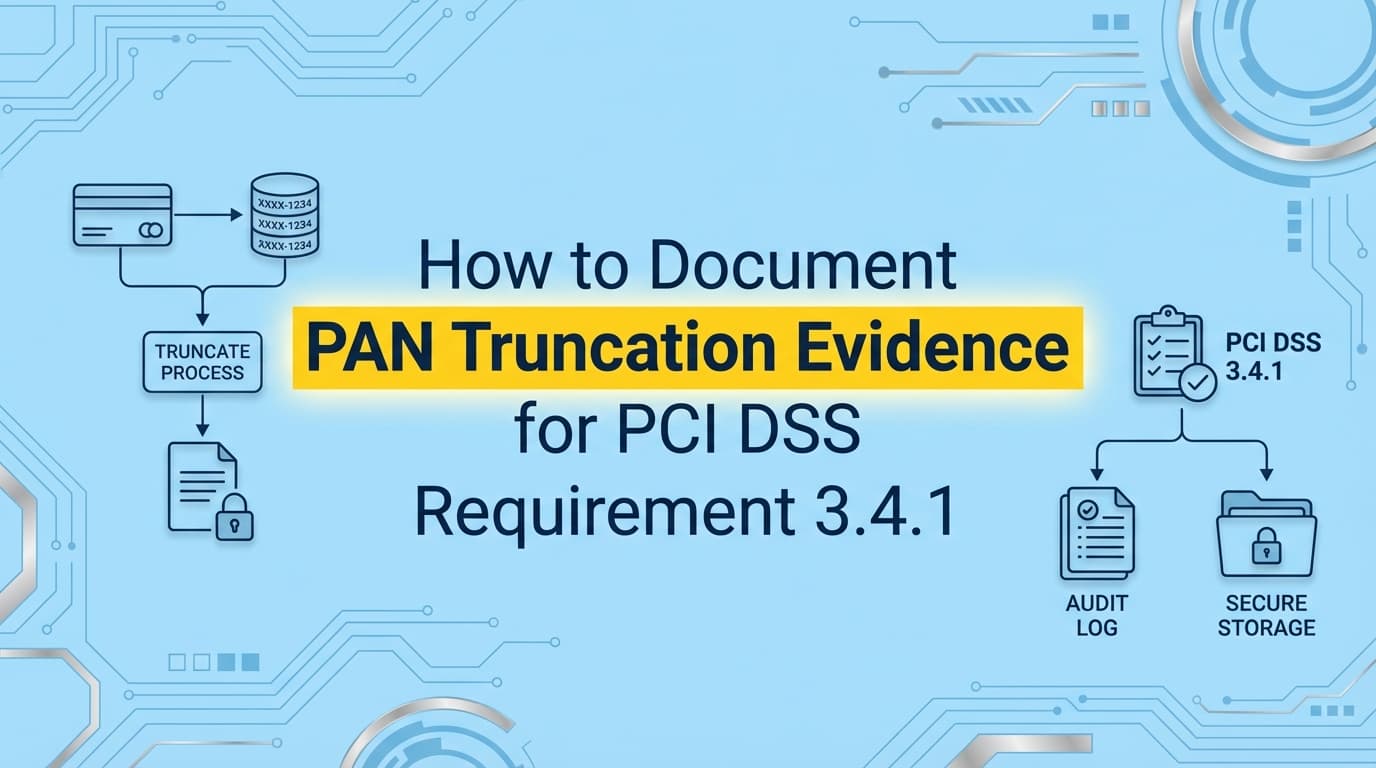
PCI DSS assessments require concrete evidence that Primary Account Numbers (PAN) are never displayed or stored in full plain text. Even if you use a third-party tokenizer like Stripe or Braintree, your Qualified Security Assessor (QSA) will demand screenshots proving that your internal systems, databases, logs, and admin panels, only ever see truncated data. Automating PCI DSS evidence collection for Requirement 3.4.1 (formerly Requirement 3.3) ensures you have consistent, timestamped proof that your environment remains compliant, without manually querying sensitive tables every quarter.
What Evidence Do PCI QSAs Actually Require?
When a QSA asks for evidence of PAN truncation, they are verifying that credit card numbers are unreadable anywhere they exist in your environment. They are not taking your word for it; they need to see the data as it appears to your system administrators and customer support agents.
For Requirement 3.4.1 (Masking PAN when displayed) and Requirement 3.5.1 (Rendering PAN unreadable at rest), you generally need three specific artifacts:
- Database Evidence: A screenshot of a SQL query result (e.g.,
SELECT * FROM transactions LIMIT 5) showing that the column storing card data contains truncated values (e.g.,411111******1111) or tokens, not full numbers. - Application UI Evidence: A screenshot of your internal admin dashboard or customer support portal showing a transaction record where the card number is masked.
- Log Evidence: A screenshot or export of application logs (Splunk, Datadog, or raw text) demonstrating that card numbers are not inadvertently written to debug logs or error streams in plain text.
The "First 6, Last 4" Rule
The standard allows you to display the first six and last four digits of the PAN. The middle digits must be masked. If your screenshots show more than this (e.g., the first 8 digits), your evidence will likely trigger a finding unless you have a documented business justification.
How to Capture Database Truncation Evidence
The most critical piece of evidence proves that if your database were dumped, the attacker wouldn't get full credit card numbers.
The Manual Way:
- Open your database client (DBeaver, pgAdmin, or terminal).
- Run a query against your payment methods table:
SELECT id, card_type, last_4, masked_number FROM payment_methods ORDER BY created_at DESC LIMIT 5; - Take a screenshot that includes the system clock in the taskbar (to prove the date).
- Redact any PII that isn't relevant to the test (like customer names), but leave the masked PAN column visible.
The Auditor's Perspective:
Auditors check the masked_number column specifically. If they see 4242424242424242, you fail. If they see 424242******4242 or a UUID token, you pass. They also check the timestamp to ensure the evidence is current (within the assessment period).
How to Capture Display (UI) Truncation Evidence
Requirement 3.4.1 specifically targets "display." This usually means your internal tools.
The Test Steps:
- Log in to your internal "God Mode" or admin dashboard.
- Navigate to a recent transaction or user profile.
- Locate the payment information section.
- Capture a screenshot showing the card details.
- Critical Step: Verify that only authorized personnel can see even the masked version. If a junior support agent can see the full PAN (which they shouldn't be able to do anyway), that’s a failure of Requirement 7 (Access Control), but if the screen shows the full PAN, it’s a failure of 3.4.1.
Common Failure Mode: Many startups fail this because they built a "raw data" view for developers that dumps the JSON response from Stripe. Even if Stripe sends a token, if your system fetches the card details via API and displays them fully (if you have that permission enabled in Stripe), you are liable. Ensure your frontend code explicitly masks the data or that your API only returns the masked version.
Where Traditional PCI Automation Falls Short
Most GRC platforms (like Drata or Vanta) are excellent at checking configurations, verifying that AWS RDS encryption is turned on or that your load balancer supports TLS 1.2.
However, they struggle with data-level evidence.
| Feature | GRC Platform (API-based) | Evidence Automation (Screenata) |
|---|---|---|
| Infrastructure Config | Checks "Is Encryption Enabled?" (Yes/No) | Checks "Is Encryption Enabled?" (Yes/No) |
| Data Visibility | Cannot see inside your database rows. | Runs a safe, read-only query to capture a screenshot of the actual row data. |
| UI Validation | Cannot see your internal admin panel. | Logs in, navigates to the transaction page, and screenshots the masked PAN. |
| Log Inspection | Checks if logging is enabled. | Greps logs for regex patterns of credit cards to prove they aren't there. |
A GRC tool might give you a green checkmark because your database volume is encrypted. But if your application logic writes plain text credit card numbers into that encrypted volume, you are compliant with Requirement 3.5.1 (disk encryption) but non-compliant with the intent of protecting cardholder data. An auditor needs to see the data itself to know for sure.
How to Automate PAN Truncation Evidence
You can automate this evidence collection using scripts or specialized evidence agents. The goal is to generate a PDF artifact that the QSA can reference in their Report on Compliance (RoC).
Using Python/Shell Scripts
You can write a script that runs a SQL query and pipes the output to a text file, then timestamps it.
# Example evidence collection script
echo "Evidence Collection Date: $(date)" > pci_evidence_db.txt
psql -U readonly_user -c "SELECT id, masked_pan FROM payments LIMIT 5;" >> pci_evidence_db.txt
While functional, text files are often scrutinized more heavily than screenshots because they are easily edited.
Using Screenata
Screenata automates this by acting as a read-only user.
- Connect: You provide a read-only connection string or an internal API endpoint.
- Define Test: You map the test to PCI DSS Req 3.4.1.
- Capture: On a schedule (e.g., weekly or prior to audit), Screenata runs the query and captures a verifiable screenshot of the output.
- Validate: The system uses OCR to verify the pattern matches a masked PAN (e.g., regex
^\d{6}\*{6}\d{4}$) and flags if it detects a full 16-digit number.
This provides the QSA with a "Chain of Custody" for the evidence, proving the screenshot wasn't photoshopped by an engineer trying to hide a mistake.
Summary of Required Artifacts for Requirement 3.4.1
| Artifact | Purpose | Auditor Check |
|---|---|---|
| DB Schema Screenshot | Shows column types | Verifies columns aren't named plain_text_pan. |
| DB Row Data Screenshot | Shows actual data | Verifies stored data is truncated or tokenized. |
| Admin Panel Screenshot | Shows employee view | Verifies support staff cannot view full PAN. |
| API Response Screenshot | Shows network data | Verifies internal APIs don't transmit full PAN to the frontend. |
Learn More About Compliance Evidence Automation
For a broader look at how to replace manual screenshots with automated workflows across all your frameworks, see our guide on compliance evidence automation, which covers how to apply these same techniques to SOC 2, HIPAA, and ISO 27001 controls.
Connect and see
See your SOC 2 with your real systems.
Connect GitHub and cloud read-only. Vera shows your control matrix, policy gaps, and prioritized next actions before you commit to anything.