

Compliance
How to Automate SOC 2 Security Questionnaires Using AIQA and Screenshot Evidence
AI Questionnaire Assistance (AIQA) automates security questionnaire responses by reading your SOC 2 policies, extracting screenshot evidence, and drafting accurate answers. This guide explains how security questionnaire automation works, why manual reviews take so long, and where traditional tools fall short.
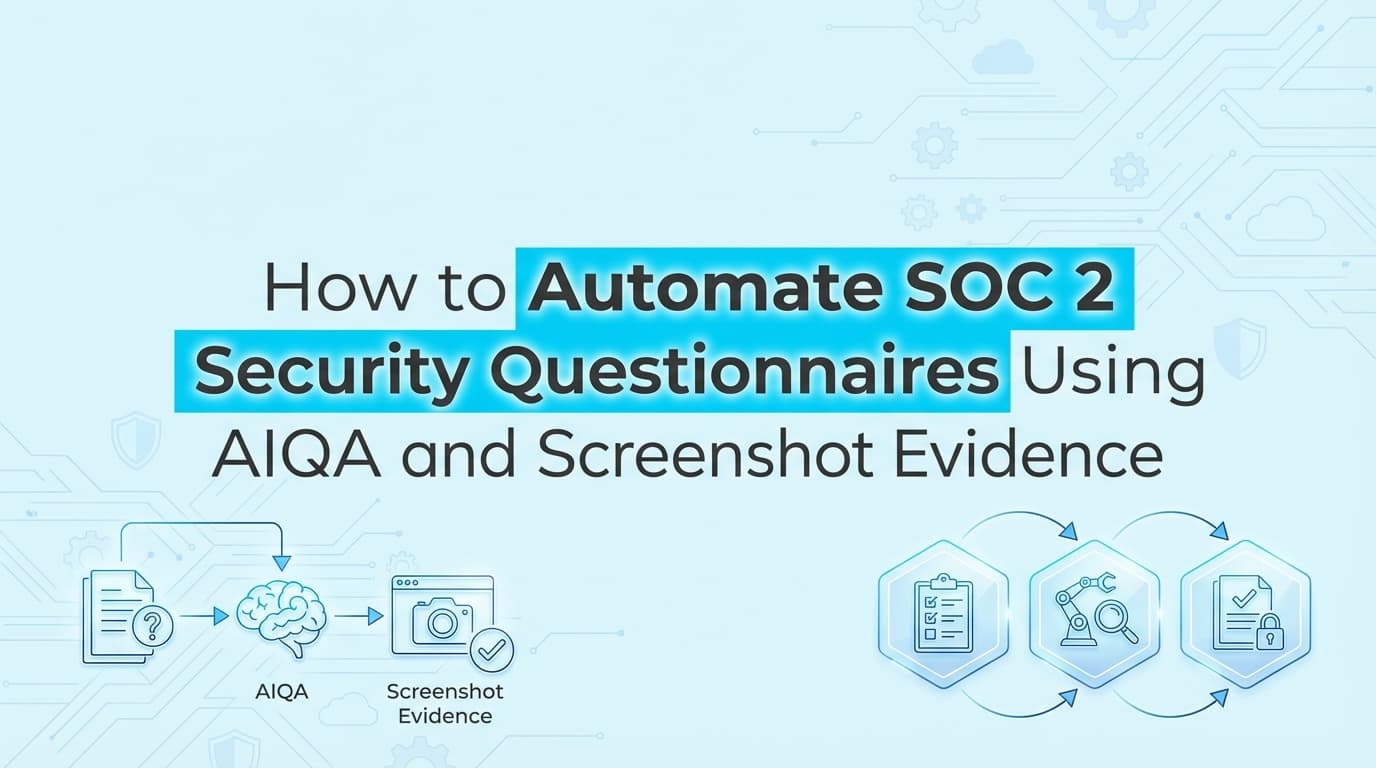
How to Automate SOC 2 Security Questionnaires Using AIQA and Screenshot Evidence
SOC 2 audits require you to prove your security posture to an auditor, but the real test often comes during the sales cycle. Enterprise buyers send massive spreadsheets demanding documentation of your internal controls. While many teams use GRC platforms for basic monitoring, answering these vendor assessments remains highly manual. You still have to hunt down policies, gather evidence, and attach screenshots to prove your answers.
AI Questionnaire Assistance (AIQA) solves this by using automation to read the incoming questions, search your existing compliance data, and generate accurate responses backed by real artifacts.
What Is AI Questionnaire Assistance (AIQA)?
AI Questionnaire Assistance (AIQA) is a technology that automatically drafts responses to security questionnaires by referencing your company's existing compliance documentation. Instead of a security engineer manually searching through a SOC 2 report or policy wiki, the AIQA tool parses the vendor spreadsheet, finds the relevant internal controls, and writes a contextual answer.
Security questionnaire automation turns a multi-day task into a brief review and approval process. When an enterprise buyer asks how you handle logical access (SOC 2 CC6.1), the AIQA system pulls the exact wording from your access control policy and attaches the required proof.
How Does Security Questionnaire Automation Actually Work?
The mechanics of AIQA rely on connecting an AI agent to your single source of truth for compliance. Here is the typical workflow when a new assessment arrives:
- Ingestion: You upload the vendor's questionnaire, which is usually an Excel file, a CSV, or a link to a third-party procurement portal.
- Context Mapping: The AI reads the questions and maps them to standard framework requirements, like SOC 2, ISO 27001, or the CAIQ (Consensus Assessments Initiative Questionnaire).
- Knowledge Retrieval: The system searches your approved policies, past questionnaire answers, and current control statuses.
- Drafting: The AI writes a specific answer based on your actual practices.
- Evidence Attachment: The tool links relevant documentation or screenshots to back up the claim.
- Human Review: Your team reviews the drafted answers, makes any necessary edits, and exports the final document to return to the buyer.
Where Traditional Vendor Security Reviews Fall Short
Most companies handle security reviews by maintaining a master spreadsheet of past answers. When a new questionnaire arrives, a sales engineer or compliance manager uses Ctrl+F to find similar questions, copies the old answer, and pastes it into the new document.
This manual approach creates significant risk. Policies change. Infrastructure evolves. An answer that was accurate six months ago might be entirely false today.
Traditional GRC tools like Drata or Vanta help by offering Trust Centers, which let you share your SOC 2 report and policies publicly. However, enterprise procurement teams often refuse to accept a generic Trust Center link. They want their specific 200-question spreadsheet filled out.
Where traditional automation stops is at this exact translation layer. A dashboard showing green checkmarks does not help a sales engineer answer a highly specific question about how your CI/CD pipeline handles code reviews (SOC 2 CC8.1). AIQA bridges this gap by translating your live compliance state into the specific format the buyer demands.
Why Do Procurement Teams Still Demand Screenshot Evidence?
Text answers are easy to fake. Anyone can write "we require multi-factor authentication for all systems." Procurement teams and third-party risk assessors know this, which is why they increasingly demand actual proof alongside your answers.
When a vendor asks about your change management process (SOC 2 CC7.2), they want to see the Jira ticket, the GitHub pull request, and the approval workflow. An AIQA system that only generates text is only doing half the job. To fully automate a security review, the system must be able to retrieve and attach the exact screenshots that prove the control is operating effectively.
This is why connecting your AIQA tool to your primary evidence collection system is critical. If the AI can answer the question but you still have to manually log into AWS to take a screenshot of your IAM settings, you are still wasting engineering time.
What Types of Questions Can AIQA Answer Automatically?
Security questionnaires tend to follow predictable patterns. Buyers generally want to know how you protect their data, how you manage your employees, and how you handle incidents.
Here are typical categories an AIQA system handles well:
| Question Category | SOC 2 Mapping | How AIQA Answers It |
|---|---|---|
| Access Control | CC6.1, CC6.2 | Pulls from your logical access policy. Confirms SSO and MFA usage. Attaches a recent user access review export. |
| Incident Response | CC7.3, CC7.4 | Summarizes your incident response plan. Details your SLA for notifying customers of a breach. |
| Data Encryption | CC6.1, CC6.6 | States your encryption standards (e.g., AES-256 at rest, TLS 1.3 in transit). References your cryptography policy. |
| Vendor Management | CC9.2 | Explains how you review your own third-party vendors. Details your annual vendor risk assessment process. |
| Change Management | CC8.1 | Describes your software development lifecycle (SDLC). Confirms separation of duties between development and production environments. |
How Screenata Approaches Questionnaire Automation
Screenata connects directly to your codebase and infrastructure to understand your actual security posture. When a security questionnaire asks how you handle access controls, Screenata does not just look at a generic policy template. It looks at your real configurations, drafts an answer based on how your systems actually work, and attaches the automated screenshots it already collected for your SOC 2 audit. You get accurate, evidence-backed answers without pulling engineers away from product work to fill out spreadsheets.
Learn More About AI Agents for Compliance
For a complete look at how autonomous tools are changing the audit landscape, see our guide on automating SOC 2 evidence collection with AI agents and screenshots, including how AI systems handle complex application-level controls that traditional APIs miss.
Frequently asked questions
- What is AI Questionnaire Assistance (AIQA)?
- AI Questionnaire Assistance (AIQA) is a technology that automatically drafts responses to security questionnaires by referencing a company's existing compliance documentation, policies, and evidence artifacts.
- How does security questionnaire automation work?
- Security questionnaire automation works by ingesting a vendor spreadsheet, mapping the questions to standard frameworks like SOC 2, retrieving relevant answers from approved policies, and drafting a contextual response with attached evidence.
- Why do security questionnaires require screenshot evidence?
- Procurement teams require screenshot evidence because text answers are easy to falsify. Actual proof, such as screenshots of AWS IAM configurations or Jira change management workflows, verifies that the stated controls are actually operating effectively.
Connect and see
See your SOC 2 with your real systems.
Connect GitHub and cloud read-only. Vera shows your control matrix, policy gaps, and prioritized next actions before you commit to anything.