

Compliance
How to Automate SOC 2 Evidence Collection Across AWS, Azure, and GCP
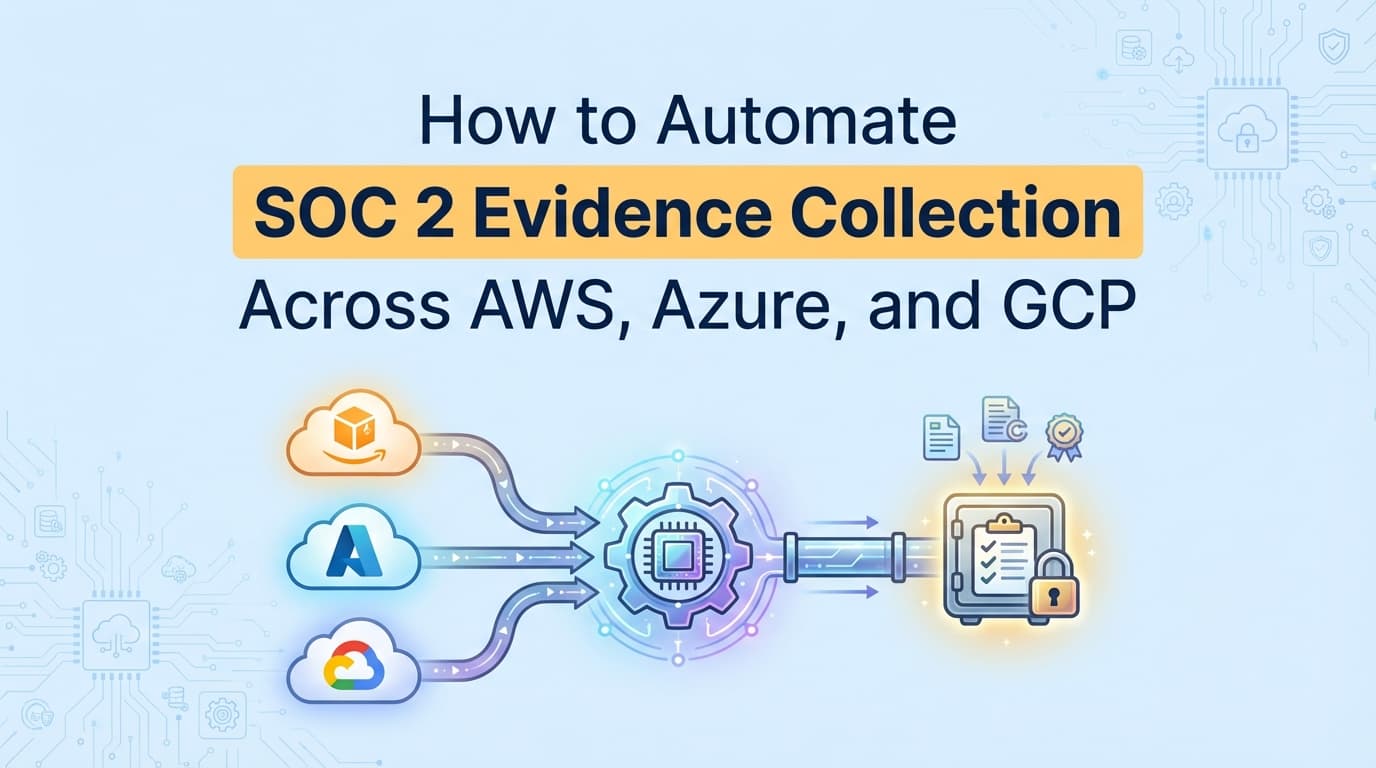
Yes. You can automate SOC 2 evidence collection across multi-cloud environments by centralizing screenshots and API data. This guide explains how to handle cloud integrations for AWS, Azure, and GCP so you stop logging into three different consoles during an audit.
How to Automate SOC 2 Evidence Collection Across AWS, Azure, and GCP
SOC 2 audits are painful enough when your infrastructure lives in one place. Add a multi-cloud strategy, and the pain multiplies. Gathering SOC 2 evidence across AWS, Azure, and GCP usually means spending days logging into different consoles to capture manual screenshots. While many tools handle basic cloud integrations, true automation requires capturing both the API data and the visual proof auditors demand. This guide explains how to standardize and automate your multi-cloud evidence collection so you can stop translating between environments.
What Evidence Do SOC 2 Auditors Actually Require from Multiple Clouds?
Auditors require Information Produced by Entity (IPE) that proves your cloud security configurations match your written policies across every environment that hosts customer data.
If you use AWS for your primary application, Azure for Active Directory, and GCP for data analytics, your auditor will want evidence from all three. They do not care that pulling this data requires different skill sets or CLI commands.
It is important to understand the difference between cloud security posture management (CSPM) and compliance evidence. A CSPM tool scans your environments for open ports and misconfigurations. That is a security function. Compliance evidence is the static, timestamped artifact, like an export of your Azure Entra ID users or a screenshot of your AWS KMS settings, that proves to an auditor that a control was operating effectively during your observation period.
How Do You Map SOC 2 Controls Across AWS, Azure, and GCP?
To centralize your evidence, you first have to normalize the terminology. A common mistake teams make is treating AWS compliance and Azure compliance as completely separate audit tracks. Instead, map the underlying cloud services to the specific SOC 2 Trust Services Criteria.
Here is how common SOC 2 controls translate across the big three providers:
| SOC 2 Control | AWS Service | Azure Service | GCP Service | Evidence Required |
|---|---|---|---|---|
| CC6.1 (Logical Access) | AWS IAM | Entra ID (Active Directory) | Cloud IAM | User lists, MFA enforcement settings, root account security |
| CC6.1 / CC6.2 (Encryption) | AWS KMS / EBS | Azure Key Vault | Cloud KMS | Default encryption toggles, key rotation policies |
| CC7.2 (Audit Logging) | AWS CloudTrail | Azure Monitor | Cloud Audit Logs | Log retention periods, active trail status |
| CC6.6 (Network Security) | VPC Security Groups | Network Security Groups (NSG) | VPC Firewall Rules | Inbound/outbound rule configurations, default deny status |
When your auditor asks for CC6.1 evidence, you need to provide the artifacts from the relevant services in that row.
Where Traditional SOC 2 Automation Stops for Cloud Integrations
Most teams try to solve the multi-cloud problem by buying a GRC platform like Drata or Vanta. These platforms offer cloud integrations that connect to your AWS, Azure, and GCP APIs.
This works well for continuous monitoring. The platform checks a box indicating that encryption is enabled or that MFA is active. But where this approach falls short is the audit walkthrough.
APIs automate the monitoring, but they do not automate the visual evidence collection. When an auditor is validating your IPE, they frequently ask to see the actual configuration screen in the console to verify that the API data matches reality. They want to see the root user login settings, the specific firewall rule logic, or legacy accounts that the API might have missed.
If your tooling only provides JSON logs and a green checkmark on a dashboard, you will still end up logging into three different consoles to take screenshots manually.
What Does Manual Evidence Collection Look Like for Multi-Cloud?
If you are doing this without visual automation, standardizing your evidence is a highly manual process. For a single access control requirement, the workflow looks like this:
- Log into the AWS Console. Navigate to IAM. Export the credential report. Take a screenshot of the MFA enforcement policy, ensuring the URL bar, timestamp, and your user context are visible.
- Log into the Azure Portal. Navigate to Entra ID. Export the active user list. Take a screenshot of the Conditional Access policies enforcing MFA.
- Log into the GCP Console. Navigate to IAM & Admin. Export the member list. Take a screenshot of the identity provider settings.
- Manually stitch these exports and screenshots into a single PDF, add a cover page explaining how they map to CC6.1, and upload it to your auditor's portal.
This wastes engineering hours and introduces the risk of evidence decay. If you capture your AWS evidence on Monday but don't get around to GCP until Friday, your timestamps are misaligned, which can trigger auditor questions about consistency.
How AI Agents Automate Multi-Cloud Evidence Collection
Instead of manually navigating three different UIs, you can use workflow automation to standardize the process.
Screenata connects to your cloud environments and acts like a human compliance analyst. Rather than just pulling a JSON status via API, it navigates the actual UI of your AWS, Azure, and GCP consoles. It captures the required screenshots, validates the configurations, and packages the visual proof alongside the raw data.
This normalizes your evidence. Whether a control lives in Azure or GCP, the output your auditor receives is a consistently formatted PDF evidence pack. You get the visual proof the auditor wants without pulling your DevOps engineers away from their actual work to take screenshots of security groups.
Essential Cloud Evidence Checklist for SOC 2
Regardless of how you collect it, make sure you have these five artifacts from every cloud provider in your stack:
- Root/Global Admin MFA Status: Visual proof that the highest-privileged accounts require multi-factor authentication.
- Active User Inventory: A complete list of users with access to the production environment, matching your HR roster.
- Audit Log Configuration: Proof that CloudTrail, Azure Monitor, or GCP Audit Logs are enabled globally and cannot be tampered with.
- Database Encryption Settings: Screenshots showing that encryption at rest is enabled by default for RDS, Azure SQL, or Cloud SQL.
- Public Access Blocks: Evidence that S3 buckets, Blob Storage, or Cloud Storage buckets are blocked from public access at the account level.
Stop treating your multi-cloud architecture as three separate audits. By mapping your controls correctly and automating the visual evidence capture, you can satisfy your auditor's IPE requirements in a fraction of the time.
Learn More About SOC 2 Evidence Automation
For a complete look at eliminating manual tasks across your entire stack, see our guide on automating SOC 2 evidence collection, including how to bridge the gap between API monitoring and the visual artifacts your auditor expects.
Frequently asked questions
- What evidence do SOC 2 auditors require from multiple clouds?
- Auditors require Information Produced by Entity (IPE) that proves your cloud security configurations match your written policies across every environment. This includes IAM user lists, MFA enforcement proof, and encryption settings from AWS, Azure, and GCP.
- How do you map SOC 2 controls across AWS, Azure, and GCP?
- You map controls by identifying the equivalent service in each cloud. For example, SOC 2 CC6.1 (Logical Access) maps to AWS IAM, Azure Entra ID, and GCP Cloud IAM. You must provide evidence for all three if they host in-scope customer data.
Connect and see
See your SOC 2 with your real systems.
Connect GitHub and cloud read-only. Vera shows your control matrix, policy gaps, and prioritized next actions before you commit to anything.