

Compliance
Automating Multi-Framework Control Mapping for SOC 2, ISO 27001, and HIPAA
Yes. You can map a single piece of screenshot evidence to satisfy SOC 2, ISO 27001, and HIPAA requirements simultaneously. This guide explains how multi-framework compliance works, which controls overlap, and how to automate evidence collection so you don't capture the same data three times.
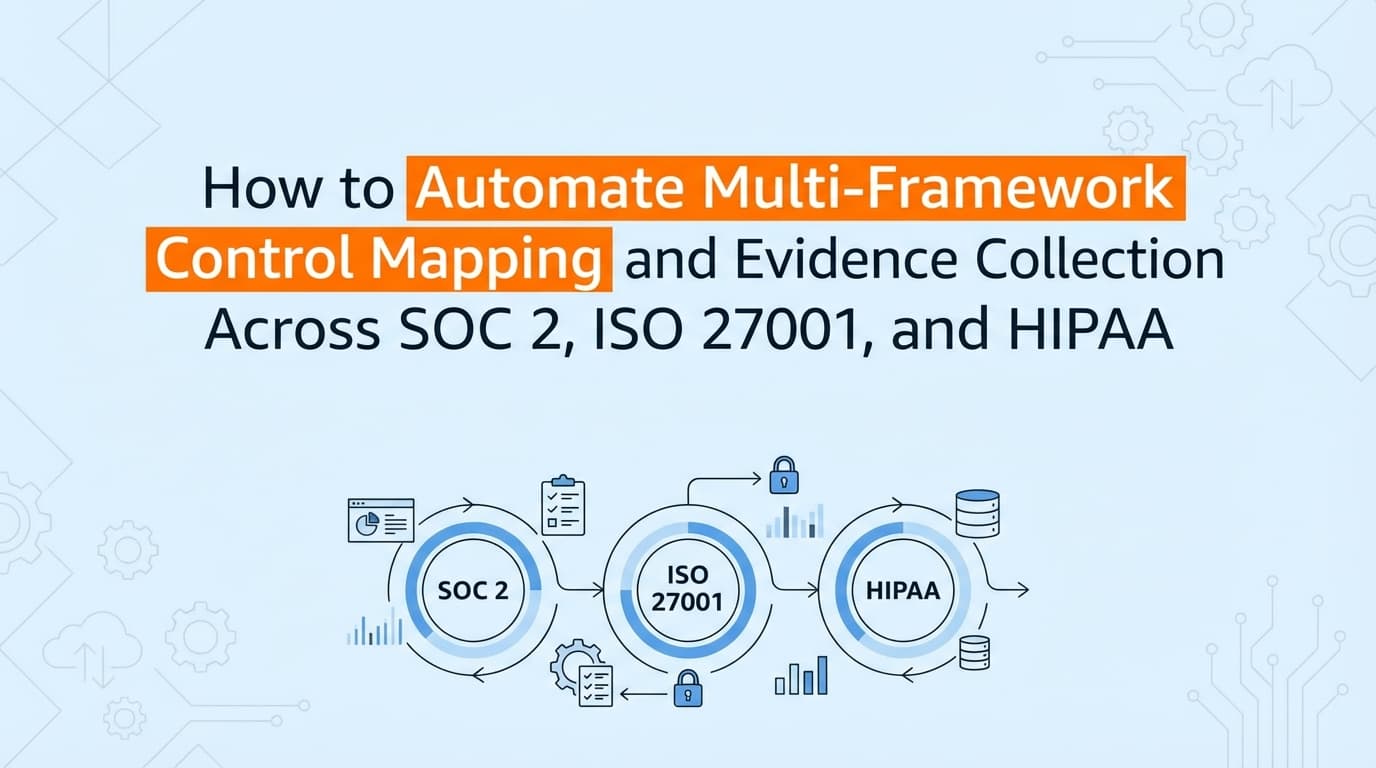
If you are pursuing SOC 2, ISO 27001, and HIPAA, you are probably dreading the audit overlap. Gathering evidence for one framework is painful enough. Doing it three times is a massive drain on engineering resources.
The good news is that multi-framework compliance does not mean triple the work. You can use control mapping to satisfy multiple frameworks with a single artifact. But while many tools handle the policy side, capturing the actual application screenshots or documentation remains heavily manual. Automating this multi-framework evidence collection ensures you only test a control once, and the resulting proof automatically applies to every relevant standard.
What Is Multi-Framework Control Mapping?
Multi-framework control mapping is the process of linking a single security control to the specific requirements of different compliance standards. Instead of treating SOC 2, ISO 27001, and HIPAA as isolated projects, you define a baseline set of internal controls, test them once, and apply the evidence to all three frameworks.
For example, enforcing multi-factor authentication (MFA) is a universal security best practice. SOC 2 requires it under Logical Access. ISO 27001 requires it under Information Security. HIPAA requires it under Technical Safeguards. Control mapping allows you to capture one artifact proving MFA is active and file it against all three requirements.
Which Controls Overlap Across SOC 2, ISO 27001, and HIPAA?
The core security principles across major frameworks are nearly identical. They just use different terminology and numbering systems.
Here is how common operational controls map across the three frameworks:
| Control Category | SOC 2 Criteria | ISO 27001 (Annex A) | HIPAA Safeguard | Required Evidence |
|---|---|---|---|---|
| Logical Access & MFA | CC6.1 | A.5.15 (Access Control) | §164.312(a)(1) | Identity provider configurations, admin panel user lists, MFA enforcement settings. |
| Change Management | CC8.1 | A.8.32 (Change Management) | §164.308(a)(8) | Pull request approvals, deployment logs, Jira ticket workflows. |
| Audit Logging | CC7.2 | A.8.15 (Logging) | §164.312(b) | SIEM configurations, log retention settings, application audit trails. |
| Vulnerability Management | CC7.1 | A.8.8 (Tech Vulnerabilities) | §164.308(a)(5)(ii)(B) | Penetration test results, vulnerability scanner configurations, patch logs. |
| Data Encryption | CC6.1 | A.8.24 (Cryptography) | §164.312(a)(2)(iv) | Database encryption settings, TLS configurations, key management policies. |
Honestly, most teams overthink this overlap. An auditor evaluating SOC 2 and an assessor evaluating ISO 27001 are looking for the exact same fundamental proof: does the control operate as designed?
How Do You Reuse Screenshot Evidence Across Different Audits?
You reuse evidence by ensuring the artifact contains enough context to satisfy the strictest framework in your scope.
If you take a screenshot of an AWS IAM console showing MFA enforced, you do not need to take a separate screenshot for your HIPAA assessor. You simply tag that single file with CC6.1, A.5.15, and the HIPAA access control ID.
To make a single screenshot work across multiple audits, it must include:
- A clear system timestamp: Your computer's clock or the application's internal timestamp must be visible to prove the evidence falls within the specific observation period for each audit.
- The full application context: Do not heavily crop the image. The auditor needs to see the URL bar or application window to verify which system is being tested.
- The specific configuration: The toggle, setting, or user list must be clearly visible and readable.
In practice, auditors care about timestamps and clear context. If the population is accurate and the date is valid, the evidence works regardless of which framework you initially collected it for.
Where Traditional GRC Control Mapping Falls Short
Platforms like Drata, Vanta, and Secureframe are excellent at mapping policies and infrastructure APIs. They will show you a dashboard indicating that your password policy satisfies both SOC 2 and ISO 27001.
But when it comes to application-level evidence, traditional automation stops.
If you have a custom internal admin panel, a legacy healthcare application that lacks APIs, or a highly specific manual deployment process, you cannot rely on an API integration to pull the data. You still have to manually capture screenshots. You end up with a beautifully mapped compliance dashboard, but your engineering team is still wasting days taking screenshots of user permission tables to satisfy the auditor.
A dashboard that says "Mapped to HIPAA" is useless if the actual evidence file attached to that control is an outdated, manually uploaded image that fails the completeness and accuracy check.
How to Automate Evidence Collection for Multi-Framework Compliance
To actually solve the multi-framework problem, you have to automate the visual evidence layer.
Screenata handles this by deploying AI agents that connect to your environment and actively collect the visual evidence. It captures the required screenshots during control tests, validates the timestamps, and automatically maps that single piece of evidence to your SOC 2, ISO 27001, and HIPAA requirements.
Instead of paying a consultant to cross-reference spreadsheets and manually duplicate files across different audit folders, the platform acts as your compliance officer. It knows that a screenshot of your GitHub branch protection rules satisfies CC8.1 and A.8.32 simultaneously. It captures the workflow once and drops the validated artifact into the respective audit-ready PDF packs.
What used to take a full week of cross-referencing controls and organizing folders now happens instantly in the background. You test once, and you are ready for three different auditors.
Learn More About Continuous Compliance
For a complete guide to maintaining audit readiness across multiple standards, see our guide on continuous compliance evidence collection across SOC 2, ISO 27001, HIPAA, and CMMC, including how to move from annual manual scrambles to always-on control monitoring.
Connect and see
See your SOC 2 with your real systems.
Connect GitHub and cloud read-only. Vera shows your control matrix, policy gaps, and prioritized next actions before you commit to anything.