

Compliance
How to Automate ISO 27001 Annex A Evidence Collection with Screenshots
ISO 27001 auditors require specific evidence for every Annex A control in your Statement of Applicability. This guide explains how to automate ISO 27001 evidence collection using screenshots to capture application-level workflows that traditional tools miss.
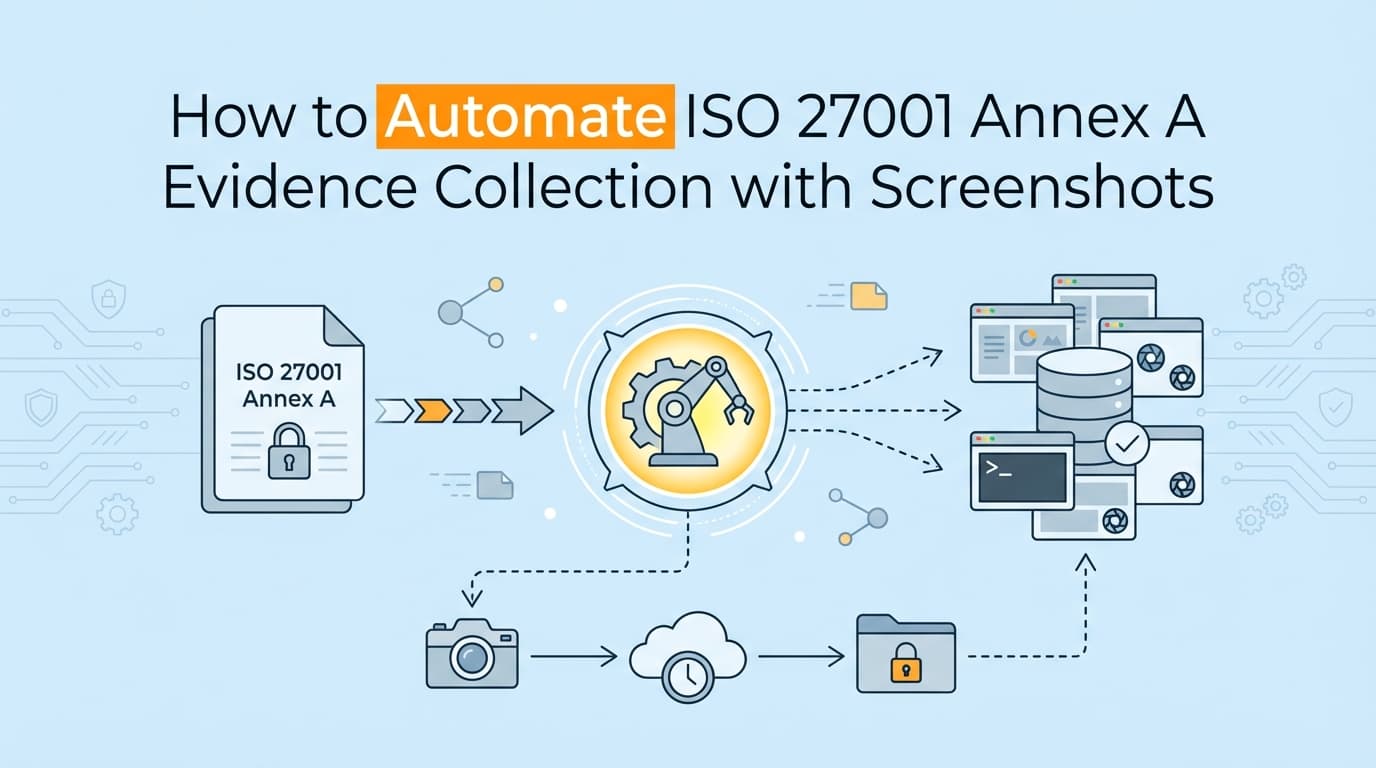
How to Automate ISO 27001 Annex A Evidence Collection with Screenshots
ISO 27001 certification audits demand evidence for every applicable Annex A control in your Statement of Applicability (SoA). Traditional GRC tools automate policy management and basic infrastructure checks, but they leave application-level control documentation to manual collection. Automating ISO 27001 evidence collection ensures your ISMS is actually audit-ready when the assessor arrives. By automatically capturing screenshots of access reviews, configuration settings, and change management workflows, you can replace the frantic pre-audit scramble with a continuous, verifiable evidence trail.
Getting through an ISO 27001 audit is fundamentally different from a SOC 2 assessment. While SOC 2 is a reporting framework that evaluates whether your controls meet specific Trust Services Criteria, ISO 27001 is a certification standard that evaluates your entire Information Security Management System (ISMS).
But once the auditor moves past the management clauses (Clauses 4-10) and begins testing your Annex A controls, the practical requirements look very similar. They need proof that the security measures you claim to have are actually operating in reality.
What Evidence Do ISO 27001 Auditors Actually Check for Annex A?
ISO 27001 auditors require three distinct types of evidence for Annex A controls: policy documentation, implementation evidence (showing the control is configured correctly), and operational evidence (showing the control works consistently over time).
If your SoA says you restrict access to source code (Control A.8.4), the auditor wants to see the written policy, the actual configuration of your GitHub repository, and a historical sample showing that access was revoked when an engineer left the company.
In practice, this means generating specific artifacts. Auditors will ask for:
- System configurations: Proof of how database encryption, password complexity, and session timeouts are currently set.
- Workflow records: Visual proof of how a change request moves from Jira, gets approved, and merges into production.
- Access matrices: Exports or visual captures showing exactly who has administrative rights in your proprietary back-office tools.
- Audit logs: System-generated logs showing user activity, failed login attempts, and administrative actions.
For standard cloud infrastructure like AWS or Google Cloud, you can pull a lot of this via API. But for your own application, your internal admin panels, and your manual HR processes, the evidence format is almost always a screenshot.
What ISO 27001 Evidence Cannot Be Automated with GRC Tools?
Traditional GRC tools cannot automate evidence collection for custom applications, internal admin panels, or manual workflows that lack API endpoints. They monitor infrastructure but miss the application-level UI where human users actually interact with the system.
If you use a platform like Drata, Vanta, or Secureframe, you know they are highly effective at reading cloud configurations. They will instantly flag if an S3 bucket becomes public or if a new employee hasn't installed their MDM agent.
Where traditional automation stops is at the application layer.
Consider Control A.5.15 (Access control). Your GRC platform can verify that Okta requires MFA. It cannot verify that your custom internal customer support tool restricts Tier 1 agents from exporting bulk user data. There is no API for your proprietary internal tool. To prove that control works, someone on your engineering team has to log in, navigate to the permissions page, take a screenshot, and upload it to the evidence library.
| Evidence Type | API-Based GRC Tools | Visual Evidence Automation |
|---|---|---|
| Cloud Infrastructure (AWS/GCP) | Excellent. Continuous API polling. | Not usually required, though useful for context. |
| SaaS Identity (Okta/Google Workspace) | Strong. Reads user states and MFA status. | Can capture specific admin console configurations. |
| Custom Admin Panels | Blind. No standard API exists. | Excellent. Captures UI state and permission toggles. |
| Complex Change Workflows | Limited. Can check Jira status but misses context. | Strong. Captures the visual link between ticket, PR, and deploy. |
| Legacy On-Premise Systems | Blind. Cannot connect to firewalled systems easily. | Excellent. Captures UI output regardless of underlying architecture. |
This gap forces compliance managers to spend weeks chasing engineers for screenshots before the Stage 2 audit begins.
How Do You Document ISO 27001 Annex A Controls with Screenata?
Screenata automates Annex A documentation by acting as a virtual compliance officer. It reads your codebase to understand your systems, generates policies grounded in reality, and captures timestamped screenshots of your UI to prove controls are operating effectively.
Instead of writing a generic access control policy and then trying to force your engineering team to follow it, Screenata reverses the process. It looks at how your GitHub and AWS environments are actually configured, writes a policy that matches your reality, and then continuously collects the visual evidence needed to prove you are following that policy.
Here is how this applies to specific Annex A control categories.
Documenting A.5 Organizational Controls
Organizational controls deal heavily with policies, asset management, and access control.
For A.5.15 (Access control) and A.5.18 (Access rights), auditors want to see the principle of least privilege in action. Screenata handles this by navigating through your application's administrative interfaces and capturing the permission configurations. If you have a multi-tenant SaaS application, it records the exact workflow a super-admin takes to provision a new tenant, capturing the UI elements that restrict cross-tenant access.
Documenting A.8 Technological Controls
Technological controls are where the bulk of technical evidence gathering happens.
For A.8.9 (Configuration management), auditors need to verify that your systems are hardened according to a standard baseline. Screenata captures the actual configuration screens in your deployment tools.
For A.8.32 (Change management), the auditor will select a sample of recent deployments and ask for the complete history. Screenata automates this by visually tracking the lifecycle of a change. It captures the Jira ticket approval, the GitHub pull request showing the required reviewer checkmarks, and the final deployment status. It packages these discrete visual elements into a single, chronologically ordered PDF evidence pack.
Do Auditors Accept AI-Generated Screenshots for Certification?
Yes. Auditors accept automated screenshots as long as they contain clear timestamps, show the relevant system context, and maintain a reliable chain of custody.
There is a common misconception that an auditor wants to see a human being physically pressing Command + Shift + 4. They don't. The auditor's job is to verify completeness and accuracy (often referred to as IPE, or Information Produced by the Entity).
When Screenata captures a workflow, it generates a standardized evidence pack. This pack includes:
- The date and time of the capture
- The specific Annex A control ID being tested
- The step-by-step visual progression of the test
- Uncropped screenshots showing the full system context (including system clocks and URLs)
Honestly, most auditors prefer this format. A structured PDF with clear metadata is significantly easier to review than a disorganized folder of randomly named JPEGs uploaded by five different engineers. It removes the back-and-forth questioning about what a specific screenshot is actually trying to prove.
How Does Visual Evidence Impact Stage 1 vs Stage 2 Audits?
Stage 1 is a documentation review where auditors check your ISMS design. Stage 2 is the actual certification audit where they test control effectiveness. Automated evidence collection is primarily valuable for passing the Stage 2 audit.
During Stage 1, the auditor is looking at your SoA, your risk assessment, and your written policies. They are verifying that your management system makes sense on paper. You can pass Stage 1 without showing a single screenshot of a database configuration.
Stage 2 is where the friction happens. The auditor will sit down and say, "Your access control policy says you review user permissions quarterly. Show me the evidence for the last three quarters."
If you rely entirely on manual collection, and someone forgot to take those screenshots six months ago, you have a major non-conformity. You cannot retroactively generate a screenshot of what a user's permissions looked like in the past.
By deploying AI agents to capture these workflows continuously, you build a historical archive of operational evidence. When the Stage 2 auditor asks for the Q2 access review, you simply hand over the automated evidence pack generated during that period.
Moving Away from the Consultant Dependency
ISO 27001 is particularly notorious for this because the standard is abstract. It tells you to "manage technical vulnerabilities" (A.8.8) but doesn't tell you exactly what evidence will satisfy an auditor.
Screenata bridges this gap by acting as the expertise layer. It doesn't just tell you a control is failing; it tells you what the auditor expects to see, writes the documentation based on your actual infrastructure, and then goes out and collects the visual proof. For startups and mid-market teams that cannot afford to pull their CTO off product development to take screenshots of admin panels, this consolidation of platform and expertise is the only way to make ISO 27001 certification economically viable.
Learn More About ISO 27001 Certification Evidence Automation
For a complete view of assessment preparation, see our guide on automating ISO 27001 evidence collection, including how visual capture integrates with your broader compliance strategy and reduces the time required to achieve certification.
Connect and see
See your SOC 2 with your real systems.
Connect GitHub and cloud read-only. Vera shows your control matrix, policy gaps, and prioritized next actions before you commit to anything.