

Compliance
How to Automate HITRUST r2 Access Control Evidence with Screenshots
HITRUST r2 assessments require technical evidence for access controls across multiple CSF control domains. This guide explains how to automate HITRUST r2 access control evidence collection with screenshots, what assessors actually look for, and where traditional GRC tools fall short.
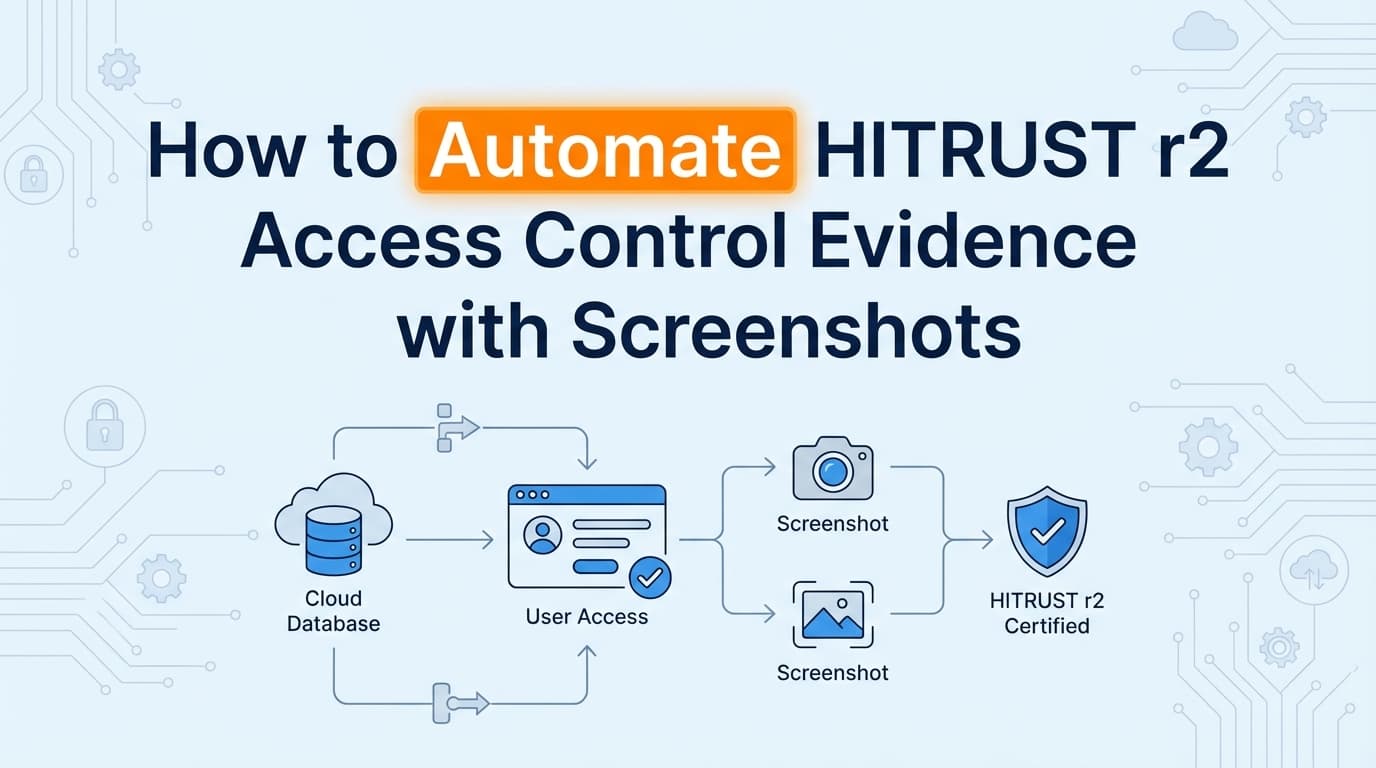
HITRUST r2 assessments demand exhaustive evidence across all 19 CSF control domains, and access control is consistently the heaviest lift for engineering teams. Proving identity management works isn't just about handing over a policy document. Assessors want technical proof of implementation. This means collecting screenshots of user directories, role configurations, and MFA settings for every system in scope. While some of this data lives in APIs, automating HITRUST r2 access control evidence collection often requires capturing the actual user interface. This guide covers exactly what documentation you need for access controls, what assessors expect to see, and how automation replaces manual screenshot gathering.
What Evidence Do HITRUST Assessors Require for Access Controls?
Assessors evaluate HITRUST controls against a maturity model. For access controls, having a written policy (Level 1) and documented procedures (Level 2) gets you in the door. But to pass the assessment, you need technical proof of implementation (Level 3).
For access controls and identity management, assessors look closely at Domain 01 (Access Control). They expect visual proof that logical access is restricted based on the principle of least privilege.
Here is what that looks like in practice for specific CSF controls:
01.b User Registration You need to prove your onboarding workflow is followed. Assessors will sample new hires and ask for the Jira or ServiceNow ticket showing the access request and manager approval. They will then want a screenshot of that user's profile in your identity provider (like Okta or Entra ID) showing they were placed in the correct security group.
01.c Privilege Management Administrator access must be tightly controlled. You will need to provide screenshots of your admin groups showing exactly who has elevated privileges. Assessors will cross-reference this list against your organizational chart to verify that only authorized personnel have admin rights.
01.s Information Access Restriction This control requires proof of Role-Based Access Control (RBAC). Assessors want to see the configuration matrix in your actual applications. If your policy says "billing users cannot access clinical data," you need to provide a screenshot of the permission settings in your application showing that the billing role lacks read access to the clinical data module.
How Do You Prove Identity Management for a HITRUST Assessment?
Identity management is about the lifecycle of a user account. Assessors will test your environment by selecting a sample of users who joined, moved, or left the company during the assessment period.
You must provide technical evidence for the following events:
- Global MFA Enforcement: A screenshot of your identity provider's administrative console showing that multi-factor authentication is required for all users, with no unauthorized exceptions.
- Offboarding SLAs: HITRUST is notoriously strict on termination timelines. If your policy states access is revoked within 24 hours of termination, you need a screenshot of the deactivated account showing the exact timestamp of deactivation, paired with the HR termination notice.
- Access Reviews: Evidence that managers periodically review user access lists. This usually requires an export of the user directory and an email or ticketing trail showing the manager approved the current access levels.
In practice, most auditors care more about timestamps and system context than formatting. A screenshot with a clear date, the right control visible in the UI, and the system URL will pass review faster than a beautifully formatted spreadsheet that lacks context.
Where Traditional HITRUST Assessment Automation Falls Short
Many teams purchase a GRC platform expecting it to handle evidence collection automatically. But when it comes to HITRUST access controls, these tools hit a wall.
Where traditional HITRUST assessment automation falls short is its reliance on APIs. Tools like Drata or Vanta connect to AWS, Google Workspace, and Okta via API. They can check if MFA is enabled at the tenant level. However, HITRUST scope often includes legacy healthcare applications, custom internal admin panels, and third-party vendors that lack public APIs.
Additionally, the assessor format problem is real. GRC platforms evaluate API data and display a green checkmark on a dashboard. Assessors cannot independently verify a green checkmark. They frequently reject raw JSON API dumps and explicitly request visual UI screenshots to validate the configuration themselves.
When your GRC tool says "MFA is enabled," the assessor still asks for the screenshot of the admin console showing the enforcement policy. This forces compliance managers to spend weeks manually logging into systems and taking screenshots, completely negating the value of the automation tool.
How Can You Automate HITRUST Access Control Documentation?
To actually automate the evidence collection process for HITRUST, you have to capture what the assessor wants to see: the user interface.
Instead of humans logging into 15 different systems to take screenshots of user lists and RBAC settings, AI agents can navigate the UI. Tools like Screenata handle this by acting as a virtual compliance analyst. You define the systems in scope and the controls you need to prove. The agent logs in, navigates to the admin settings, captures the required screenshots (including the system clock and URL for chain of custody), and formats them into an evidence pack.
This approach covers the systems that APIs miss. If you have a proprietary electronic health record (EHR) module or a custom back-office tool, an AI agent can capture the access control settings exactly as a human would. What used to take a full afternoon of manual screenshot gathering now takes 20 minutes of automated background processing.
This ensures your evidence is consistent, accurately timestamped, and formatted exactly how your HITRUST assessor expects to receive it.
Learn More About HITRUST r2 Certification Evidence Automation
For a complete breakdown of how to handle the manual gaps in your compliance program, see our guide on automating HITRUST r2 evidence collection, including how visual evidence capture satisfies assessor requirements across all CSF domains.
Frequently asked questions
- What evidence do HITRUST assessors require for access controls?
- Assessors require technical proof of implementation (Level 3 evidence) showing that logical access is restricted. This includes screenshots of user directories, role-based access control (RBAC) configurations, and global MFA enforcement settings across all in-scope systems.
- How do you prove identity management for a HITRUST assessment?
- You must prove the entire identity lifecycle. This requires evidence of onboarding approvals, screenshots of group assignments in your identity provider, proof of access reviews, and evidence that terminated employees had their access revoked within the required SLA (often 24 hours).
- Why do traditional GRC tools fail to automate HITRUST access control evidence?
- Traditional GRC platforms rely on APIs, which only cover modern cloud infrastructure. They cannot capture evidence from legacy healthcare applications, custom internal admin panels, or on-premise systems. Furthermore, many HITRUST assessors reject raw JSON API data and explicitly request visual UI screenshots.
Connect and see
See your SOC 2 with your real systems.
Connect GitHub and cloud read-only. Vera shows your control matrix, policy gaps, and prioritized next actions before you commit to anything.