

Compliance
How to Automate HIPAA Administrative and Technical Safeguard Evidence with Screenshots
Yes. You can automate HIPAA administrative and technical safeguard evidence by capturing system screenshots, validating access controls, and generating audit-ready documentation. This guide explains how automated evidence collection works for HIPAA and where traditional tools fall short.
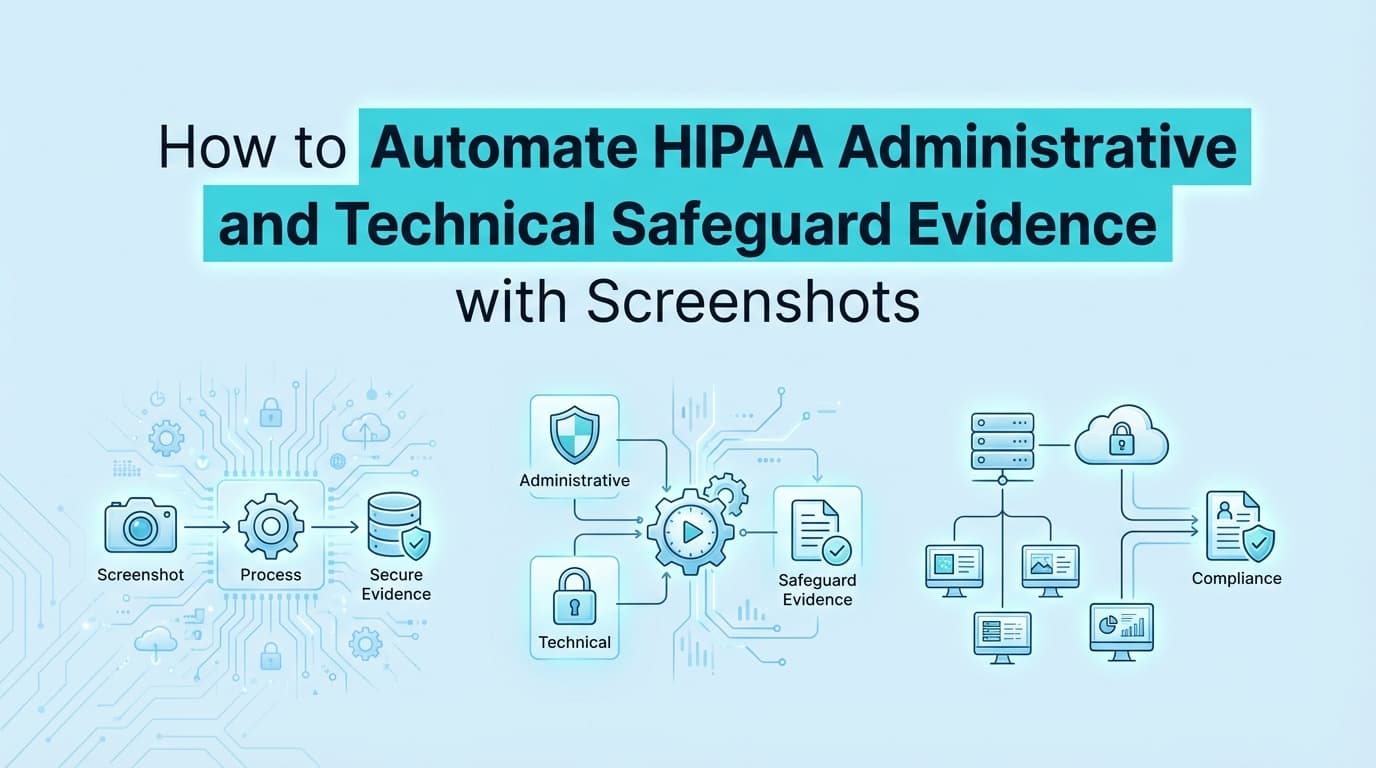
How to Automate HIPAA Administrative and Technical Safeguard Evidence with Screenshots
HIPAA audits require concrete proof that your organization actively protects Protected Health Information (PHI). For most engineering and compliance teams, proving this means collecting evidence for both administrative and technical safeguards. While some of this data can be pulled via cloud APIs, validating application-level access controls, proprietary audit logs, and employee termination workflows still requires manual screenshots.
Automating HIPAA evidence collection solves this bottleneck. By deploying tools that capture exact UI states and system configurations, teams can maintain continuous compliance without pulling engineers away from product development to take screenshots of admin panels.
What Evidence Do HIPAA Auditors Actually Require?
Auditors require visual or system-generated proof that your written policies match your actual technical environment. A policy stating that PHI is restricted is useless without technical evidence showing how that restriction is enforced.
HIPAA breaks these requirements down into distinct categories. For software companies, the two that require the most evidence collection are:
- Administrative Safeguards (§164.308): Proof of people and processes. Auditors want to see evidence of security training, workforce clearance, and termination procedures.
- Technical Safeguards (§164.312): Proof of system controls. This requires evidence of access controls, audit controls, integrity mechanisms, and transmission security.
For both categories, the auditor is looking for a clear chain of custody. If a user is terminated, the evidence must show the termination request, the exact timestamp the account was deactivated, and proof that access to systems containing PHI was revoked.
How Do You Automate HIPAA Technical Safeguards?
Technical safeguards are where engineering teams spend the most time during an audit. You can automate this evidence collection by using workflow recorders that navigate your applications and capture the necessary proof.
Here is how automation applies to specific HIPAA technical requirements.
Access Controls (§164.312(a)(1)) HIPAA requires you to assign a unique name or number for identifying and tracking user identity. To prove this automatically, an evidence collection tool logs into your application, navigates to the user management console, and captures a screenshot showing that individual user IDs are enforced and shared accounts are prohibited. It can also capture the automatic logoff configuration settings.
Audit Controls (§164.312(b)) You must implement hardware, software, or procedural mechanisms that record and examine activity in systems containing PHI. Automated tools can query your database or capture screenshots of your application's internal audit log dashboard, proving that read, write, and delete actions on patient records are tracked with timestamps and user IDs.
Person or Entity Authentication (§164.312(d)) Auditors need proof that the person seeking access to PHI is who they claim to be. Instead of manually taking screenshots of your MFA configuration every quarter, automated evidence tools can trigger a login sequence, capture the MFA prompt, and document the configuration settings in your identity provider (like Okta or Google Workspace).
How Do You Automate HIPAA Administrative Safeguards?
Administrative safeguards govern the human element of PHI protection. The most evidence-heavy requirement here is Workforce Security (§164.308(a)(3)), specifically regarding employee onboarding and offboarding.
When an employee leaves the company, HIPAA requires you to terminate their access to PHI immediately. Automating this evidence requires connecting your ticketing system to your technical systems.
An automated evidence workflow for offboarding looks like this:
- The system detects a "Termination" ticket in Jira or an offboarding event in your HRIS.
- It reads the timestamp of the termination.
- It navigates to your identity provider and captures a screenshot of the user's "Deactivated" status.
- It navigates to your custom admin panel or EHR system and captures a screenshot showing the user's access is revoked.
- It packages these artifacts into a single PDF, proving the administrative policy was followed technically.
This eliminates the scramble to find old Jira tickets and match them to system logs months after an employee has left.
Where Traditional HIPAA Automation Stops
If you are using a standard GRC platform, you might wonder why you still need to capture screenshots for HIPAA. The reality is that traditional compliance automation has a visibility limit.
GRC platforms connect to your cloud infrastructure (AWS, GCP, Azure) via API. They are excellent at verifying that your S3 buckets are encrypted or that your database has backups enabled. This covers the infrastructure side of HIPAA.
However, APIs cannot see inside your proprietary application.
If a doctor uses your SaaS platform to view patient records, the access controls governing that specific view exist in your application code, not in AWS. If your customer support team uses a custom-built admin panel to troubleshoot user accounts, the audit logs for those actions live in your application UI.
Traditional tools cannot automatically capture evidence from custom admin panels, proprietary EHR integrations, or internal tools. Because they lack UI visibility, they generate a task for you: "Upload manual screenshot of application access controls."
Automating the actual screenshot capture bridges this gap, providing visual proof of application-level safeguards that APIs simply cannot reach.
Can HIPAA Evidence Map to SOC 2 and HITRUST?
Yes. If you collect evidence correctly, you rarely need to collect it twice. HIPAA requirements map closely to both SOC 2 and HITRUST r2 controls.
If you automate the capture of your MFA configuration for HIPAA Person Authentication (§164.312(d)), that exact same screenshot satisfies SOC 2 CC6.1 (Logical Access) and HITRUST r2 Control 01.c (Privilege Management).
Likewise, the automated offboarding evidence you gather for HIPAA Administrative Safeguards directly satisfies SOC 2 CC6.2 (User Access Revocation).
The key is organizing the evidence by system rather than by framework. When you automate evidence collection at the system level, you can map those artifacts to any framework your business requires, significantly reducing audit fatigue across your engineering team.
Learn More About Continuous Compliance Evidence Collection
For a complete look at how to unify your audit documentation across multiple frameworks, see our guide on automating continuous compliance evidence collection, including how to reuse visual artifacts across SOC 2, ISO 27001, and HIPAA assessments.
Connect and see
See your SOC 2 with your real systems.
Connect GitHub and cloud read-only. Vera shows your control matrix, policy gaps, and prioritized next actions before you commit to anything.