

Compliance
How to Automate CMMC Level 2 Evidence Collection with Screenshots
CMMC Level 2 assessments require strict documentation across 110 NIST 800-171 practices. This guide explains how to automate CMMC evidence collection using AI agents to capture screenshots and validate controls, reducing the manual prep work required for C3PAO audits.
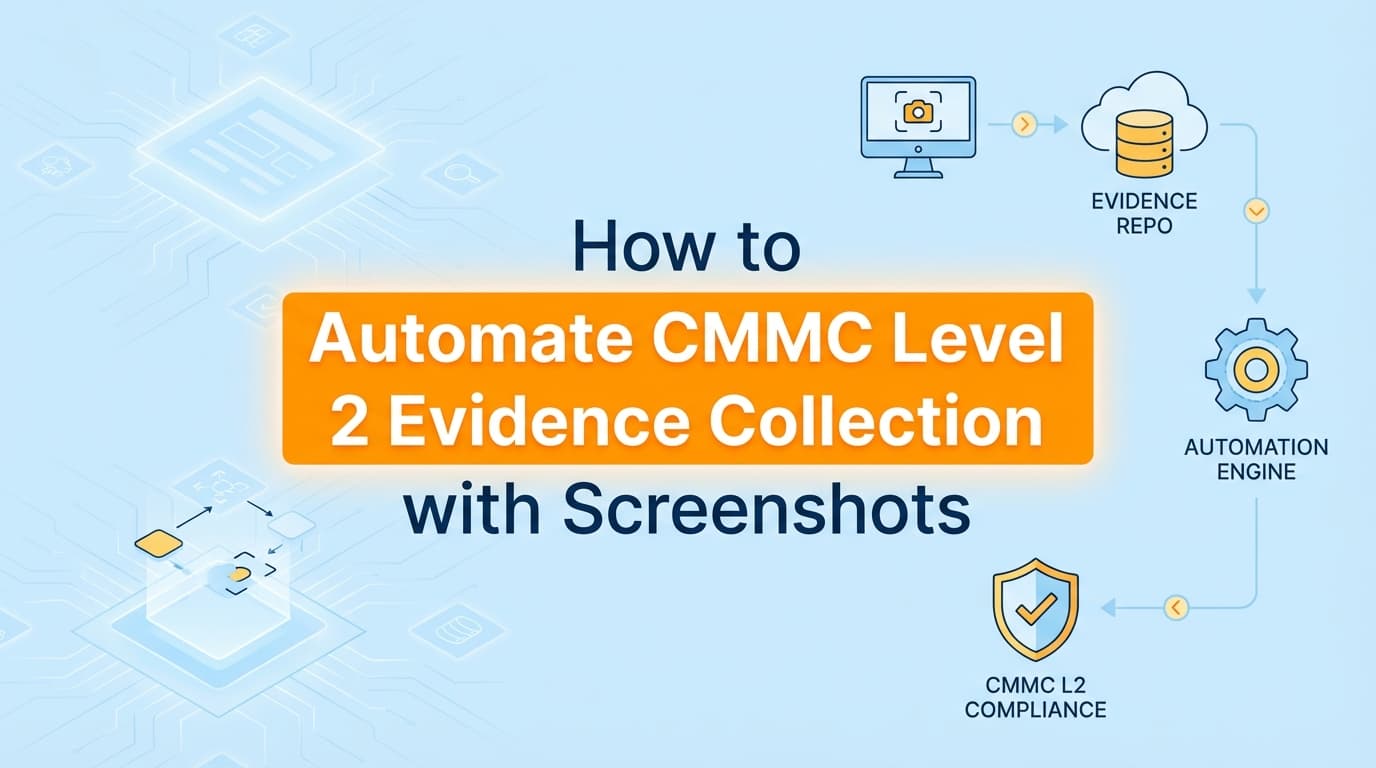
How to Automate CMMC Level 2 Evidence Collection with Screenshots
Preparing for a CMMC Level 2 assessment requires rock-solid evidence for all 110 practices defined in NIST SP 800-171. Assessors do not just take your word for it. They use the "Examine" method to verify your controls, which means they expect specific screenshots, system configurations, and workflow documentation. While basic GRC tools handle policy tracking, the actual automation of CMMC evidence collection has historically been difficult because so many controls live in application UIs and custom administrative panels.
This article breaks down what Certified Third-Party Assessor Organizations (C3PAOs) actually look for, why API-based tools leave gaps in your readiness, and how AI agents can capture the visual proof you need to pass the assessment.
What Evidence Do C3PAO Assessors Require for CMMC Level 2?
To pass a CMMC Level 2 assessment, you must prove that your organization protects Controlled Unclassified Information (CUI). Assessors evaluate your environment using the methodology outlined in NIST SP 800-171A, which relies on three methods: Examine, Interview, and Test.
The "Examine" phase is where most companies fail. It requires explicit, timestamped documentation showing that a control is configured correctly and operating as intended.
For example, to satisfy practice 3.5.3 (Multifactor Authentication), you cannot just hand the assessor a policy document saying you require MFA. You need:
- A screenshot of your identity provider (IdP) configuration enforcing MFA for all users.
- Screenshots showing the user login experience.
- Documentation of how exceptions (like service accounts) are handled and isolated.
To satisfy practice 3.1.12 (Monitor and control remote access sessions), you need visual proof of VPN configurations, session timeout settings, and access logs.
Assessors expect this evidence to be recent, clearly labeled, and directly tied to the specific NIST practice. If your screenshots are cropped poorly, missing timestamps, or taken outside the observation window, the assessor will reject them.
Where Traditional CMMC Assessment Automation Falls Short
Most compliance platforms rely entirely on APIs to check infrastructure configurations. If you use AWS, Azure, or Google Cloud, these tools can ping the cloud provider and verify that encryption at rest is enabled.
But CMMC is far more prescriptive than SOC 2, and APIs cannot capture everything. Here is what traditional GRC platforms miss:
- Application-level workflows: APIs cannot easily prove how a user requests access to a CUI enclave, how a manager approves it in Jira, and how the admin provisions it in a custom internal tool.
- Legacy and on-premise systems: Many defense contractors operate hybrid environments. If a system lacks a modern API, traditional tools mark the control as "manual," leaving you to take screenshots by hand.
- Visual configuration proof: Assessors frequently want to see the actual administrative panel settings for firewalls, endpoint management tools (MDMs), and identity providers. JSON log exports are often rejected because they lack the context of a UI configuration screen.
When your automation tool stops at the API layer, your engineering team ends up spending weeks manually walking through systems, taking screenshots, and pasting them into Word documents to satisfy the C3PAO.
How Do You Automate CMMC Level 2 Screenshot Evidence?
You can automate CMMC evidence collection by deploying AI agents that navigate your systems exactly like a human auditor would. Instead of relying purely on backend APIs, these systems log into your administrative panels, navigate to the relevant settings, and capture the required screenshots automatically.
Screenata acts as an AI Compliance Officer that handles this process. It connects to your environment and performs the specific "Examine" and "Test" steps required by NIST 800-171A.
Here is how the automated collection process works in practice:
- Policy Grounding: Screenata reads your codebase and infrastructure to understand how your systems actually work. It writes your System Security Plan (SSP) based on reality, not a generic template.
- Scheduled Capture: On a continuous basis, the agent navigates your internal tools, cloud consoles, and identity providers.
- Visual Evidence Generation: It captures screenshots of configurations, like your password complexity rules (Practice 3.5.7) or session lock settings (Practice 3.1.10).
- Validation: The system checks the screenshots to ensure they contain the necessary context, timestamps, and visible URLs that C3PAOs demand.
- PDF Evidence Packs: The raw screenshots are compiled into formatted PDF reports, mapped directly to the 110 NIST practices, ready for the assessor to review.
By automating the visual layer of evidence, you eliminate the frantic manual screenshot gathering that usually precedes a C3PAO visit.
Can You Map SOC 2 Evidence to CMMC Level 2?
Yes, but with caveats. If you already have SOC 2 Type 2, you have a head start on CMMC Level 2, but the evidence requirements are not a perfect 1-to-1 match.
CMMC is heavily focused on the protection of CUI, whereas SOC 2 focuses on general security principles.
| SOC 2 Control | CMMC Level 2 (NIST 800-171) Equivalent | Evidence Difference |
|---|---|---|
| CC6.1 (Logical Access) | 3.1.1 & 3.1.2 (Access Control) | CMMC requires strict boundaries around CUI. You must prove non-authorized users cannot access the specific CUI enclave, not just the general network. |
| CC6.6 (Boundary Protection) | 3.1.3 (Information Flow Enforcement) | CMMC requires explicit proof of how data flows between connected systems, often requiring network diagrams and firewall rule screenshots. |
| CC7.2 (Vulnerability Management) | 3.11.2 (Scan for vulnerabilities) | CMMC is highly specific about remediation timelines and the use of FIPS-validated cryptography for protecting the scanning data. |
Screenata helps bridge this gap by reusing the underlying system evidence (like your Okta configuration or AWS IAM settings) and mapping it to the distinct requirements of both frameworks simultaneously. You capture the screenshot once, and the system applies it to both your SOC 2 audit and your CMMC assessment.
Learn More About Continuous Compliance
- How to Automate CMMC 2.0 Level 2 Evidence Collection with Screenshots For a complete look at how to maintain audit readiness across multiple regulatory frameworks, see our guide on automating continuous evidence collection across SOC 2, ISO 27001, HIPAA, and CMMC, including how AI agents eliminate the manual work of cross-mapping controls.
Connect and see
See your SOC 2 with your real systems.
Connect GitHub and cloud read-only. Vera shows your control matrix, policy gaps, and prioritized next actions before you commit to anything.