

Compliance
How to Automate CMMC 2.0 Level 2 Evidence Collection with Screenshots
CMMC 2.0 Level 2 assessments require specific visual evidence and screenshots to satisfy NIST 800-171A objectives. This guide explains how to automate CMMC 2.0 evidence collection for DoD compliance, what C3PAO assessors actually check, and where traditional tools fall short.
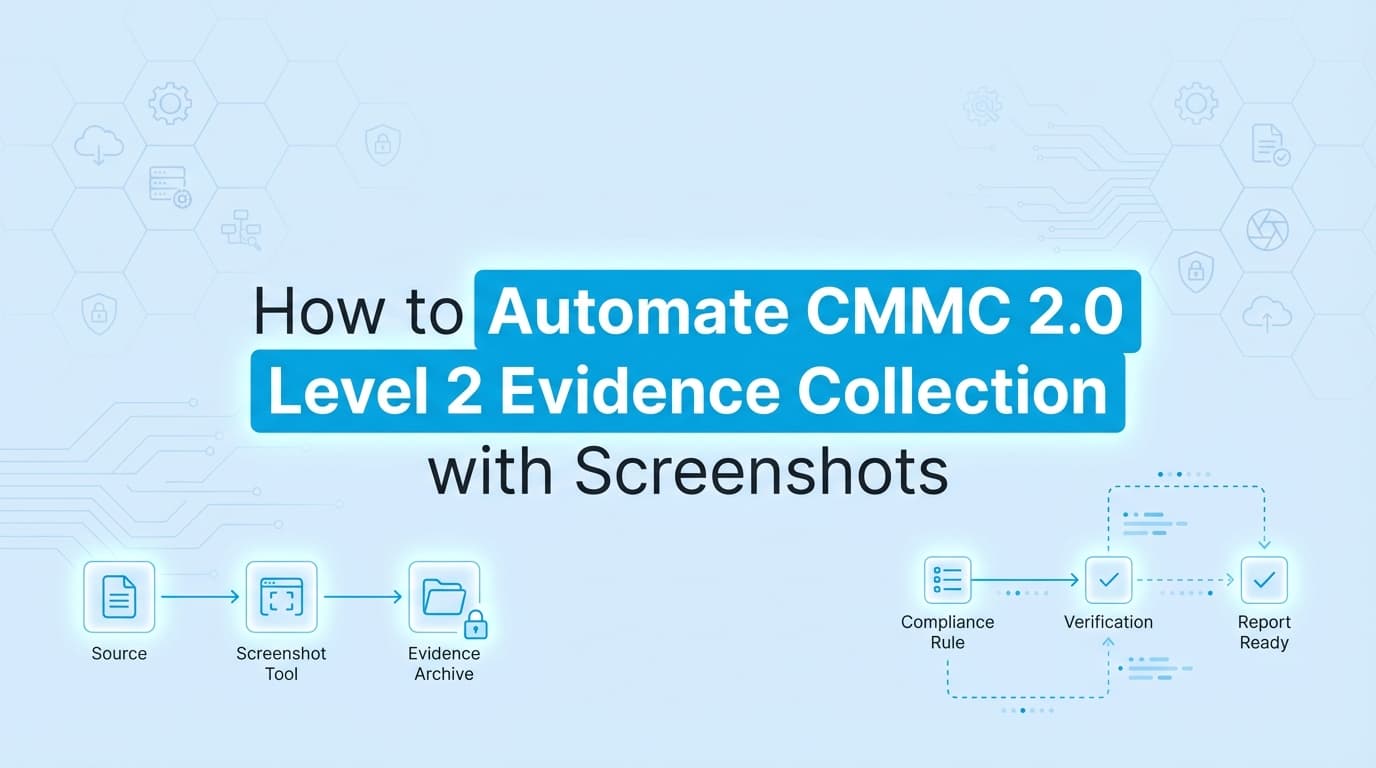
Passing a CMMC 2.0 Level 2 assessment requires more than just written policies. Assessors want proof. They need specific evidence that maps directly to the assessment objectives in NIST 800-171A. While many DoD contractors use GRC platforms to manage their system security plans, collecting application-level screenshots and configuration states usually remains a manual nightmare.
Automating CMMC 2.0 evidence collection solves this. By using tools that capture visual proof, validate settings, and assemble audit-ready documentation, organizations can stop chasing engineers for screenshots and ensure their automation actually satisfies C3PAO requirements.
What Do Assessors Check for CMMC 2.0 Level 2 Evidence?
A Certified Third-Party Assessment Organization (C3PAO) evaluates your environment using three specific methods defined by the DoD compliance guidelines:
- Interview: Talking to your system administrators and security personnel to verify they understand and follow the documented procedures.
- Examine: Reviewing documents, logs, screenshots, and configuration files to verify controls are implemented correctly.
- Test: Actively observing a process or system behavior, like watching an administrator provision a new user account.
Most preparation fatigue happens during the "Examine" phase. This is where your team spends hundreds of hours taking screenshots of active directory groups, firewall rules, and mobile device management (MDM) configurations. Assessors expect these artifacts to have clear timestamps, visible URLs, and obvious contextual proof that the control is operating effectively.
What Is the Difference Between NIST 800-171 and NIST 800-171A?
Honestly, confusing these two documents is the most common mistake organizations make when preparing for CMMC 2.0.
NIST 800-171 lists the 110 security requirements. NIST 800-171A is the assessment guide that tells the auditor exactly how to grade those requirements. You cannot pass an assessment just by reading the core requirements.
For example, look at Access Control requirement AC.L2-3.1.1: Limit system access to authorized users, processes acting on behalf of authorized users, and devices (including other systems).
If you only read NIST 800-171, you might think a single screenshot of your Active Directory dashboard proves compliance. But NIST 800-171A breaks that single requirement down into six distinct assessment objectives:
- [a] Authorized users are identified.
- [b] Processes acting on behalf of authorized users are identified.
- [c] Devices (and other systems) authorized to connect to the system are identified.
- [d] System access is limited to authorized users.
- [e] System access is limited to processes acting on behalf of authorized users.
- [f] System access is limited to authorized devices (including other systems).
Your evidence collection must satisfy every single objective. A C3PAO will ask for screenshots showing user group memberships [a], service account configurations [b], and MAC address filtering or MDM enrollment screens [c].
What Specific Screenshots Satisfy CMMC Access Control Requirements?
To pass the "Examine" phase, you need highly specific visual artifacts. Here is what C3PAOs typically look for across some of the most scrutinized domains.
| CMMC Domain | NIST 800-171 Control | Required Screenshot Evidence |
|---|---|---|
| Access Control | AC.L2-3.1.2 (Transaction limits) | UI captures of role-based access control (RBAC) matrices in your core applications, showing admin panels where permissions are restricted by job function. |
| Configuration Management | CM.L2-3.4.1 (Baseline configuration) | Screenshots of Group Policy Object (GPO) settings, specifically showing enforcement of baseline security settings and FIPS-validated cryptography toggles. |
| Identification & Authentication | IA.L2-3.5.3 (Multifactor authentication) | Screenshots of the identity provider admin console showing the "MFA Enforced" column for all users, plus a visual capture of the actual MFA prompt during a login sequence. |
| System & Communications | SC.L2-3.13.1 (Boundary protection) | Screenshots of firewall rule sets denying default traffic, and AWS/Azure security group configurations showing restricted ingress ports. |
The Sampling Trap: Why One Screenshot Isn't Enough
Assessors do not take your word that a control works globally based on one example. They use sampling.
If you have 200 employees, the C3PAO will ask for a complete list of all users (the population). From that list, they will randomly select a sample, perhaps 15 to 25 users. You must then provide exact, timestamped evidence that those specific 25 users have MFA enabled, belong to the correct security groups, and completed their security awareness training.
Manual screenshot collection breaks down completely under sampling requirements. If an assessor selects 25 users, and you need to prove 4 different access control objectives for each, your engineering team suddenly has to manually capture, crop, and organize 100 screenshots within the audit window.
Automated evidence collection tools handle this by capturing the required UI states systematically across the defined population, organizing the artifacts by user and control ID before the assessor even asks.
Where Traditional CMMC Automation Stops
Many organizations buy a compliance monitoring tool, connect their AWS and Google Workspace APIs, and assume they are ready for their DoD compliance assessment.
APIs are excellent for continuous monitoring. They can tell a dashboard that a setting is currently "true." But C3PAOs often reject API JSON logs as standalone evidence for application-level controls because they lack context.
Where traditional automation stops:
- UI-Level Context: An API might confirm a user exists, but it rarely captures the specific permission checkboxes visible in your proprietary internal admin panel.
- Point-in-Time Proof: Assessors want to see what the system looked like at a specific moment. A live API connection only shows the current state.
- FIPS Validation: Many cloud APIs cannot definitively prove that a specific endpoint is operating in a FIPS-validated cryptographic mode. That usually requires visual proof of the local machine configuration.
Traditional tools automate the policy drafting and the infrastructure checks. They leave the visual "Examine" artifacts entirely up to your engineers.
How to Automate Visual Evidence for NIST 800-171
To bridge the gap between API monitoring and C3PAO expectations, organizations are deploying AI agents and workflow recorders that automate the actual capture of visual evidence.
Instead of assigning Jira tickets to developers asking for screenshots, an automated system logs into the target applications, navigates to the required settings pages, and captures the UI exactly as a human would.
These systems attach critical metadata to every capture:
- The exact timestamp of the capture
- The URL or system path
- A cryptographic hash of the image to prove it was not altered
This creates a tamper-evident chain of custody. When the C3PAO asks for proof of CM.L2-3.4.2 (Enforce configuration settings), you hand them a compiled, hashed PDF containing the exact UI states they need to satisfy the NIST 800-171A objectives. What used to take a full week of engineering time during the assessment window now takes a few minutes of review.
Learn More About SOC 2 Evidence Automation
While CMMC 2.0 has highly specific DoD requirements, the mechanics of automating visual evidence apply universally across modern security frameworks. For a complete look at how this technology replaces manual screenshot collection across different audits, see our guide on automating SOC 2 evidence collection, including how automated artifact capture satisfies strict auditor expectations for completeness and accuracy.
Connect and see
See your SOC 2 with your real systems.
Connect GitHub and cloud read-only. Vera shows your control matrix, policy gaps, and prioritized next actions before you commit to anything.