

Compliance
How Screenata Ensures Accuracy and Traceability in Automated Audit Evidence
Auditors require proof that automated evidence hasn't been tampered with. Screenata ensures accuracy and traceability by capturing immutable metadata, cryptographic hashes, and direct source links for every screenshot and log, creating a verifiable chain of custody that exceeds manual reporting standards.
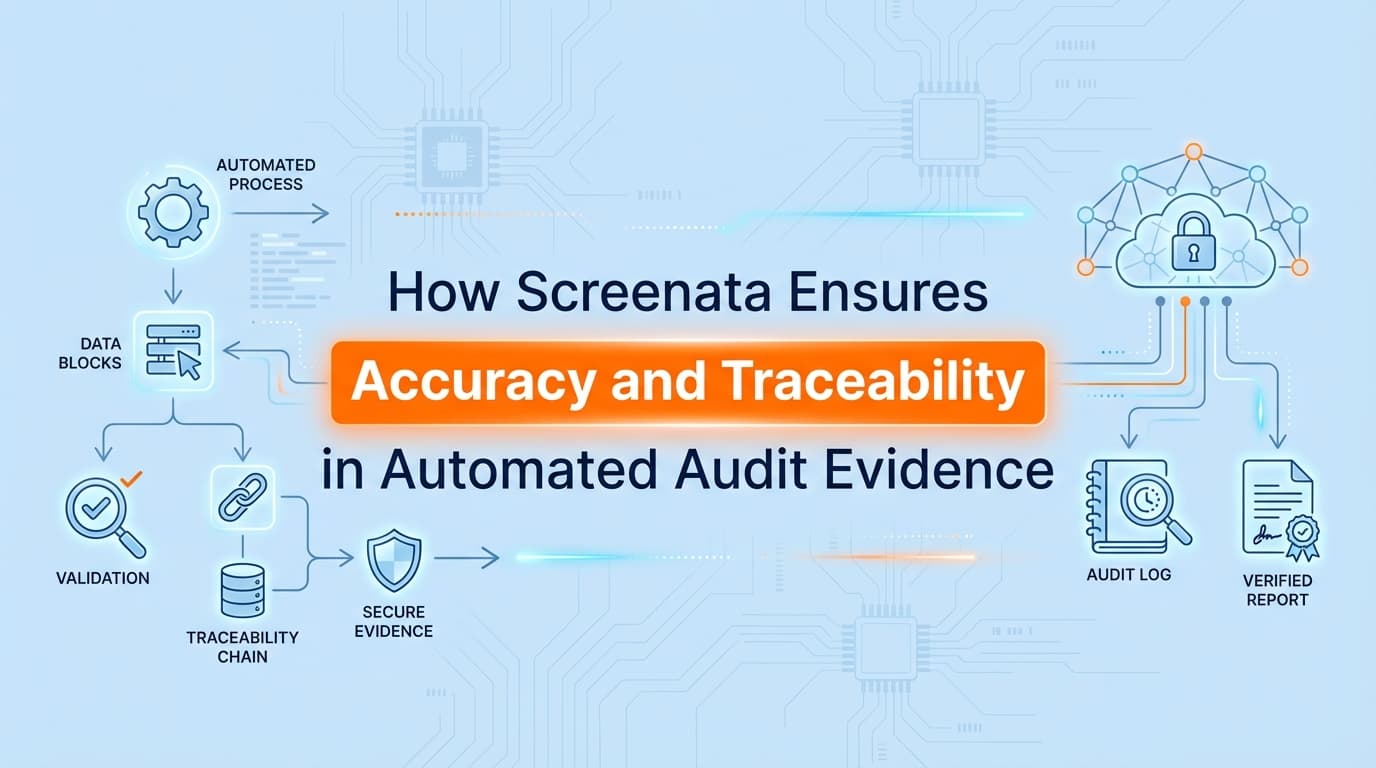
How Screenata Ensures Accuracy and Traceability in Automated Audit Evidence
Trust is the currency of any audit. Whether you are undergoing a SOC 2 examination, an ISO 27001 certification, or a HITRUST assessment, the auditor’s primary job is to verify that the evidence you provide is real, accurate, and complete.
When you hand over a manual screenshot, the auditor relies on your integrity. When you hand over automated evidence, they rely on the system's integrity. This creates a "black box" problem: if a tool generates a report automatically, how does the auditor know it pulled the right data from the right place at the right time?
Screenata solves this by embedding accuracy and traceability directly into the evidence artifact. We don't just capture a picture; we capture the context, the metadata, and the cryptographic proof required to establish a chain of custody.
How Do You Prove Automated Evidence Is Authentic?
Authenticity in automated evidence comes down to three factors: source, time, and integrity.
For an auditor to accept a piece of automated evidence, whether it's a screenshot of an AWS configuration or a log of a pull request, they need to be able to answer these questions without asking you:
- Where did this come from? (Is the URL or API endpoint visible?)
- When was it captured? (Is the timestamp from the system or the local machine?)
- Has it been altered? (Is the file identical to what was captured?)
Screenata addresses this by wrapping every evidence artifact in a metadata layer that persists from the moment of capture to the final PDF report. Unlike a human taking a screenshot (who might crop out the URL bar or forget the system clock), our agents capture the full browser viewport, the underlying HTML DOM elements, and the server-side timestamp simultaneously.
What Metadata Does Screenata Capture for Traceability?
Traceability means an auditor can look at a report and trace a specific control test back to the exact system state that generated it.
Screenata automatically captures and embeds the following metadata for every piece of evidence:
- Source URL: The exact address of the page visited (e.g.,
https://github.com/org/repo/settings/branch_protection_rules). This proves the evidence came from the production environment, not a staging or personal account. - Server Timestamp: The exact time of capture in UTC, synchronized with an NTP server, preventing local clock manipulation.
- User Context: The identity of the service account or API token used to access the system, proving appropriate access rights were used.
- Element Selectors: For specific configurations (like an "Enforce MFA" checkbox), Screenata records the specific HTML element state (
checked=true), not just the visual pixel data. - Browser/User Agent String: Technical details about the capture environment to verify consistency.
This metadata is printed directly onto the evidence PDF. An auditor doesn't need to check a separate log file or trust a database entry; the proof is on the page.
How Does the Chain of Custody Work?
In legal and forensic contexts, "chain of custody" refers to the chronological documentation of the handling of evidence. In compliance automation, it works similarly.
- Capture: The Screenata agent executes a test step (e.g., "Check AWS S3 Bucket Encryption"). It captures the screenshot and the raw JSON response from the AWS API simultaneously.
- Hashing: Immediately upon capture, the file is hashed using SHA-256. This generates a unique digital fingerprint for that specific file.
- Storage: The evidence is stored in write-once storage (WORM compliant) alongside its hash.
- Reporting: When the audit report is generated, the system verifies the stored file against its original hash. If they match, it is included in the PDF.
If a file were modified manually, say, someone tried to Photoshop a failing control to look like a passing one, the hash would no longer match, and the system would flag the evidence as tampered.
Comparison: Where Traditional GRC Tools Lose Traceability
Most GRC platforms (like Drata or Vanta) rely heavily on API connections. While efficient, APIs can sometimes obscure the "ground truth" of what a user actually sees.
| Feature | API-Only GRC Tools | Manual Screenshots | Screenata Automated Evidence |
|---|---|---|---|
| Visual Proof | No (JSON/Text only) | Yes | Yes (Screenshots + DOM data) |
| Source Verification | Opaque (Internal database record) | Low (Dependent on user cropping) | High (URL + API Endpoint logged) |
| Timestamp Reliability | High (System logs) | Low (System clock can be changed) | High (NTP Synced + Immutable) |
| Chain of Custody | Internal logs only | None | Cryptographic Hash (SHA-256) |
| Audit Experience | "Trust the green checkmark" | "Trust the screenshot" | "Verify the evidence pack" |
The gap with API-only tools is that auditors often want to see the configuration panel for critical controls (like CC6.1 Logical Access). A JSON log saying "MFA: Enabled" is good; a screenshot of the Okta admin panel showing the MFA policy applied to the "All Employees" group is better. Screenata provides the latter with the data integrity of the former.
Do Auditors Accept This Evidence for SOC 2 and ISO 27001?
Yes. In fact, many auditors prefer it.
The AICPA (for SOC 2) and ISO accreditors emphasize "Information Provided by the Entity" (IPE). Auditors must validate the accuracy and completeness of IPE.
When you provide manual screenshots, the auditor has to perform additional procedures to validate them, asking you to hop on a Zoom call and show them the screen live to prove the screenshot wasn't faked.
With Screenata's automated reports, the "Completeness and Accuracy" (C&A) check is built-in. The standardized formatting, visible URLs, and timestamp continuity allow auditors to rely on the evidence without needing as many live observation sessions. This reduces the "audit tax", the time you spend in meetings explaining your evidence.
Can Auditors Verify the Integrity of the Reports?
Traceability extends to the final deliverable. Screenata generates evidence packs as secure PDFs.
These PDFs include a summary page linking every control (e.g., SOC 2 CC6.1) to the specific page numbers where the evidence resides. Each page of evidence includes a unique reference ID. If an auditor questions a specific artifact, "Is this user list complete?", you can reference the ID, pull the raw data from Screenata, and show the exact parameters used to generate that list (e.g., filter=active_users, limit=none).
This eliminates the ambiguity of "random screenshots in a Google Drive folder" and replaces it with a structured, professional audit trail that stands up to scrutiny.
Learn More About Compliance Evidence Automation
For a broader look at how automation is changing the audit landscape, see our guide on what compliance evidence automation is and why it is replacing manual collection methods.
Connect and see
See your SOC 2 with your real systems.
Connect GitHub and cloud read-only. Vera shows your control matrix, policy gaps, and prioritized next actions before you commit to anything.