

Compliance
HITRUST e1, i1, and r2 Assessments: Which Do You Need and What Evidence Each Requires
Choosing between HITRUST e1, i1, and r2 assessments depends on your risk profile and buyer requirements. This guide explains the differences, what evidence HITRUST assessors require for each certification, and how to automate documentation collection across CSF control domains.
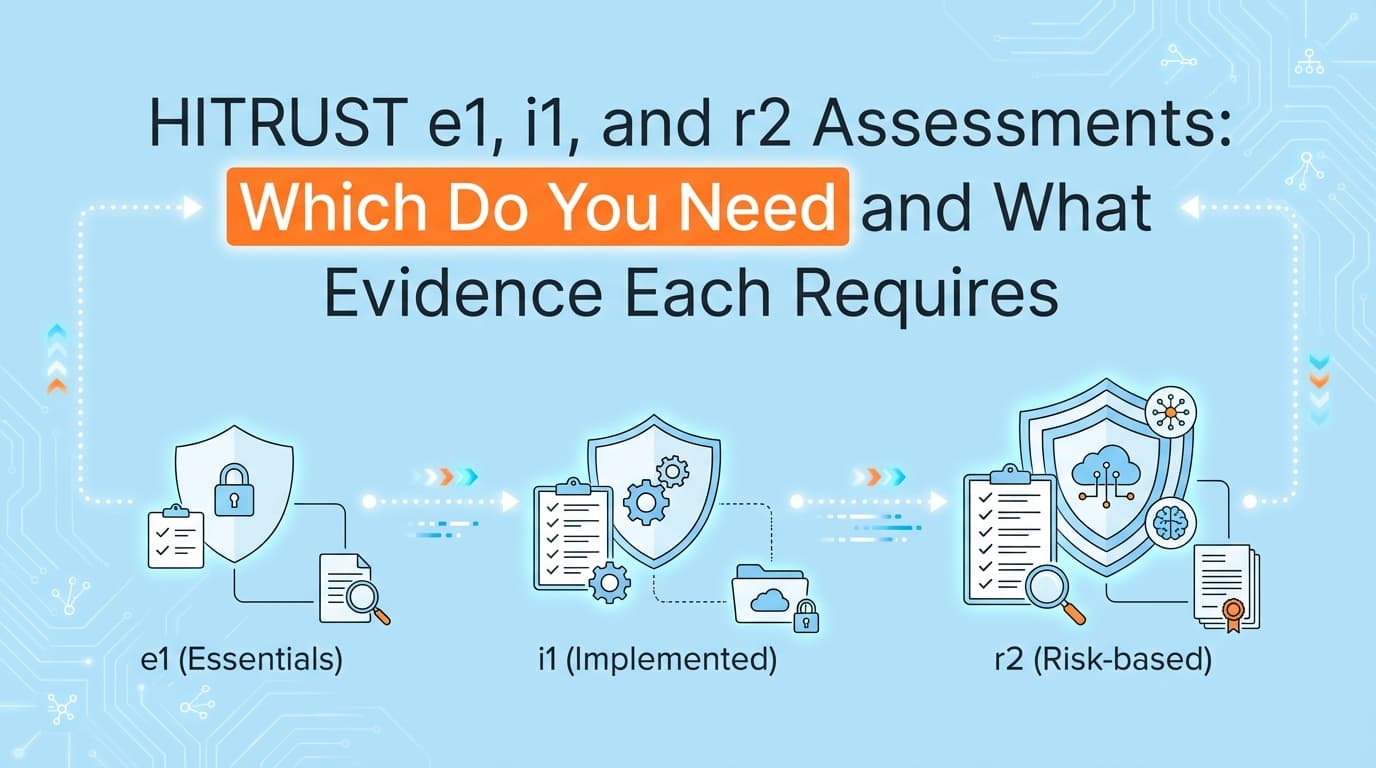
HITRUST r2 assessments require evidence documentation across up to 19 CSF control domains. If you sell software to hospitals, health insurers, or major financial institutions, you will eventually need a HITRUST certification. But the framework gives you three distinct options: the e1, i1, and r2 assessments.
While some infrastructure evidence can be pulled via API, application-level controls still require manual screenshots to prove they actually work. Automating HITRUST evidence collection cuts down assessment preparation time and ensures your proof is formatted exactly how your external assessor expects it.
This guide breaks down which assessment fits your business, what exact evidence you need to pass, and how to handle the documentation burden.
What's the Difference Between HITRUST e1, i1, and r2 Assessments?
The e1 is a basic cybersecurity readiness assessment, the i1 is a standard implemented assessment with a fixed set of controls, and the r2 is a highly customized, risk-based assessment that scales based on your specific organizational complexity.
When HITRUST updated its portfolio, they acknowledged that a 500-control audit is massive overkill for a small vendor handling minimal protected health information (PHI). They split the framework into three tiers.
| Assessment Type | Control Count | Validity Period | Best For | Evidence Focus |
|---|---|---|---|---|
| e1 (Essentials) | 44 controls | 1 year | Low-risk startups, basic vendor screening | Implemented only |
| i1 (Implemented) | 182 controls | 1 year | Mid-market SaaS, standard PHI access | Implemented only |
| r2 (Risk-based) | 200 to 2,000+ controls | 2 years | Enterprise software, major health systems, high-risk data | Policy, Procedure, and Implemented |
You do not have to start at the e1 and work your way up. You can jump straight to the r2 if your enterprise buyers demand it. In practice, most B2B SaaS companies selling into healthcare aim for the i1 first to unblock sales, then graduate to the r2 when they land a massive hospital system that requires the two-year validated assessment.
What Evidence Do HITRUST Assessors Require for Certification?
HITRUST assessors evaluate controls using the PRISMA maturity model. Depending on which assessment you choose, you have to provide different types of evidence.
The e1 and i1 assessments only require you to prove the Implemented maturity level. The r2 assessment requires evidence for Policy, Procedure, and Implemented levels for every single control in your scope.
Here is exactly what assessors look for across those three maturity levels.
Policy Evidence (The "What")
Policy evidence proves that your organization has a formal, management-approved rule regarding a specific security practice. Assessors want to see a PDF or intranet page that clearly states the requirement, who is responsible, and when it was last updated.
If the control is 01.b (User Registration), your policy evidence is the literal paragraph in your Access Control Policy stating that all new accounts require manager approval before provisioning.
Procedure Evidence (The "How")
Procedure evidence proves you have documented the specific steps to execute the policy. Assessors do not want high-level statements here. They want the step-by-step wiki, runbook, or Jira template that an engineer actually follows.
For 01.b, the procedure evidence is the internal Confluence page showing the exact sequence of clicks an IT admin takes to create a new user in your custom admin panel.
Implemented Evidence (The "Proof")
Implemented evidence proves the procedure was actually followed in the real world. This is where the bulk of your audit preparation time goes. Assessors require point-in-time screenshots, system configurations, and workflow records.
For 01.b, the implemented evidence is a screenshot of an approved Jira ticket requesting access, paired with a screenshot of your application's user directory showing that the permissions match the ticket perfectly.
How Do You Automate HITRUST CSF Control Documentation?
You automate HITRUST documentation by using workflow recorders that capture UI screenshots during control tests, validate the visual data against CSF requirements, and generate formatted PDF evidence packs ready for upload to the MyCSF portal.
HITRUST is notoriously rigid about evidence formatting. If you upload a screenshot that is cropped too tightly, missing a system timestamp, or lacking clear context about which system is being displayed, your assessor will reject it. This results in endless back-and-forth emails and delayed certifications.
When you automate this process, you stop relying on engineers to remember the screenshot rules. Tools like Screenata capture the entire workflow, like the process of offboarding a user or reviewing an audit log, and automatically append the necessary metadata. The resulting PDF clearly maps to specific control domains, such as 09.aa (Audit Logging) or 10.m (Control of Technical Vulnerabilities), making the assessor's job incredibly straightforward.
Where Traditional HITRUST Assessment Automation Falls Short
Traditional GRC platforms connect to your cloud infrastructure via API to verify configurations, but they fall short because they cannot capture the application-level UI evidence that HITRUST assessors strictly require.
If you connect a standard compliance tool to AWS, it can automatically prove that your S3 buckets are encrypted or that your RDS instances have backups enabled. That covers a portion of your infrastructure controls.
But HITRUST is a deeply operational framework. Assessors want to see the internal tool where your HR team provisions access. They want the visual proof of your custom backoffice application where customer support agents view user data. They want to see the Jira ticket showing emergency change approval.
APIs cannot capture the UI state of a proprietary application. They cannot take a screenshot of your custom admin panel showing that least-privilege access is enforced. Because traditional automation stops at the cloud boundary, your compliance team is left manually taking hundreds of screenshots to cover the application-level controls. This is the exact gap where automated workflow capture systems step in, recording the visual evidence that APIs miss.
How Does HITRUST Inherit Controls from HIPAA and SOC 2?
HITRUST was originally built to operationalize HIPAA, meaning its control domains map heavily to HIPAA's Administrative, Physical, and Technical safeguards. If you are preparing for a HITRUST assessment, you are simultaneously generating the exact evidence needed to prove HIPAA compliance.
There is also massive overlap with SOC 2. The SOC 2 Trust Services Criteria for Security (specifically the CC6 series for Logical Access and the CC7 series for System Operations) align almost perfectly with HITRUST's Access Control and Security Operations domains.
The evidence is identical. A screenshot proving you conduct quarterly access reviews satisfies SOC 2 CC6.1, HIPAA §164.308(a)(1)(ii)(D), and HITRUST 01.c (Privilege Management). If your automated evidence collection system tags your screenshots correctly, you can reuse the exact same PDF pack across all three audits, provided your observation periods align.
You do not need to collect evidence three separate times. You just need a system of record that understands how one screenshot satisfies multiple frameworks.
Learn More About HITRUST r2 Certification Evidence Automation
For a complete breakdown of how to handle the entire assessment lifecycle, see our guide on automating HITRUST r2 evidence collection, including how to organize your evidence library for the MyCSF portal and reduce your reliance on manual screenshot gathering.
Connect and see
See your SOC 2 with your real systems.
Connect GitHub and cloud read-only. Vera shows your control matrix, policy gaps, and prioritized next actions before you commit to anything.