

Compliance
Compliance as Code: How to Automate Evidence in CI/CD Pipelines
You can automate SOC 2 evidence in your CI/CD pipeline by triggering headless browsers to capture visual UI artifacts after deployments. While traditional DevSecOps tools log infrastructure checks, auditors still require screenshots for application-level controls. This guide explains how to bridge the gap between pipeline logs and audit-ready evidence.
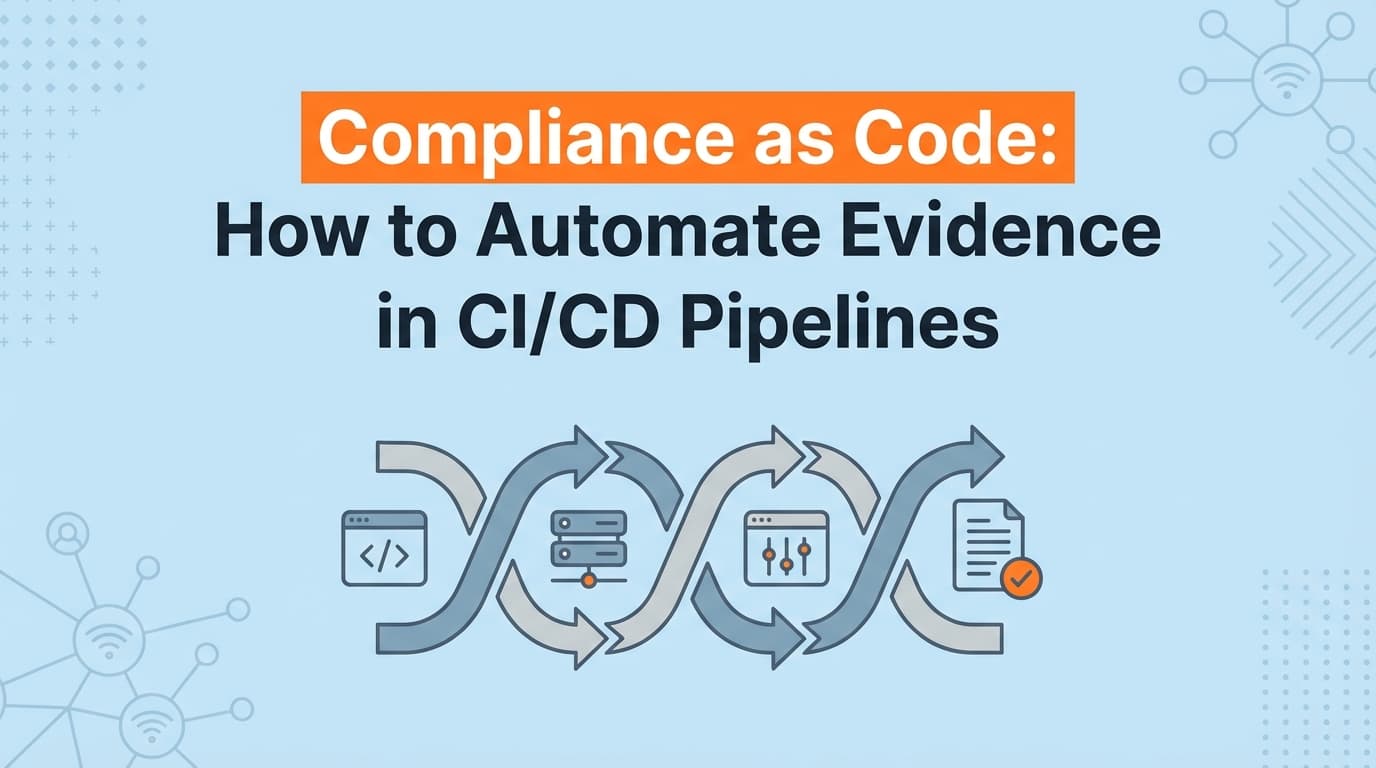
The promise of DevSecOps was supposed to mean the end of manual audit preparation. But if you have a fully automated CI/CD pipeline and you are still taking manual screenshots for your SOC 2 audit, your compliance as code strategy has a gap.
Auditors don't just want to see a passing JSON log from GitHub Actions. They want visual evidence that the application actually enforces the controls you claim it does. Automating SOC 2 evidence collection directly inside your deployment pipeline means turning post-deployment UI verification into a permanent, timestamped artifact.
Here is how to bridge the gap between a passing build and an audit-ready compliance package.
Why "Passing the Build" Isn't Enough for SOC 2 Auditors
In engineering terms, a passing CI/CD pipeline means the code compiled, the tests passed, and the infrastructure was provisioned correctly. In auditing terms, a passing pipeline is just a log entry.
When you sit down with an auditor to review SOC 2 CC8.1 (Change Management), they will ask to see the lifecycle of a specific change. You can show them the pull request approval in GitHub. You can show them the successful GitHub Actions deployment log. But when they ask to see proof that the new password complexity rule is actually active in the production application, a pipeline log won't satisfy them.
Auditors evaluate the "operating effectiveness" of a control. A log proves a configuration was pushed. A visual artifact proves the configuration is active and visible to users. If you rely entirely on backend logs, you will spend the weeks before your audit manually logging into your own application to capture the visual proof your pipeline missed.
Where Traditional DevSecOps Automation Stops
The current approach to compliance as code is heavily biased toward infrastructure. If you use tools like Trivy, Checkov, or OPA (Open Policy Agent), you are successfully scanning your Infrastructure as Code (IaC) for misconfigurations before they deploy.
This is excellent for security, but it only solves half the compliance equation.
GRC platforms like Drata, Vanta, and Secureframe plug into your cloud provider APIs (AWS, GCP, Azure) to verify these infrastructure states continuously. They can automatically prove that your S3 buckets are encrypted or that your database requires a password.
Where traditional DevSecOps and GRC automation stops is at the application layer. APIs read configuration states; they do not render user interfaces. Your GRC tool cannot tell if your custom-built internal admin panel is enforcing role-based access control (CC6.1). It cannot verify what the end-user sees on the login screen. For those application-level controls, teams are forced back to manual screenshot collection.
How Do You Automate Application Evidence in CI/CD?
You automate application evidence by adding a post-deployment verification stage to your pipeline. Instead of running another code scanner, this stage triggers an automated browser to interact with the live application and generate visual artifacts.
Here is the architecture of an evidence-generating pipeline:
- The Trigger: Your CI/CD pipeline (GitLab CI, GitHub Actions, CircleCI) completes a deployment to production. As the final step, it fires a webhook containing the release version and timestamp.
- The Agent: A compliance automation tool like Screenata receives the webhook. It spins up a headless browser, authenticates into your production environment using a dedicated read-only service account, and navigates to the specific UI views tied to your SOC 2 controls.
- The Artifact: The agent captures screenshots of the necessary settings pages, admin panels, or user workflows. It packages these into a PDF with cryptographic timestamps and explicit links to the deployment version.
- The Storage: The artifact is automatically pushed via API into the evidence library of your GRC platform, mapped directly to the relevant control ID.
What used to take an engineer a full afternoon of clicking through the app now happens autonomously every time you merge to the main branch.
What SOC 2 Controls Can You Automate This Way?
Not every control needs visual evidence, but the ones that do are typically the most painful to collect manually. By connecting UI capture to your deployment pipeline, you can automate evidence for several high-friction controls.
| Framework Control | What the Pipeline Automates | Why the Auditor Cares |
|---|---|---|
| SOC 2 CC8.1 (Change Management) | Captures the production UI immediately after a feature flag is toggled or a deployment finishes, linking the visual state to the specific Jira ticket and PR. | Proves that approved changes actually resulted in the intended system state without unauthorized side effects. |
| SOC 2 CC6.1 (Logical Access) | Navigates to your custom admin panel and captures the user permissions table, proving that only authorized developers have administrative rights. | Verifies that access restrictions are visually enforced in proprietary systems that lack standard APIs. |
| SOC 2 CC6.8 (Malicious Code) | Captures the dashboard of your malware scanning tool showing a clean status immediately following a major release. | Demonstrates continuous monitoring rather than a single point-in-time check right before the audit. |
The Chain of Custody Problem
One of the main reasons auditors scrutinize manual screenshots is the chain of custody. When a developer takes a screenshot, saves it to their desktop, crops it, and uploads it to a shared Drive folder three weeks later, the evidence loses its integrity. The auditor has to trust that the screenshot was taken when the developer claims it was.
Automating this process inside the CI/CD pipeline removes human intervention entirely.
When a machine generates the evidence as a direct result of a deployment, the artifact contains metadata linking it to a specific Git commit hash. The timestamp is generated by the server, not the user's local machine. This creates an unbroken chain of custody from the code change to the visual proof.
In practice, auditors clear automated, machine-generated evidence much faster than manual uploads because the methodology is provably consistent.
Moving Beyond the API
Treating compliance as code means treating evidence as a build artifact. If your deployment process generates a compiled binary, a Docker image, and a test coverage report, it should also generate your compliance documentation.
APIs and infrastructure scanners are foundational to DevSecOps, but they do not see what your users see. By integrating automated visual capture into your release cycle, you close the gap between what your infrastructure logs say and what your auditors actually require.
Learn More About SOC 2 Evidence Automation
For a complete look at how to eliminate manual audit preparation across your entire engineering stack, see our guide on automating SOC 2 evidence collection, including how to capture application-level controls that traditional GRC platforms miss.
Frequently asked questions
- What is compliance as code?
- Compliance as code is the practice of embedding compliance checks and evidence generation directly into the software development lifecycle, typically within a CI/CD pipeline. This ensures that every code deployment is automatically validated against security frameworks like SOC 2 or ISO 27001 without manual intervention.
- How do you automate SOC 2 evidence in a CI/CD pipeline?
- You can automate SOC 2 evidence by configuring your CI/CD pipeline to trigger a webhook after a successful deployment. This webhook commands an automated agent to log into the application, navigate to the relevant settings pages, capture timestamped screenshots, and upload the visual evidence to your compliance repository.
- Why don't auditors accept CI/CD logs as compliance evidence?
- Auditors often reject raw JSON logs from CI/CD pipelines because logs only prove that a script ran, not that the application's user interface is actually enforcing the control. Auditors prefer visual evidence, like screenshots of configuration panels, to verify the operating effectiveness of application-level controls.
Connect and see
See your SOC 2 with your real systems.
Connect GitHub and cloud read-only. Vera shows your control matrix, policy gaps, and prioritized next actions before you commit to anything.