

Compliance
Can AI Tools Capture Screenshots and Create SOC 2 Audit-Ready Reports?
Yes. AI tools can automatically capture SOC 2 screenshots, validate them, and generate audit-ready evidence that auditors accept. This article explains how automated evidence collection works for SOC 2 and where traditional tools fall short.
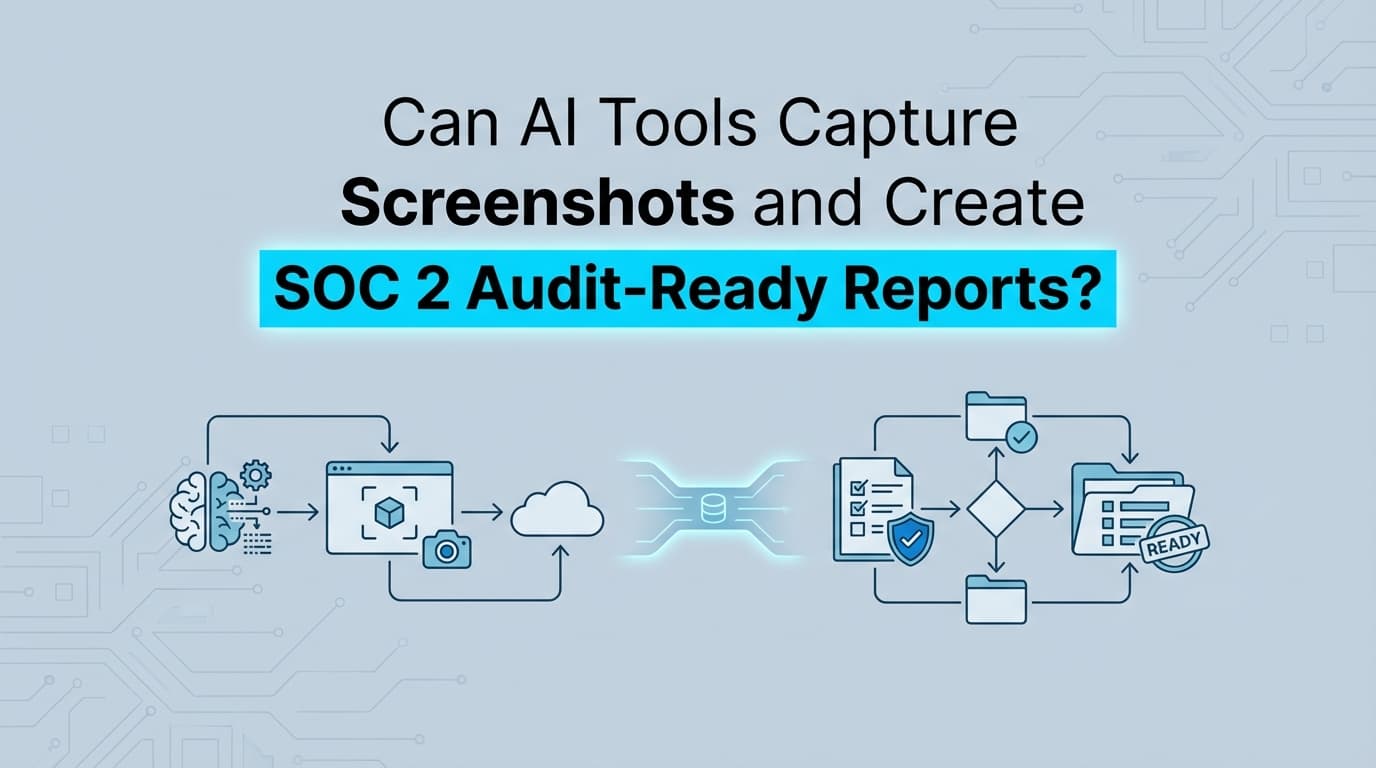
Can AI Tools Capture Screenshots and Create SOC 2 Audit-Ready Reports?
The short answer is yes. AI tools can automatically capture SOC 2 screenshots, validate them, and generate audit-ready evidence that auditors accept.
If you have been through an audit recently, you know that API integrations do not cover everything. You still need visual evidence for application-level controls, things like custom admin panels, legacy internal tools, and complex change management workflows. While traditional platforms handle infrastructure checks, automation for these UI-based workflows has historically been impossible. AI agents change this by navigating your applications, capturing the required screenshots, and assembling the documentation your auditor expects.
But there is a massive difference between an AI tool that summarizes text and an AI agent that collects technical evidence. Here is how automated evidence collection actually works, what auditors look for, and why visual proof is still a mandatory part of compliance.
The Difference Between AI Summaries and AI Agents
When people hear "AI for compliance," they usually picture a chatbot that writes policies or fills out security questionnaires. That is text generation. It is useful for the planning phase of SOC 2, but it does nothing for the execution phase.
Evidence collection requires a different technical approach.
To capture a screenshot, an AI needs to be an agent. It needs to open a browser, authenticate into a system, navigate to a specific URL, click through menus, and capture the Document Object Model (DOM) and the pixels on the screen.
When Screenata captures evidence, it is not generating an image from scratch. It is driving a real Chromium browser instance. It logs in, navigates to your AWS IAM console or your proprietary admin dashboard, and takes a literal photograph of the system state. This distinction is critical for audit validity. It is a recording of reality, not a generative output.
What Makes an AI-Generated Report "Audit-Ready"?
Auditors do not care if a human or a machine took the screenshot. They care about the integrity of the evidence.
A common fear regarding AI in compliance is hallucination, the worry that the tool might fake a passing control. Because UI-based AI agents capture actual browser sessions, hallucination of the image itself is technically impossible. The browser renders what the application serves.
However, to be considered "audit-ready," an automated report must perfectly replicate the metadata auditors demand from human-collected evidence. If your AI tool just dumps a cropped PNG into a folder, the auditor will reject it.
Valid automated evidence must include four specific elements:
- System Timestamp: The evidence must prove exactly when the control was observed. A screenshot without a visible system clock or a cryptographically secure metadata timestamp is useless for a SOC 2 Type 2 observation period.
- URL Visibility: The full browser address bar must be visible. Auditors use this to verify that the evidence came from the production environment, not a staging server or a local build.
- User Context: The screenshot needs to show who is logged in (usually via a profile icon or email address in the corner of the UI) to prove the observer had the appropriate access rights to view the configuration.
- Uncropped View: Auditors are highly suspicious of cropped images. They want to see the entire screen to ensure no conflicting information was hidden.
When an AI agent compiles a report, it packages these screenshots into a PDF alongside the control ID, the testing date, and a description of what the image proves. This creates a standardized evidence pack that an auditor can review in seconds.
Which SOC 2 Controls Can AI Actually Automate?
API-based tools are excellent at verifying that your AWS S3 buckets are encrypted. They are terrible at proving that your customer support team has restricted access to patient data in your proprietary back-office tool.
AI agents are deployed specifically to automate the visual, application-layer controls that APIs miss.
CC6.1 (Logical Access) Proving Role-Based Access Control (RBAC) usually requires a screenshot of your user directory or admin panel showing active users and their assigned permission levels. AI agents can navigate to these internal dashboards quarterly, filter for admin users, and capture the list.
CC8.1 (Change Management) While some of this can be pulled via GitHub APIs, auditors frequently want to see the actual visual workflow of a change. They want a screenshot of the Jira ticket, the linked Pull Request, the approval stamp from a secondary reviewer, and the successful CI/CD pipeline run. An agent can follow this exact sequence of clicks and capture the entire chain of custody.
Employee Offboarding When an employee leaves, you must prove their access was revoked within your SLA (typically 24 hours). For SaaS applications that do not have open APIs, an AI agent can log into the administrative console, search for the terminated employee's email, and capture the "Account Deactivated" status screen.
Where Traditional SOC 2 Automation Stops
If you use a traditional GRC platform, you are likely familiar with the "manual evidence wall."
Platforms like Drata, Vanta, and Secureframe are incredibly powerful for infrastructure monitoring. They connect to your cloud provider, your HR system, and your identity provider. They turn hundreds of hours of manual checks into a real-time dashboard.
But traditional SOC 2 automation stops the moment a system lacks a public API.
If you use a niche industry software, a legacy on-premise application, or a custom-built internal admin panel, traditional GRC tools cannot see it. Because they rely entirely on structured data feeds, they have no mechanism to "look" at a screen.
This leaves compliance managers with a frustrating reality: you pay for an automation platform, but you still spend the last two weeks of your audit cycle manually clicking through your own software, taking screenshots, pasting them into Word documents, and uploading them back into the platform.
AI agents bridge this exact gap. They act as the visual layer of your compliance program, handling the UI-bound evidence that traditional API automation cannot reach.
Do Auditors Trust Automated Screenshots?
Honestly, auditors prefer automated screenshots over human ones.
Humans are terrible at collecting evidence. They crop out the system clock. They forget to include the URL bar. They perform the access review on a Friday but forget to take the screenshot until Monday, creating a date mismatch that triggers an audit exception.
AI agents do not make these mistakes. They execute the exact same navigation path, capture the exact same screen coordinates, and append the exact same metadata every single quarter.
Auditors look for consistency and integrity. When you hand an auditor a standardized PDF containing 50 screenshots that all perfectly follow the required formatting rules, their review time drops drastically. They trust the evidence more because the collection method is predictable and immutable.
The transition from manual screenshots to AI-captured evidence is not just about saving engineering time. It is about upgrading the quality of the audit trail itself.
Learn More About SOC 2 Evidence Automation
For a complete look at how to eliminate manual screenshot collection across your entire compliance program, see our guide on automating SOC 2 evidence collection, including exactly how UI-based agents integrate with your existing audit workflows.
Frequently asked questions
- Can AI tools capture screenshots for SOC 2?
- Yes. AI agents can navigate web applications, capture screenshots of system configurations, and generate PDF evidence packs that meet SOC 2 audit requirements. They use headless browsers to interact with UIs exactly like a human operator would.
- Do auditors accept AI-generated SOC 2 evidence?
- Yes, auditors accept AI-collected evidence as long as it contains the required metadata. The screenshots must show the system date and time, the full URL, the logged-in user context, and an uncropped view of the application.
- What SOC 2 controls require screenshots instead of API data?
- Application-level controls often require visual evidence. This includes CC6.1 (Logical Access) for custom admin panels, CC8.1 (Change Management) for manual pull request approvals, and employee offboarding workflows in HR systems that lack open APIs.
Connect and see
See your SOC 2 with your real systems.
Connect GitHub and cloud read-only. Vera shows your control matrix, policy gaps, and prioritized next actions before you commit to anything.