

Compliance
Business Associate HITRUST Requirements: Complete Evidence Checklist
Covered entities increasingly require Business Associates to achieve HITRUST r2 certification. This checklist details the exact evidence documentation, screenshots, and automation strategies needed across CSF control domains to pass your assessment.
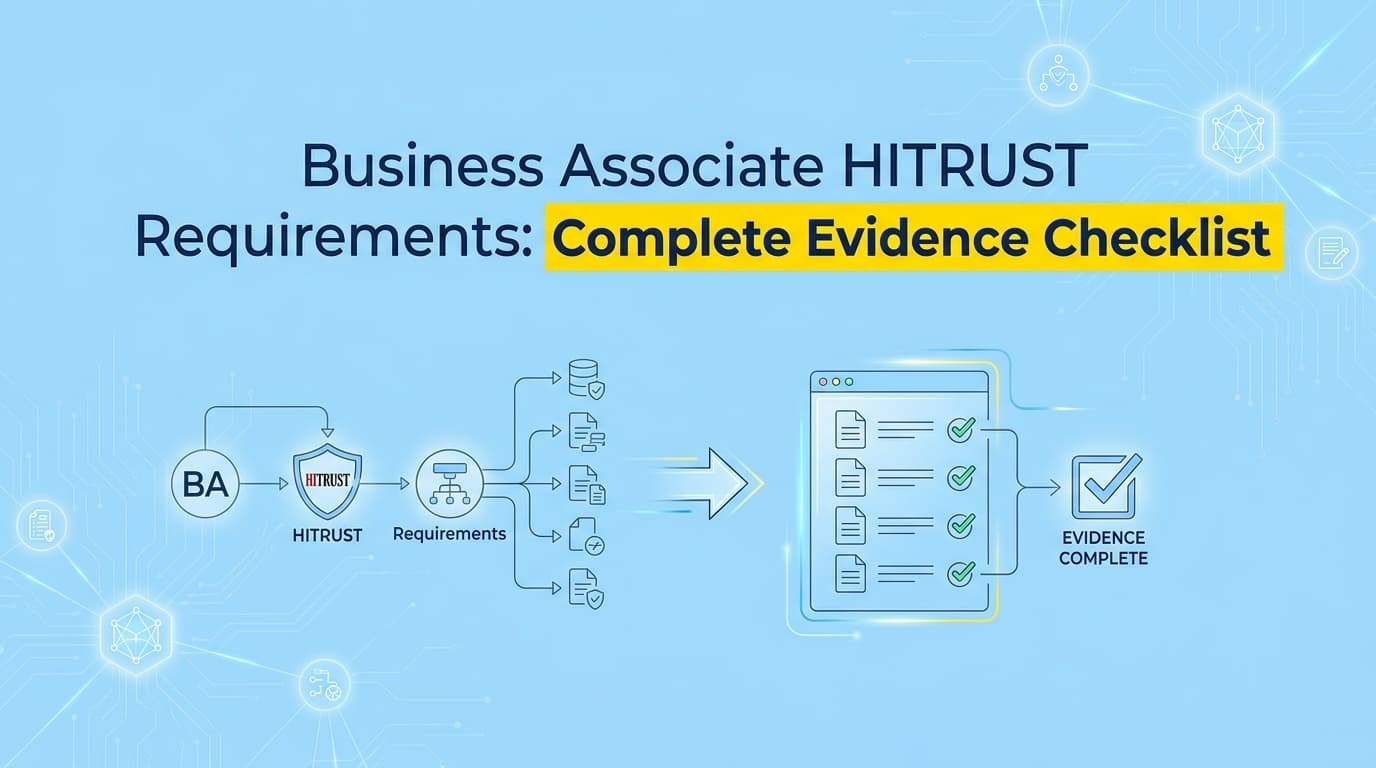
If you sell software to hospitals, you are a Business Associate. Covered entities are no longer accepting basic HIPAA self-assessments; they want proof. Preparing for a HITRUST r2 assessment requires massive amounts of evidence documentation across up to 19 CSF control domains. Assessors expect to see policies, procedures, and actual implementation screenshots for every requirement.
While some teams try to handle this manually, automation is the only way to survive the audit cycle without pulling engineers off product work. This checklist breaks down exactly what evidence Business Associates need to provide to pass the assessment.
Why Do Covered Entities Require HITRUST from Business Associates?
Hospitals and health systems use the HITRUST CSF to standardize third-party risk management. Because HIPAA lacks a formal certification body, covered entities require HITRUST r2 to prove that Business Associates have actually implemented the required technical and administrative safeguards.
A signed Business Associate Agreement (BAA) is just a legal contract. It doesn't tell a hospital's procurement team whether your database is encrypted or if your access controls actually work. Health systems got tired of reviewing hundreds of custom security questionnaires, so they outsourced the trust mechanism to HITRUST.
For a B2B SaaS company, achieving HITRUST certification is often the absolute barrier to entry for enterprise healthcare deals.
What Evidence Do HITRUST Assessors Actually Require?
HITRUST assessors require evidence mapped to maturity levels. For most Business Associates, this means providing three distinct types of documentation for every control: a written policy, a documented procedure, and implementation evidence showing the control operating in production.
This is where teams coming from SOC 2 usually stumble. In SOC 2, if you can prove a control works, the auditor is generally happy. HITRUST is highly prescriptive. If you have a screenshot proving your password complexity rules are enforced (Implementation), but you lack a specific document explaining who is responsible for configuring that rule (Procedure), you will lose points on that control.
In practice, assessors care deeply about the exact wording in your procedure document matching your implementation screenshot.
The HITRUST Evidence Checklist for Business Associates
While your specific requirements depend on your scoping factors, Business Associates handling Protected Health Information (PHI) will generally need to provide the following evidence across key CSF control domains.
Domain 01: Access Control
Assessors want to see exactly how users get access to PHI and how that access is revoked.
- User Registration (01.b): Screenshots of your onboarding tickets, identity provider (IdP) group assignments, and the approval workflow for granting access to production environments.
- Privilege Management (01.c): Documentation showing your Role-Based Access Control (RBAC) matrix. You need screenshots of your application's admin panel showing that user permissions match the documented matrix.
- Access Review Evidence: Exported lists of active users correlated with HR termination lists, plus evidence that managers actually reviewed and signed off on access levels.
Domain 09: Audit Logging
You must prove that if a breach occurs, you have the forensic data to investigate it.
- Log Generation (09.aa): Screenshots showing your application and infrastructure log configuration settings.
- Log Protection: Evidence that your log storage (like an AWS S3 bucket) is immutable or restricted so that administrators cannot alter or delete log data.
- Alerting Rules: Screenshots of your SIEM or monitoring tool showing active alerts for suspicious activities, such as multiple failed logins or bulk data exports.
Domain 10: Vulnerability Management
Assessors need proof that you find and fix security holes before attackers do.
- Vulnerability Scanning (10.m): Output reports from your infrastructure and application vulnerability scanners.
- Patch Management: Jira tickets or change logs showing that critical vulnerabilities were patched within your documented Service Level Agreement (SLA) timelines.
- Penetration Testing: An executive summary of your most recent third-party penetration test and evidence that any identified critical findings were remediated.
Domain 19: Third-Party Assurance
As a Business Associate, you also have your own vendors (sub-processors). You have to prove you manage their risk.
- Vendor Inventory: A complete list of all third parties that can access your systems or PHI.
- Vendor Assessments: Completed security questionnaires or SOC 2/HITRUST reports collected from your critical vendors during the assessment period.
Where Traditional HITRUST Assessment Automation Falls Short
Traditional GRC platforms fail to automate HITRUST evidence because they rely entirely on infrastructure APIs. Assessors require application-level UI screenshots, custom internal tool configurations, and manual workflow documentation that APIs cannot capture.
Tools like Drata or Secureframe are highly effective at checking your cloud provider settings. They can verify if your AWS RDS instance is encrypted at rest. But HITRUST assessors need visual proof of your proprietary application's behavior.
They want to see the login flow of your custom SaaS app. They want a screenshot of your internal admin panel showing how a support engineer's permissions are restricted. When your compliance platform only reads APIs, you end up doing all of this application-level evidence collection manually anyway. For a HITRUST assessment, that manual gap can easily consume hundreds of engineering hours.
How Do You Automate HITRUST CSF Control Documentation?
You can automate HITRUST CSF documentation by using AI agents that navigate your application UI, capture timestamped screenshots of configurations, and format them into assessor-ready evidence packs mapped to specific control domains.
Instead of asking an engineer to log into five different systems, take screenshots, redact sensitive information, and paste them into a Word document, Screenata handles the visual layer of compliance.
Screenata connects to your environments, executes the exact steps an assessor would ask for, captures the UI evidence, and maps it directly to the relevant HITRUST CSF requirements. It bridges the gap between your written procedures and your actual implementation, generating the exact artifacts assessors expect to see without the manual overhead.
Learn More About HITRUST r2 Certification Evidence Automation
For a complete breakdown of how to eliminate manual screenshots and reduce your assessment timeline, see our guide on automating HITRUST r2 evidence collection, including how to map your existing SOC 2 and HIPAA evidence directly to CSF requirements.
Frequently asked questions
- Why do covered entities require HITRUST from Business Associates?
- Hospitals and health systems use the HITRUST CSF to standardize third-party risk management. Because HIPAA lacks a formal certification body, covered entities require HITRUST r2 to prove that Business Associates have actually implemented the required technical and administrative safeguards.
- What evidence do HITRUST assessors require from Business Associates?
- HITRUST assessors require evidence mapped to maturity levels. For most Business Associates, this means providing three types of documentation for every control: a written policy, a documented procedure, and implementation evidence like screenshots showing the control operating in production.
- How do you automate HITRUST CSF control documentation?
- You can automate HITRUST CSF documentation by using tools that navigate your application UI, capture timestamped screenshots of configurations, and format them into assessor-ready evidence packs mapped to specific control domains.
Connect and see
See your SOC 2 with your real systems.
Connect GitHub and cloud read-only. Vera shows your control matrix, policy gaps, and prioritized next actions before you commit to anything.