

Internal Audit
Manual Workpapers vs Integrated Audit Workflows: A Complete Comparison
Integrated audit workflows replace static spreadsheets with dynamic, automated evidence collection. This comparison details how automating internal audit workpapers reduces testing time by 92% and ensures compliance with 2026 IIA Standards.
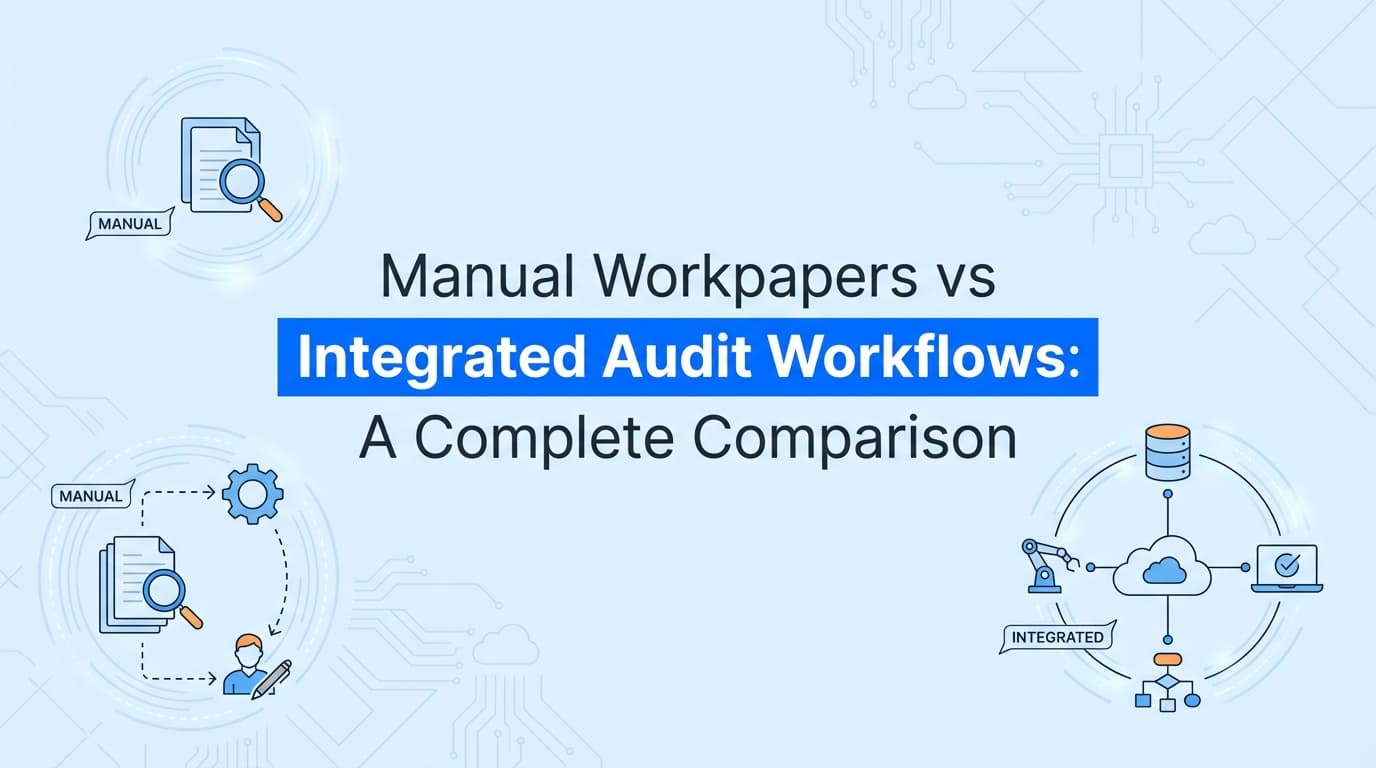
Internal audit workpapers are evolving from static spreadsheets to dynamic, integrated audit workflows. For decades, auditors relied on manual workpapers, Excel files filled with pasted screenshots and typed narratives, to document SOX ITGC testing and operational audits. Today, integrated audit workflows use AI agents to automate evidence collection, linking control testing directly to source systems. The same shift powers SOX ITGC evidence automation, from access controls to continuous monitoring.
This shift is not just about efficiency; it is a necessity for meeting the Global Internal Audit Standards (2025-2026). While manual workpapers suffer from version control issues and static data, integrated workflows provide real-time visibility, automated screenshots, and verifiable metadata chains.
What Is the Difference Between Manual Workpapers and Integrated Workflows?
To understand the shift, we must define the core mechanics of how audit evidence is captured, stored, and reviewed in both models.
Manual Workpapers
Manual workpapers are static documents (usually Excel, Word, or PDF) created by a human auditor. The auditor logs into a system, takes a screenshot using a snipping tool, pastes it into the document, and manually types the test result.
- Evidence Type: Static images.
- Update Frequency: Point-in-time (once per audit).
- Validation: Manual peer review.
- Risk: High risk of human error, copy-paste mistakes, and outdated information.
Integrated Audit Workflows
Integrated audit workflows are dynamic systems where the "workpaper" is a living container connected to the evidence source. AI agents or API integrations automatically capture the evidence (screenshots, configurations, logs) and populate the workpaper.
- Evidence Type: Dynamic data + verified screenshots with metadata.
- Update Frequency: Continuous or on-demand.
- Validation: Automated logic and cryptographic hashing.
- Risk: Near-zero risk of manipulation or error.
Why Manual Workpapers Are Failing Modern Audits
Internal Audit teams typically spend 40–80 hours per audit cycle just on administrative tasks: formatting documents, chasing evidence owners, and fixing broken links in spreadsheets. Beyond the time cost, manual workpapers present significant compliance risks.
1. The "Version Control" Nightmare
In a manual environment, an auditor creates UAR_Test_v1.xlsx. After review, the manager requests changes, leading to UAR_Test_v2_FINAL.xlsx, and eventually UAR_Test_v2_FINAL_REAL.xlsx. Ensuring the external auditor receives the correct version is a constant struggle.
2. Lack of Verifiable Metadata
A screenshot pasted into Excel loses its context. An external auditor cannot verify:
- Who took the screenshot?
- When exactly was it taken? (System clock vs. real time)
- URL/Environment: Was this Production or Staging?
3. Disconnected Evidence
Manual workpapers are "dead" documents. If a control fails (e.g., a terminated user retains access) the day after the screenshot is taken, the workpaper remains green (Pass), creating a false sense of security known as "control drift."
How Integrated Audit Workflows Automate Evidence
Integrated workflows solve these problems by removing the manual "capture and paste" process. Tools like Screenata act as the bridge between the application being audited (e.g., Salesforce, AWS, NetSuite) and the audit management system (e.g., AuditBoard, Workiva, or Drata).
The Automated Workflow Process:
- Trigger: The audit plan initiates a test for SOX ITGC - User Access Review.
- Capture: An AI agent logs into the target system, navigates to the user list, and captures the screen.
- Process: The system uses OCR to extract user roles and compares them against the HR termination list.
- Document: The agent generates a PDF evidence pack with timestamps, metadata, and a pass/fail conclusion.
- File: The evidence pack is automatically attached to the specific control in the audit management platform.
Comparison: Manual Workpapers vs. Integrated Workflows
| Feature | Manual Workpapers | Integrated Audit Workflows |
|---|---|---|
| Evidence Collection | Manual screenshots (Snipping Tool) | Automated AI Agent capture |
| Time per Control | 45–60 minutes | < 5 minutes |
| Data Integrity | Low (Editable images) | High (Hashed & Timestamped) |
| Review Process | Manual check of every cell | Exception-based review |
| Audit Trail | Disconnected emails/chats | Full system log of all actions |
| Scalability | Linear (More controls = More staff) | Exponential (AI scales infinitely) |
| External Reliance | Auditors often re-test (low trust) | Auditors rely on system (high trust) |
Where Traditional Audit Management Tools Stop
It is important to distinguish between Audit Management Systems (AMS) and Evidence Automation.
Platforms like AuditBoard, Workiva, and Diligent are excellent at managing the workflow, assigning tasks, tracking status, and storing files. However, they generally do not capture the evidence itself.
The "Last Mile" Gap
If you use AuditBoard, you still have to:
- Open AuditBoard to see your task.
- Open a new browser tab to log into NetSuite.
- Take a screenshot manually.
- Save it to your desktop.
- Upload it back to AuditBoard.
Integrated Workflows using tools like Screenata close this gap. Screenata integrates with the AMS to perform steps 2–5 automatically. The "workpaper" is no longer a placeholder for a file you haven't created yet; it is a self-populating record.
Real-World Example: SOX ITGC User Access Review
Let's look at how a standard User Access Review (UAR) differs between the two approaches.
Scenario
Control: Validate that all users with "Admin" access in the ERP system are authorized.
The Manual Approach
- Auditor exports a user list from the ERP to Excel.
- Auditor emails HR for a current employee list.
- Auditor uses VLOOKUP to match lists and identify discrepancies.
- Auditor takes screenshots of the VLOOKUP formulas to prove the work.
- Manager reviews the Excel formulas for errors.
- Result: A 5MB Excel file that is hard to read and prone to formula errors.
The Integrated Workflow Approach
- Screenata Agent connects to the ERP UI and the HRIS system (e.g., Workday).
- Agent captures screenshots of the active user list and the termination list.
- System automatically compares the datasets.
- System flags two users who were terminated but still have ERP access.
- Output: A PDF report showing the exception, with screenshots of the specific users in the ERP system.
- Result: Immediate identification of risk with zero spreadsheet manipulation.
The Impact on 2026 IIA Standards
The Global Internal Audit Standards (2025-2026) introduce stricter requirements for evidence reliability and technology usage.
- Standard 11.3 (Data Analysis and Technology): Auditors must use technology to improve the effectiveness and efficiency of the audit. Integrated workflows satisfy this by replacing manual sampling with 100% automated testing.
- Standard 10.1 (Audit Evidence): Evidence must be reliable, relevant, and sufficient. Automated workflows provide metadata-rich evidence (timestamps, source URLs, user IDs) that is inherently more reliable than user-generated screenshots.
How to Transition to Integrated Workflows
Moving from manual workpapers to integrated workflows does not require replacing your entire tech stack. It requires adding an Evidence Automation Layer.
- Audit Your Controls: Identify high-volume, repetitive tests (e.g., Access Reviews, Change Management, Backup Verification).
- Deploy Evidence Agents: Use tools like Screenata to record the testing procedures for these controls.
- Connect to Your AMS: Set up the integration so that Screenata-generated PDFs are automatically pushed into your AuditBoard or Drata instance.
- Train the Team: Shift auditor focus from "creating evidence" to "reviewing exceptions."
Frequently Asked Questions
What qualifies as an "electronic workpaper"?
An electronic workpaper is any digital record that documents audit procedures, evidence, and conclusions. However, a static PDF is a "digitized" workpaper, while a Screenata record is an "automated" workpaper.
Do external auditors accept automated workpapers?
Yes. External auditors (including the Big 4) prefer automated evidence because it includes verifiable chains of custody and metadata that manual screenshots lack. It reduces their need for substantive re-testing.
Can Excel still be part of an integrated workflow?
Yes, but it should be an output, not the process. An integrated workflow can generate a CSV or Excel file of test results, but the data within it should be populated by the system, not manually typed by an auditor.
How much time does this save?
Teams typically see a 90-92% reduction in time spent on administrative evidence collection tasks. A control that takes 60 minutes to test manually takes about 5 minutes with automation.
Key Takeaways
- ✅ Manual workpapers are static and risky: They rely on copy-paste actions that are prone to human error and lack verifiable metadata.
- ✅ Integrated workflows are dynamic: They connect directly to source systems to capture evidence automatically via APIs or AI agents.
- ✅ The "Last Mile" is the key: Traditional GRC tools manage the task, but evidence automation tools like Screenata manage the execution.
- ✅ Compliance requires metadata: Modern standards (IIA, SOC 2) increasingly demand evidence with cryptographic timestamps and source verification.
- ✅ Efficiency gains are massive: Shifting to integrated workflows frees up auditors to focus on strategic risk rather than screenshot formatting.
Learn More About Internal Audit Compliance Automation
For a deeper dive into modernizing your audit function, see our guide on how to automate internal audit evidence collection, including strategies for meeting the 2026 IIA Standards and reducing audit fatigue.
Connect and see
See your SOC 2 with your real systems.
Connect GitHub and cloud read-only. Vera shows your control matrix, policy gaps, and prioritized next actions before you commit to anything.