

Compliance
What Does Automated Evidence Collection Look Like for SOC 2
Automated SOC 2 evidence collection is an agent that captures application tests, screenshots, and metadata, then signs and files them. Screenata's agent Vera runs the test, scores the capture, chases the attestations only a person can answer, and files signed packs that close the 20% gap a dashboard leaves open.
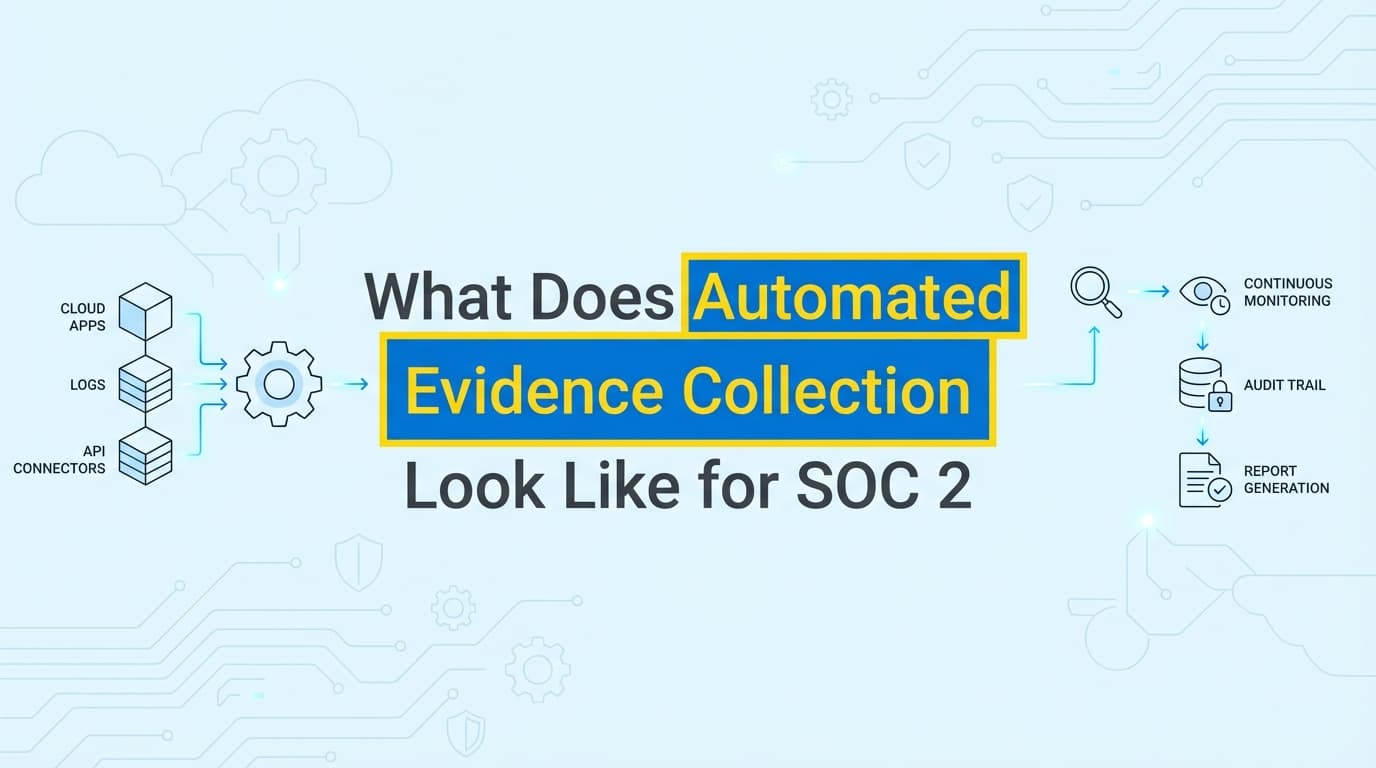
Automated evidence collection for SOC 2 is an agent capturing real application interactions, screenshots, and system metadata, then signing and filing them. Screenata's agent, Vera, focuses on the last-mile controls a dashboard can't reach, such as role-based access and change-management approvals, and produces signed, audit-ready evidence packs that sync directly into Drata or Vanta. Screenshots are one of several ways she collects evidence, and the differentiating one, because APIs can't see your UI.
Why Automated Evidence Collection Matters
The central challenge in a modern SOC 2 audit is the 20% manual gap. A GRC dashboard monitors your infrastructure (AWS, GitHub, Okta) through APIs and does it well, but it cannot see inside your proprietary application. It lists the application controls, turns the row red when evidence is missing, and waits.
Historically, closing that gap meant security teams spending 40 to 80 hours a quarter taking screenshots, blurring PII, and writing narratives. Vera does that work instead: she runs the test, captures the proof, and files it signed and traceable. A dashboard flags the gap; Vera closes it.
The Hidden Costs of Manual Evidence
- Context switching: engineers lose focus when pulled off work for audit screenshots.
- Human error: a missing timestamp or a blurry image triggers auditor follow-ups.
- Audit friction: reviewers spend longer verifying manual files, stretching the audit window.
- Point-in-time risk: a manual screenshot only proves compliance at the moment it was taken.
What Does the Agent-Run Process Look Like?
Vera turns a multi-step manual chore into a verifiable workflow. Here is how it operates.
1. Workflow Capture
Instead of a snipping tool, Vera runs the test through the browser extension, or prompts the right teammate to. You perform the control test, for example showing that a non-admin user cannot reach billing settings, while the extension records the DOM, network requests, and visual frames.
2. Vision-Model Metadata Extraction
A vision model and OCR read what is on screen and Vera attaches the context automatically:
- User identity: who performed the test.
- System state: which URL and environment (production or staging).
- Timestamps: NTP-synced, cryptographically verified.
- Control context: which SOC 2 Trust Services Criteria the action satisfies.
Low-confidence captures are flagged for your review rather than guessed.
3. Automatic PII Redaction
Vera detects and masks personally identifiable information, such as email addresses, card numbers, and names, before the evidence is saved. That keeps a SOC 2 audit from inadvertently creating a GDPR or CCPA exposure.
4. Signed Evidence Packs
The output is a structured evidence pack, not a folder of loose images. It contains the drafted narrative describing the test steps, high-resolution timestamped screenshots, and a manifest with machine-readable metadata, all signed with SHA-256 hashes and RSA/ECDSA signatures so an auditor can verify integrity independently.
How to Automate SOC 2 Evidence: Step by Step
Step 1: Map Your Manual Controls
Identify the controls a dashboard cannot pull through an API. Common examples:
- CC6.1: logical access to application settings.
- CC7.2: visual proof of production deployment approvals.
- CC8.1: screenshots of vulnerability scan results from internal dashboards.
Step 2: Point Vera at the Control
Select the control you are testing. Vera loads its success criteria so she knows what the screen has to demonstrate during capture.
Step 3: Run the Test Flow
Perform the action in your browser while the extension captures each click and page load, or let Vera run it. Testing CC6.1, you log in as a "Viewer," navigate to the admin panel, and show the access-denied screen.
Step 4: Review and Redact
Vera presents the captured sequence, suggests redactions for sensitive data, and shows the drafted narrative. You confirm it matches your internal terminology and approve.
Step 5: File and Sync
On approval, Vera signs the pack, files it in your audit vault, and syncs it into the matching Drata, Vanta, or Secureframe control, moving the status from gap to covered.
The Attestation No Dashboard Handles
Some SOC 2 evidence has no screen and no API. "Did the quarterly access review actually happen, and did the right people approve it?" is a question only a person can answer.
Vera treats it as work to run rather than a row to display. She DMs the reviewer in Slack, reminds at 24 hours, escalates at 48 hours, and files the reply as a signed attestation tied to the control. This is where most manual evidence hours quietly go, and it is a structural blind spot for a status board.
Manual vs. Agent-Run Evidence Collection
| Feature | Manual Collection | Agent-Run Collection (Vera) |
|---|---|---|
| Effort per control | 60-90 minutes | A few minutes of review |
| Evidence format | Loose PNGs and Word docs | Structured, searchable, signed packs |
| Metadata | None or hand-typed | Signed timestamps and DOM data |
| PII handling | Manual blurring | Automatic redaction at capture |
| Auditor trust | Low (easy to manipulate) | High (verifiable signature chain) |
| Preparation time | 4-6 weeks | 1-2 days |
| Between audits | Starts over each cycle | Vera keeps running |
Example: CC6.1 Logical Access Controls
Objective: prove the application restricts sensitive administrative functions by user role.
The agent-run workflow:
- Trigger: the compliance manager assigns a task to verify role-based access for the internal CRM, or Vera schedules it.
- Action: the engineer opens the extension and logs in as a "Support Agent," or Vera runs the test.
- Test: they attempt to click "Export All Customer Data." A modal appears reading "Permissions Required."
- Capture: the extension records the click, the modal, the URL, the session context, and a DOM snapshot; the vision model confirms the denial.
- Output: Vera drafts and signs
CC6.1_Access_Restriction_CRM.pdf, containing three captioned screenshots ("User Login," "Attempted Export," "Access Denied"). - Result: on your approval, she files it and attaches it to the CC6.1 control in Vanta.
The Anatomy of a Signed Evidence Pack
What does the file look like when it reaches an auditor? Four layers:
1. The Executive Summary
A cover page with the control ID, the test date, the tester, and the result (pass or fail).
2. The Step-by-Step Narrative
Drafted text describing the test logic, which you approve. Example: "The tester navigated to /settings/billing. The system identified the user as 'Role: Viewer' and suppressed the 'Update Credit Card' button, satisfying least-privilege access."
3. The Visual Evidence Chain
A sequence of screenshots with compliance overlays highlighting the elements that prove the control is active, such as a box around a "Two-Factor Authentication Enabled" badge.
4. The Signed Manifest
A manifest.json with hash values proving the screenshots were not edited, browser logs showing the technical response (for example a 403 Forbidden), and environment specs proving the test ran in production. The signature lets an auditor confirm the chain of custody with a free CLI.
Vera as Your AI Compliance Officer
Vera replaces both the GRC dashboard and the compliance consultant for most startups. She handles evidence collection, deterministic policy writing, control mapping, codebase analysis, and readiness scoring in one place, and her policy generator is deterministic, so the same attestation produces the same control language and an auditor can re-derive your policy.
If you already run Drata or Vanta, Vera works alongside them, capturing the application-level evidence and attestations the dashboard cannot reach and syncing them back. If you are starting fresh, she runs the whole program and you add only an independent auditor.
The integrated workflow, when you keep a dashboard:
- Vanta flags a manual control such as "Quarterly Access Review" as action required.
- Vera picks it up: she runs the capture, or DMs the reviewer for the attestation.
- The evidence is captured, drafted, and signed on your approval.
- Vera uses the Vanta API to upload the pack to the correct control, moving it from gap to covered.
Best Practices for Automated Evidence Collection
Follow these to keep your automated evidence accepted by mid-market and Big Four auditors:
- Let Vera run continuously. Rather than waiting for the audit window, her scheduled captures prove controls functioned throughout the Type II period.
- Use production data carefully. Auditors prefer live-environment evidence, and Vera's automatic redaction keeps PII out of the audit logs.
- Standardize your narratives. Vera uses the same terminology as your written SOC 2 policies, because both trace to the same control catalog.
- Include negative tests. Proving an unauthorized user cannot do something is often stronger evidence for CC6.1 than showing an admin can.
- Review the manifest. Occasionally check the metadata to confirm the correct environment is captured (URLs, environment specs).
Frequently Asked Questions
What is the difference between a screen recorder and automated evidence collection?
A screen recorder (like Loom) produces a video an auditor has to watch end to end. Vera reads the UI, extracts metadata, redacts PII, signs the pack, and generates a structured, searchable report mapped directly to SOC 2 controls, while also pulling API evidence and chasing attestations. The screenshots are one input to a traceable pack, not the whole product.
Do auditors accept AI-assisted evidence?
Yes. Auditors value consistency and traceability. Vera's packs carry signed timestamps, DOM data, and verifiable metadata, which makes them more reliable than manual screenshots, and she uses AI to capture and narrate, never to fabricate. Honest escalation on judgment calls keeps the rest of the output trustworthy.
Can I use this for ISO 27001 or HIPAA too?
Yes. The control IDs change (Annex A for ISO 27001, safeguards for HIPAA), but the need for visual proof of application-level security is consistent. Vera maps one artifact across frameworks through a shared canonical control catalog, so you collect once and satisfy many.
How much time does it actually save?
Teams typically cut manual documentation time by more than 90%. What often takes a full work week can drop to a few hours of review. The larger saving is structural: Vera replaces the consultant a dashboard leaves you needing.
Does it replace Drata or Vanta?
Key Takeaways
- Automated evidence collection closes the 20% gap of application testing a dashboard leaves open. A dashboard flags it; Vera does the work.
- Vera captures visual proof plus signed metadata (DOM, timestamps), so an auditor can verify the chain of custody independently.
- PII is redacted automatically at the source, keeping the audit from creating a privacy exposure.
- Screenshots are about 9% of how Vera collects evidence; roughly 70% is API-automated, and she chases the attestations a dashboard can't in between.
Learn More About SOC 2 Compliance Automation
For a complete guide to automating SOC 2 evidence collection, including what agent-run evidence collection looks like in practice, see our comprehensive SOC 2 automation guide.
Not sure you even need a compliance consultant? Read Do You Actually Need a vCISO for SOC 2? Probably Not Anymore or The Bootstrapped Founder's Guide to SOC 2.
Connect and see
See your SOC 2 with your real systems.
Connect GitHub and cloud read-only. Vera shows your control matrix, policy gaps, and prioritized next actions before you commit to anything.