

Compliance
What Auditors Expect for SOC 2 Change Approval Evidence with Screenshots
SOC 2 auditors require specific evidence for change approvals, including pull request screenshots, ticket authorization, and deployment logs. This guide explains exactly what evidence to collect for CC8.1 and how to automate the documentation process.
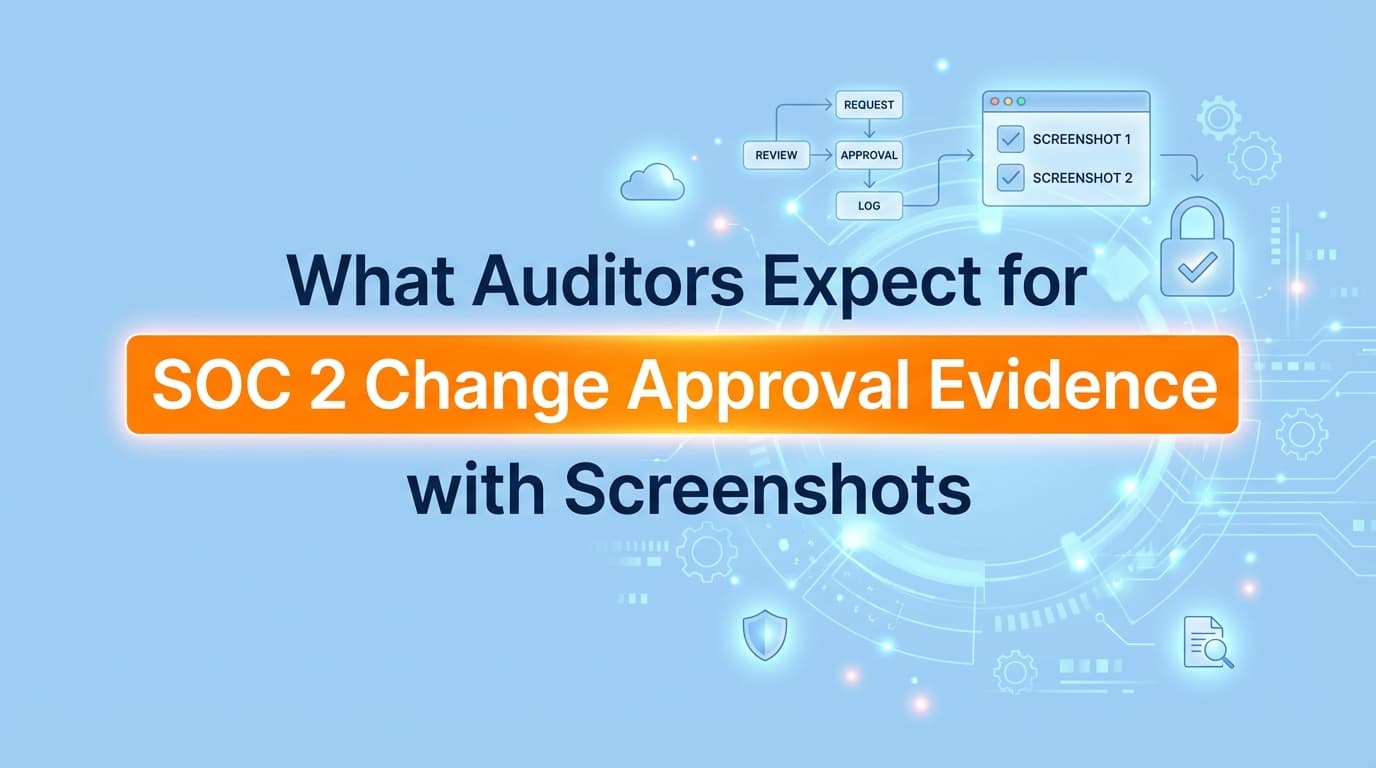
SOC 2 auditors expect change approval evidence that proves every code deployment was authorized, peer-reviewed, and tested before reaching production. For controls like CC8.1, auditors require a complete "chain of custody" for sampled changes, typically asking for screenshots of the Jira ticket, the GitHub pull request (PR) with approval timestamps, and the CI/CD deployment log. While GRC tools automate policy checks, the specific evidence for individual changes often requires manual screenshots or advanced automation.
Why Change Approval Evidence Matters for SOC 2
In a SOC 2 Type II audit, change management (Control CC8.1) is one of the most rigorously tested areas. Auditors do not just take your word that "all code is reviewed." They perform population sampling, selecting 5–25 specific changes from the audit period and demanding a complete evidence packet for each.
If you cannot produce a screenshot showing that Change #402 was approved by a peer before it was merged, you risk a control exception. This "evidence gap" is where many engineering teams fail, as they rely on infrastructure settings rather than workflow documentation.
What Specific Evidence Do Auditors Require?
To satisfy SOC 2 change management controls, you must provide a "three-legged stool" of evidence for every sampled change.
1. The Request (Jira/Linear Ticket)
Auditors need to see the intent and authorization behind the change.
- Evidence: Screenshot of the ticket.
- Key Details: Ticket ID, description of the change, and status (e.g., "Done" or "Deployed").
- Critical Element: Evidence that the ticket was created before the code was deployed.
2. The Review (GitHub/GitLab Pull Request)
This is the most critical piece of evidence. It proves segregation of duties (the coder was not the approver).
- Evidence: Screenshot of the Pull Request (PR) timeline.
- Key Details:
- Author: Who wrote the code.
- Reviewer: Who approved the code (must be different from the author).
- CI Checks: Proof that automated tests passed.
- Merge Timestamp: Proof it was merged after approval.
3. The Deployment (CI/CD Logs)
Evidence that the approved code is what actually went to production.
- Evidence: Screenshot of the deployment pipeline (Jenkins, CircleCI, GitHub Actions).
- Key Details: Commit hash matching the PR, deployment success status, and timestamp.
Example: Perfect SOC 2 Change Evidence (CC8.1)
When an auditor asks for evidence regarding "Change ID: PR-204," a perfect evidence pack looks like this:
| Evidence Component | Required Screenshot Content | Auditor Check |
|---|---|---|
| Authorization | Jira Ticket PROJ-101 | Does the ticket description match the code change? |
| Segregation of Duties | GitHub PR Conversation | Is the "Reviewer" different from the "Author"? |
| Quality Assurance | GitHub Checks Tab | Did automated tests pass (green checkmarks)? |
| Implementation | Vercel/AWS Deployment Log | Does the commit hash in prod match the approved PR? |
Where Traditional SOC 2 Automation Stops
Many teams assume that because they use tools like Drata or Vanta, their change management evidence is fully automated. This is a dangerous misconception.
The "Configuration vs. Execution" Gap
- What GRC Tools Do: They check configuration. They verify via API that "Branch Protection" is enabled on your repository. This proves you have a rule.
- What Auditors Need: They check execution. They ask, "Show me proof that this specific hotfix followed that rule."
GRC tools often cannot generate the visual evidence required for population testing. They might log that a PR existed, but they rarely capture the full visual context, such as comments regarding a security fix or the specific UI state of a deployment dashboard, that auditors need to verify the narrative of the change. This leaves a "manual gap" where engineers must scramble to take screenshots of old tickets during the audit window.
How to Automate Change Evidence Collection with Screenshots
To close this gap, teams are moving toward automated evidence capture that records the workflow of a change as it happens.
Step 1: Link the Workflow
Tools like Screenata integrate with your development stack. When a PR is merged or a ticket is closed, the system recognizes a compliance event.
Step 2: Autonomous Capture
Instead of a human taking a screenshot, an AI agent navigates to the specific PR and Jira ticket. It captures:
- The PR conversation and approval stamps.
- The associated Jira ticket details.
- The deployment status page.
Step 3: Generate the Artifact
The system compiles these screenshots into a timestamped PDF evidence pack, mapped to Control CC8.1. This pack is automatically uploaded to your GRC platform (Drata/Vanta), ensuring that when the auditor asks for a sample, the evidence is already waiting.
Common Reasons Auditors Reject Change Evidence
Even with screenshots, evidence can be rejected if it lacks integrity or context.
- Missing Timestamps: A screenshot of a PR without visible dates makes it impossible to prove the approval happened before the merge.
- Cropped Context: Cropping out the URL bar or the user profile prevents the auditor from verifying the environment or the identity of the reviewer.
- Self-Approval: Evidence showing the author merged their own code without an explicit second-party approval (even if branch protection was technically on) is a red flag.
- Disconnect Between Ticket and Code: If the Jira ticket says "Fix Typo" but the PR shows "Database Schema Change," auditors will flag the discrepancy.
Frequently Asked Questions
Do I need screenshots for every single change?
Technically, no. Auditors use sampling, meaning they will ask for evidence for 5–25 randomly selected changes. However, because you don't know which changes they will pick, you must be prepared to generate evidence for any of them. Automating the collection for all changes is safer than scrambling later.
Can I just give the auditor read-access to GitHub?
Most auditors prefer not to have direct access to your live systems due to liability and scope creep. They prefer static, immutable evidence (like PDF exports or screenshots) that captures the state of the system at the time of the change.
How does this apply to "Emergency Changes"?
Emergency changes (hotfixes) still require evidence. Even if the standard process is bypassed for speed, auditors expect retrospective evidence: a post-incident ticket, a retroactive peer review, and screenshots proving the emergency was documented and approved after the fact.
Key Takeaways
- ✅ Auditors need proof of execution, not just policy. Having branch protection on is not enough; you must show it working for specific samples.
- ✅ The "Three-Legged Stool" is mandatory. You need evidence of the Request (Ticket), the Review (PR), and the Deployment (Log).
- ✅ Timestamps and identities are critical. Screenshots must clearly show who approved the change and when.
- ✅ Automation is the only scalable path. Relying on manual screenshots for population testing leads to audit fatigue and missing evidence.
Learn More About SOC 2 Compliance Automation
For a complete guide to automating SOC 2 evidence collection, see our guide on automating SOC 2 evidence collection, including how to capture application-level proof that traditional GRC tools miss.
Not sure if you even need a compliance consultant? Read Do You Actually Need a vCISO for SOC 2? Probably Not Anymore or The Bootstrapped Founder's Guide to SOC 2.
Connect and see
See your SOC 2 with your real systems.
Connect GitHub and cloud read-only. Vera shows your control matrix, policy gaps, and prioritized next actions before you commit to anything.