

Compliance
How to Automate SOC 2 Evidence for Multi-Tenant Applications with Screenshots
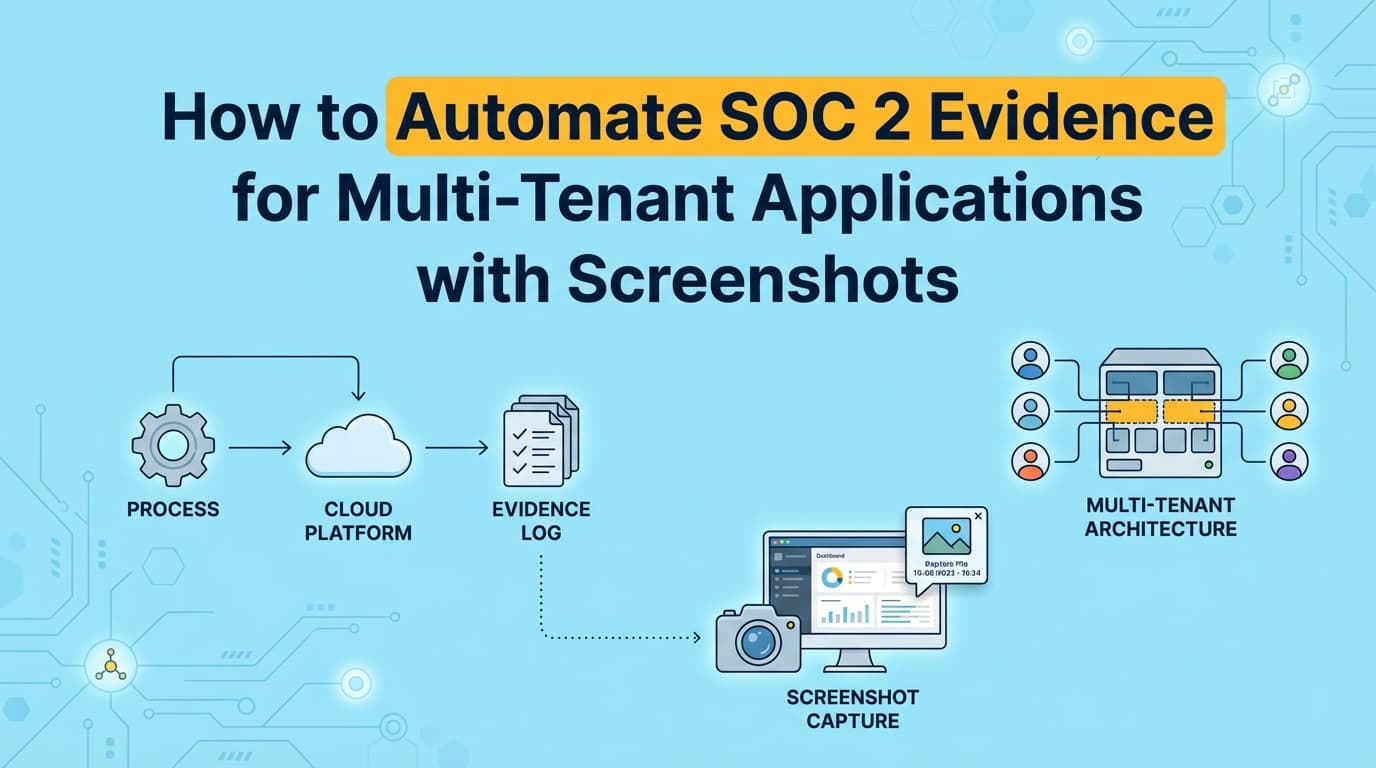
Multi-tenant SaaS platforms require rigorous evidence to prove data isolation during SOC 2 audits. This guide explains how to automate evidence collection for tenant separation controls using screenshots and workflow recording, ensuring you pass CC6.1 and CC6.7 without manual sampling.
Updated August 2026. Vanta shipped a computer-use agent that drives a browser to capture screenshots, so the blanket statement that it takes no screenshots is no longer accurate. What remains true is the reach: that agent runs in a cloud browser, so it does not inherit the session you are signed into, cannot open a native desktop application, and is refused by Conditional Access or device-compliance policies. Public pages and trust centers are within reach. Your own authenticated application UI generally is not. See Do auditors accept AI-captured screenshots for SOC 2?
SOC 2 audits for multi-tenant applications demand specific evidence to prove that one customer cannot access another customer's data. While infrastructure automation tools can verify database encryption, they cannot test the application logic that enforces logical separation. Automating SOC 2 evidence collection for multi-tenant environments requires capturing screenshots of access controls, negative tests, and data isolation workflows to satisfy auditors.
What Is Multi-Tenant SOC 2 Evidence?
Answer: Multi-tenant SOC 2 evidence is the documentation required to prove that a SaaS application logically separates customer data (tenants) within a shared infrastructure. Unlike single-tenant environments where physical separation exists, multi-tenant audits rely heavily on application-level evidence, such as screenshots of "Access Denied" errors during cross-tenant access attempts, code reviews of row-level security logic, and logs demonstrating tenant ID enforcement.
For controls like CC6.1 (Logical Access) and CC6.7 (Data Isolation), auditors will specificially ask: "Show me proof that User A cannot view User B's data via the API or UI."
The Unique Challenge of Multi-Tenant Audits
In a standard SOC 2 audit, evidence often focuses on infrastructure: Is the database encrypted? Is the firewall on?
In a multi-tenant SaaS audit, the focus shifts to the application layer. Since multiple customers share the same database tables and S3 buckets, "infrastructure security" does not guarantee "data isolation."
The "Negative Testing" Requirement
Auditors require negative testing evidence for multi-tenancy. Positive testing proves a feature works; negative testing proves a security control prevents unauthorized actions.
| Test Type | Objective | Evidence Required |
|---|---|---|
| Positive Test | Prove Tenant A can access Tenant A's data. | Screenshot of successful login and data retrieval. |
| Negative Test | Prove Tenant A cannot access Tenant B's data. | Screenshot of 403 Forbidden or Access Denied error when attempting to access a Tenant B URL or API endpoint. |
Collecting this negative evidence manually is tedious. It involves creating dummy accounts, swapping session tokens, attempting unauthorized calls, and documenting the failure with timestamped screenshots.
Where Traditional SOC 2 Automation Stops
Most companies rely on GRC platforms like Drata, Vanta, or Secureframe to automate their SOC 2 journey. These tools are excellent for infrastructure monitoring but hit a hard wall with multi-tenant application logic.
1. Infrastructure vs. Application Logic
- What GRC Tools See: They query the AWS API and report, "Yes, the RDS instance is encrypted at rest."
- What Auditors Ask: "Does your API code actually check the
tenant_idon every request?" - The Gap: The GRC tool cannot see your code or test your API behavior. It cannot verify logical isolation.
2. The "Black Box" Problem
Traditional automation treats your application as a black box. It checks the perimeter (Cloudflare, AWS Security Groups) but has no visibility into the internal logic handling data segregation.
3. Lack of Visual Proof
Auditors accept configuration settings as evidence, but for critical controls like data isolation, they prefer "observation" evidence. They want to see the isolation in action. GRC tools do not capture screenshots of application behavior.
This is where automated evidence capture tools like Screenata bridge the gap by performing the actual tests an auditor would request.
How to Automate Data Isolation Evidence with Screenshots
To automate the collection of multi-tenant SOC 2 evidence, you must simulate the user behaviors that verify isolation.
Step 1: Automate Cross-Tenant Access Tests (CC6.1)
Instead of manually swapping tokens to test isolation, set up an automated workflow.
- Action: The automation agent logs in as Tenant A.
- Test: The agent attempts to navigate to a URL belonging to Tenant B (e.g.,
/app/tenant-b/settings). - Evidence: The agent captures a timestamped screenshot of the resulting 403 Forbidden page or "You do not have permission" toast notification.
- Result: This serves as irrefutable proof of effective logical access control.
Step 2: Document Row-Level Security Configuration (CC6.7)
If you use Row-Level Security (RLS) in PostgreSQL or similar mechanisms:
- Action: The agent accesses the database console or admin panel.
- Evidence: It captures a screenshot of the RLS policy definition (e.g.,
CREATE POLICY tenant_isolation...). - Context: The screenshot includes the system clock and URL bar to prove authenticity.
Step 3: Verify Admin Panel Restrictions (CC6.2)
Multi-tenant apps often have "Super Admin" panels. Auditors need proof that support staff cannot view sensitive tenant data without authorization.
- Action: Record a workflow where a "Support Level 1" user tries to export customer data.
- Evidence: Screenshot of the "Export Disabled" button or error message.
Checklist: SOC 2 Evidence for Multi-Tenant Apps
Use this checklist to ensure you are collecting the specific artifacts auditors look for in SaaS environments.
1. Logical Access (CC6.1)
- Cross-Tenant API Test: Screenshot of 403 error when Tenant A calls Tenant B's API endpoint.
- Direct Object Reference (IDOR) Test: Screenshot showing error when manipulating IDs in the URL.
- Session Termination: Screenshot showing immediate logout/access denial after a tenant's subscription is cancelled.
2. Data Isolation (CC6.7)
- Database Schema: Screenshot of schema definition showing
tenant_idcolumn on sensitive tables. - Query Logs: Log extract (or screenshot of log viewer) showing
WHERE tenant_id = Xappended to queries. - S3 Bucket Policies: Screenshot of IAM policies restricting access to tenant-specific prefixes/folders.
3. Change Management (CC8.1)
- Migration Scripts: Screenshot of a Pull Request adding a new table, showing the mandatory inclusion of
tenant_id. - Code Review: Screenshot of a PR comment verifying data isolation logic was reviewed before merge.
Example: Automating Control CC6.7 (Data Isolation)
Control Objective: The entity restricts access to confidential information to authorized users and prevents cross-tenant data leakage.
Manual Evidence Collection (The Hard Way):
- Engineer creates two test accounts (Tenant A, Tenant B).
- Logs in as Tenant A.
- Manually modifies URL to point to Tenant B's resource ID.
- Takes a screenshot of the error page.
- Pastes into Word, adds explanation: "Figure 1: Tenant isolation test."
- Repeats quarterly.
Automated Evidence Collection (The Screenata Way):
- Trigger: Scheduled "Quarterly Isolation Test" runs automatically.
- Execution: The AI agent performs the login and URL manipulation sequence in a headless browser.
- Capture: It detects the "Access Denied" state and snaps a high-res screenshot with metadata (URL, Time, User Agent).
- Report: Generates
CC6.7_Isolation_Test_Q1_2026.pdfand uploads it to Drata/Vanta.
Time Saved: 45 minutes per quarter → 0 minutes (fully automated).
Do Auditors Accept AI-Generated Screenshots?
Yes. In fact, auditors often prefer automated evidence for multi-tenant tests because it reduces the risk of human error or "cherry-picking."
To be accepted, automated screenshots must include:
- Chain of Custody: Metadata showing which system generated the image.
- Timestamps: Proof the test was run during the audit period.
- Context: The browser URL bar must be visible to prove the environment (e.g.,
app.production.com, notlocalhost). - Reproducibility: The test logic should be documented so the auditor can understand how the evidence was generated.
Frequently Asked Questions
How do I prove data isolation if I use a shared database?
You must provide evidence of logical separation. The best evidence is a combination of:
- Schema Screenshots: Showing every table has a
tenant_iddiscriminator. - Negative Testing Screenshots: Showing the application rejecting requests for data belonging to other tenants.
Does Vanta or Drata test multi-tenancy?
No. Vanta and Drata check your cloud infrastructure (AWS/Azure) and your policies. They do not test your application's internal logic or API behavior. You must provide the evidence of application-level isolation manually or via tools like Screenata.
What is the difference between physical and logical separation evidence?
- Physical Separation: Evidence would be screenshots of separate AWS accounts or separate RDS instances for each customer.
- Logical Separation: Evidence consists of code snippets, database schemas, and application behavior screenshots (negative tests) proving software-enforced barriers.
Can I just show my code as evidence?
Code snippets are supporting evidence, but auditors prefer observation of the running system. A screenshot of the code running and producing a 403 error is much stronger than a screenshot of the code file itself, as code can be bypassed or deployed incorrectly.
Key Takeaways
- ✅ Multi-tenant SOC 2 audits require evidence of logical data isolation, not just infrastructure security.
- ✅ Negative testing (proving what can't happen) is essential for controls CC6.1 and CC6.7.
- ✅ GRC platforms like Drata and Vanta do not automate application-layer isolation tests. Vanta's computer-use agent captures reachable web pages from a cloud browser, which does not carry the authenticated tenant session an isolation test requires.
- ✅ Automated screenshots of cross-tenant access denials provide the strongest, most efficient proof of isolation.
- ✅ Consistency is key: Automating these tests ensures you have fresh evidence every quarter without engineering toil.
Learn More About SOC 2 Compliance Automation
For a complete guide to automating SOC 2 compliance, see our guide on automating SOC 2 evidence collection, including how to capture application-level proof alongside policy writing and control mapping. You may also find these relevant:
- Do You Actually Need a vCISO for SOC 2? - Why AI is replacing the $10k/month consultant
- The Bootstrapped Founder's Guide to SOC 2 - How to get SOC 2 done without a massive budget
Connect and see
See your SOC 2 with your real systems.
Connect GitHub and cloud read-only. Vera shows your control matrix, policy gaps, and prioritized next actions before you commit to anything.