

Compliance
How to Automate SOC 2 Asset Inventory Evidence Collection
SOC 2 auditors require complete asset inventory evidence to verify your security controls cover all hardware and software. This guide explains how to automate asset management documentation and where traditional GRC tools fall short.
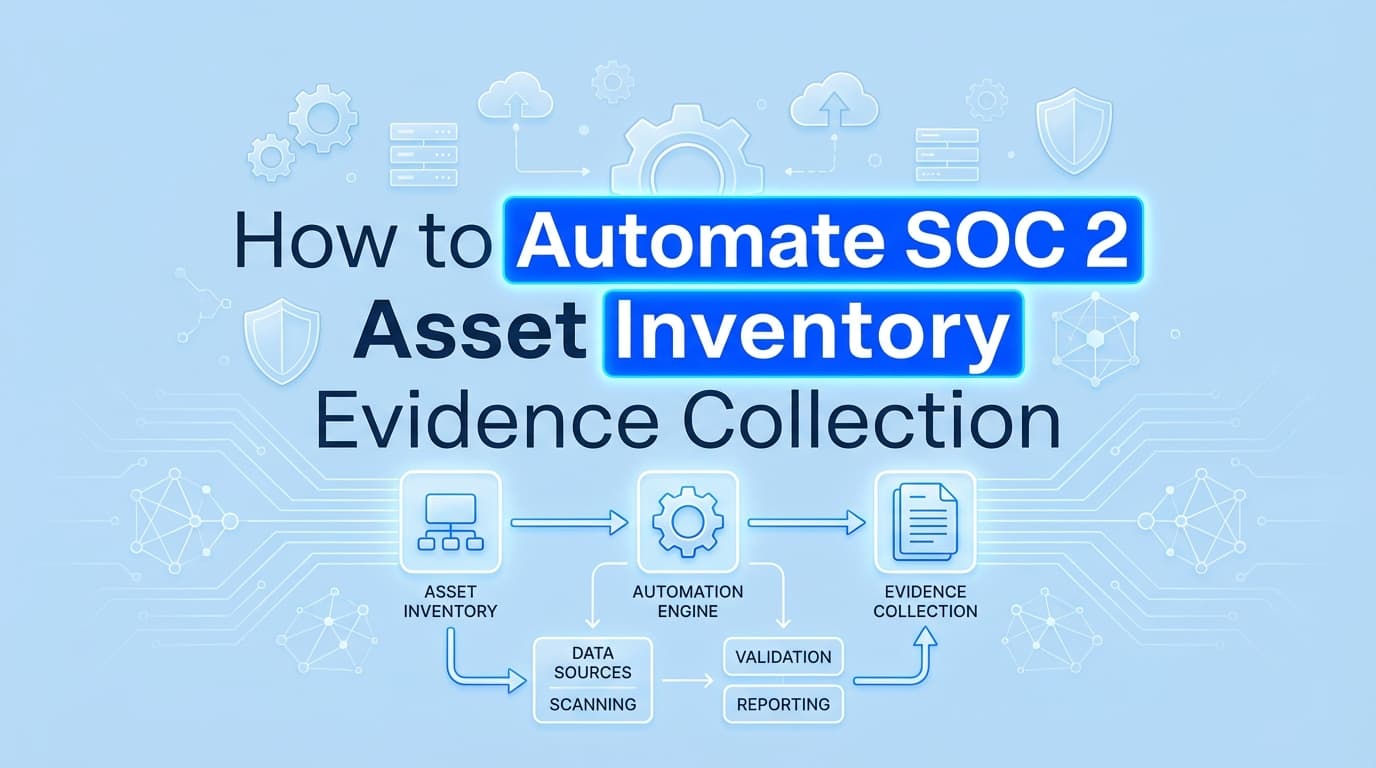
How to Automate SOC 2 Asset Inventory Evidence Collection
SOC 2 audits require proof that you know exactly what exists in your environment. If you cannot prove what hardware and software you have, auditors will not trust that your security controls actually protect your organization. While basic asset management is standard practice for most IT teams, turning that raw data into acceptable SOC 2 asset inventory evidence is usually a mess of manual spreadsheet updates and tedious documentation. Automating this process ensures your asset lists are perfectly synced with your infrastructure and ready for auditor review without the last-minute scramble.
Honestly, most teams overthink this control. You do not need a massive enterprise CMDB (Configuration Management Database) if you are a 50-person SaaS company. You just need a reliable, automated way to show the auditor what you own, who owns it, and what data it touches.
What Asset Inventory Evidence Do SOC 2 Auditors Actually Require?
Auditors require a complete, accurate list of all physical and logical assets in your environment, along with evidence showing who owns them and their data classification. This satisfies the baseline requirements for SOC 2 CC6.1 (Logical Access) and CC6.2 (User Access).
To pass this control, your evidence must include:
- Hardware inventory: Laptops, servers, mobile devices, and physical networking equipment.
- Software inventory: SaaS applications, internal tools, databases, and cloud infrastructure.
- Asset details: The asset owner, business purpose, and data classification (e.g., Public, Confidential, Restricted).
- Completeness verification: Proof that the list matches reality. If your HR system shows 60 employees but your hardware asset inventory only shows 45 laptops, the auditor will flag an exception.
The biggest hurdle here is the Information Provided by the Entity (IPE) requirement. Auditors will not just take your Excel export at face value. They want to see the source. They will ask for screenshots of your Mobile Device Management (MDM) portal or AWS console to prove the exported list matches the live system.
Hardware vs. Software Asset Management for Compliance
Treat hardware and software differently when building your automated evidence trails. They live in different systems and require different types of proof.
| Asset Type | Primary Source of Truth | Key Evidence Required | Common Pitfalls |
|---|---|---|---|
| Hardware (Laptops) | MDM (Kandji, Jamf, Intune) | Device name, assigned user, encryption status, OS version | Unmanaged BYOD devices, laptops sitting in a closet unassigned |
| Infrastructure (Servers) | Cloud Provider (AWS, GCP) | Instance ID, region, attached storage, tag classification | Untagged resources, orphaned databases from old projects |
| Software (SaaS Apps) | Identity Provider (Okta, Google) | Application name, assigned users, SSO enforcement | Shadow IT, teams buying software on personal credit cards |
For hardware, your MDM is your best friend. If a device is not in the MDM, it should not have access to production data. For software, your Identity Provider (IdP) serves as the gatekeeper.
Where Traditional SOC 2 Automation Stops
If you use a GRC platform like Drata or Vanta, you already know they connect to your AWS environment and your MDM via API. They pull a list of assets and check boxes on a dashboard. For basic asset management, this is helpful.
But here is where traditional SOC 2 automation stops.
APIs only see what they are programmed to see. They do not catch the custom internal admin panel an engineer spun up last month. They do not capture the visual evidence of your MDM configuration settings that auditors frequently request during fieldwork. When an auditor asks to see a screenshot of the actual Kandji dashboard showing the total device count to tie back to your API export, the GRC tool cannot help you. You are back to taking manual screenshots.
Furthermore, API-based tools struggle with contextual data classification. An API knows an S3 bucket exists, but it cannot automatically prove to an auditor that the bucket is correctly classified in your internal documentation. You still have to bridge the gap between the raw technical data and the compliance context.
How Do You Automate Asset Inventory Evidence Collection?
You can automate asset inventory evidence by using your existing infrastructure tools as the source of truth, enforcing strict tagging policies, and deploying automated screenshot tools to capture the UI-level proof auditors demand.
Here is the practical path to automating this workflow:
- Enforce Cloud Tagging: In AWS or GCP, enforce a tagging policy that requires an
OwnerandDataClassificationtag on every resource. If a resource lacks these tags, an automated script should flag it or shut it down. This turns your cloud environment into a self-documenting asset inventory. - Centralize SaaS Access: Force all SaaS applications through your IdP (like Okta). Your Okta application directory becomes your automated software inventory.
- Deploy Automated Evidence Capture: Instead of manually logging into Jamf, AWS, and Okta every quarter to take screenshots of your active asset counts, use an automated evidence collection tool like Screenata. It navigates to these dashboards, captures the visual proof of your asset counts, and packages it into a timestamped PDF.
This approach satisfies the auditor's need for both the raw data (the API exports) and the visual IPE validation (the screenshots) without requiring you to spend an afternoon playing compliance photographer.
What About ISO 27001 and HITRUST Asset Requirements?
If you are expanding beyond SOC 2, your asset management strategy will need to scale. The good news is that the automated evidence you collect for SOC 2 maps directly to other major frameworks.
ISO 27001: Annex A control A.5.9 specifically requires an "Inventory of information and other associated assets." ISO 27001 places a heavier emphasis on the concept of an "Asset Owner" and explicitly requires evidence of rules for the acceptable use of these assets (A.5.10). Your automated screenshots of MDM assignments and IdP access policies satisfy these requirements perfectly.
HITRUST r2: The HITRUST CSF is notoriously rigid about asset management. Domain 09 (Asset Management) requires granular documentation of how assets are identified, classified, and handled. HITRUST assessors will demand visual evidence of your asset tracking systems in operation. Automated UI capture is practically mandatory here unless you want to spend weeks manually documenting every system in your healthcare environment.
Asset inventory is foundational. If your inventory is wrong, your access reviews are wrong, and your vulnerability management is wrong. Automate the baseline collection so you can focus on actually securing the assets.
Learn More About Compliance Evidence Automation
For a complete guide to the concepts discussed here, see our guide on what is compliance evidence automation, including how automated evidence collection replaces manual screenshots across your entire audit.
Connect and see
See your SOC 2 with your real systems.
Connect GitHub and cloud read-only. Vera shows your control matrix, policy gaps, and prioritized next actions before you commit to anything.