

Compliance
How Screenata Enables Continuous, Cross-Framework Compliance Monitoring
Screenata enables continuous, cross-framework compliance by acting as your AI Compliance Officer, writing policies, analyzing your codebase, mapping controls, collecting evidence, and tracking readiness across SOC 2, ISO 27001, HIPAA, and more. This approach eliminates redundant manual testing, ensures real-time audit readiness, and reduces documentation effort by over 90%.
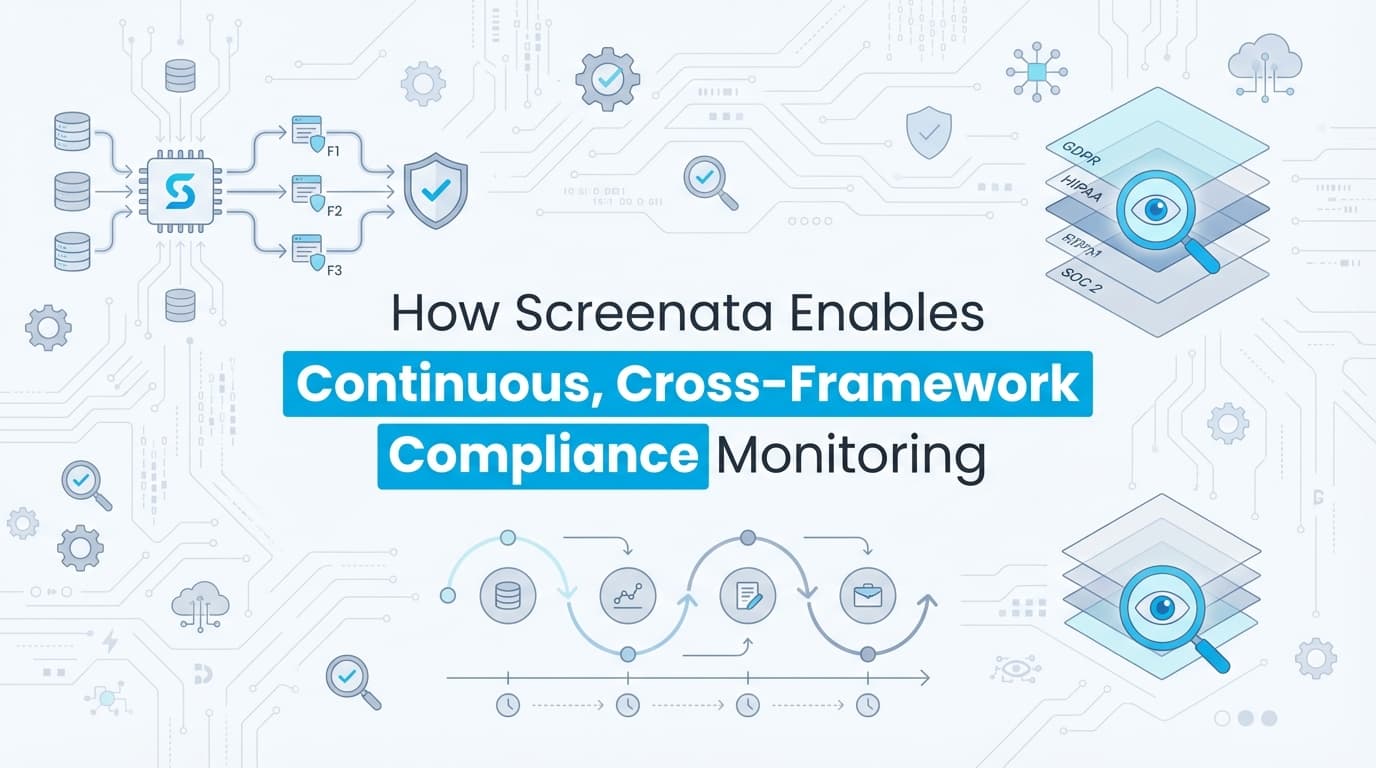
Screenata enables continuous, cross-framework compliance monitoring by acting as your AI Compliance Officer across multiple regulatory standards simultaneously. Screenata reads your codebase and cloud environment, writes policies grounded in your real systems, collects evidence, maps controls to Trust Services Criteria, and tracks your readiness score, all across SOC 2, ISO 27001, HIPAA, and CMMC. A single workflow, such as a user access review, is automatically documented, annotated, and mapped to overlapping controls, ensuring evidence remains current without redundant manual effort.
Why Is Cross-Framework Compliance Monitoring So Difficult?
Modern SaaS companies rarely adhere to just one security standard. A typical growth trajectory involves starting with SOC 2, expanding to ISO 27001 for international markets, and adopting HIPAA or CMMC for healthcare or government contracts.
The primary challenge is the "Compliance Tax", the exponential increase in manual work required to satisfy multiple auditors.
The Problem: Redundant Manual Evidence Collection
Most compliance approaches, whether using a GRC platform, a consultant, or doing it yourself, leave you managing duplicate work across frameworks. This leads to:
- Duplicate Testing: Performing the same access control test three times to satisfy three different framework requirements.
- Evidence Fragmentation: Storing screenshots in various folders or platforms, making it impossible to track which evidence is current.
- Audit Fatigue: Compliance teams spend 40–80 hours per quarter per framework just on documentation.
- Stale Evidence: Because manual collection is painful, it is often done "just in time" for an audit, rather than continuously, creating a risk of "point-in-time" compliance failure.
How Screenata Solves the Cross-Framework Challenge
Screenata is an AI Compliance Officer for startups. It handles the full compliance workflow, policy writing, codebase analysis, control mapping, evidence collection, and readiness scoring, across all your frameworks from a single platform. For teams starting fresh, Screenata replaces both the GRC platform and the compliance consultant. If you already use Drata or Vanta, Screenata can work alongside them.
1. The "Record Once, Map Many" Philosophy
Screenata’s core innovation is its Cross-Framework Mapping Engine. When a compliance workflow is executed, such as deprovisioning a user in a custom admin panel, Screenata doesn't just save a screenshot. It uses AI to identify the actions performed and maps them to the specific requirements of multiple frameworks.
| Action Performed | SOC 2 Mapping | ISO 27001 Mapping | HIPAA Mapping |
|---|---|---|---|
| Deprovisioning a user | CC6.3 (Access Removal) | A.9.2.6 (Removal of access) | §164.308(a)(4) (Access) |
| MFA Configuration | CC6.1 (Logical Access) | A.9.4.2 (Secure Log-on) | §164.312(a)(1) (Auth) |
| Code Review Approval | CC7.2 (Change Mgmt) | A.12.1.2 (Change Mgmt) | N/A |
2. Continuous vs. Point-in-Time Monitoring
Traditional compliance relies on "snapshots" taken once a quarter. Screenata enables continuous monitoring by allowing teams to schedule automated recordings or integrate recordings into their existing CI/CD and DevOps workflows. If a UI change breaks a control (e.g., an "Admin" button becomes accessible to a "Viewer" role), Screenata detects the discrepancy during the next scheduled recording.
How It Works: A Step-by-Step Guide
Step 1: Connect Your Repo and Cloud
Screenata’s agents connect to your GitHub org and cloud environment. They scan your codebase, analyze your AWS/GCP/Azure configurations, and map your tech stack, auth, CI/CD pipeline, and existing security controls.
Step 2: Framework Selection and Control Mapping
Select the frameworks you need to maintain (e.g., SOC 2 Type II and ISO 27001). Screenata maps your internal controls to a Unified Control Framework, where one internal control satisfies multiple external requirements.
Step 3: Agents Write Your Policies
AI agents ask questions about each policy area, then draft policies based on your real systems and Trust Services Criteria. Not "the organization shall implement access controls." Instead: "Acme Corp enforces MFA through Clerk for all user accounts." Every claim is tied to evidence you can actually produce. You approve each policy before export. Learn more about why generic ChatGPT policies fail audits.
Step 4: AI-Powered Evidence Generation
Screenata’s AI agents collect evidence from your systems: user lists, MFA configurations, access logs, branch protection rules, encryption settings. For application-level workflows, the agents capture high-resolution screenshots, extract metadata (URLs, timestamps, user IDs), and log every interaction.
- OCR & Computer Vision: It reads the text on the screen to verify "Access Denied" or "User Deleted" messages.
- Narrative Writing: It writes a step-by-step technical narrative of the test.
- Cross-Tagging: It attaches the resulting Evidence Pack to every relevant framework ID in the system.
Step 5: Readiness Scoring and Certification
A readiness dashboard shows your audit score, what's left to do, and what's blocking certification. Your AI assistant answers questions and tells you what to do next. When your readiness score hits 100%, export your policies, evidence, and control mappings as an audit-ready package.
Comparison: Manual vs. Screenata Cross-Framework Monitoring
Example Use Case: Role-Based Access Control (RBAC) Verification
Scenario: A company must prove for both SOC 2 (CC6.1) and HIPAA (§164.312) that a "Standard User" cannot access the "Billing Settings" page.
The Screenata Workflow:
- The Test: The tester logs in as a "Standard User" and clicks the "Billing" tab.
- The Result: The UI displays a "403 Forbidden" or "Insufficient Permissions" message.
- The Capture: Screenata records the entire flow, capturing the user's role badge and the error message.
- The Output: Screenata generates a single PDF Evidence Pack.
- The Mapping:
- SOC 2: Attached to CC6.1.
- HIPAA: Attached to Technical Safeguards (Access Control).
Time Saved: Instead of documenting this twice (roughly 2 hours of work), the tester spent 120 seconds recording the flow.
Why Auditors Trust Screenata-Generated Evidence
Auditors are often skeptical of automated tools, but Screenata evidence is designed to meet the strictest AICPA and ISO standards for "sufficient and appropriate evidence."
1. Immutable Timestamps and Metadata
Every screenshot is wrapped in metadata, including the precise server time (NTP synced), the URL, the browser version, and the authenticated user's identity. This prevents "tampering" or "backdating" of evidence.
2. Complete Traceability
Unlike a standalone screenshot, a Screenata recording provides the context of how the tester arrived at a screen. Auditors can see the full click-path, ensuring the evidence wasn't "staged" or taken out of context.
3. Professional, Standardized Formatting
Screenata outputs professional PDF reports that include:
- Control Objective.
- Step-by-step Procedure.
- Expected vs. Actual Results.
- High-resolution, annotated screenshots.
- Tester and Reviewer digital signatures.
Best Practices for Continuous Cross-Framework Monitoring
To maximize the ROI of Screenata, organizations should follow these three best practices:
1. Identify "Common Controls" Early
Before starting your audit, map your internal processes to a Unified Control Framework. Identify which activities (e.g., quarterly access reviews) satisfy multiple requirements. Use Screenata to record these "Master Workflows."
2. Schedule Monthly "Health Checks"
Don't wait for the audit window. Use Screenata to record key application controls monthly. This ensures that if a software update changes the UI or breaks a permission setting, you catch it immediately.
3. Use Readiness Scoring to Stay On Track
Screenata's readiness dashboard gives you a real-time view of your compliance posture across all frameworks. Monitor your score continuously rather than scrambling before the audit.
Frequently Asked Questions
How does Screenata handle frameworks with different requirements?
Screenata uses a "highest common denominator" approach. If ISO 27001 requires more detail than SOC 2 for a specific control, Screenata’s templates default to the more rigorous requirement, ensuring compliance across all linked standards.
Does Screenata replace Drata or Vanta?
For most startups, yes. Screenata replaces both the GRC platform and the compliance consultant. It reads your codebase and cloud, writes policies grounded in your real systems, collects evidence, maps controls to Trust Services Criteria, and gives you a readiness score. If you already use Drata or Vanta, Screenata can work alongside them. But for teams starting fresh, Screenata is the complete solution. Learn more about whether you actually need a vCISO for SOC 2.
Can Screenata detect when a control fails?
Yes. During a recording, if the AI agent detects that an expected result (like an "Access Denied" message) did not appear, it flags the test as "Failed" and alerts the compliance team before the evidence is finalized.
Is it difficult to map SOC 2 controls to ISO 27001 in Screenata?
No. Screenata comes with a pre-built mapping layer. When you record a test for a SOC 2 control, the system automatically suggests the corresponding ISO 27001 Annex A controls.
Key Takeaways
✅ Eliminate Redundancy: Record a compliance workflow once and map it to SOC 2, ISO 27001, HIPAA, and more.
✅ Continuous Readiness: Shift from reactive "audit prep" to proactive continuous monitoring with scheduled workflow recordings.
✅ 90%+ Time Savings: Reduce the manual effort of taking, organizing, and describing screenshots from hours to minutes.
✅ Auditor-Grade Evidence: Generate structured PDF evidence packs with full metadata, OCR validation, and click-path traceability.
✅ Full Compliance Solution: Screenata handles policy writing, codebase analysis, control mapping, evidence collection, and readiness scoring, replacing both the platform and the consultant.
Learn More About Continuous Compliance
For a complete guide to automating continuous evidence collection across SOC 2, ISO 27001, HIPAA, and CMMC, including how to enable continuous cross-framework compliance monitoring, see our continuous compliance guide. For a breakdown of what SOC 2 actually costs, see The Bootstrapped Founder's Guide to SOC 2.
Connect and see
See your SOC 2 with your real systems.
Connect GitHub and cloud read-only. Vera shows your control matrix, policy gaps, and prioritized next actions before you commit to anything.