

Compliance
The Screenshot Evidence Drata Can't Collect for SOC 2 Audits
Your auditor asks for proof of admin-panel permissions, change approvals, and access reviews, and Drata captures none of it. Here are the specific controls (CC6.1, CC7.2, CC8.1) that need visual evidence and human sign-offs, and how Vera, an agent who runs continuous compliance, does that work: capturing UI proof, chasing attestations, and filing signed packs that sync back to Drata.
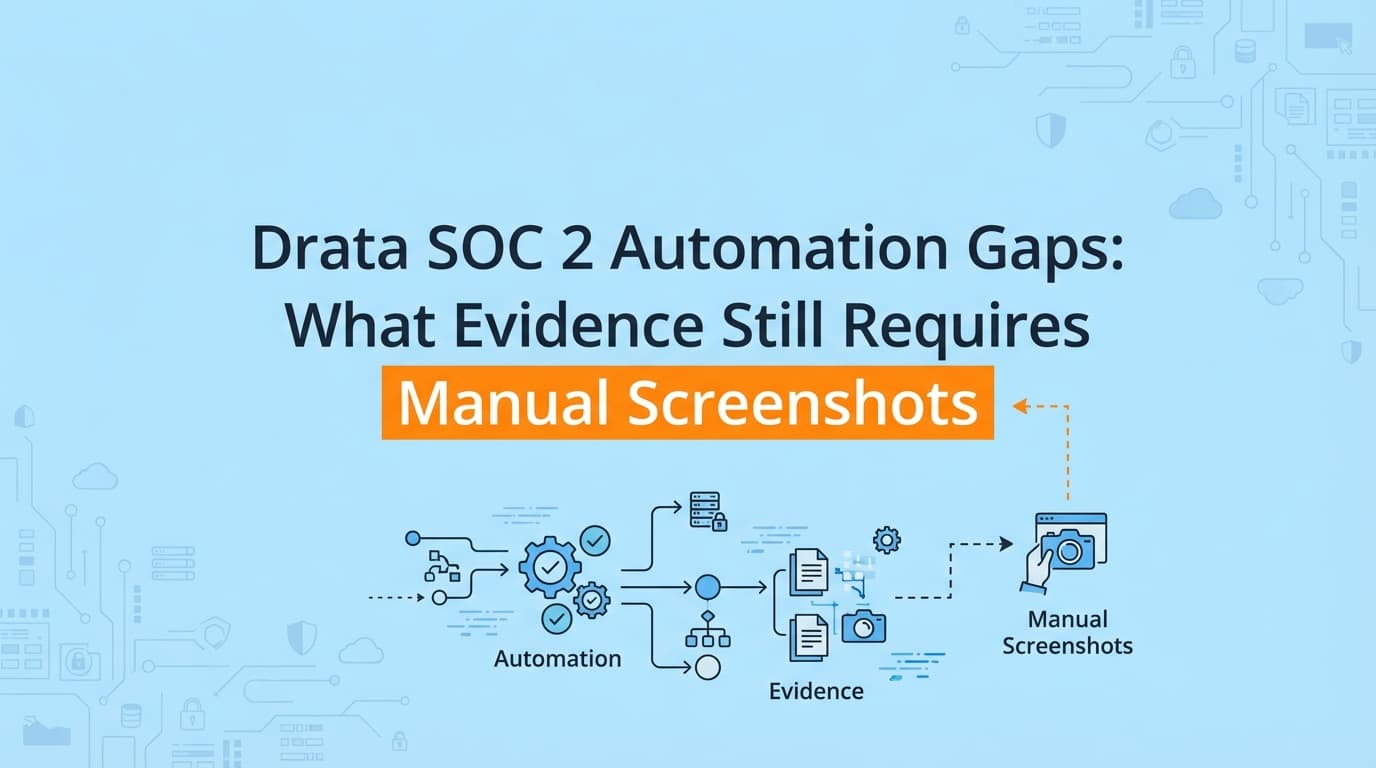
Drata automates infrastructure checks over API, then leaves the SOC 2 evidence an API cannot reach: screenshots of application permissions, proof that a change was approved, and confirmation that an access review happened. It reads AWS configuration and background-check status well, then marks your custom application workflows "manual" and waits. Teams discover this too late and burn 40 to 80 hours per cycle capturing screenshots and chasing sign-offs for controls like logical access and change management. This guide breaks down exactly where Drata's automation stops, and how Vera, an agent who runs continuous compliance, does that work: she captures the UI proof a dashboard can't see, DMs your team for the attestations it can only flag, and files signed, traceable packs that sync into Drata. A dashboard flags the work; Vera does it.
What Are the Main Drata SOC 2 Automation Gaps?
The gaps in Drata (and similar GRC tools like Vanta) are the application-level controls and process workflows that have no public API. Drata automates infrastructure over cloud, MDM, and HRIS integrations. It cannot see inside your custom SaaS product to verify role-based access, a specific UI error, or a manual operational process.
The gaps cluster into three areas:
- Logical access verification (CC6.1): proving a non-admin user is actually blocked from admin features, which needs an "Access Denied" capture.
- Change management workflows (CC7.2): visual proof of pull-request approvals or deployment steps that live outside GitHub.
- System operations (CC8.1): dashboard evidence from tools that lack a deep API link to Drata.
Underneath all three sits a fourth gap that gets less attention: the human attestations, the sign-offs only a person can give, that a dashboard can flag but never produce.
Why Can't Drata Automate Application Evidence?
Drata relies on API integrations. It connects to AWS, GitHub, Okta, and Google Workspace to query configuration, for example "is MFA enabled?" Auditors, though, want test-of-design and test-of-operating-effectiveness evidence that proves a control works from a user's point of view. An API can report that a user holds the "Viewer" role. The auditor wants a capture showing that the Viewer cannot see the "Delete Database" button. Drata cannot log into your application, navigate the UI, and record that.
The last-mile problem
You automate 80% of the audit with Drata, and the last 20%, the application captures and the attestations, accounts for most of the pre-audit scramble and most of the human error. This is not a flaw in Drata; it is the edge of what an API can observe. It is also exactly the edge Vera is built to cross.
Where Infrastructure Automation Stops and Vera Starts
To see what still needs a person (or an agent like Vera), compare what a GRC platform reads over API against what a Type II audit asks for.
| Control area | Drata / Vanta (GRC platforms) | Left to you, done by Vera |
|---|---|---|
| Infrastructure security | Automated (checks AWS and Azure APIs) | Nothing extra |
| Employee onboarding | Automated (checks HRIS and MDM) | Nothing extra |
| Logical access (CC6.1) | Partial (checks Okta groups) | Captures the "Access Denied" state for an unauthorized user |
| Change management (CC7.2) | Partial (checks GitHub branch protection) | Captures PR comments and UI-based deployment approvals |
| Vulnerability scanning (CC8.1) | Partial (checks scanner integration) | Captures the "zero critical open" dashboard when the API falls short |
| User access reviews | Lists users | Schedules the review and chases the human sign-off |
Which Specific SOC 2 Controls Need Manual Evidence?
If you are prepping for an audit, watch these controls closely. They are where Drata users are most often surprised by a request for evidence a scan cannot produce.
1. CC6.1, Logical Access (role-based access control)
- The Drata check: confirms an access-control policy exists and that employees sit in the right IdP groups.
- The gap: auditors want positive assurance that access control actually works.
- The evidence Vera captures: an Admin reaching the settings page, and a Standard user hitting a 403 or "Access Denied" on the same page.
2. CC7.2, Change Management (system changes)
- The Drata check: confirms branch protection is on and PRs are merged.
- The gap: real deployment workflows often include steps outside GitHub, such as an approval in a separate dashboard or a Slack "go" notification.
- The evidence Vera captures: the deployment-pipeline approval in tools like Jenkins or ArgoCD, plus emergency-change ticket sign-offs.
3. CC8.1, System Operations (vulnerability management)
- The Drata check: confirms a scanner such as Inspector or Trivy is active.
- The gap: auditors want the specific scan results for a sample period, often a visual confirmation of the dashboard state.
- The evidence Vera captures: the vulnerability dashboard showing no critical issues open beyond the remediation window.
How Vera Does the Work a Dashboard Flags
Vera runs the compliance program as an agent. She scans your infrastructure read-only, scopes your control matrix, drafts policies grounded in what she finds, and works the controls on a schedule. For the evidence Drata marks manual, she does the collection, chases the sign-offs, and signs the results.
Her evidence mix is the honest breakdown: about 70% is fully API-automated, roughly 9% is automated screenshots (the browser extension plus a vision model scoring each capture against the control), about 9% is guided capture, and around 5% is ingested from your inbox as forwarded emails or Slack file drops. Zero percent comes from a person uploading files into a dashboard. Screenshots are one of several ways she collects evidence, and the one an API can never reach, not the identity of the product.
The workflow
- Pinpoint the control. Whether Drata flags CC6.1 as manual or Vera scopes it from your matrix, it gets picked up.
- Run the test once. You (or Vera, on a schedule) exercise the flow, for example logging in as a Viewer and attempting an admin action.
- Capture with provenance. The extension records timestamped screenshots, a DOM snapshot, and metadata, and a vision model scores the result against the control. PII is redacted at capture.
- Chase what only a person can answer. For a review or exception, Vera DMs the right teammate, reminds at 24 hours, escalates at 48, and files the reply.
- Sign and sync. Every artifact is hashed, timestamped (RFC 3161), and signed, and traces back through a control test to a policy claim. If you run Drata, she pushes the pack into the matching control so it flips to ready.
Do Auditors Accept Vera's Evidence?
Yes. Auditors accept machine-captured evidence when it holds integrity and authenticity, and automated captures are often more trustworthy than hand-pasted ones because they resist tampering. Vera's packs carry what auditors look for:
- Timestamps synced to a reliable time source, stamped at capture so evidence cannot be backdated.
- The source URL, visible in the capture or the metadata.
- A chain of custody: each artifact is hashed and signed, linking the capture to the specific test run.
- Control context: every pack is labeled with the control ID, such as CC6.1.
Because each artifact ties back through a control test to a policy claim, an auditor can start from a policy sentence, follow it to the signed evidence, and verify the signature with a free CLI, no Screenata account required. Structured packs like these meet the AICPA bar for sufficient and appropriate evidence.
The Attestation Work No Dashboard Solves
A large share of the gap is not a screenshot at all. It is a person confirming something happened, and a dashboard can only flag it and wait.
- Did the quarterly access review happen, and did the right managers sign off?
- Who approved this production exception, and why?
- Was this vendor reviewed before it was onboarded?
- Did offboarding revoke access everywhere it should?
Every quarter someone has to remember these, chase colleagues across Slack and email, gather the answers, and upload the proof. Vera does the chasing: she DMs the right person, reminds at 24 hours, escalates at 48, and files the reply the moment it lands. On access reviews she schedules and orchestrates the review and chases the reviewers, while the judgment stays with your team.
How Vera Works With Drata (or Instead of It)
For most startups Vera replaces both the dashboard and the consultant. She reads your codebase and infrastructure, writes SOC 2 policies grounded in your real systems, maps controls to Trust Services Criteria, collects the evidence, and runs the program on a schedule. If you already run Drata, she works alongside it and covers everything it leaves manual.
- If you already use Drata: Vera captures the application evidence, chases the attestations, and syncs signed packs into your Drata controls.
- If you are starting fresh: Vera runs the full program, from infrastructure scanning and policy drafting through application evidence, control mapping, and audit prep, with no separate vCISO or consultant.
The sync flow, when you keep Drata:
- Drata marks control CC6.1 "not ready" for lack of evidence.
- Vera runs the scheduled RBAC test against your application.
- She captures the denial, scores it, and signs the pack.
- She pushes the pack into Drata through the API.
- Drata marks the control ready.
A Week in Vera's Compliance Cadence
Continuous compliance is a schedule, not a sprint before the audit. Once Vera runs alongside Drata:
- At 6:30 AM she posts a Slack briefing: current readiness, which controls need attention, and anything she escalated overnight.
- Mid-week a CC6.2 offboarding control comes due. She DMs the IT lead to confirm access was revoked, captures the disabled-account state, and files both.
- When Drata flags a CC6.1 control as manual, she runs the RBAC test, captures the denial, signs the pack, and syncs it into the matching control.
- By week's end she runs a full cloud and repo scan, catches a new bucket without encryption, and opens the remediation ticket for a human to apply.
The dashboard, if you keep one, stays the surface your auditor logs into. Vera keeps it green between audits.
What This Costs
Frequently Asked Questions
Can Drata take screenshots of my application?
No. Drata reads configuration data over API and has no browser engine or vision model, so it cannot log into your SaaS product and capture a UI state. Vera does that with the Screenata browser extension.
How much time does manual evidence collection take?
For a SOC 2 Type II audit, a mid-sized SaaS team typically spends 40 to 80 hours per quarter capturing, formatting, and uploading evidence for application and process controls, plus chasing the attestations. Vera absorbs that work.
Does Vanta have the same gaps as Drata?
Yes. Vanta and Drata share the same API-first architecture and the same limit at application-level UI testing and human attestations. Vera covers the gap for either one.
What is the risk of missing this evidence?
If you cannot provide sufficient evidence for application controls or the attestations behind them, an auditor may record an exception in your SOC 2 report. That signals to your customers that a control was not fully tested, which erodes trust.
Does Vera replace Drata or work alongside it?
Either. For most startups Vera replaces both the dashboard and the consultant. If you already run Drata, she works alongside it and covers everything it leaves manual.
Key Takeaways
- A dashboard flags the work; Vera does it. Drata reads infrastructure over API and leaves the application evidence and attestations to you; Vera captures the UI proof, chases the sign-offs in Slack, and files signed packs, alongside Drata or in place of it.
- The gap clusters in a few controls. CC6.1 (access), CC7.2 (change management), and CC8.1 (operations) are the usual sources, and a large share of it is a human attestation, not a screenshot.
- The last mile is where the time goes. Application captures and attestations account for most of the pre-audit scramble.
- Signed, re-derivable evidence beats loose screenshots. Verifiable provenance and a claim-to-evidence chain cut auditor follow-ups and shorten the window.
Learn More About SOC 2 Compliance Automation
- The Bootstrapped Founder's Guide to SOC 2 covers the full cost breakdown and what to expect.
- Do You Actually Need a vCISO for SOC 2? explains why most startups no longer need a consultant.
- How to Automate SOC 2 Evidence Collection is the comprehensive automation guide.
Connect and see
See your SOC 2 with your real systems.
Connect GitHub and cloud read-only. Vera shows your control matrix, policy gaps, and prioritized next actions before you commit to anything.