

Compliance
Why Manual SOC 2 Evidence Collection No Longer Scales for Modern Audits
Manual SOC 2 evidence collection takes 40–80 hours per quarter, leading to human error and audit delays. Modern audits require automation to capture screenshots and document application-level controls. This article explains why manual methods fail and how automated evidence collection scales compliance for fast-growing companies.
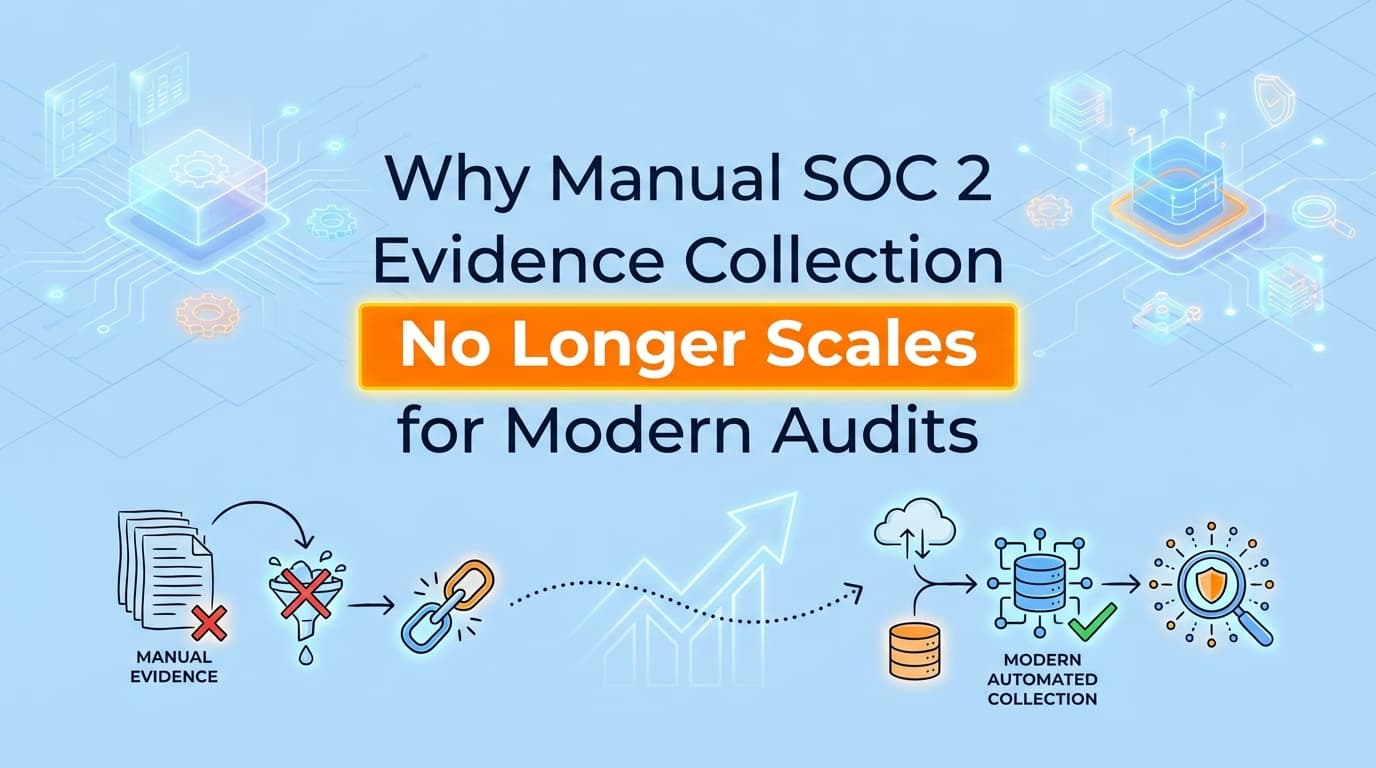
Manual evidence collection no longer scales for modern SOC 2 audits because the volume of application-level controls has outpaced human capacity. While GRC tools automate infrastructure checks, teams still spend 40–80 hours manually capturing screenshots for process-heavy controls. Automated evidence collection solves this by using AI to record workflows, validate screenshots, and generate audit-ready reports, reducing manual effort by over 90%.
What is Manual Evidence Collection in a SOC 2 Audit?
Manual evidence collection is the process of a human tester navigating an application to prove a control is functioning, capturing a screenshot as proof, and documenting the result for an auditor. In a SOC 2 (System and Organization Controls 2) audit, this typically involves proving that access is restricted (CC6.1) or that changes are approved (CC7.2).
For most SaaS companies, this means a security lead or engineer must stop their core work to:
- Log into a specific system (e.g., AWS, GitHub, or an internal admin panel).
- Perform a test (e.g., showing that a "Viewer" cannot delete a database).
- Use a "Snipping Tool" to take a screenshot.
- Paste that screenshot into a Word document or a GRC tool like Drata or Vanta.
- Add a timestamp, a description, and the tester’s identity.
While this works for a single audit with ten controls, it becomes a massive operational burden as a company grows and the number of controls and frameworks (like ISO 27001 or HIPAA) increases.
Why Does Manual Evidence Collection Fail to Scale?
Manual evidence collection fails because it is a linear process applied to an exponential problem. As a company scales, several factors make manual screenshots a liability rather than an asset.
1. The Volume of Controls
A standard SOC 2 Type II audit can involve over 100 controls. While many are infrastructure-related, roughly 20% are application-level or process-oriented. If each manual control takes 60 minutes to document, a team is looking at 20+ hours of work just for the initial capture.
2. The Frequency of Type II Audits
Unlike a Type I audit (point-in-time), a SOC 2 Type II audit covers a "review period," usually 3, 6, or 12 months. Auditors often require sampling, meaning you don't just provide one screenshot; you provide evidence for several different dates throughout the period. Manual collection requires "audit sprints" every quarter that distract the engineering team.
3. Human Error and Rejection Rates
Manual screenshots often lack the context auditors need. A common reason for audit friction is "insufficient evidence." A screenshot might be missing:
- The full URL bar.
- A clear system timestamp.
- The identity of the person performing the test.
- The "state" of the system before the action was taken.
4. Cross-Framework Redundancy
If you are pursuing SOC 2, ISO 27001, and HIPAA simultaneously, manual collection often leads to "duplicate documentation." Teams end up taking the same screenshots for different auditors because they lack a unified system to map one piece of evidence to multiple frameworks automatically.
Where Traditional SOC 2 Automation Stops
Many companies believe they have already automated their audits by using GRC (Governance, Risk, and Compliance) platforms like Drata, Vanta, or Secureframe. However, these tools have a specific limitation known as the "20% manual gap."
| Feature | GRC Platforms (Drata/Vanta) | Screenata (AI Compliance Officer) |
|---|---|---|
| Infrastructure Monitoring | Automated via API (AWS, GCP) | N/A |
| Policy Management | Automated Templates | N/A |
| Application UI Controls | Manual Screenshots Required | Automated AI Capture |
| Process Workflows | Manual Documentation | Automated Workflow Recording |
| Evidence Validation | Human Review Required | AI-Powered Validation |
Traditional GRC tools are excellent at checking configurations (e.g., "Is the S3 bucket encrypted?"). They are not designed to "see" inside your custom application. If your SOC 2 audit requires proof that your "Admin Dashboard" requires MFA or that "Manager Approval" is required for a specific financial transaction, GRC tools cannot help. You are forced back into manual screenshot collection.
How Does Automated Evidence Collection Solve the Scaling Problem?
Automated evidence collection, powered by tools like Screenata, closes the gap between infrastructure monitoring and manual testing. It allows companies to scale by turning "manual tasks" into "automated workflows."
1. AI-Driven Workflow Recording
Instead of taking static screenshots, you record the workflow once. The system uses computer vision to understand the UI elements. It then automatically captures the necessary screenshots, extracts the text via OCR (Optical Character Recognition), and builds the narrative.
2. Standardized Evidence Packs
Automation ensures that every piece of evidence is "auditor-ready" by default. An automated Evidence Pack includes:
- Cryptographic Timestamps: Proving the exact time of capture.
- Tester Metadata: Proving who performed the test.
- Full Context: High-resolution images that include URLs and system states.
- Control Mapping: Automatically tagging the evidence to SOC 2 CC6.1 or ISO 27001 A.9.2.3.
3. Continuous Collection (Compliance Crons)
Scaling requires moving away from "audit seasons." Automated tools can run "Compliance Crons", scheduled tasks that execute evidence-collection workflows every week or month. This ensures that you have a continuous stream of evidence, eliminating the last-minute scramble before an auditor arrives.
Example: Automating SOC 2 CC6.1 (Logical Access)
To illustrate the difference in scale, let's look at SOC 2 Control CC6.1, which requires verifying that access to protected functions is restricted based on roles.
The Manual Way:
- An engineer logs in as a "User."
- They navigate to the
/adminpage. - They take a screenshot of the "Access Denied" message.
- They log out and log in as an "Admin."
- They navigate to the
/adminpage. - They take a screenshot of the "Settings" menu.
- They upload both to a folder and write a description.
- Total Time: 30–45 minutes.
The Automated Way (with Screenata):
- The user launches the Screenata agent.
- They perform the two logins in a single flow.
- The AI detects the "Access Denied" and "Settings" states.
- The system generates a formatted PDF report with both screenshots, timestamps, and the CC6.1 control ID already applied.
- The report is pushed to Drata or Vanta automatically.
- Total Time: 3 minutes.
Comparison: Manual vs. Automated Evidence Collection
| Metric | Manual Collection | Automated Collection |
|---|---|---|
| Time per Control | 60+ Minutes | < 5 Minutes |
| Error Rate | High (Missing timestamps/URLs) | Low (Machine-standardized) |
| Audit Prep Time | 4–6 Weeks | 1–2 Days |
| Developer Interruption | Frequent and Disruptive | Minimal (Record once) |
| Auditor Trust | Variable | High (Verifiable metadata) |
| Scalability | Decreases as company grows | Increases with framework mapping |
Do Auditors Accept AI-Generated SOC 2 Evidence?
Yes. Auditors accept AI-generated evidence as long as it meets the AICPA standards for sufficiency and appropriateness. In fact, many auditors prefer automated evidence because it removes the risk of "cherry-picking" or manual manipulation.
Standardized reports generated by Screenata include a Chain of Custody. This means the auditor can see that the screenshot was captured directly from the browser, hashed cryptographically, and never altered by a human. This level of integrity is actually higher than a manual screenshot pasted into a Word document, which could easily be edited or faked.
Best Practices for Transitioning to Automated Evidence
If your team is currently overwhelmed by manual screenshots, follow these steps to scale your compliance program:
- Identify the "Manual 20%": List all controls in your GRC (Drata/Vanta) that are currently marked as "Manual." These are your prime candidates for automation.
- Standardize Your Test Flows: Define exactly what "success" looks like for a control (e.g., "Must show 403 error for non-admin").
- Integrate Your Stack: Connect your evidence automation tool (Screenata) to your GRC platform. This ensures that as soon as evidence is captured, the "Gap" in your dashboard is closed.
- Audit Your Evidence quarterly: Don't wait for the external auditor. Review your automated evidence packs every 90 days to ensure your UI changes haven't broken the recording flows.
Frequently Asked Questions
What is the biggest hidden cost of manual evidence collection?
The biggest cost is opportunity cost. When your most expensive senior engineers spend 40 hours a quarter taking screenshots for a SOC 2 audit, they aren't building features or fixing bugs. This "compliance tax" slows down product velocity.
Can I use automated evidence for ISO 27001?
Yes. While SOC 2 is the most common use case, automated evidence collection is highly effective for ISO 27001 Annex A controls, particularly those related to access control (A.9) and change management (A.12).
Does automation replace the need for an auditor?
No. Automation replaces the collection of data, not the audit itself. An auditor still needs to exercise professional judgment to determine if your controls are designed effectively. Automation simply gives them better, cleaner data to review.
How does Screenata handle sensitive data (PII) in screenshots?
Screenata uses AI-powered redaction to identify and blur PII (Personally Identifiable Information) like emails or names at the moment of capture. This ensures your evidence is compliant with privacy laws like GDPR while still proving the control works.
Key Takeaways
- ✅ Manual collection is a bottleneck: It consumes 40–80 hours per audit and is prone to human error.
- ✅ GRC tools have limits: Drata and Vanta automate infrastructure, but leave a 20% gap in application-level evidence.
- ✅ Automation provides integrity: Machine-generated evidence packs include timestamps and metadata that auditors trust more than manual snippets.
- ✅ 92% Time Savings: Moving to automated workflow recording reduces the documentation burden from hours to minutes.
- ✅ Continuous Compliance: Automation allows for "Compliance Crons" that collect evidence year-round, eliminating audit sprints.
Learn More About Compliance Automation
For a complete guide to streamlining your audit workflows, see our guide on what is compliance evidence automation, including why manual evidence collection no longer scales for modern audits and how to fix it.
Connect and see
See your SOC 2 with your real systems.
Connect GitHub and cloud read-only. Vera shows your control matrix, policy gaps, and prioritized next actions before you commit to anything.