

Compliance
Why Do Auditors Trust Screenata-Generated Evidence Packs?
Auditors trust Screenata-generated evidence packs because they provide verifiable, immutable, and contextual proof of control execution. By combining timestamped screenshots with system metadata, user identity, and professional formatting, Screenata eliminates the risk of human error and evidence tampering common in manual collection.
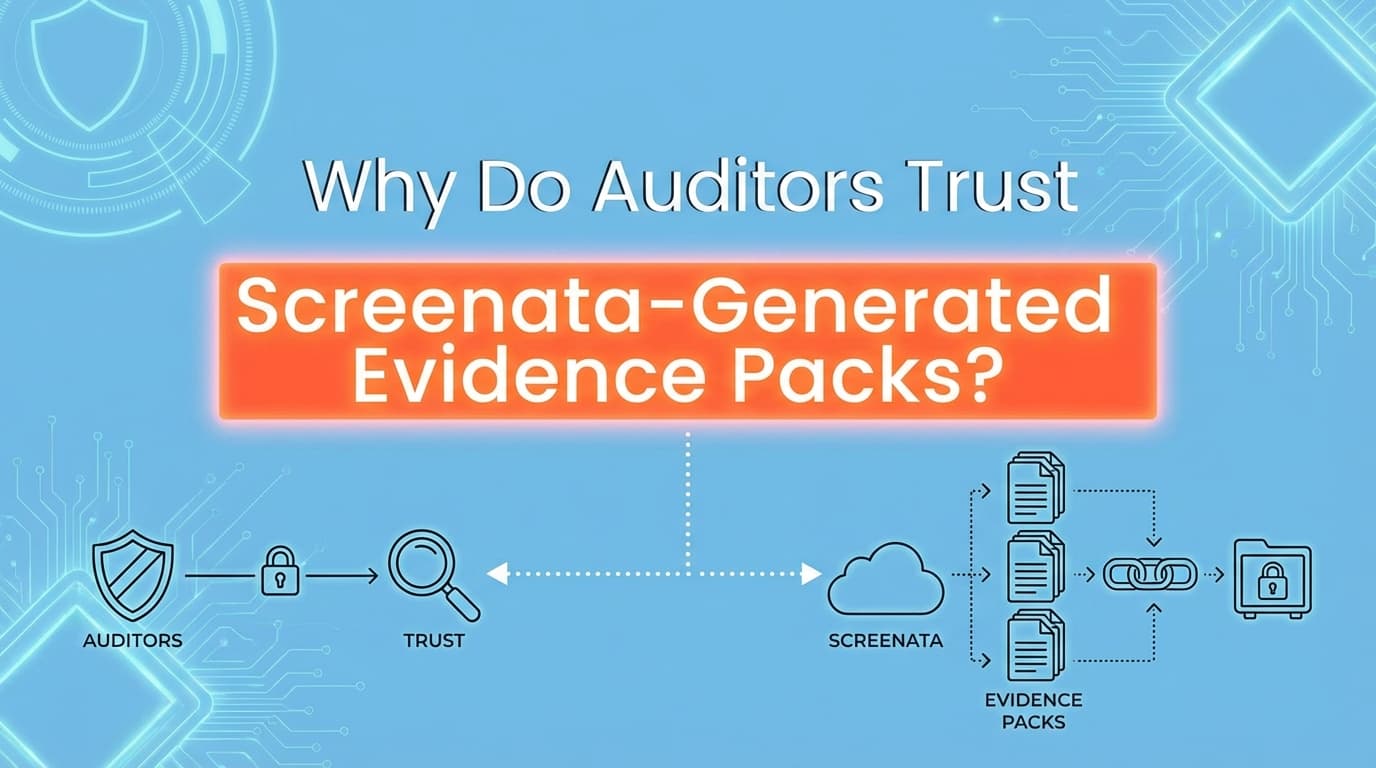
Auditors trust Screenata-generated evidence packs because they provide verifiable, immutable, and contextual proof of control execution. Unlike manual screenshots, which lack metadata and are prone to tampering, Screenata captures the full audit trail, including URLs, timestamps, user identities, and system configurations. This structured data meets AICPA and ISO standards for evidence completeness and accuracy, significantly reducing the risk of audit findings or "qualified" opinions.
Why Is Auditor Trust the "Last Mile" of Compliance?
In a SOC 2 or ISO 27001 audit, the quality of your evidence is just as important as the control itself. Many organizations fail audits not because their security is weak, but because their evidence is insufficient.
The Problem with Manual Evidence:
- Lack of Context: A single screenshot of a "Settings" page doesn't prove who changed the setting or when.
- Tampering Risks: Manual files can be edited, cropped, or falsified, leading auditors to view them with skepticism.
- Inconsistency: Different team members capture evidence in different formats, making the auditor's review process slow and frustrating.
- Human Error: Missing timestamps or obscured URLs can lead to evidence being rejected, requiring expensive re-testing.
Screenata solves these issues by automating the "Chain of Custody" for every piece of evidence generated.
The Four Pillars of Auditor Trust in Screenata
How does a software-generated PDF gain the same (or higher) trust level than a manual walkthrough? Screenata builds trust through four specific technical pillars.
1. Verifiable Authenticity (Immutable Metadata)
Every screenshot captured by Screenata is embedded with hidden metadata that proves its origin. This includes:
- System Timestamps: Synced with NTP (Network Time Protocol) to ensure the time of capture cannot be faked.
- URL Verification: The exact web address is recorded, proving the test occurred in the production or staging environment specified.
- User Attribution: The identity of the person running the test is locked to the evidence, matching HR and IAM records.
2. Full Contextual Narrative
Auditors don't just want to see the "Pass" screen; they want to see the workflow that led there. Screenata records the entire sequence:
- Step-by-Step Logging: Every click and navigation is logged.
- Environmental Data: Browser version, OS, and network context are included.
- AI-Generated Annotations: Screenata uses computer vision to describe what is happening in each image (e.g., "User navigates to IAM settings to verify MFA is enabled").
3. Structural Integrity and Standardization
Auditors spend 30% of their time just trying to understand the layout of different evidence files. Screenata provides a standardized Evidence Pack that follows AICPA reporting guidelines.
- Consistent Formatting: Every report has a cover page, control ID mapping, and a clear "Result" section.
- Searchable Text: Unlike scanned PDFs, Screenata reports are fully searchable, allowing auditors to find specific users or settings instantly.
4. Digital Signatures and Hashing
To prevent evidence from being altered after the fact, Screenata can apply digital signatures or cryptographic hashes to the evidence packs. This ensures that if a single pixel in a screenshot is changed, the "seal" is broken, alerting the auditor to potential fraud.
How Screenata Evidence Meets AICPA Trust Services Criteria
| Requirement | Auditor's Concern | Screenata Solution |
|---|---|---|
| Completeness | Did we see the whole process? | Full workflow recording from login to logout. |
| Accuracy | Is the data in the screenshot real? | Automated capture prevents "copy-paste" errors. |
| Timeliness | Was the test done in the audit window? | Hard-coded timestamps synced to global clocks. |
| Authorization | Who performed this test? | Linked to the authenticated Screenata user profile. |
Step-by-Step: The Auditor's Experience with a Screenata Pack
When an auditor receives a Screenata-generated ZIP or PDF, they follow a streamlined review process that builds confidence in your compliance program.
Step 1: Reviewing the Manifest
The auditor opens the manifest.json or summary page. They immediately see a list of all controls tested (e.g., CC6.1, CC7.2), the date of the tests, and the final status (Pass/Fail).
Step 2: Verifying the Workflow
Instead of looking at one disconnected image, the auditor scrolls through a logical sequence.
- Example (CC6.1):
- Screenshot of the login screen.
- Screenshot of the user attempting to access the Admin panel.
- Screenshot of the "Access Denied" 403 error.
- Metadata showing the user lacked the
Adminrole.
Step 3: Inspecting Metadata
The auditor checks the footer of the report. They see the URL (https://app.company.com/settings), the timestamp (2025-11-27 10:15:03 UTC), and the tester name (Alex Nguyen). This removes the need for a follow-up "walkthrough" meeting.
Step 4: Final Validation
The auditor confirms that the evidence matches the internal policy. Because the report is professionally formatted and contains all necessary Trust Service Criteria (TSC) mappings, they can move from "Review" to "Approved" in minutes rather than hours.
Comparison: Manual Screenshots vs. Screenata Evidence Packs
| Feature | Manual Screenshot (Word/PDF) | Screenata Evidence Pack |
|---|---|---|
| Capture Time | 15–20 minutes | 30 seconds |
| Metadata | Often missing or easily faked | Hard-coded, system-level metadata |
| Narrative | Manually typed (prone to typos) | AI-generated based on UI actions |
| Auditor Trust | Low (requires manual verification) | High (verifiable and standardized) |
| Formatting | Inconsistent across teams | Professional and AICPA-aligned |
| Traceability | Limited to filename | Full chain of custody (User, Time, URL) |
Use Case: Trusting CC7.2 Change Management Evidence
Change management is one of the most scrutinized areas in a SOC 2 audit. Auditors need to see that code wasn't just deployed, but that it was approved by the right person.
The Screenata Evidence Pack for CC7.2 includes:
- The Request: A screenshot of the Jira ticket or GitHub Issue.
- The Approval: A screenshot of the Peer Review/Pull Request showing the "Approved" status and the specific reviewer.
- The Deployment: A screenshot of the CI/CD pipeline (e.g., GitHub Actions or Jenkins) showing a successful build and deploy to production.
- The Verification: A screenshot of the live application showing the new version number or feature.
By bundling these into a single, timestamped PDF, Screenata provides a "Single Source of Truth" that auditors can trust without needing to log into your GitHub or Jira accounts themselves.
How Screenata Replaces the Platform and the Consultant
Screenata is an AI Compliance Officer for startups. It replaces both the GRC platform and the compliance consultant by handling the full compliance workflow: codebase analysis, policy writing, control mapping, evidence collection, and readiness scoring. The policies Screenata writes are grounded in your real systems, not generic templates, which means the evidence directly supports what the policies claim. Learn more about why generic ChatGPT policies fail audits.
For auditors, this alignment between policies and evidence is what builds trust. When a policy says "Acme Corp enforces MFA through Clerk for all user accounts," and the evidence pack shows exactly that configuration, there are no follow-up questions.
If you already use Drata or Vanta, Screenata can work alongside them. But for teams starting fresh, Screenata is the complete solution, and auditors get a more consistent evidence package because everything comes from one system.
Frequently Asked Questions
Do auditors actually accept AI-generated descriptions?
Yes. Auditors accept AI-generated descriptions because they act as a "guide" to the visual evidence. The auditor still looks at the screenshot to verify the AI's claim. Because Screenata’s AI is specifically trained on compliance UIs, the accuracy is extremely high, and users can always review and edit the descriptions before final submission.
Can Screenata evidence be edited?
The screenshots themselves are captured directly from the browser and cannot be edited within the Screenata platform to ensure integrity. Users can add comments or redact sensitive PII (Personally Identifiable Information), but the core system metadata and the original image remain the "Source of Truth."
What happens if an auditor asks for a live walkthrough?
Screenata-generated packs are often so detailed that they replace the need for live walkthroughs. However, if a walkthrough is still required, the Screenata recording serves as a "script," ensuring the live demo matches the evidence already provided, which builds further trust.
Is the evidence pack compliant with ISO 27001?
Yes. Screenata packs are designed to meet the "Monitoring, measurement, analysis and evaluation" requirements of ISO 27001 (Clause 9.1). They provide the necessary "documented information" as evidence of the results of monitoring and measurement.
Key Takeaways for Compliance Teams
- ✅ Trust is Built on Data: Auditors trust Screenata because it provides system-level metadata (Time, URL, User) that manual screenshots lack.
- ✅ Standardization Speeds Up Audits: Using a consistent, AICPA-aligned format reduces auditor review time by up to 50%.
- ✅ Chain of Custody is Key: Screenata creates an immutable link between the control test and the resulting evidence.
- ✅ Reduces Audit Friction: High-quality evidence packs mean fewer follow-up questions and no "re-testing" due to poor documentation.
- ✅ Complete Solution: Screenata replaces both the GRC platform and the compliance consultant. Policies, evidence, and control mappings all come from one system, giving auditors a consistent package.
Learn More About SOC 2 Automation
For a complete guide to automating SOC 2 evidence collection, including why auditors trust Screenata-generated evidence packs, see our SOC 2 automation guide. Learn why you probably don't need a vCISO for SOC 2 and see The Bootstrapped Founder's Guide to SOC 2 for cost breakdowns.
Connect and see
See your SOC 2 with your real systems.
Connect GitHub and cloud read-only. Vera shows your control matrix, policy gaps, and prioritized next actions before you commit to anything.