

Compliance
The ROI of Compliance Evidence Automation: Accuracy, Speed, and Audit Readiness
Compliance evidence automation delivers a 90-95% cut in manual effort by running the control test, scoring the capture, chasing attestations, and signing the pack. Screenata's agent Vera turns evidence work into review, giving startups higher accuracy, faster audit readiness, and around $18K first-year SOC 2 against roughly $85K traditional.
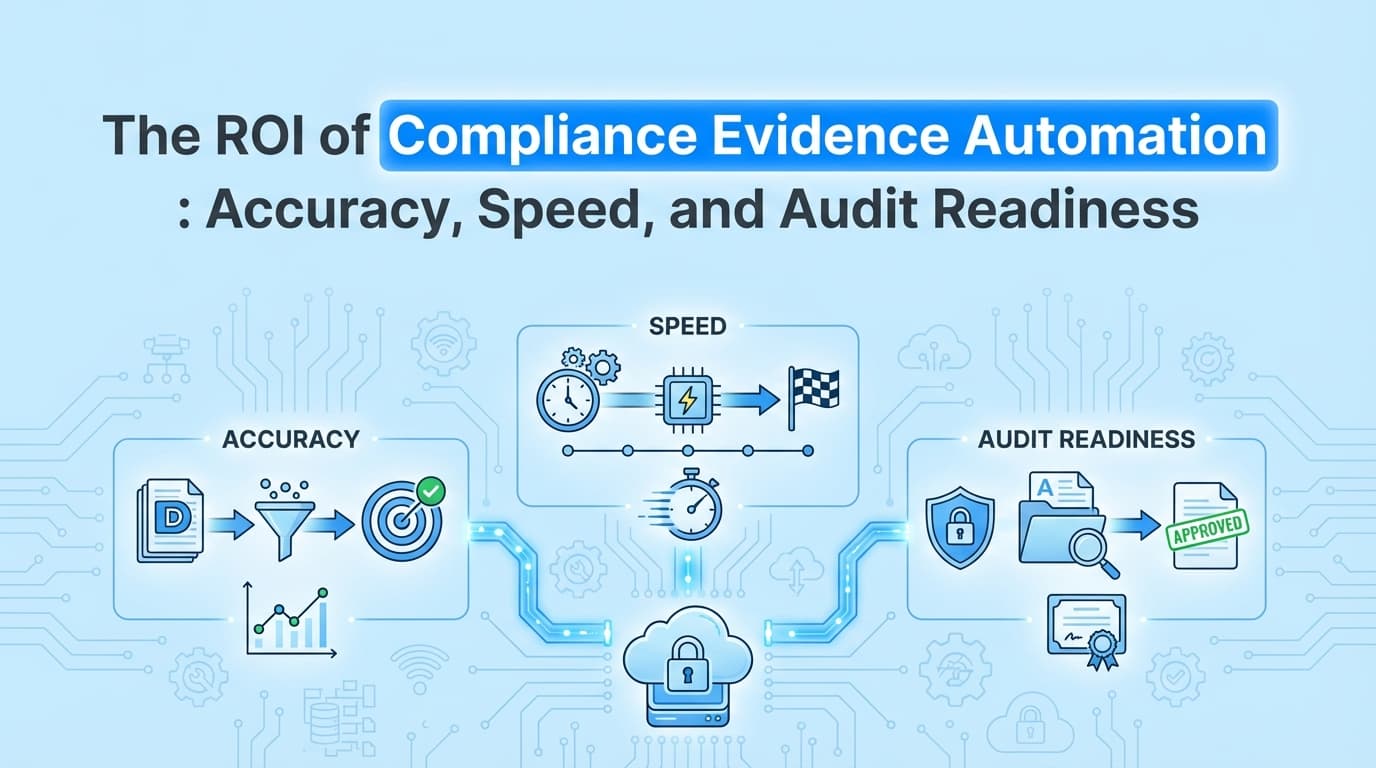
The ROI of compliance evidence automation comes from turning evidence work into review, removing human error from documentation, and shortening the audit window. When an agent runs the control test, captures the application proof a dashboard can't, chases the attestations only a person can answer, and signs every pack, a team saves over 180 hours a year and avoids the missing-evidence problem that leads to audit exceptions. Screenata's agent, Vera, does that work.
What Is the ROI of Compliance Evidence Automation?
The return is the time and cost saved when an agent runs evidence collection instead of a person doing it by hand.
Core ROI metrics:
- Time savings: documentation drops from 60 to 75 minutes per control to a few minutes of review.
- Cost reduction: roughly $15K to $25K a year in internal labor for a mid-sized SaaS company, on top of the consultant Vera replaces.
- Audit velocity: a shorter path from audit start to report issued, because evidence is pre-formatted and mapped to Trust Services Criteria.
- Risk mitigation: no more missing-screenshot problem that produces exceptions or a qualified report.
Why Manual Evidence Collection No Longer Scales
A SOC 2 Type II audit requires continuous evidence over a 3, 6, or 12-month period. For a high-growth company, the manual approach builds compliance debt.
The Hidden Costs of Manual Evidence
- Context switching: engineers and PMs stop their work for screenshot drills.
- Formatting overhead: pasting images into Word and writing step-by-step descriptions is low-value, high-effort work.
- Evidence drift: screenshots taken at period end may not reflect the system during the testing window.
- Human error: a missing timestamp, a blurry image, or an incorrect mapping gets evidence rejected and forces rework.
A dashboard makes this visible but not done. It lists the manual controls, turns the row red, and waits. Vera does the work the row is asking for.
How Compliance Evidence Automation Works
Screenata is an AI Compliance Officer, an agent named Vera who runs the whole program. Evidence collection is one part of it; she also reads your codebase, writes deterministic policies grounded in your real systems, maps controls to Trust Services Criteria, and scores your readiness.
The Agent-Run Workflow
- Run the test: Vera runs the control test, or prompts the right teammate to run it through the browser extension.
- Score the capture: a vision model reads the UI, extracts on-screen text through OCR, and checks that the expected outcome occurred, flagging low-confidence captures for review.
- Map automatically: Vera maps the result to specific controls such as CC6.1 (logical access) or CC7.2 (change management) through a shared control catalog.
- Sign and file: she assembles a signed PDF pack with screenshots, timestamps, tester identity, and a drafted narrative you approve, then files it and syncs it to your dashboard.
Vera uses AI to capture and narrate, never to invent evidence, and she escalates the judgment calls a person has to make rather than guessing.
Quantifying the ROI: Accuracy, Speed, and Readiness
1. Speed: the 93% Time Reduction
Documenting one complex control, such as a quarterly access review, takes about 75 minutes of manual effort. With Vera, your hands-on time is mostly review.
| Task Phase | Manual Process | Agent-Run (Vera) | Time Saved |
|---|---|---|---|
| Capture screenshots | 15 min | Auto-captured | 100% |
| Annotate and describe | 20 min | 1 min (drafted, you approve) | 95% |
| Control mapping | 10 min | Pre-mapped | 100% |
| Formatting and export | 20 min | 1 min (auto-generated) | 95% |
| Review and sync | 10 min | 1 min (API sync) | 90% |
| Total per control | 75 minutes | A few minutes | ~96% reduction |
2. Accuracy: Eliminating Audit Exceptions
Accuracy ROI shows up as fewer re-tests. Manual evidence often has gaps: a missing timestamp, or a screenshot that does not clearly show the access-denied message. Vera's captures remove those gaps:
- NTP-synced timestamps: verifiable, independent of the local clock.
- OCR validation: the model confirms the expected text (for example "Permission Updated") actually appears.
- Signed metadata: every screenshot is tied to a session, URL, and user, with SHA-256 hashes and RSA/ECDSA signatures giving a chain of custody an auditor can verify.
3. Audit Readiness: the Always-On Advantage
Readiness ROI is entering an audit with your evidence already organized. Vera's scheduled captures replace the end-of-quarter fire drill with a continuous stream of signed packs:
- Standardization: every report follows the same schema, so a reviewer reads one consistent format.
- Searchability: auditors can search metadata and OCR text across every pack instantly.
- Integration: evidence syncs to Drata or Vanta, keeping one source of truth.
The Attestation ROI a Dashboard Misses
The single most expensive manual control is often the one with no screen: the quarterly access review, where someone has to confirm the review happened and the right people approved it. A dashboard can only list it and wait, and that waiting is where audit timelines slip.
Vera runs it as work. She DMs each reviewer in Slack, reminds at 24 hours, escalates at 48 hours, and files the signed attestation tied to the control. Chasing humans is the hidden labor cost in every audit, and automating the chase is often a larger return than automating the screenshots.
Detailed Cost-Benefit Analysis
For a company managing 50 manual controls across a SOC 2 Type II audit, the internal-labor savings alone are substantial.
Annual Manual Labor Cost
- Controls: 50
- Frequency: quarterly (4x/year)
- Total tests: 200
- Time per test: 1.25 hours
- Total hours: 250
- Blended rate: $150/hr (compliance, engineering, HR)
- Total: $37,500
Annual Agent-Run Labor Cost (with Vera)
- Total tests: 200
- Time per test: about 0.08 hours (a few minutes of review)
- Total hours: about 16
- Blended rate: $150/hr
- Vera subscription: $5,988/year ($499/mo)
- Total: about $8,400
That is roughly $29,000 in labor saved and about 234 hours of reclaimed productivity, before counting the consultant Vera replaces. On the full stack, the first-year cost of SOC 2 lands around $18K with Vera against roughly $85K on the traditional path.
Example: CC6.1 Logical Access Control
Objective: prove that only authorized users can reach the administrative billing panel.
The Manual ROI Leak
A compliance manager asks an engineer to screenshot a non-admin user trying to reach the billing page. The engineer takes three screenshots, pastes them into Word, forgets the URL bar, and spends 30 minutes formatting. The auditor later asks for the timestamp, which is not in the image, forcing a second test.
The Agent-Run ROI Gain
Vera runs the test, or the manager runs it through the extension. She automatically:
- Captures the login event.
- Captures the "403 Forbidden" screen with a DOM snapshot.
- Logs the URL, timestamp, and browser metadata.
- Drafts and signs
CC6.1_Access_Control_Billing_Test.pdf. - On your approval, syncs it to the CC6.1 control in Vanta.
The result is a few minutes of review, accurate metadata, and no follow-up.
Vera: the Complete SOC 2 Solution
For most startups, Vera replaces both the compliance platform and the consultant. Evidence collection is one capability within an agent that runs the full audit-prep program.
| Capability | Traditional (Dashboard + Consultant) | Vera |
|---|---|---|
| Infrastructure monitoring | GRC platform ($10-20K/yr) | Included |
| Policy writing | Consultant ($24-60K/yr) | Deterministic, from your systems |
| Evidence collection | API + manual screenshots | Agent-run (API + application + attestations) |
| Control mapping | Consultant | Automated to Trust Services Criteria |
| Signed, traceable artifacts | Partial | Yes (verifiable independently) |
| Audit-readiness guidance | Consultant | AI compliance assistant |
| Total first-year cost | about $85K | about $18K |
Vera removes the need for a separate dashboard plus a vCISO. See the full cost breakdown. You still need an independent auditor, and probably not a vCISO.
Best Practices for Maximizing ROI
- Automate the heavy lifters first. Start with the controls that need the most screenshots: CC6.1 (access), CC7.2 (change management), and CC8.1 (vulnerability management).
- Standardize your naming. Vera uses the same control IDs as your dashboard so packs sync to the right control.
- Let non-technical staff document their own controls. Because capture runs in the browser, HR or operations can record onboarding and offboarding workflows without engineering.
- Let Vera collect continuously. Her scheduled captures keep you in a continuous-compliance state instead of scrambling before the audit window.
Frequently Asked Questions
How does evidence automation improve audit accuracy?
It removes the human element from documentation. Instead of a person describing what they think they did, Vera records exactly what happened in the UI, attaches signed metadata (timestamps, URLs), and extracts text through OCR to verify the result matches the control objective. She flags low-confidence captures rather than guessing.
Can I use Vera for frameworks other than SOC 2?
Yes. The ROI extends to ISO 27001, HIPAA, and CMMC. Any framework that needs visual proof of a process or a point-in-time system state benefits, and Vera reuses one artifact across frameworks through a shared control catalog, so you collect once and satisfy many.
Does Vera replace Drata or Vanta?
For most startups, yes. Vera covers both halves of SOC 2: roughly 70% of evidence through her own API scans of the same sources a dashboard reads, and the application 20% through guided capture and Slack attestations, plus policy writing, control mapping, and readiness scoring. You still need an independent auditor, but she preps everything they need. If you already run a dashboard, she works alongside it.
How do auditors react to automated evidence?
They generally prefer it, because it is standardized, legible, and carries more verifiable metadata than manual screenshots. Signed packs reduce the time auditors spend asking for clarification, which can lower audit fees. Honest escalation on judgment calls keeps the output trustworthy.
Key Takeaways
- The ROI comes from turning evidence work into review. Vera runs the test, scores the capture, chases the attestation, and signs the pack.
- Time savings run 90 to 95% per control, and the attestation chase Vera automates is often a larger return than the screenshots.
- Accuracy improves because captures carry NTP-synced timestamps, OCR validation, and signatures, removing the gaps that cause exceptions.
- Readiness becomes continuous: scheduled captures replace the end-of-quarter fire drill, and every pack is verifiable.
- For most startups Vera replaces both the GRC platform and the consultant, bringing first-year SOC 2 to around $18K against roughly $85K traditional.
Learn More About SOC 2 Automation
For a complete guide to automating SOC 2 evidence collection, including the ROI of agent-run evidence automation, see our comprehensive SOC 2 automation guide.
Connect and see
See your SOC 2 with your real systems.
Connect GitHub and cloud read-only. Vera shows your control matrix, policy gaps, and prioritized next actions before you commit to anything.