

Compliance
ISO 27001:2022 vs 2013: How to Automate New Evidence Requirements
ISO 27001:2022 reduces the control count from 114 to 93 but introduces 11 new controls requiring dynamic evidence. This guide explains the key evidence changes, how to document the new 'Technological' theme with screenshots, and how to automate the transition before the October 2025 deadline.
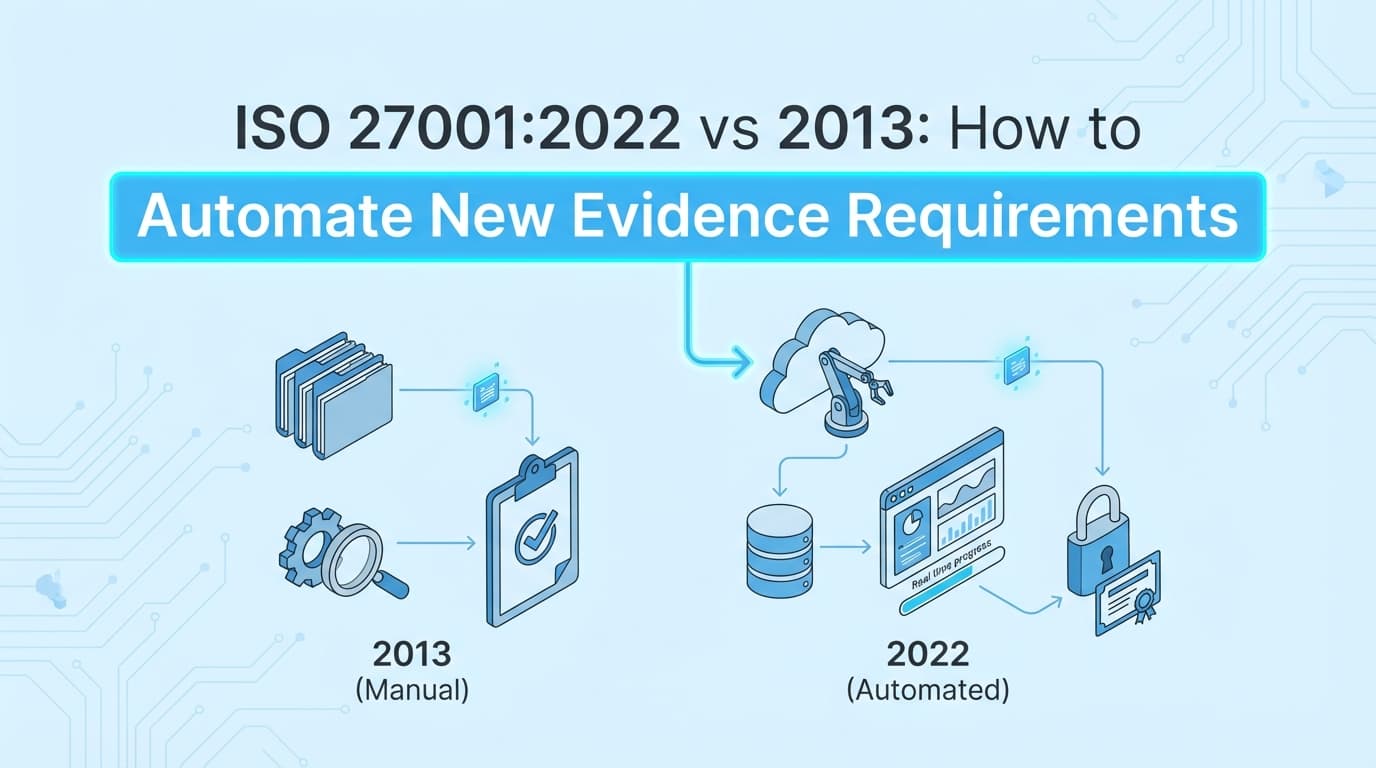
The transition from ISO 27001:2013 to ISO 27001:2022 represents a significant shift in how organizations must demonstrate compliance. While the standard has streamlined the number of controls, it has introduced stricter requirements for evidence, screenshots, and documentation regarding the "effectiveness" of controls. For compliance managers, the challenge isn't just updating the Statement of Applicability (SoA); it is collecting tangible proof for 11 entirely new controls. Automating ISO 27001 evidence collection is the only scalable way to bridge the gap between static policy documents and the dynamic, visual proof auditors now expect.
What Changed Between ISO 27001:2013 and ISO 27001:2022?
Answer: The primary change is the consolidation of controls and the introduction of a thematic structure. ISO 27001:2022 reduces the total count from 114 controls (in 14 domains) to 93 controls (in 4 themes). Additionally, it introduces 11 new controls focused on modern threats like cloud security and data leakage, and adds attributes (hashtags) to help categorize controls.
From an evidence perspective, auditors are moving away from checking if a policy exists to verifying if a control is effective. This requires operational evidence, logs, screenshots, and configuration exports, rather than just Word documents.
Comparison: Structure and Evidence
| Feature | ISO 27001:2013 | ISO 27001:2022 | Impact on Evidence |
|---|---|---|---|
| Control Count | 114 Controls | 93 Controls | Fewer controls, but broader scope per control. |
| Structure | 14 Domains (A.5–A.18) | 4 Themes (Organizational, People, Physical, Technological) | Evidence must be tagged by theme. |
| New Controls | None | 11 New Controls | Requires net-new screenshots and workflows. |
| Attributes | None | 5 Attribute Types (e.g., #Preventative, #Confidentiality) | Evidence needs metadata tagging. |
| Cloud Focus | Implicit | Explicit (A.5.23) | Requires screenshots of cloud dashboards. |
What Are the 11 New Controls and Required Evidence?
The 2022 update introduces 11 controls that address modern technology landscapes. These controls require specific, often visual, evidence that was not explicitly demanded in 2013.
1. Threat Intelligence (A.5.7)
- Requirement: Collect and analyze information about threats.
- Required Evidence: Screenshots of threat intelligence feeds (e.g., CrowdStrike, AWS GuardDuty), reports from vulnerability scanners, or subscription confirmations to industry ISACs.
2. Information Security for Cloud Services (A.5.23)
- Requirement: Manage security for cloud services (SaaS, PaaS, IaaS).
- Required Evidence: Screenshots of the "Shared Responsibility Model" matrix, cloud provider security dashboards (e.g., AWS Security Hub), and evidence of reviewing provider SOC 2 reports.
3. ICT Readiness for Business Continuity (A.5.30)
- Requirement: Ensure ICT systems can recover during disruptions.
- Required Evidence: Screenshots of successful backup restorations, failover test logs, and disaster recovery drill reports.
4. Physical Security Monitoring (A.7.4)
- Requirement: Monitor sensitive physical areas.
- Required Evidence: Logs from badge readers, screenshots of CCTV camera uptime/coverage, or visitor log exports.
5. Configuration Management (A.8.9)
- Requirement: Manage configurations of hardware, software, services, and networks.
- Required Evidence: Screenshots of "Golden Image" configurations, Terraform state files, or drift detection alerts from GRC tools.
6. Information Deletion (A.8.10)
- Requirement: Delete data when no longer required.
- Required Evidence: Screenshots of automated retention policies in databases or S3 buckets, and logs of secure deletion scripts ("crypto-shredding").
7. Data Masking (A.8.11)
- Requirement: Mask sensitive data in accordance with policies.
- Required Evidence: Screenshots of database views showing redacted columns (e.g.,
****-****-1234) or DLP tool configurations.
8. Data Leakage Prevention (A.8.12)
- Requirement: Detect and prevent unauthorized extraction of data.
- Required Evidence: Screenshots of DLP rules in email gateways or endpoint protection agents blocking USB transfers.
9. Monitoring Activities (A.8.16)
- Requirement: Monitor networks and systems for anomalous behavior.
- Required Evidence: Screenshots of SIEM dashboards (Splunk, Datadog) showing active alerts and log ingestion rates.
10. Web Filtering (A.8.23)
- Requirement: Manage access to external websites.
- Required Evidence: Screenshots of DNS filter configurations (e.g., Cloudflare Gateway) blocking malicious categories.
11. Secure Coding (A.8.28)
- Requirement: Apply secure coding principles.
- Required Evidence: Screenshots of SAST/DAST tool results in the CI/CD pipeline, or pull request checklists showing security reviews.
What ISO 27001 Evidence Cannot Be Automated with GRC Tools?
Most organizations rely on GRC platforms like Vanta, Drata, or Secureframe to manage their migration to ISO 27001:2022. While these platforms are excellent for policy management and API-based infrastructure monitoring, they have distinct limitations regarding the new operational controls.
The Automation Gap:
- Contextual UI Evidence: APIs can tell you if a setting is enabled, but for A.5.23 (Cloud Services), auditors often want to see the dashboard context, how the team actually views and manages the setting. GRC tools do not take screenshots.
- Process Verification: For A.8.28 (Secure Coding), an API might confirm a PR was merged, but it cannot capture the content of the security discussion in the comments section.
- Negative Testing: Proving A.8.12 (Data Leakage) often requires a "negative test", attempting to send a sensitive file and capturing the "Blocked" notification screenshot. GRC tools cannot perform active user simulations.
This is where Screenata, your AI Compliance Officer, becomes essential. It handles the full compliance workflow, recording the actual workflow, generating the visual artifacts (screenshots/PDFs) that GRC tools miss, plus writing policies, mapping controls to the new 2022 structure, and providing readiness scoring.
How to Automate Evidence for the New "Technological" Theme (A.8)
The Technological theme contains the majority of the new technical controls. Automating evidence collection here is critical for reducing Stage 2 audit preparation time.
Step 1: Map Controls to Evidence Sources
Update your Statement of Applicability (SoA) to map the new A.8 controls to their evidence sources.
- A.8.9 (Configuration): Source = AWS Console / GitHub.
- A.8.12 (Data Leakage): Source = Endpoint DLP Dashboard.
Step 2: Configure Workflow Recorders
Deploy an automated evidence agent to capture the "human view" of these controls.
- Scenario: A.8.10 (Information Deletion).
- Automation: Configure the agent to navigate to your S3 Lifecycle Rules page once per quarter, capture a screenshot of the "Expire after 365 days" rule, and save it as a PDF.
Step 3: Tag with Attributes
Ensure the automated output includes the new ISO 27001:2022 attributes in the metadata.
- Example Output:
Evidence_A.8.10_Deletion.pdf - Metadata:
#Preventative,#Confidentiality,#Technological
How Do Control Attributes Change Evidence Tagging?
ISO 27001:2022 introduces five attribute views to help organizations filter controls. Your evidence repository should reflect these tags to help auditors navigate your ISMS.
| Attribute View | Examples | Evidence Implication |
|---|---|---|
| Control Type | #Preventative, #Detective, #Corrective | Evidence must prove prevention (screenshot of block) or detection (screenshot of alert). |
| InfoSec Properties | #Confidentiality, #Integrity, #Availability | Tag evidence based on the CIA triad component it protects. |
| Cybersecurity Concepts | #Identify, #Protect, #Detect, #Respond, #Recover | Aligns evidence with NIST CSF functions. |
| Operational Capabilities | #Governance, #Asset_Management, #Physical_Security | Groups evidence by the department responsible (e.g., HR vs IT). |
| Security Domains | #Governance_and_Ecosystem, #Protection, #Defense, #Resilience | High-level grouping for executive reporting. |
Tip: When automating evidence collection, ensure your file naming convention includes the Control Type (e.g., A.8.9_Preventative_Config.pdf) to make audit walkthroughs faster.
Frequently Asked Questions
When is the deadline to transition to ISO 27001:2022?
The transition period ends on October 31, 2025. All organizations must be certified against the 2022 version by this date. Certificates issued under the 2013 standard will expire.
Do I need to update my Statement of Applicability (SoA)?
Yes. You must rewrite your SoA to align with the 93 controls of ISO 27001:2022. You cannot simply "map" the old controls; you must assess the applicability of the 11 new controls explicitly.
Can I use 2013 evidence for a 2022 audit?
Only partially. Evidence for unchanged controls (e.g., Access Control) is still valid, but you will need net-new evidence for the 11 new controls (e.g., Threat Intel, Data Masking) covering the audit period.
Does automated evidence satisfy "Effectiveness"?
Yes. Automated screenshots that show a control working (e.g., a screenshot of a blocked intrusion attempt) are the gold standard for proving effectiveness. Static policy documents only prove design.
Key Takeaways
- ✅ ISO 27001:2022 reduces control count to 93 but requires evidence for 11 new controls.
- ✅ New controls like Cloud Services (A.5.23) and Configuration Management (A.8.9) require visual evidence (screenshots) rather than just policies.
- ✅ Attributes (hashtags) must be applied to evidence files to align with the new thematic structure.
- ✅ GRC tools manage the SoA but struggle to capture the deep, application-level screenshots needed for the new Technological theme.
- ✅ Automation is required to consistently capture this evidence before the October 2025 transition deadline.
Learn More About ISO 27001 Compliance Automation
For a complete guide to streamlining your transition and audit preparation, see our guide on automating ISO 27001 evidence collection, including detailed strategies for Annex A documentation and Stage 2 readiness.
Connect and see
See your SOC 2 with your real systems.
Connect GitHub and cloud read-only. Vera shows your control matrix, policy gaps, and prioritized next actions before you commit to anything.