

Compliance
How to Document ISO 27001 Risk Assessment Evidence Automatically
ISO 27001 risk assessment evidence requires more than a spreadsheet; auditors demand proof of methodology application, risk owner approval, and treatment plan execution. This guide explains how to automate the documentation of risk assessments to satisfy Clause 6.1.2 and 8.2 requirements efficiently.
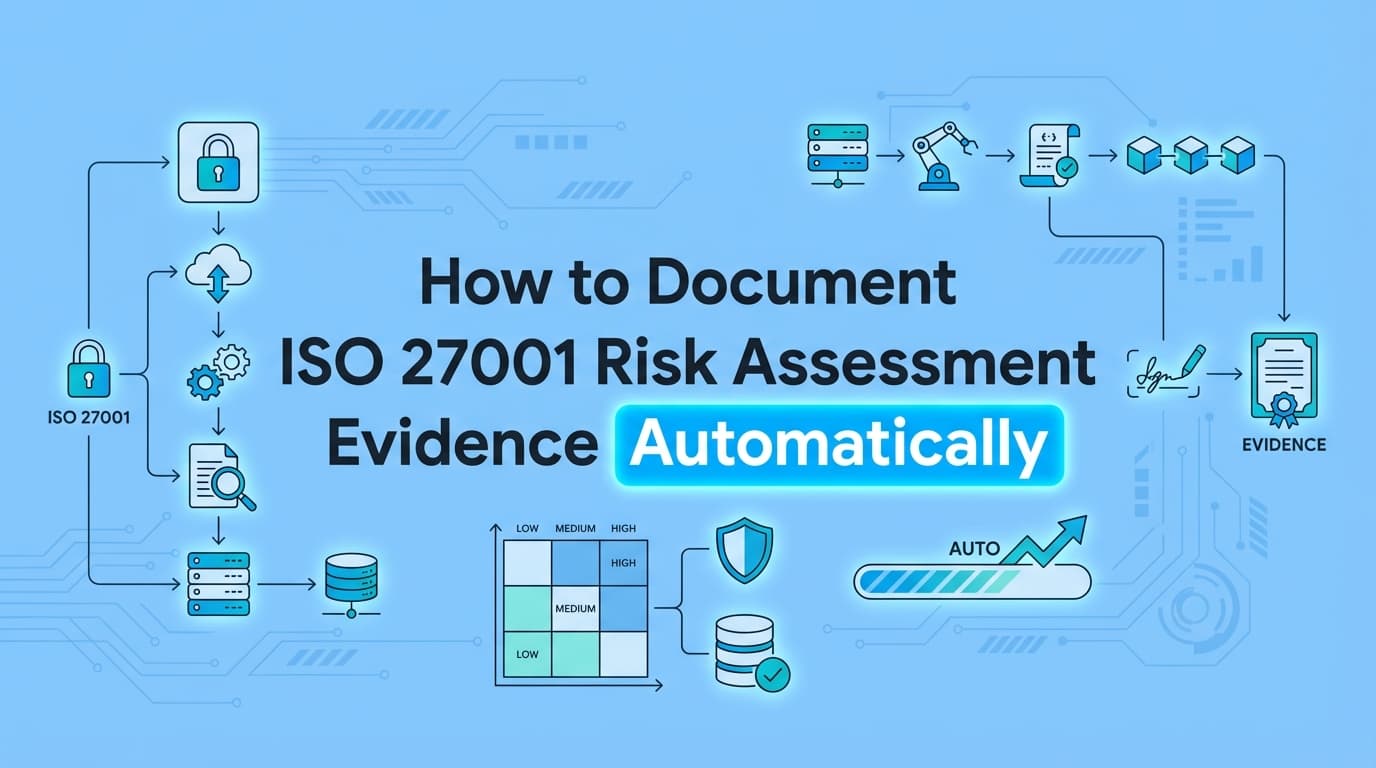
ISO 27001 certification hinges on a robust risk management process. Auditors require concrete evidence that information security risks are identified, analyzed, and evaluated consistent with your ISMS methodology. While many organizations use GRC tools to maintain a risk register, documenting the underlying risk assessment process, including the context of threats, validation of vulnerabilities, and verification of risk treatments, often remains a manual burden. Automating ISO 27001 risk assessment evidence ensures that your documentation is not only compliant with Clause 6.1.2 but also audit-ready at any moment.
What Evidence Is Required for ISO 27001 Risk Assessments?
Answer: ISO 27001 auditors require evidence for both the process of assessing risk and the results of that assessment. Specifically, you must provide documented information demonstrating that you have applied your defined risk assessment methodology (Clause 6.1.2) and that the assessment is conducted at planned intervals (Clause 8.2).
The core artifacts auditors expect include:
- Risk Assessment Methodology: The policy defining criteria for risk acceptance and assessment logic.
- Risk Register: The list of assets, threats, vulnerabilities, and risk scores.
- Process Evidence: Proof that the assessment actually occurred (e.g., meeting records, automated scan inputs, stakeholder inputs).
- Risk Treatment Plan (RTP): Documentation of decisions to mitigate, accept, transfer, or avoid risks.
- Statement of Applicability (SoA): The link between risks and selected Annex A controls.
The Complete ISO 27001 Risk Assessment Evidence Checklist
To satisfy an ISO 27001 Stage 2 audit, your documentation must cover the entire lifecycle of a risk.
| ISO 27001 Clause | Requirement | Required Evidence (Artifacts) | Automation Method |
|---|---|---|---|
| 6.1.2 (a) | Establish Criteria | Documented Risk Management Policy defining impact/likelihood scales. | Policy Management Tool |
| 6.1.2 (b) | Identify Risks | Screenshots or exports from vulnerability scanners (AWS Inspector, Tenable) or asset inventories identifying threats. | Screenata / API Integration |
| 6.1.2 (c) | Analyze Risks | Records showing the calculation of risk levels (Asset Value × Threat × Vulnerability). | GRC Platform Logic |
| 6.1.2 (d) | Evaluate Risks | Evidence of comparison against acceptance criteria (e.g., "Risk score 15 requires treatment"). | GRC Platform Logic |
| 6.1.3 | Risk Treatment | Critical: Evidence that the treatment was implemented (e.g., screenshot of a firewall rule change to mitigate a network risk). | Screenata / Workflow Recorder |
| 8.3 | Risk Owner Approval | Logs or screenshots of risk owners formally accepting residual risks or treatment plans. | Workflow Recorder / Ticketing System |
Where Traditional GRC Tools Fall Short on Risk Evidence
Most organizations rely on GRC platforms like Vanta, Drata, or Secureframe to manage their ISO 27001 risk registers. These tools are excellent for maintaining a structured list of risks and tracking high-level status (e.g., "Open," "Mitigated").
The Gap: GRC tools often lack the ability to capture the operational context of a risk.
- Vulnerability Validation: A GRC tool lists "Outdated OS" as a risk, but it doesn't capture the screenshot of the server configuration proving the vulnerability exists or was patched.
- Treatment Verification: If you claim a risk is "Mitigated" by implementing Multi-Factor Authentication (MFA), the GRC tool checks a box. The auditor, however, wants to see proof, a screenshot of the MFA configuration enforcing the policy.
- Manual Processes: Many risk assessments involve workshops or manual reviews. GRC tools don't capture the "meeting minutes" or the visual evidence of the whiteboard session where risks were discussed.
This is where automated evidence collection bridges the gap. By recording the workflow of identifying and treating a risk, you create an unassailable audit trail that static registers cannot provide.
How to Automate Risk Assessment Documentation
Automating the evidence for ISO 27001 risk assessments involves capturing the data inputs that drive risk decisions and the technical outputs that prove risk treatment.
Step 1: Automate Risk Identification Evidence
Instead of manually typing risks into a spreadsheet, use automation to capture the source.
- Scenario: Identifying cloud infrastructure risks.
- Automation: Connect Screenata or an integration to your cloud provider (e.g., AWS Security Hub).
- Evidence: Automatically capture screenshots of "Critical" findings in the dashboard. This serves as indisputable evidence for Clause 6.1.2(c) (Risk Identification).
Step 2: Automate Risk Treatment Verification
When a risk is treated, you must prove the control is effective.
- Scenario: Mitigating the risk of unauthorized access (Risk ID: R-05).
- Treatment: Implement Single Sign-On (SSO).
- Automation: Use an AI agent to record the login flow, capturing the redirection to the IdP (Okta/Google) and the successful authentication.
- Evidence: A timestamped PDF showing the SSO enforcement serves as evidence for Clause 6.1.3 (Risk Treatment).
Step 3: Automate Residual Risk Acceptance
For risks that are accepted, auditors need proof of sign-off.
- Scenario: Accepting the risk of using a legacy application.
- Automation: If approval happens via email or Slack, use an automation tool to capture the conversation thread or the specific ticket approval status.
- Evidence: A PDF of the approval chain linked to the Risk ID in your register.
Example: Documenting a Cloud Security Risk (R-12)
Risk Scenario: Unencrypted S3 buckets containing customer data could lead to data leakage (Confidentiality loss).
Manual Evidence (Old Way):
- Add entry to Excel Risk Register: "S3 Buckets Unencrypted."
- Auditor asks: "How did you find this? And prove it's fixed."
- Admin digs through emails to find the old vulnerability report.
- Admin logs into AWS, takes a screenshot of the bucket settings, and emails it to the auditor.
Automated Evidence (New Way):
- Identification: Screenata captures a screenshot of the AWS Trusted Advisor dashboard showing the alert. This is attached to R-12.
- Treatment: Engineering enables default encryption.
- Verification: Screenata runs a verification workflow: navigates to the S3 console, opens the "Properties" tab, and captures a screenshot showing "Default Encryption: Enabled (SSE-S3)."
- Output: A consolidated PDF pack for R-12 containing the "Before" (Identification) and "After" (Treatment) evidence, timestamped and mapped to ISO 27001 A.8.24 (Cryptography).
ISO 27001:2022 Updates to Risk Assessment
The 2022 revision of ISO 27001 introduced slight changes that affect evidence collection.
- Dynamic Risk Assessment: The standard moves away from static, annual assessments toward continuous assessment. Automation is crucial here because manual documentation cannot keep pace with continuous changes in the threat landscape.
- Threat Intelligence (A.5.7): You must now evidence that risk identification is informed by threat intelligence. Automated screenshots of threat feeds or security newsletters used during risk planning serve as this evidence.
Frequently Asked Questions
How often do I need to document risk assessments?
ISO 27001 Clause 8.2 requires risk assessments at "planned intervals" or when "significant changes" occur. Automation allows you to document assessments continuously (e.g., monthly) rather than scrambling once a year, providing stronger evidence of a living ISMS.
Can I use a spreadsheet for my risk register?
Yes, Excel is acceptable, but it is not evidence of the process. It is just the output. Auditors will still ask for the source data (scans, reports) and proof of treatment (screenshots of configs). Automation tools can attach these proofs directly to spreadsheet rows via links.
What is the difference between the SoA and the Risk Treatment Plan?
The Risk Treatment Plan (RTP) details exactly how you will address specific risks (e.g., "Implement Firewall"). The Statement of Applicability (SoA) is a list of all Annex A controls, stating whether they are applicable to your organization and why (often referencing the RTP). Evidence is needed to support the claims in both documents.
Key Takeaways
- ✅ Clause 6.1.2 requires evidence of the entire risk assessment lifecycle: identification, analysis, and evaluation.
- ✅ Risk Treatment Evidence is often the weak point; auditors need proof that the selected controls (e.g., encryption, MFA) were actually implemented.
- ✅ GRC Tools are great for registers but often fail to capture the visual, technical proof of risk mitigation.
- ✅ Automation allows you to capture "Before" and "After" screenshots of risks, creating a verifiable audit trail for Stage 2 audits.
- ✅ Continuous Assessment is easier with automation, aligning with modern ISO 27001:2022 expectations.
Learn More About ISO 27001 Compliance Automation
For a comprehensive overview of streamlining your ISMS documentation, see our guide on automating ISO 27001 evidence collection, including detailed strategies for Annex A controls and audit preparation.
Connect and see
See your SOC 2 with your real systems.
Connect GitHub and cloud read-only. Vera shows your control matrix, policy gaps, and prioritized next actions before you commit to anything.