

Compliance
How to Document ISO 27001 A.7 Physical Controls with Evidence
ISO 27001 A.7 physical controls require concrete evidence of secure perimeters, entry logs, and equipment protection. This guide explains how to collect and automate audit-ready documentation for physical security, whether you manage a data center or a fully remote team.
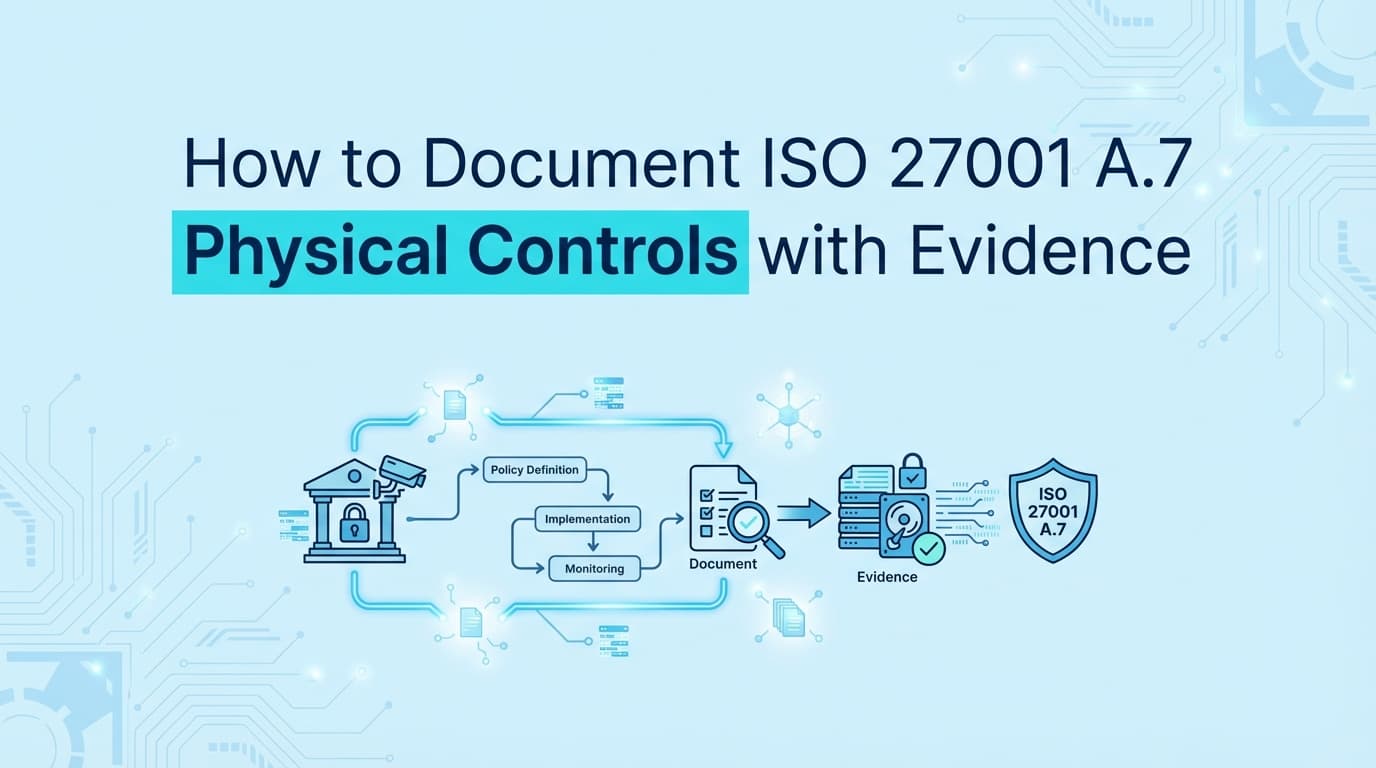
ISO 27001 certification requires more than just digital security; it demands rigorous evidence for the Physical Controls outlined in Annex A (Theme 7). While many modern SaaS companies operate fully remotely or in the cloud, auditors still require proof that physical risks, such as unauthorized office entry, equipment theft, or unsecured storage media, are managed effectively. Traditional GRC tools can store your "Physical Security Policy," but they cannot automatically capture the screenshots, visitor logs, or configuration settings needed to prove those policies are active. Automating ISO 27001 evidence collection for physical controls ensures you pass Stage 2 audits without scrambling for visitor binders or CCTV logs.
What Evidence Do Auditors Require for ISO 27001 A.7?
Answer: For ISO 27001:2022 A.7 Physical Controls, auditors require evidence that physical perimeters are defined, entry is restricted, and assets are protected. Evidence typically falls into three categories: system logs (digital badge access), configurations (CCTV retention settings, MDM lock screen policies), and records (visitor logs, equipment disposal certificates).
Unlike policy reviews, the Stage 2 audit verifies implementation. An auditor will not just read your "Clear Desk Policy"; they will check mobile device management (MDM) logs to see if screen locks are actually enforced on laptops.
Complete ISO 27001 A.7 Evidence Checklist
The ISO 27001:2022 standard groups physical controls under Theme 7. Below is a breakdown of the key controls and the specific artifacts auditors expect.
1. Secure Areas & Entry (A.7.1 - A.7.4)
Controls regarding the physical perimeter and monitoring of sensitive areas.
| Control ID | Requirement | Required Evidence (Artifacts) | Automation Method |
|---|---|---|---|
| A.7.1 | Physical Perimeters | Floor plans marking secure zones; photos of card readers/doors. | Document Repository |
| A.7.2 | Physical Entry | Export of digital badge logs (e.g., Kisi, Envoy) showing authorized entry; visitor log exports. | API / Log Export |
| A.7.3 | Securing Offices | Photos or video walkthroughs of secure areas; evidence of locked server rooms. | Image Upload |
| A.7.4 | Physical Monitoring | Screenshots of CCTV system dashboard showing camera status and retention settings (e.g., "30 days recording"). | Screenata / Console Screenshot |
2. Equipment & Assets (A.7.8 - A.7.10)
Controls to protect hardware from loss, damage, or compromise.
| Control ID | Requirement | Required Evidence (Artifacts) | Automation Method |
|---|---|---|---|
| A.7.8 | Equipment Siting | Photos of equipment placement (away from public view); UPS maintenance logs. | Image Upload / Log Export |
| A.7.9 | Assets Off-Premises | Asset register export showing assigned devices; MDM screenshots showing encryption/tracking enabled. | API / Console Screenshot |
| A.7.10 | Storage Media | Certificates of destruction for hard drives; screenshots of USB blocking policies. | Workflow Recorder / Screenshot |
3. Working Practices (A.7.6 - A.7.7)
Controls regarding how employees behave in physical spaces.
| Control ID | Requirement | Required Evidence (Artifacts) | Automation Method |
|---|---|---|---|
| A.7.6 | Secure Areas | Logs of access reviews for secure rooms; policy acknowledgement records. | Workflow Automation |
| A.7.7 | Clear Desk/Screen | Screenshot of MDM policy enforcing 5-minute screen lock; photos of clean desks (during internal audit). | API / Console Screenshot |
How Do You Document Physical Security for Remote Companies?
This is the most common question for SaaS startups. If you have no office, does A.7 apply?
Yes. Even without a headquarters, you have physical assets (laptops) and potentially home offices.
Evidence Strategy for Remote Teams:
- A.7.1 / A.7.2 (Perimeters): Define the "perimeter" as the employee's remote workspace. Evidence includes the "Remote Work Policy" and MDM logs proving devices are encrypted (BitLocker/FileVault).
- A.7.9 (Off-Premises Assets): This becomes your primary control. Evidence is your Asset Inventory (from Jamf, Kandji, or Drata) showing 100% of devices are tracked and encrypted.
- A.7.7 (Clear Screen): Instead of walking around desks, provide a screenshot of your MDM configuration enforcing a password-protected screen saver after inactivity.
- A.7.10 (Media): Evidence that USB storage is disabled via policy, or that no physical servers exist (cloud-only statement).
Where Traditional ISO 27001 Automation Stops
GRC platforms like Vanta, Drata, and Secureframe are excellent for tracking the existence of policies and checking cloud APIs. However, physical security evidence often lives in systems that don't integrate via standard GRC APIs, or requires visual confirmation.
The Automation Gap:
- Visitor Management: GRC tools might check if you have a policy, but they rarely pull the actual PDF visitor log from Envoy or a manual sign-in sheet required for sampling.
- CCTV & Alarms: There is no API standard for "Alarm System Active." Proving your office alarm is functional usually requires a screenshot of the provider's dashboard or a service invoice.
- Secure Disposal: When you recycle an old laptop, you get a PDF "Certificate of Destruction." GRC tools don't automatically fetch and file this; it's a manual upload.
Screenata, your AI Compliance Officer, handles the full compliance workflow by recording the workflow of logging into these disparate systems (CCTV portals, badge systems, asset disposal portals) and capturing the required evidence automatically, alongside policy writing, control mapping, and readiness scoring.
How to Automate Evidence for Physical Security Systems
To streamline Stage 2 audit preparation, follow this workflow to digitize and automate physical control evidence.
Step 1: Centralize Access Logs (A.7.2)
If you use digital access control (Kisi, Openpath, Envoy):
- Automation: Use a workflow recorder to log into the admin dashboard monthly.
- Capture: Take a screenshot of the "Access Logs" page showing recent entries and the "User List" showing active badges.
- Output: A timestamped PDF proves the system is active and logs are retained.
Step 2: Verify Environmental Controls (A.7.4)
For server rooms or office monitoring:
- Automation: Record a session logging into your camera system (e.g., Verkada, Meraki).
- Capture: Screenshot the camera feed grid (blurring faces if needed) and the "Storage Settings" tab showing retention > 30 days.
- Why: This proves the control is operating, not just installed.
Step 3: Enforce Clear Screen via MDM (A.7.7)
For remote/hybrid teams:
- Automation: Log into your MDM provider (Jamf, Kandji, Intune).
- Capture: Screenshot the "Configuration Profile" > "Security" > "Screen Lock" settings.
- Context: Ensure the URL and policy name are visible. This serves as global evidence for all remote employees.
Example: Documenting Secure Disposal (A.7.14)
Control Objective: Ensure items of equipment containing storage media are verified to be free of any sensitive data prior to disposal or re-use.
Manual Evidence:
- Find the email from the IT recycling vendor.
- Download the "Certificate of Destruction" PDF.
- Rename it and upload it to the GRC tool's "Evidence" folder.
- Repeat for every batch of laptops.
Automated Evidence:
- Trigger: Run the "Asset Disposal Review" workflow in Screenata.
- Action: The agent logs into the IT Asset Management (ITAM) portal or vendor portal.
- Capture: Navigates to "Completed Orders," captures the list of disposed serial numbers, and downloads the latest certificate.
- Result: A consolidated evidence pack linking the serial numbers to the destruction confirmation is generated and attached to control A.7.14.
Frequently Asked Questions
Does ISO 27001 require CCTV?
Not explicitly. Control A.7.4 requires "monitoring," which can be achieved via alarm systems, guards, or digital access logs. However, if you do have CCTV, you must provide evidence that it is working and that footage is protected.
How do we handle "Clean Desk" evidence if we are 100% remote?
For remote companies, "Clean Desk" translates to "Clean Screen." Auditors accept MDM configurations enforcing screen locks as primary evidence. Some auditors may ask for a sampling of photos from home offices, but this is becoming rare due to privacy concerns; policy + technical enforcement is the standard.
Can we exclude physical controls from our Statement of Applicability (SoA)?
Only if you have zero physical premises (no HQ, no satellite offices) and use purely cloud hosting (AWS/Azure). Even then, controls like A.7.9 (Assets off-premises) and A.7.10 (Storage media/USBs) usually remain applicable because employees possess laptops. You cannot exclude A.7 entirely just because you are "cloud-native."
Key Takeaways
- ✅ ISO 27001 A.7 covers more than just doors; it includes remote equipment, storage media, and clear screen policies.
- ✅ Remote companies must focus evidence on MDM logs (A.7.9) and screen lock configurations (A.7.7) rather than physical perimeters.
- ✅ GRC tools often fail to capture "real-world" physical evidence like CCTV dashboards or destruction certificates.
- ✅ Automated screenshots of admin portals (CCTV, Access Control, MDM) provide the operational evidence auditors need for Stage 2.
- ✅ Consistency is key: Ensure your evidence shows a history of compliance (e.g., quarterly log reviews) rather than a single snapshot before the audit.
Learn More About ISO 27001 Compliance Automation
For a comprehensive overview of streamlining your ISMS documentation, see our guide on automating ISO 27001 evidence collection, including detailed strategies for Annex A controls and Stage 2 audit preparation.
Connect and see
See your SOC 2 with your real systems.
Connect GitHub and cloud read-only. Vera shows your control matrix, policy gaps, and prioritized next actions before you commit to anything.