

Compliance
How to Document ISO 27001 A.6 People Controls with Evidence
ISO 27001 A.6 controls require specific evidence for screening, training, and offboarding. This guide explains exactly what documents auditors accept for People Controls and how to automate evidence collection without exposing sensitive HR data.
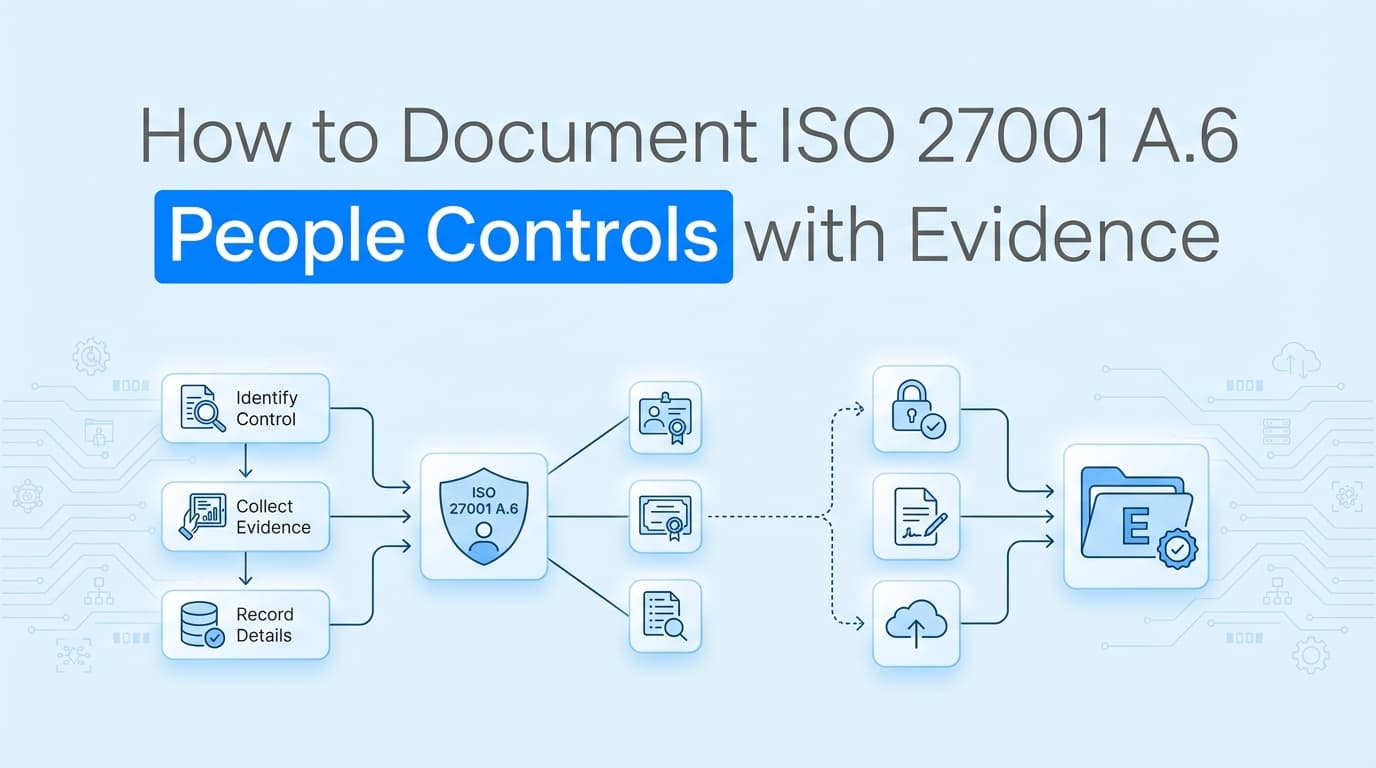
ISO 27001 certification audits rely heavily on the quality of your evidence. For Annex A Theme 6, People Controls, auditors expect to see concrete proof that you have integrated security into the entire employee lifecycle. While many teams assume this is just "HR's job," the Information Security Management System (ISMS) owner is ultimately responsible for producing the documentation.
Traditional GRC tools often struggle here. They can sync employee lists, but they rarely capture the specific screenshots or redacted documents required to prove background checks were actually completed or that remote working configurations are active. Automating ISO 27001 evidence collection for A.6 controls requires a mix of workflow evidence and configuration proof that goes beyond simple API integrations.
What Evidence Do Auditors Require for A.6 People Controls?
In ISO 27001:2022, the "People" theme (A.6) consolidates controls previously scattered across the 2013 standard. Auditors are looking for a clear chain of evidence from the moment a candidate is screened to the day they leave the organization.
The evidence generally falls into three buckets:
- Policy Acknowledgments: Signed documents proving users agreed to rules.
- Process Records: Logs or screenshots showing a process (like screening or disciplinary action) occurred.
- Configuration Settings: Technical proof that remote work or reporting tools are configured correctly.
The table below outlines the specific artifacts auditors typically request for the core A.6 controls.
| ISO 27001 Control | Control Name | Required Evidence Artifacts |
|---|---|---|
| A.6.1 | Screening | Redacted background check reports; reference check logs; identity verification screenshots. |
| A.6.2 | Terms and conditions of employment | Signed employment contracts with security clauses; signed Code of Conduct. |
| A.6.3 | Information security awareness, education and training | LMS completion logs; slide decks from onboarding sessions; phish-testing results. |
| A.6.4 | Disciplinary process | Documented disciplinary policy; anonymized records of past disciplinary actions (if any). |
| A.6.5 | Responsibilities after termination or change of employment | Offboarding checklists; screenshots of access revocation tickets; asset return logs. |
| A.6.6 | Confidentiality or non-disclosure agreements | Signed NDAs (employees and contractors); NDA review schedule. |
| A.6.7 | Remote working | Remote work policy; screenshots of MDM configurations (disk encryption, VPN requirements). |
| A.6.8 | Information security event reporting | Screenshots of reporting channels (Slack, Jira, email); logs of reported incidents. |
How to Document Pre-Employment Screening (A.6.1)
Screening evidence is sensitive. You cannot simply hand an auditor a folder full of unredacted background checks containing social security numbers and criminal histories.
The Evidence Challenge: Auditors need to verify that checks were done, not necessarily the details of the check.
Best Practice: Create a "sample pack" for the audit. Select 5-10 employees hired within the audit period.
- Take screenshots of the background check platform (e.g., Checkr, Hireright) showing the "Clear" or "Completed" status.
- Ensure the screenshot includes the employee name and date of completion.
- Redact sensitive PII immediately if extracting full reports.
Do not rely on a spreadsheet checkbox that says "Background Check: Yes." Auditors will ask to see the source validation.
Documenting Training and Awareness (A.6.3)
A.6.3 requires evidence of three things: awareness, education, and training. These are distinct concepts in the auditor's mind.
- Onboarding Training: Evidence is usually a completion log from your LMS (Learning Management System) or GRC tool (like Drata or Vanta).
- Ongoing Awareness: This is harder to prove with an API. You often need screenshots of:
- Security announcements in Slack or Teams.
- Monthly newsletters sent to staff.
- Phishing simulation campaign results.
- Role-Specific Training: If developers receive secure coding training, capture screenshots of the specific module completion or attendance logs for workshops.
Common Pitfall: Teams often fail to document training for contractors. If contractors have access to your systems, the auditor will ask for their training records too. If your LMS doesn't track contractors, you need manual screenshots of their signed policy acknowledgments.
Proving Remote Working Security (A.6.7)
A.6.7 is a technical control masquerading as a people control. It requires you to secure information when employees work off-site.
What Auditors Look For: They don't just want to see a "Remote Work Policy" document. They want to see that you enforce it technologically.
Required Evidence:
- MDM Screenshots: Capture the configuration screen in Jamf, Kandji, or Intune showing that disk encryption (FileVault/BitLocker) is enforced.
- VPN/SASE Configuration: Screenshots showing connection requirements or split-tunneling settings.
- Physical Security Guidance: Evidence that you provided a checklist or guide to employees about securing their home office (e.g., "don't let Alexa listen to confidential meetings").
What ISO 27001 Evidence Cannot Be Automated with GRC Tools
While platforms like Vanta and Drata are excellent for tracking policy signatures and LMS completion, they often hit a wall with the "messy" reality of A.6 People Controls.
1. Visual Verification of Background Checks Most GRC tools check if a background check integration is "on." They rarely pull the specific "Clear" report for a specific sample of users required during the walkthrough. You often still need to manually log into Checkr, search for the user, and screenshot the result.
2. Disciplinary Process Evidence (A.6.4) You cannot automate the evidence of a disciplinary hearing via API because these events happen offline or in sensitive HR meetings. Evidence here is usually a redacted PDF of a formal warning letter or a screenshot of an HR ticket classified as "Security Violation." GRC tools don't touch this data due to privacy constraints.
3. Physical Asset Return (A.6.5) When an employee leaves, GRC tools detect their account was deprovisioned (A.5.10). They do not know if the laptop was returned. Evidence for A.6.5 often requires a screenshot from your asset management system or a courier receipt showing the device was shipped back.
4. Remote Work Environment Checks APIs can prove a laptop is encrypted. They cannot prove you educated users on clean desk policies at home. Screenshots of Intranet pages, Slack reminders, or Wiki articles are the only way to prove the "soft" side of A.6.7.
How to Automate HR Security Evidence Collection
To close these gaps, compliance teams use automated evidence capture tools that can record workflows and capture screenshots.
Instead of manually clipping screenshots for every new hire sample, you can configure an automated workflow that:
- Logs into the background check portal.
- Navigates to the completed report.
- Captures the summary screen (verifying name, date, and "Clear" status).
- Redacts sensitive fields automatically.
- Saves the proof to your evidence library.
This approach satisfies the auditor's need for "source of truth" verification without requiring you to spend hours preparing sample packs during the audit window.
For A.6.8 (Event Reporting), you can automate the collection of evidence by periodically capturing screenshots of your reporting channels, such as the specific Jira Service Management portal for "Security Incidents" or the #security-alerts Slack channel description, proving the mechanism exists and is available to all staff.
Learn More About ISO 27001 Compliance Automation
For a complete guide to automating ISO 27001 evidence collection, see our guide on automating ISO 27001 evidence collection, including how to map Annex A controls to automated workflows.
Connect and see
See your SOC 2 with your real systems.
Connect GitHub and cloud read-only. Vera shows your control matrix, policy gaps, and prioritized next actions before you commit to anything.