

SOC 2 Compliance
How to Document GitHub Access Controls for SOC 2 with Screenshots
SOC 2 audits require proof that GitHub access is restricted, reviewed, and managed securely. While API tools monitor settings, auditors often demand screenshots for access reviews, negative testing, and pull request samples. This guide explains how to automate GitHub evidence collection for controls CC6.1 and CC7.2.
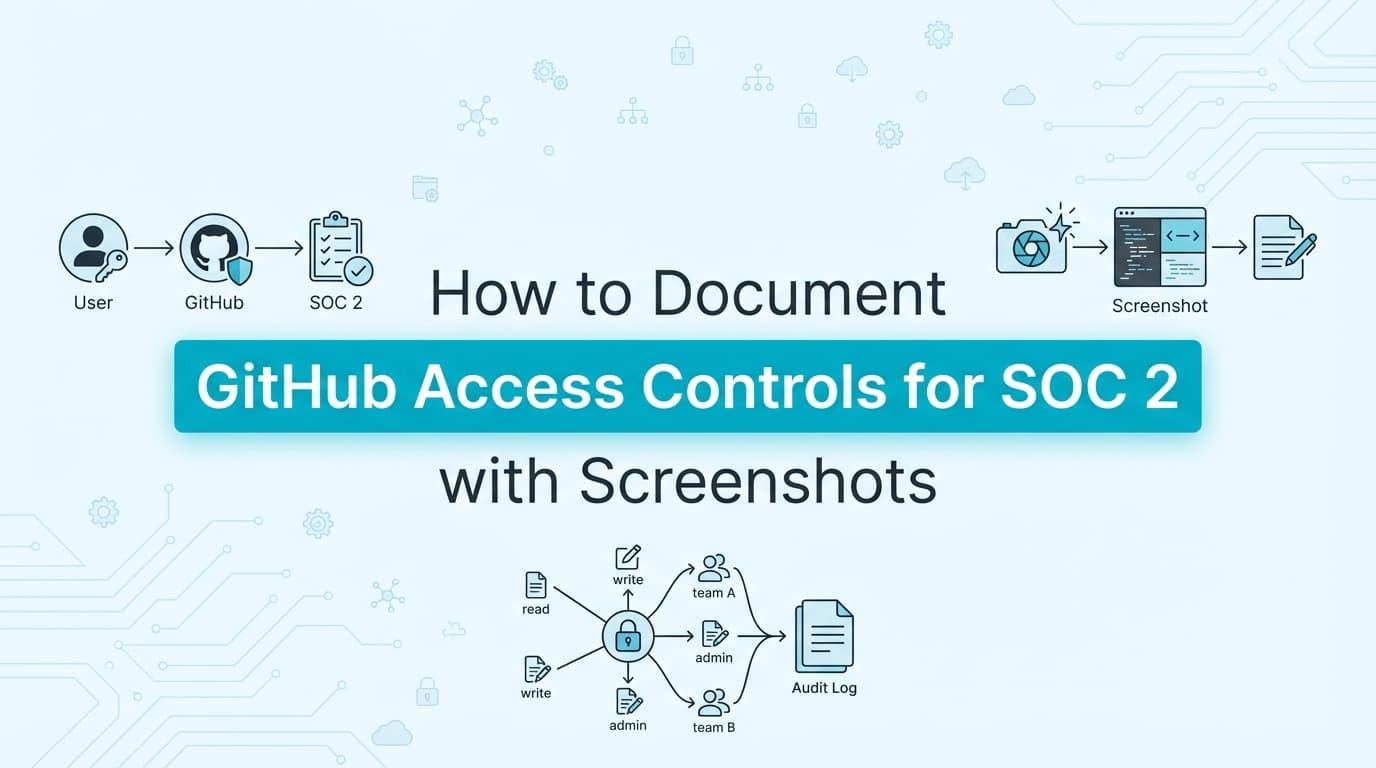
Documenting GitHub access controls for SOC 2 requires more than just configuring settings; it demands concrete evidence that those settings are enforced and reviewed. For controls like CC6.1 (Logical Access) and CC7.2 (Change Management), auditors expect screenshots of user roles, evidence of quarterly access reviews, and visual proof of branch protection rules in action. While compliance platforms automate infrastructure monitoring, the collection of specific screenshots and workflow documentation for audit walkthroughs often remains a manual burden. Automation is now key to capturing this evidence without slowing down engineering velocity.
Why GitHub Access Control Evidence Matters for SOC 2
GitHub is the "crown jewels" for most software companies, housing the intellectual property and the pipeline to production. Consequently, it is one of the most scrutinized systems in a SOC 2 Type II audit.
Auditors look for two types of evidence:
- Configuration Evidence: Proof that settings (like "Require pull request reviews") are enabled.
- Operational Evidence: Proof that the settings effectively stop unauthorized actions (e.g., a screenshot showing a "Merge" button disabled for a non-admin) and proof that access is reviewed periodically.
The "API Gap" in GitHub Audits
Tools like Drata or Vanta are excellent at querying the GitHub API to say, "Yes, Branch Protection is on." However, during a live audit walkthrough, an auditor will often ask:
- "Show me a screenshot of what happens when a developer tries to push directly to
main." - "Show me the specific pull request conversation for this random sample of five commits."
- "Show me the evidence that you reviewed the 'Outside Collaborators' list last quarter."
These requests typically require manual screenshots because API logs do not always convey the "user experience" of a control being enforced.
Which SOC 2 Controls Apply to GitHub?
To pass your audit, you must map your GitHub evidence to specific Trust Services Criteria (TSC).
| SOC 2 Control | Description | GitHub Evidence Required |
|---|---|---|
| CC6.1 | Logical Access | Screenshots of the "People" tab, Admin vs. Member roles, and Outside Collaborators list. Proof of MFA enforcement. |
| CC6.2 | User Provisioning | Screenshots of the invitation process and removal of offboarded employees. |
| CC7.2 | Change Management | Screenshots of Branch Protection rules, "Merge" button states (disabled/enabled), and PR approval threads. |
| CC8.1 | System Changes | Evidence that changes to the GitHub organization settings (like allowing public repos) are restricted. |
Step-by-Step: How to Document GitHub Access Controls
Here is the breakdown of the evidence you need to collect, either manually or via automation.
1. Documenting User Roles (CC6.1)
Auditors need to verify that the principle of Least Privilege is applied. You cannot simply dump a JSON list of users; you often need visual confirmation of the settings page.
- What to capture: Navigate to
Organization Settings>People. - The Evidence: Capture screenshots showing the list of "Owners" (Admins) versus "Members."
- The Narrative: "This screenshot confirms that only 3 users have 'Owner' privileges, while 45 users are restricted to 'Member' access."
2. Documenting Branch Protection (CC7.2)
This is the most critical evidence for Change Management.
- What to capture: Navigate to
Settings>Code and automation>Branches>Edit rule(formainormaster). - The Evidence: Screenshots showing:
- "Require a pull request before merging" is checked.
- "Require approvals" is set to at least 1.
- "Dismiss stale pull request approvals when new commits are pushed" is checked.
- "Do not allow bypassing the above settings" is active.
3. Documenting "Negative Testing" (Access Denied)
This is the evidence type most often missed by API tools. Auditors love "Negative Testing", proof that the system fails securely.
- The Test: Log in as a standard developer (non-admin).
- The Action: Attempt to change a repository setting or push directly to
main. - The Evidence: A screenshot of the GitHub UI displaying "You do not have permission to modify this branch" or the greyed-out "Merge" button.
- Why it matters: It proves the configuration is actually working, not just enabled.
4. Documenting Quarterly Access Reviews
You must review who has access to GitHub every quarter.
- The Workflow: An admin reviews the member list.
- The Evidence: A timestamped screenshot of the member list at the time of review, often accompanied by a ticketing system ticket (Jira) where the admin comments "Reviewed and approved."
- Automation Tip: Using a tool like Screenata to record this review creates an immutable audit trail that links the screenshot directly to the timestamp and the reviewer's identity.
Where Traditional SOC 2 Automation Stops
While GRC platforms are essential, they have limitations when it comes to GitHub evidence.
| Feature | Drata / Vanta (API Monitoring) | Screenata (AI Compliance Officer) |
|---|---|---|
| Check Settings | ✅ Monitors "Branch Protection On" | ✅ Validates UI settings |
| User Lists | ✅ Pulls JSON list of users | ✅ Captures human-readable screenshots |
| Negative Testing | ❌ Cannot test "Access Denied" | ✅ Records agent trying & failing to bypass rules |
| PR Sampling | ⚠️ Links to PRs (requires clicking) | ✅ Generates PDF of PR conversation & approval |
| Audit Walkthrough | ❌ Requires live screen sharing | ✅ Provides pre-recorded, verified walkthroughs |
The Gap: APIs tell the auditor what the setting is. Screenshots tell the auditor how the setting impacts the user. Auditors need both.
How to Automate GitHub Evidence with AI Agents
Modern compliance teams use AI agents to close the manual gap. Instead of spending hours taking screenshots of 50 different repositories, you can define a workflow once.
Automated Workflow Example
- Define the Scope: Point the AI agent to your top 5 critical repositories.
- Schedule the Capture: Set the agent to run monthly.
- The Agent's Actions:
- Logs into GitHub.
- Navigates to the "Branch Protection" page for each repo.
- Takes a screenshot of the rules.
- Navigates to the "People" page and captures the admin list.
- Attempts a "force push" to
main(in a safe test environment) and captures the rejection error.
- The Output: A structured PDF Evidence Pack is generated and automatically uploaded to the relevant control in Drata or Vanta.
Frequently Asked Questions
Do I need screenshots if I have Vanta or Drata?
Yes. While Vanta/Drata cover the "population" (the list of all PRs), auditors perform "substantive testing" where they select specific samples (e.g., "Show me PR #402"). You will need to provide visual evidence of the approval timestamp, the reviewer's identity, and the conversation thread for those specific samples, often as a PDF.
What is the difference between "Owner" and "Member" evidence?
For SOC 2, you must prove Least Privilege. Evidence must clearly distinguish between "Owners" (who can delete repos and change settings) and "Members" (who can only contribute code). A screenshot of the "Role" column in the People tab is the standard artifact for this.
Can I redact usernames in GitHub screenshots?
You should generally not redact internal usernames, as the auditor needs to verify that the specific individuals listed match your employee roster. However, you should redact PII of external collaborators or personal email addresses if they appear. Automated tools like Screenata can handle this redaction intelligently.
How often should I collect GitHub access evidence?
Quarterly is the standard for Access Reviews (CC6.1). However, evidence of Branch Protection (CC7.2) should be collected continuously or at least sampled monthly to prove the control was in place throughout the audit period.
Key Takeaways
- ✅ Map to Controls: Tie every screenshot to CC6.1 (Access) or CC7.2 (Change Management).
- ✅ Capture Negative Tests: Prove that non-admins cannot bypass rules.
- ✅ Visualize the Process: Don't just show the setting; show the Pull Request approval flow in action.
- ✅ Automate the Walkthrough: Use AI agents to record the evidence collection process, saving hours of manual screenshotting before the audit.
Learn More About SOC 2 Compliance Automation
For a complete guide to automating SOC 2 evidence collection, see our guide on automating SOC 2 evidence collection, including how to capture application-level proof that can work alongside or replace your API monitoring tools.
Not sure if you even need a compliance consultant? Read Do You Actually Need a vCISO for SOC 2? Probably Not Anymore or The Bootstrapped Founder's Guide to SOC 2.
Connect and see
See your SOC 2 with your real systems.
Connect GitHub and cloud read-only. Vera shows your control matrix, policy gaps, and prioritized next actions before you commit to anything.