

Compliance
How to Automate SOC 2 CC9.2 Vendor Risk Assessments Beyond Questionnaires
SOC 2 CC9.2 requires more than just collecting vendor reports; it demands proof of review and risk analysis. This guide explains how to automate vendor risk management evidence, including public trust centers and internal review workflows, where traditional GRC questionnaires fall short.
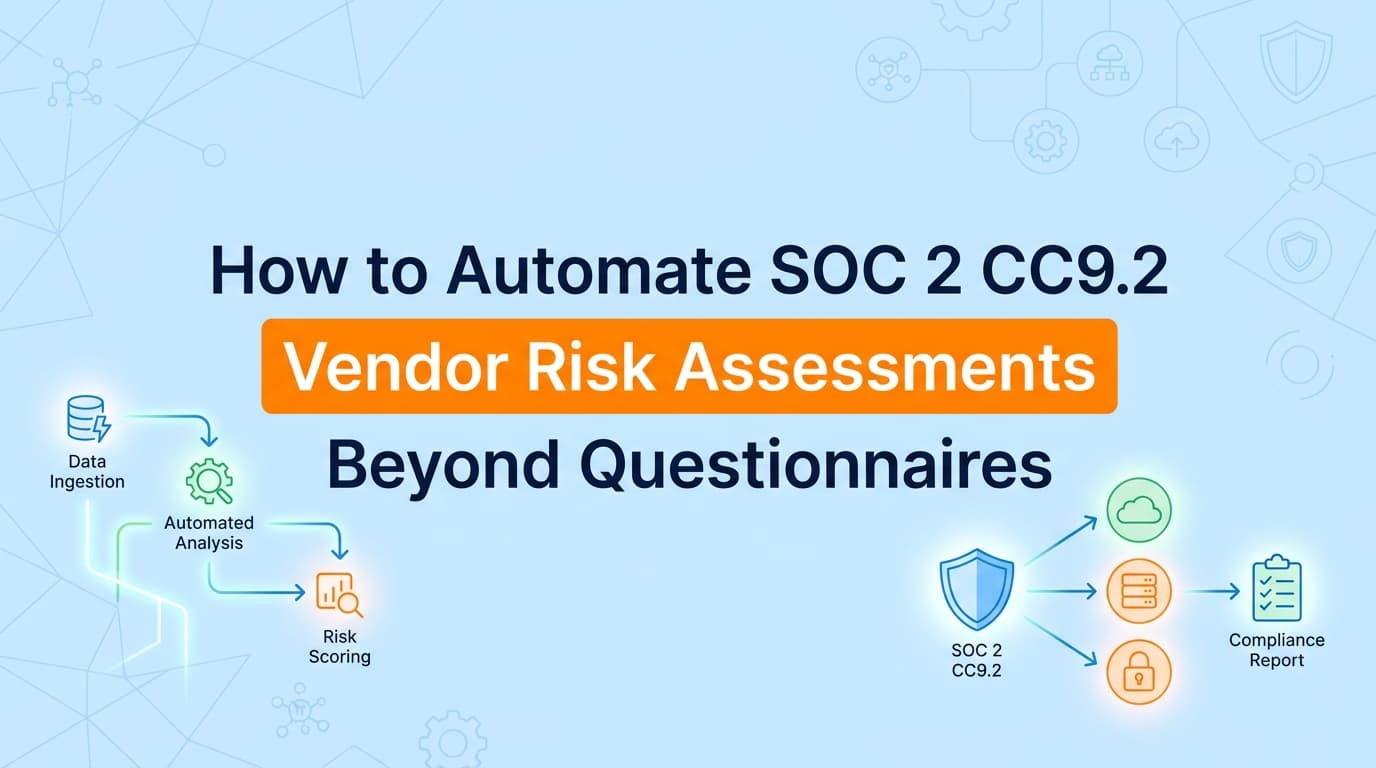
Sending 50 vendor security questionnaires is the easy part of SOC 2 compliance. The hard part is getting 50 replies, reviewing 50 distinct audit reports, and generating the evidence documentation that proves you actually read them.
While GRC platforms like Drata and Vanta have automated the sending of questionnaires, the collection of evidence for vendor risk management often remains a manual chase. Major vendors like AWS, Slack, and GitHub will not fill out your questionnaire; they will point you to a public trust center. Your auditor doesn't just want to see that you have their SOC 2 report, they want proof you assessed the third-party risk and documented your review.
Automation now exists to bridge this gap, capturing trust center screenshots and recording internal review workflows to satisfy SOC 2 CC9.2 without the spreadsheet fatigue.
What Evidence Do Auditors Actually Require for CC9.2?
The common misconception about SOC 2 CC9.2 is that "having the vendor's SOC 2 report" is the control. It isn't. The control is the management of the risk, which implies a process.
To pass CC9.2, your auditor typically needs three distinct pieces of evidence for every in-scope vendor:
- The Artifact: The vendor's SOC 2 Type II report, ISO 27001 certificate, or a completed security questionnaire.
- The Review: Documentation showing a qualified person on your team reviewed the artifact, noted any relevant exceptions (CUECs), and determined the vendor is safe to use.
- The Risk Ranking: Evidence that you classified the vendor (e.g., Critical, High, Low) based on the data they access.
If you simply dump 50 PDFs into a folder, you will likely receive an observation or a deficiency. The auditor needs to see the review workflow.
Where Traditional Vendor Risk Management Tools Stop
Most GRC platforms handle the "happy path" of vendor management well: you enter a vendor's email, the system sends a questionnaire, the vendor replies, and the system flags it as complete.
However, in practice, this workflow breaks down for about 40% of your stack.
| Vendor Type | Standard GRC Approach | The Automation Gap |
|---|---|---|
| Enterprise SaaS (AWS, Slack, GitHub) | System sends questionnaire. Vendor ignores it or auto-replies with a link. | You must manually visit their Trust Center, download the report, take a screenshot of the validity period, and upload it manually. |
| Micro-SaaS (New AI tools) | System sends questionnaire. Vendor has no SOC 2 and answers vaguely. | You need to capture their Terms of Service or Security Page as "best effort" evidence, which requires manual screenshots. |
| The "Review" Step | Platform provides a text box to type "Reviewed." | Auditors often prefer a timestamped ticket (Jira/Asana) showing the review was assigned and completed, rather than just a metadata tag in a tool. |
This is where third-party risk automation often fails: it assumes every vendor is a cooperative human willing to fill out a form. Real-world automation needs to handle public URLs and internal review tickets.
How Can You Automate Evidence for Public Trust Centers?
For vendors like Salesforce, Atlassian, or AWS, the "evidence" is a public-facing URL or a gated download portal. You cannot automate this via API because there is no standardized "Download SOC 2" API across the internet.
Instead of manually visiting these sites every year, you can use browser-based automation tools or AI agents to capture the evidence.
The Automated Workflow
- Identify the URL: Map your "Critical" vendors to their security URLs (e.g.,
trust.salesforce.com). - Scheduled Capture: Configure a tool (like Screenata) to visit that URL annually.
- Evidence Generation: The tool captures a full-page screenshot showing the current compliance status (e.g., "SOC 2 Type II - Valid through Dec 2026").
- Timestamping: The screenshot is timestamped and converted into a PDF evidence pack.
This satisfies the "Artifact" requirement without you ever having to log in or email a support rep. For auditors, a timestamped screenshot of a valid Trust Center status is often sufficient evidence for low-to-medium risk vendors, provided you document your acceptance of it.
How Do You Document the "Review" Phase Automatically?
The most tedious part of vendor risk management is the "Review Memo." Auditors want to see that you checked the vendor's Complementary User Entity Controls (CUECs), the things you are supposed to do, like setting up MFA on your account.
Creating a separate Word doc for every vendor review is overkill. Instead, move the review process into your existing ticketing system (Jira, Linear, Asana) and automate the evidence collection of that ticket.
Step-by-Step Implementation
- Create a Ticket: When a vendor is due for review, create a ticket: "Security Review: [Vendor Name]".
- Use a Template: In the ticket description, paste a simple checklist:
- Report covers the correct period?
- Opinion is unqualified (clean)?
- CUECs reviewed?
- Risk Rating: [Low/Med/High]
- Complete the Work: An engineer or security manager checks the boxes and closes the ticket.
- Automate the Proof: Use an evidence automation tool to snapshot the closed ticket.
This approach is superior to GRC platform checkboxes because it preserves the chain of custody. It shows exactly who reviewed it, when they finished, and any comments they left during the process. It turns your normal work (closing tickets) into audit-ready evidence.
Handling Vendors Who Don't Have SOC 2 Reports
You will inevitably use vendors who don't have SOC 2 reports, a cleaning service, a small marketing agency, or a very early-stage startup.
For these, you cannot automate the collection of a report that doesn't exist. However, you can automate the documentation of your risk acceptance.
What to capture:
- Terms of Service: A screenshot of their "Data Privacy" or "Security" page.
- Email Confirmation: A PDF export of an email thread where they confirm they do background checks or encrypt data.
If you rely on a GRC tool's questionnaire feature here, you'll be waiting forever for a response. It is faster and more reliable to use an evidence capture tool to snapshot their public security page and attach it to your internal risk assessment. This demonstrates to the auditor that you performed due diligence commensurate with the risk.
Automating the Annual Re-Assessment Loop
CC9.2 is not a one-time event; it requires periodic assessment (usually annual).
The failure mode for most companies is forgetting to review vendors in Year 2. By the time the audit comes, you have 12-month-old evidence.
To solve this, set your automation tool to run on a recurring schedule. If you use Screenata or similar agentic tools, you can configure a "Vendor Health Check" frequency. The system will revisit the Trust Center URLs or check for new Jira review tickets every 12 months automatically.
This ensures that when your audit window opens, you already have a library of up-to-date screenshots proving continuous third-party risk monitoring, rather than scrambling to email 50 vendors two weeks before the auditor arrives.
Learn More About SOC 2 Evidence Automation
For a complete guide to automating SOC 2 evidence collection, see our guide on automating SOC 2 evidence collection, including how to handle application-level controls and manual workflows.
Connect and see
See your SOC 2 with your real systems.
Connect GitHub and cloud read-only. Vera shows your control matrix, policy gaps, and prioritized next actions before you commit to anything.