

Compliance
How to Automate ISO 27001 Incident Response Evidence with Screenshots
ISO 27001 certification requires proof that you can detect, report, and learn from security incidents. This guide explains how to automate evidence collection for Annex A incident response controls using workflow recorders to document drills and actual events.
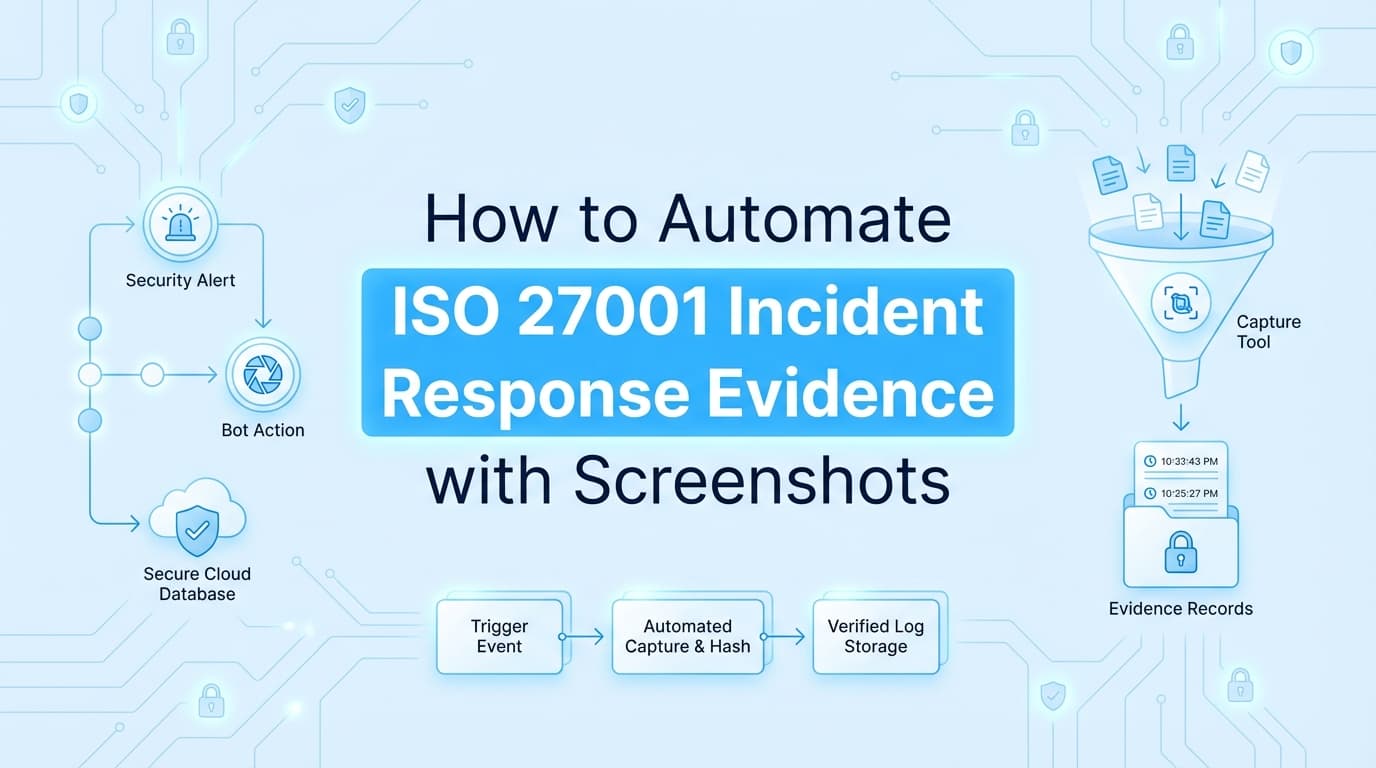
ISO 27001 certification audits demand concrete evidence for all applicable Annex A controls, specifically the incident management controls (A.5.24–A.5.28) in ISO 27001:2022. While traditional GRC tools automate policy distribution, they cannot prove you effectively handled a security breach or conducted a required tabletop exercise. Automating ISO 27001 incident response evidence ensures you capture timestamps, communication logs, and screenshots of your response workflows without manual effort, reducing Stage 2 audit preparation time.
What Evidence Do ISO 27001 Auditors Require for Incident Response?
Answer: For ISO 27001 Annex A incident management controls, auditors require evidence that proves your process works in practice, not just on paper. This includes incident logs from ticketing systems (like Jira or PagerDuty), screenshots of communication channels (Slack/Teams) during an event, post-mortem reports (Lessons Learned), and proof of annual tabletop exercises.
If no actual security incidents occurred during the audit period, you must provide evidence of a tested simulation (drill) to satisfy the requirement for "learning from information security incidents" (A.5.28).
The ISO 27001 Incident Response Control Checklist (A.5.24–A.5.28)
The ISO 27001:2022 standard groups incident management into five distinct controls within the Organizational (A.5) theme. Below is the evidence checklist for each.
| Control ID | Control Name | Required Evidence (Artifacts) | Automation Method |
|---|---|---|---|
| A.5.24 | Planning and Preparation | Screenshot of the Incident Response Plan (IRP) stored in a wiki; evidence of role definitions and contact lists. | Console Screenshot |
| A.5.25 | Assessment and Decision | Ticket logs showing the classification of an event (e.g., "Sev-1" vs "False Positive") and the decision criteria used. | API + Workflow Recorder |
| A.5.26 | Response to Incidents | Timestamps of response actions; screenshots of containment steps (e.g., revoking a token or isolating a host). | Screenata / Workflow Recorder |
| A.5.27 | Learning from Incidents | A completed "Lessons Learned" or Post-Mortem document; evidence of updates to the IRP based on findings. | Workflow Recorder |
| A.5.28 | Collection of Evidence | Chain of custody logs; screenshots of how forensic data was preserved during the incident. | Screenata / Screenshot |
Where Traditional ISO 27001 Automation Stops
Most companies rely on GRC platforms like Vanta, Drata, or Secureframe to manage their ISMS. These tools are highly effective at monitoring infrastructure configurations (e.g., "Is CloudTrail enabled?") and tracking policy acknowledgments.
The Gap: GRC tools typically cannot "see" the qualitative workflows that occur during an incident response scenario.
- Contextual Communication: An API can check if you have PagerDuty, but it cannot capture the Slack thread where engineers discussed containment strategies.
- Simulation Evidence: Auditors require proof that you ran a tabletop exercise. GRC tools only store the PDF report you upload manually; they do not help you generate the evidence of the exercise itself.
- Forensic Actions: Proving you preserved evidence (A.5.28) often requires screenshots of a specific S3 bucket lock or a snapshot creation timestamp that APIs may not correlate to the incident ticket.
This is where Screenata, your AI Compliance Officer, handles the full compliance workflow by recording the actual response workflow and generating audit-ready documentation, alongside policy writing, control mapping, and readiness scoring.
How to Automate Incident Response Evidence Collection
To automate the collection of ISO 27001 incident response evidence, you need to capture the lifecycle of an incident, from detection to post-mortem, without slowing down the responders.
Step 1: Trigger the Recording
When an incident channel is created (e.g., via PagerDuty or Slack), an automation hook can trigger Screenata to begin logging key artifacts. Alternatively, for drills, the compliance officer starts a "Tabletop Exercise" recording session.
Step 2: Capture Workflow Evidence
As the team works, the automation tool captures:
- Ticket State Changes: Timestamps when status moves from "Open" to "Investigating" to "Resolved."
- Communication Snapshots: Screenshots of key decisions made in chat (e.g., "Authorizing shutdown of Server B").
- System Actions: Screen recordings of the admin console actions taken to contain the threat (e.g., blocking an IP in AWS WAF).
Step 3: Generate the Incident Report
Once the incident is closed, the tool compiles the screenshots, logs, and timestamps into a structured Incident Evidence Pack.
Step 4: Map to ISO Controls
The system tags the evidence pack with relevant ISO 27001 control IDs (A.5.24–A.5.28) and uploads it to your GRC platform's evidence library.
Example: Documenting a Tabletop Exercise (A.5.24 & A.5.28)
Scenario: Annual Ransomware Simulation. Control Objective: Verify readiness to respond to malware and learn from the simulation.
Manual Process:
- Team meets on Zoom.
- Someone takes notes in a Google Doc.
- Screenshots of the "mock" recovery are taken manually.
- A report is written weeks later, often missing specific timestamps.
Automated Process with Screenata:
- Start: Select "Ransomware Simulation" workflow.
- Execute: The team runs the drill. Screenata records the screen as the engineer navigates to the backup console and initiates a "Test Restore."
- Capture: The tool captures the "Restore Successful" notification and the timestamp.
- Finish: A PDF report is instantly generated titled
ISO27001_A5_24_Tabletop_Evidence_Q1_2026.pdf, including the attendees, the scenario, and the visual proof of the restore test.
Do Auditors Accept Automated Incident Response Evidence?
Yes. In fact, auditors often prefer automated evidence for incident response because it preserves the integrity of the timeline.
Manual reports created weeks after an incident are prone to memory errors and bias. Automated evidence packs that include:
- Immutable Timestamps (synced to NTP)
- Original Screenshots of the system state
- Chain of Custody Metadata
...provide a higher level of assurance that the incident response process was followed exactly as described in your policies.
Frequently Asked Questions
What if we didn't have any real incidents this year?
ISO 27001 requires you to demonstrate the capability to respond. If no real incidents occurred, you must conduct a functional test (tabletop exercise or drill). Use automation to document this drill just as you would a real event.
Does A.5.28 require us to do digital forensics?
Not necessarily deep forensics, but you must identify and preserve evidence. For a SaaS company, this might simply mean taking a snapshot of a compromised database or retaining logs before wiping an instance. Automated screenshots of these preservation actions satisfy the control.
How does this integrate with Jira or PagerDuty?
Modern evidence automation tools can listen to webhooks from Jira or PagerDuty. When a ticket is marked "Sev-1," the tool can automatically fetch the ticket details, comments, and resolution metrics to build the evidence PDF.
Key Takeaways
- ✅ ISO 27001 A.5.24–A.5.28 covers the entire incident lifecycle, from planning to lessons learned.
- ✅ Tabletop Exercises are mandatory if no real incidents occur; documenting them is a primary use case for automation.
- ✅ GRC Tools track the existence of an Incident Response Policy but fail to capture the workflow of an actual response.
- ✅ Screenshots of containment actions and communication threads are vital "Observation" evidence for Stage 2 audits.
- ✅ Automation ensures that post-mortems are backed by accurate, timestamped data, satisfying the requirement for "Learning from incidents" (A.5.27).
Learn More About ISO 27001 Compliance Automation
For a comprehensive guide to streamlining your ISMS certification, see our guide on automating ISO 27001 evidence collection, including detailed strategies for Annex A controls and audit preparation.
Connect and see
See your SOC 2 with your real systems.
Connect GitHub and cloud read-only. Vera shows your control matrix, policy gaps, and prioritized next actions before you commit to anything.