

Compliance
How to Automate HITRUST Third-Party Risk Management Evidence
HITRUST r2 assessments require rigorous evidence for Domain 05 (Third-Party Security). This guide explains how to automate the collection of vendor risk assessments, SOC 2 report validation, and contract review evidence to reduce HITRUST audit preparation time by 90%.
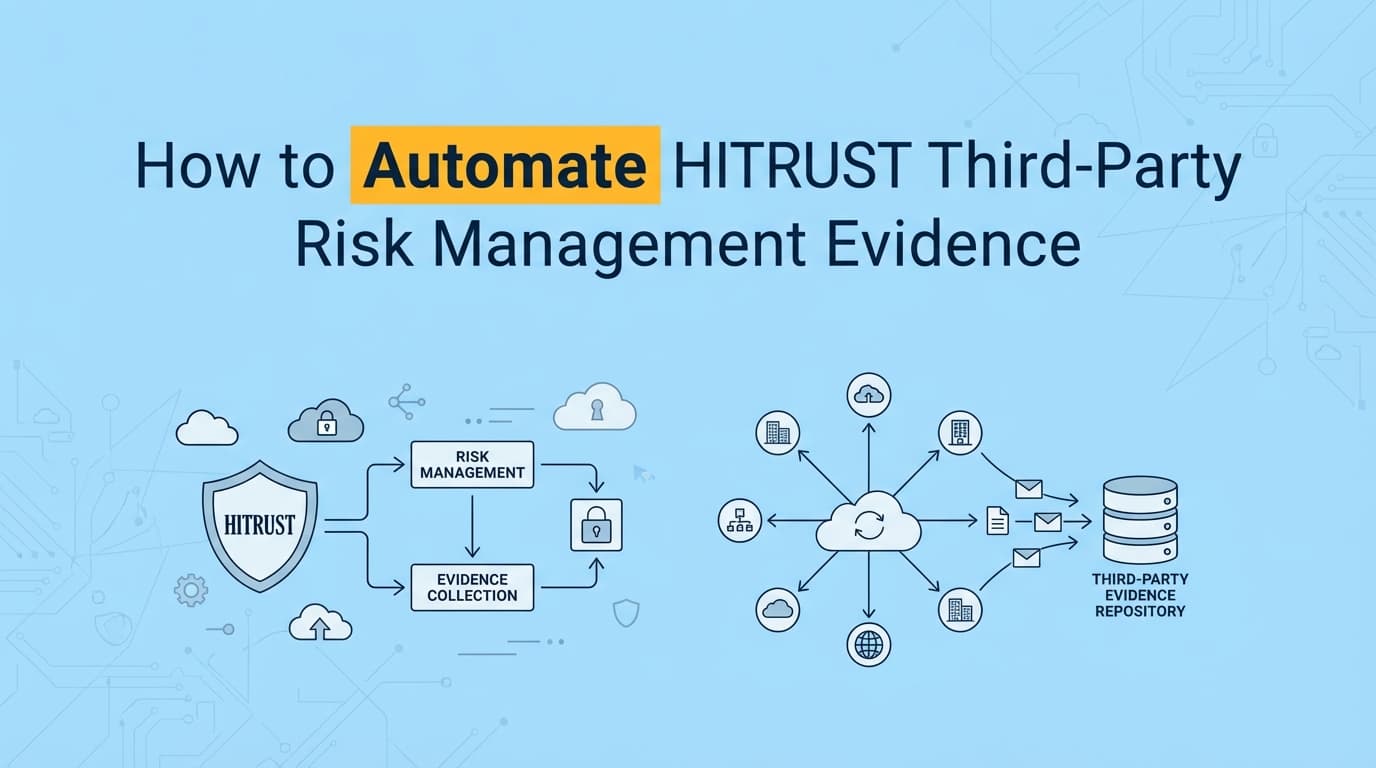
HITRUST r2 assessments require comprehensive evidence documentation for Third-Party Risk Management (TPRM), specifically within Domain 05. While GRC platforms help manage vendor lists, the actual collection of evidence, such as screenshots of vendor security portals, validation of SOC 2 report dates, and proof of contract reviews, often remains a manual burden. Automating HITRUST TPRM evidence collection using AI agents ensures that your vendor security documentation is consistent, timestamped, and ready for external assessment.
What Evidence Do HITRUST Assessors Require for TPRM?
HITRUST assessors require verifiable proof that you are actively managing third-party risk, not just maintaining a spreadsheet of vendors. For a HITRUST r2 validated assessment, evidence must demonstrate Implementation (Level 3) and Measured (Level 4) maturity for Domain 05 controls.
Specifically, assessors look for:
- Vendor Risk Assessments: Completed questionnaires with evidence of review.
- Security Certifications: Current SOC 2 Type II or ISO 27001 certificates for all critical vendors.
- Contractual Evidence: Screenshots of signed Data Processing Addendums (DPAs) or Business Associate Agreements (BAAs).
- Continuous Monitoring: Logs or screenshots proving periodic review of vendor performance and security posture.
The Manual "Evidence Chase" Problem
Compliance teams typically spend 20–30 hours per quarter chasing vendors for updated certificates, taking screenshots of "Trust Centers," and manually verifying that a vendor's SOC 2 report covers the correct period. This manual process is prone to error, leading to "Corrective Action Plans" (CAPs) during the HITRUST assessment if a single vendor certificate is expired.
How to Automate HITRUST TPRM Evidence Collection
HITRUST TPRM automation involves using AI agents to autonomously navigate vendor portals, retrieve security documentation, and generate audit-ready evidence packs. Instead of a human logging into AWS Artifact or a SaaS vendor's trust portal, an AI agent performs the task, captures the necessary screenshots, and validates the data.
Step 1: Automated Certificate Retrieval
AI agents can log into vendor security portals (e.g., AWS Artifact, Azure Trust Center, or individual SaaS trust pages) to download the latest SOC 2 or HITRUST reports. The agent captures screenshots of the download process to prove the source and date of retrieval.
Step 2: Intelligent Document Analysis
Once retrieved, the automation system uses OCR (Optical Character Recognition) to scan the vendor's audit report. It extracts key metadata:
- Report Type: (e.g., SOC 2 Type II, HITRUST r2).
- Period Covered: Verifying it aligns with your own audit window.
- Opinion: Checking for "Unqualified" (clean) opinions.
Step 3: Evidence Packaging for MyCSF
The system generates a standardized PDF evidence pack containing:
- Screenshots of the vendor portal.
- The retrieved certificate.
- A summary of the extracted metadata.
- Mapping to HITRUST CSF Control 05.i (Identification of Risks Related to External Parties).
Example: Automating Control 05.k (Supplier Service Delivery)
Control Requirement: HITRUST CSF 05.k requires organizations to monitor and review supplier service delivery to ensure adherence to security agreements.
| Field | Manual Process | Automated Process |
|---|---|---|
| Action | Log into vendor dashboard, check uptime/SLA, take screenshot. | AI agent logs in, navigates to SLA dashboard, captures screenshot. |
| Frequency | Quarterly (often missed). | Monthly (automated cron job). |
| Evidence | screenshot_final.png (unverified). | 05k_vendor_review.pdf (timestamped, metadata-rich). |
| Time Cost | 15 minutes per vendor. | < 30 seconds per vendor. |
The Automated Output: A PDF report titled "Monthly Vendor SLA Review - AWS" is generated. It includes a timestamped screenshot of the AWS Health Dashboard, a narrative confirming "All systems operational," and a link to the specific HITRUST requirement 05.k.
Where Traditional HITRUST Automation Falls Short
Most GRC platforms (Governance, Risk, and Compliance) claim to automate TPRM, but they often stop at the workflow level, leaving the evidence level to humans.
| Feature | Traditional GRC (e.g., Drata/Vanta TPRM) | AI Compliance Officer (Screenata) |
|---|---|---|
| Vendor Inventory | ✅ Automated (via API) | ✅ Automated |
| Risk Scoring | ✅ Automated | ✅ Automated |
| Evidence Collection | ❌ Manual Upload Required | ✅ AI Agent Capture |
| Portal Navigation | ❌ Cannot access external UIs | ✅ "Computer Use" Navigation |
| Certificate Validation | ⚠️ Limited (Date checking only) | ✅ Full OCR Analysis |
The Gap: A GRC tool can tell you which vendors need review, but it cannot log into Salesforce's trust portal to fetch the evidence for you. You still have to do the clicking. Screenata handles the full compliance workflow, performing the retrieval and documentation work automatically, alongside policy writing, control mapping, and readiness scoring.
Best Practices for HITRUST Domain 05 Automation
To ensure your automated evidence satisfies HITRUST external assessors, follow these best practices:
- Map Evidence to Specific CSF Requirements: Ensure your automation tool tags evidence with the exact control ID (e.g., 05.i, 05.k, 05.l). HITRUST MyCSF requires precise mapping.
- Maintain a Chain of Custody: Use tools that hash screenshots upon capture. Assessors need to know that the screenshot of the vendor's ISO 27001 certificate hasn't been photoshopped.
- Automate "Negative" Checks: Don't just document secure vendors. Configure agents to capture evidence of offboarding risky vendors. For example, capture a screenshot showing a vendor's access being revoked in Okta (mapping to 05.l - Information Security in Supplier Relationships).
- Frequency Matters: Set your automated collection to run quarterly. HITRUST requires evidence of "periodic review." A single screenshot from January won't satisfy an audit in December.
Frequently Asked Questions
Can AI agents really log into vendor portals?
Yes. Modern AI agents utilize "computer use" capabilities to navigate web interfaces just like a human. They can handle MFA (via integration with your authenticator), navigate to "Security" or "Compliance" tabs, and download documents.
Does this satisfy the "Measured" maturity level in HITRUST?
Yes. "Measured" maturity requires consistent, time-series data. By automating evidence collection monthly or quarterly, you create a perfect audit trail that demonstrates continuous monitoring, which is essential for scoring a 4 or 5 on the HITRUST maturity scale.
What if a vendor doesn't have a public trust portal?
For vendors without portals, AI agents can automate the email follow-up process. However, for the majority of SaaS vendors (AWS, Google, Slack, Zoom), portal-based retrieval is fully automatable.
How does this help with HIPAA compliance?
HITRUST CSF incorporates HIPAA requirements. By automating HITRUST Domain 05 evidence, you are simultaneously documenting compliance with the HIPAA Security Rule §164.308(b)(1) (Business Associate Contracts and Other Arrangements).
Key Takeaways
- ✅ Domain 05 is evidence-heavy: HITRUST TPRM requires more than just a list of vendors; it requires proof of review, certification, and contract adherence.
- ✅ Automation closes the loop: AI agents can log into vendor portals to retrieve and validate SOC 2/ISO certificates, saving hours of manual work.
- ✅ Beyond GRC: While GRC tools manage the process, evidence automation tools like Screenata manage the proof.
- ✅ Higher Maturity Scores: Consistent, automated collection supports "Implemented" and "Measured" maturity levels in HITRUST assessments.
Learn More About HITRUST r2 Compliance Automation
For a complete guide to automating HITRUST r2 evidence collection across all control domains, see our guide on automating HITRUST r2 evidence collection, including how to map automated evidence to MyCSF requirements.
Connect and see
See your SOC 2 with your real systems.
Connect GitHub and cloud read-only. Vera shows your control matrix, policy gaps, and prioritized next actions before you commit to anything.