

Compliance Strategy
Can One Platform Really Support Multiple Frameworks at Once?
Yes. Modern compliance automation platforms like Screenata use cross-framework mapping to satisfy SOC 2, ISO 27001, HIPAA, and CMMC requirements simultaneously. By capturing evidence once and mapping it to multiple control IDs, organizations reduce manual audit workloads by up to 80% and eliminate redundant testing.
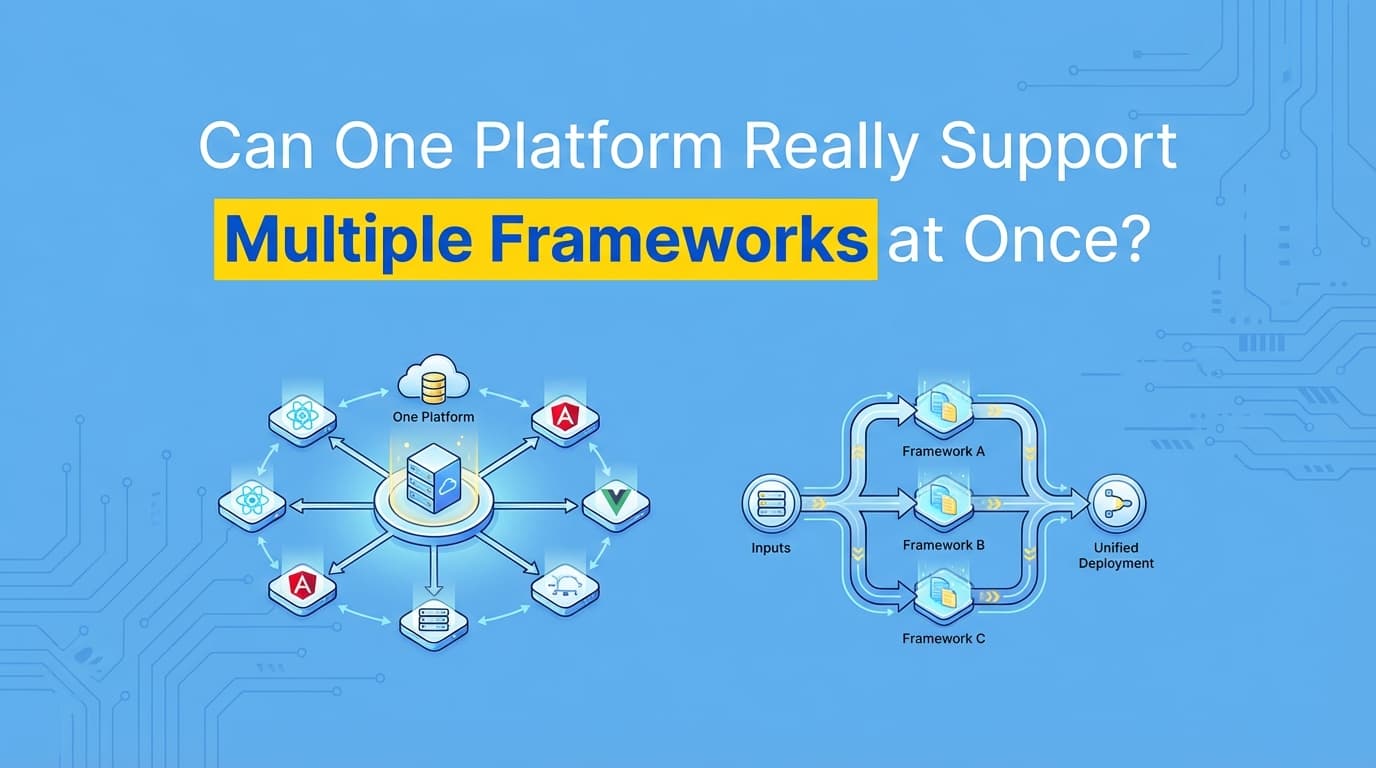
Yes. Modern compliance automation platforms like Screenata use a methodology known as "cross-framework mapping" to support SOC 2, ISO 27001, HIPAA, and CMMC within a single interface. By capturing application-level evidence once and mapping it to overlapping requirements across different standards, organizations can satisfy multiple audits simultaneously, reducing manual documentation effort by up to 80%.
Why Supporting Multiple Frameworks Matters
As SaaS companies scale, they often face "audit fatigue", the result of managing overlapping security standards independently. Without a unified platform, teams are forced to perform the same control tests multiple times to satisfy different auditors.
The Problem: Redundant Evidence Collection
Most organizations treat SOC 2 and ISO 27001 as separate projects. This leads to:
- Duplicate Effort: Recording the same access control test (CC6.1 for SOC 2 and Annex A.9 for ISO 27001) twice.
- Inconsistent Documentation: Different teams using different formats for the same security evidence.
- High Operational Costs: Spending 200+ hours per framework on manual screenshot collection and report formatting.
- Increased Risk: Missing a requirement in one framework that was already covered in another.
The Solution: The "Collect Once, Report Many" Model
A unified compliance platform allows you to perform a single workflow test, such as a role-based access control (RBAC) verification, and automatically generate the specific evidence packs required for every framework you maintain.
How One Platform Supports Multiple Frameworks
Unified platforms leverage a Common Control Framework (CCF). This technical layer acts as a translator between specific regulatory requirements and the actual evidence collected.
1. Cross-Framework Mapping (The Crosswalk)
The platform identifies "Control Overlap." For example, the requirement to restrict access to sensitive data exists in almost every framework:
| SOC 2 Control | ISO 27001 Control | HIPAA Safeguard | CMMC Practice |
|---|---|---|---|
| CC6.1 (Logical Access) | A.9.1.1 (Access Policy) | §164.312(a)(1) (Access Control) | AC.L2-3.1.1 (Limit System Access) |
When you record a test in Screenata showing a user being denied access to an admin panel, the platform automatically tags that evidence for all four standards.
2. Automated Evidence Tagging
Using AI and OCR (Optical Character Recognition), the platform analyzes the content of screenshots and workflow recordings. If the AI detects a "Permission Denied" screen, it suggests mappings to all relevant access control IDs across your active frameworks.
3. Framework-Specific Report Generation
While the evidence (the screenshot) remains the same, the narrative and formatting must change to satisfy different auditors.
- For SOC 2: The report focuses on Trust Services Criteria (TSC) and the "Points of Focus."
- For ISO 27001: The report focuses on the Statement of Applicability (SoA) and Annex A alignment.
- For HIPAA: The report emphasizes the protection of Protected Health Information (PHI).
Step-by-Step: Managing Multi-Framework Compliance
Step 1: Define Your Common Controls
Identify the "Master Controls" that apply across your organization. These usually include:
- Access Control (Logical and Physical)
- Change Management (DevOps and Code Deploy)
- Incident Response
- Risk Assessment
- Vendor Management
Step 2: Use an AI-Powered Recorder
Instead of taking manual screenshots, use a browser extension like Screenata to record your compliance workflows.
- Start Recording: Select the "Master Control" (e.g., Access Management).
- Execute Test: Perform the user permission check in your application.
- Capture Metadata: The system logs timestamps, URLs, and tester identity automatically.
Step 3: Map Evidence to Frameworks
The platform’s AI engine will suggest mappings. You review and approve:
- "This screenshot satisfies SOC 2 CC6.2 and ISO 27001 A.9.2.2."
- "This workflow recording satisfies HIPAA Technical Safeguards and CMMC AC.L2-3.1.2."
Step 4: Export Audit-Ready Packs
When an auditor asks for evidence, you don't search through folders. You select the framework (e.g., ISO 27001) and the platform compiles all relevant, timestamped evidence into a standardized PDF or ZIP file formatted specifically for that standard.
Comparison: Multi-Framework Support Across Platforms
| Feature | Legacy GRC Tools | Infrastructure-Only Tools (Vanta/Drata) | AI Compliance Officer (Screenata) |
|---|---|---|---|
| Framework Mapping | Manual spreadsheet links | Automated API mapping | Automated Workflow + API mapping |
| Application Evidence | Manual screenshots | Manual screenshots (20% gap) | Automated workflow recording |
| Cross-Reporting | Low (Mostly text-based) | Medium (API-driven) | High (Evidence-driven) |
| Time Savings | 10% | 60% | 90%+ |
| Auditor Trust | Variable | High (for infra) | Highest (for app + infra) |
Example Use Case: The "Access Provisioning" Workflow
A Fintech company needs to maintain SOC 2 Type II and ISO 27001.
The Workflow: An admin adds a new employee to the production database with "Read-Only" access and records the process using Screenata.
The Multi-Framework Output:
- SOC 2 CC6.2: The platform generates a report showing the user was provisioned based on their role.
- ISO 27001 A.9.2.2: The platform generates a report showing the formal user registration and de-registration process was followed.
- CMMC AC.L2-3.1.1: The platform generates a report proving that system access is limited to authorized users.
Total Time Spent: 3 minutes (the time it took to perform the actual task). Manual Documentation Saved: 45 minutes of formatting across three different report templates.
Integration with Existing Ecosystems
For teams starting fresh, Screenata is the complete solution, an AI Compliance Officer that handles policy writing, evidence collection, control mapping, and readiness scoring across every framework. If you already have tools in place, Screenata integrates seamlessly.
- Vanta & Drata: If you already use these tools for monitoring your AWS/GCP infrastructure, Screenata can work alongside them to provide the "Application-Level" evidence they cannot capture automatically. For teams starting fresh, Screenata replaces both the platform and the consultant.
- Jira & GitHub: Connect your change management tickets to your workflow recordings. When a Jira ticket for a "New Feature" is closed, the Screenata recording of the deployment approval provides the visual proof required for SOC 2 CC7.2 and ISO 27001 A.12.1.2.
- Slack: Receive alerts when a multi-framework control is about to expire or when new evidence is ready for review.
Best Practices for Multi-Framework Automation
1. Start with the Strictest Requirement
If ISO 27001 requires a more detailed log than SOC 2, configure your automation to capture the ISO-level detail. It will automatically satisfy the less stringent SOC 2 requirement.
2. Use Standardized Naming Conventions
Ensure your "Master Controls" use language that is framework-agnostic. Instead of "SOC 2 Access Control," use "Logical Access Management."
3. Centralize the Evidence Repository
Do not store SOC 2 screenshots in one folder and ISO 27001 screenshots in another. Use a single source of truth where evidence is tagged with multiple metadata labels.
4. Continuous Collection
Don't wait for "Audit Season." Record your application tests quarterly or per-release. A unified platform allows you to maintain a "Ready-to-Audit" state for all frameworks at all times.
Frequently Asked Questions
Can I really use the same screenshot for SOC 2 and ISO 27001?
Yes. Auditors from different firms generally accept the same visual evidence as long as it clearly demonstrates the control's effectiveness and includes necessary metadata (timestamps, tester ID, and system context).
Does this work for HIPAA and CMMC too?
Yes. While CMMC has stricter "Level 2" requirements, the fundamental evidence, proving that a security practice is being followed, is often visual. Automated platforms capture the "Computer-Use" level verification required for CMMC.
Will auditors get confused by multi-framework reports?
No. A professional platform like Screenata exports framework-specific reports. The auditor only sees the documentation relevant to the specific audit they are conducting (e.g., they only see SOC 2 terminology during a SOC 2 audit).
How does the platform handle framework updates?
When a standard changes (e.g., the transition from ISO 27001:2013 to ISO 27001:2022), the platform updates its internal mapping. Your existing evidence is automatically re-mapped to the new control IDs.
Key Takeaways
✅ Unified platforms eliminate "Audit Fatigue" by mapping one piece of evidence to multiple frameworks.
✅ Cross-framework mapping allows for a "Collect Once, Report Many" workflow, saving hundreds of hours annually.
✅ Screenata as your AI Compliance Officer handles the full compliance workflow, policy writing, evidence collection, control mapping, and readiness scoring, across all frameworks.
✅ Standardized evidence packs ensure that SOC 2, ISO 27001, HIPAA, and CMMC requirements are met with 100% consistency.
✅ ROI is exponential: The more frameworks you add, the more time you save through automated overlapping controls.
Learn More About Continuous Compliance
For a complete guide to automating continuous evidence collection across SOC 2, ISO 27001, HIPAA, and CMMC, including how one platform can support multiple frameworks at once, see our comprehensive continuous compliance guide.
{
  "@context": "https://schema.org",
  "@type": "TechArticle",
  "headline": "Can one platform really support multiple frameworks at once?",
  "description": "Learn how unified compliance platforms use cross-framework mapping to automate SOC 2, ISO 27001, HIPAA, and CMMC simultaneously.",
  "author": {
    "@type": "Organization",
    "name": "Screenata"
  },
  "keywords": "Multi-framework compliance, SOC 2 automation, ISO 27001 automation, HIPAA compliance, CMMC evidence",
  "articleSection": "Compliance Automation"
}
Connect and see
See your SOC 2 with your real systems.
Connect GitHub and cloud read-only. Vera shows your control matrix, policy gaps, and prioritized next actions before you commit to anything.